How to Create Strong Unique Passwords for Every Account
A password reused across five accounts isn't five separate risks. It's one risk, copied five times, waiting for a single breach to expose every account at once.
In 2024, more than 3,000 data breaches exposed potentially hundreds of millions of online accounts, according to tracking from the Identity Theft Resource Center cited by NIST. After a breach like that, the exposed passwords become easy to find online, and any other account still using that same password is now sitting exposed too (NIST).
NIST, the U.S. standards agency, puts it bluntly: passwords are among "the least secure ways" to protect an account, and even long, complex ones can still be stolen or guessed (NIST). This guide covers how to create strong unique passwords for every account you own, check what's already exposed, hand the memorization off to a password manager, and layer on multi-factor authentication where it counts most.
Why reusing one password puts every account at risk
Video of the Day
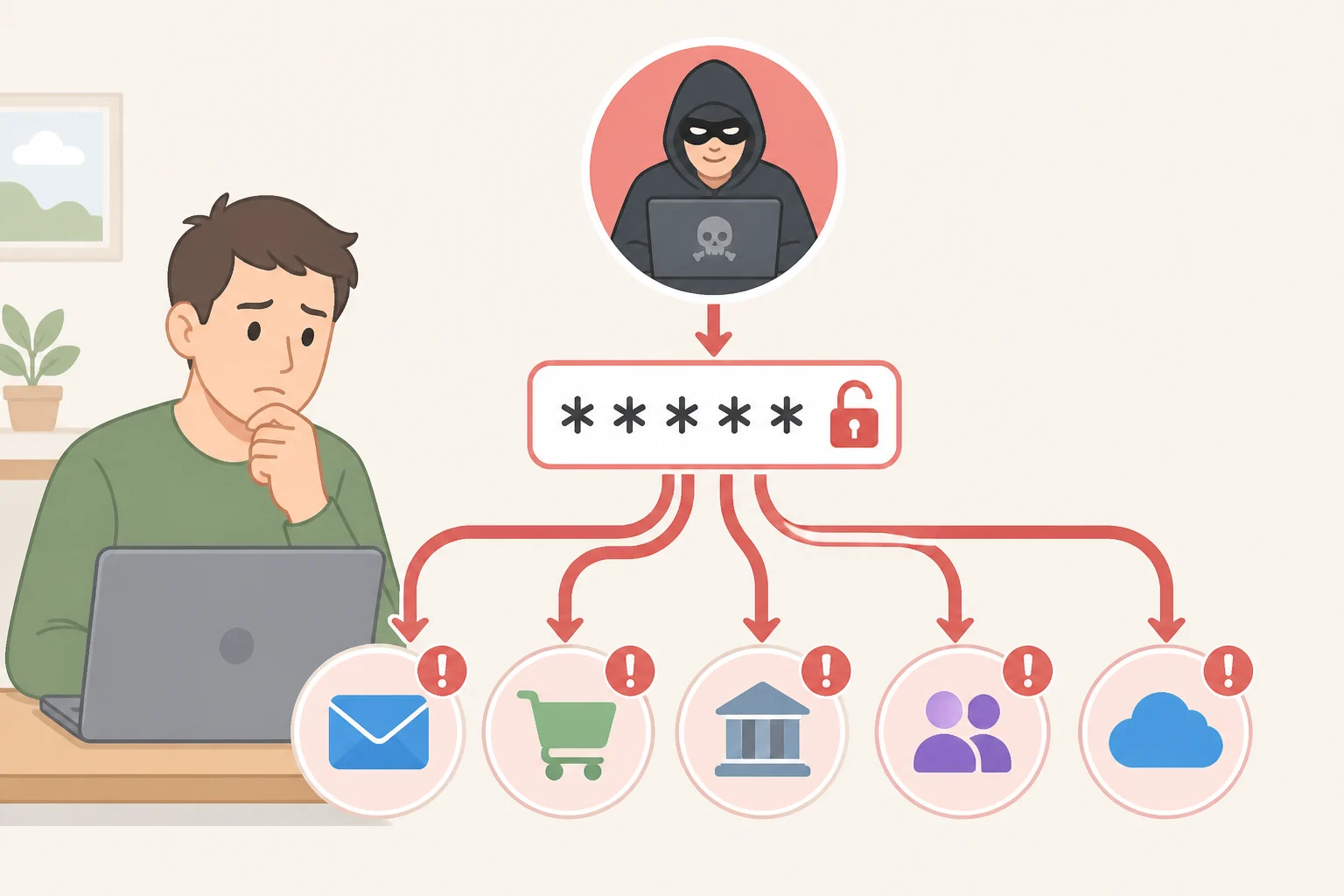
The math is simple. If the same password unlocks multiple accounts, a breach at any one of those sites could lead to compromise everywhere that password is reused (NIST). The fix isn't a cleverer password. It's a unique password for every account, so one leak can't cascade.
People are, broadly, bad at choosing unique passwords, which is exactly what makes stolen credential lists so useful to attackers (NIST). "The worst password I can think of is 'password' or '12345,'" says Ryan Galluzzo, who leads NIST's Digital Identity Program. "Those are at the top of an attacker's list for potential attacks" (NIST).
Attackers rarely guess passwords by typing them into a login screen. Most sites lock an account after a handful of failed attempts (NIST). The real danger starts after a breach, once an attacker gets hold of a site's encrypted password file and can work on it without anyone watching. A modern PC can attempt around 100 billion password guesses per second (NIST), which is why length matters more than almost anything else in what follows.
Video of the Day
How to create strong unique passwords after a breach check
Start by finding out what's already exposed. Have I Been Pwned is a free tool that checks whether an email address has shown up in a known breach, and NIST notes that almost everyone has been "pwned" at least once (NIST). Worth noting: a hit on that tool means the email address appeared in a breach, not necessarily that the exact password in use today was the one exposed. Treat any hit as a reason to change the password tied to that account regardless, since reused passwords make that distinction moot anyway.
Once that's done, the next job is understanding what actually makes a password strong, and it isn't the number of symbols crammed into it. Length is the most important factor: a one-character password made of lowercase letters has 26 possible combinations, a two-character password has 676, and an eight-character password climbs to roughly 200 billion (NIST). At around 100 billion guesses per second, a computer could exhaust every lowercase, eight-character combination in a couple of seconds, which makes eight characters close to useless on its own (NIST).
Add seven more characters and the odds reverse. A computer running at that same guessing speed would need more than 500 years to exhaust every possible 15-character combination of lowercase letters (NIST). That illustrates why length pays off so fast, though real-world cracking speed depends heavily on how a given site stores its passwords.
That same logic shows up in federal rules. For the government systems covered by NIST SP 800-63B, single-factor passwords must run at least 15 characters; passwords used as part of multi-factor authentication may be shorter, but not below eight. Systems covered by that standard should also allow passwords up to 64 characters. It's a federal benchmark rather than a rule every consumer website follows, but it's a reasonable target for any account that lets a password run that long.
To create a strong password without memorizing gibberish, build a passphrase instead. NIST's own example, "cassette lava baby," runs 18 characters and stays memorable precisely because it's a string of unrelated words rather than a pattern (NIST). The agency no longer insists on mandatory special characters or numbers; length is the priority, and a long, random phrase beats a short, symbol-heavy one (NIST).
One more habit worth dropping: NIST's federal standard also does away with requirements to force periodic password changes (NIST SP 800-63B). The logic behind that policy shift is straightforward: a schedule doesn't care whether a password was already strong, and the extra friction of regular changes tends to push people toward weaker, easier-to-remember choices.
Password security best practices for setting up a manager
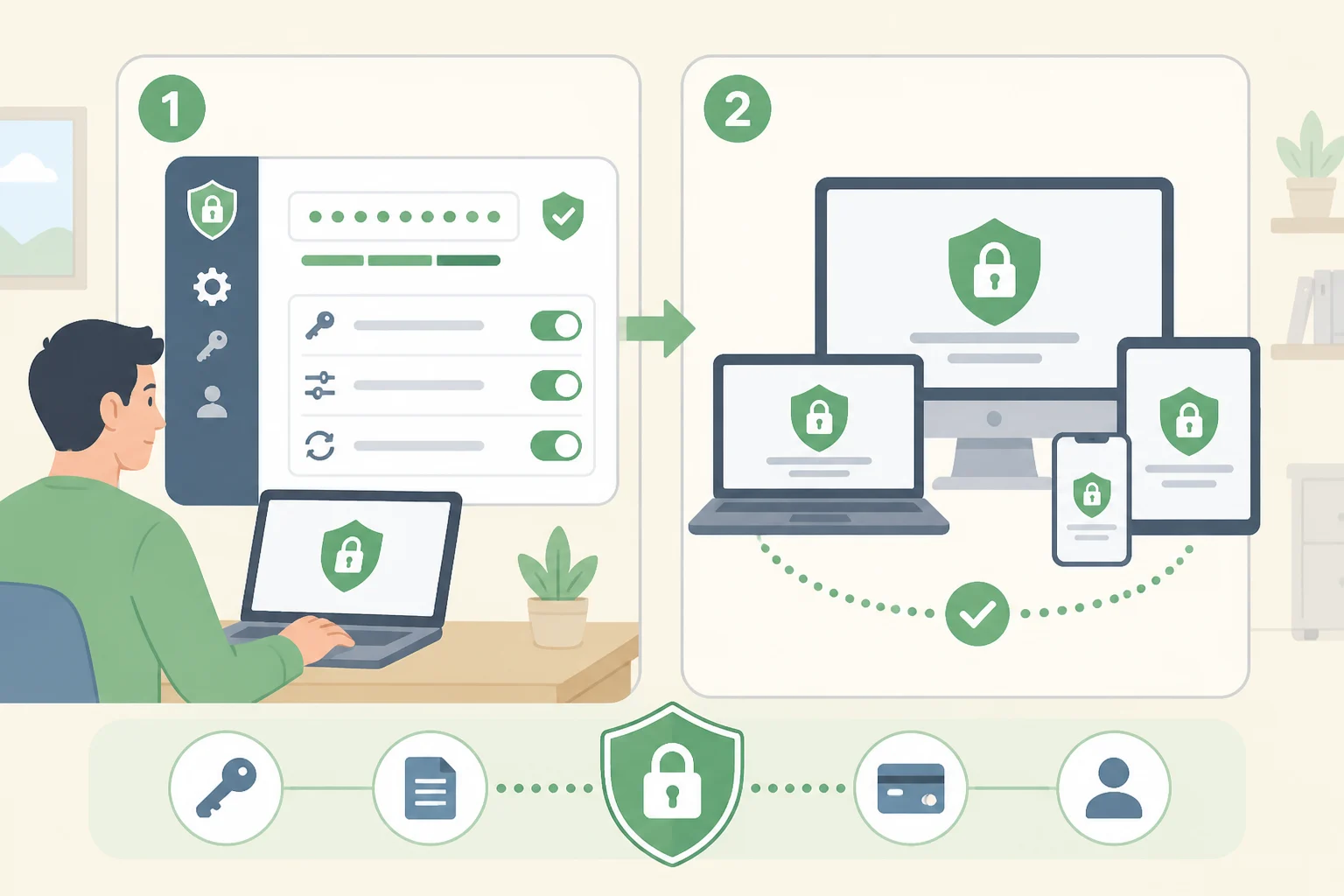
Nobody can realistically memorize dozens of unique 15-character passwords, and that gap is exactly why password managers exist (CISA). Both NIST and CISA strongly recommend a password manager for any account that still requires a password, since these tools generate long, random, unique passwords and store them securely instead of relying on memory, patterns, or a note under the keyboard (NIST; CISA).
These password security best practices, drawn from CISA's own guidance, turn a one-time setup into protection that holds up over time:
- Set the manager to generate passwords that meet length and randomness standards, rather than accepting whatever it defaults to (CISA).
- Decide between cloud and local storage. Cloud syncing is convenient across devices but depends on a server outside personal control; local storage is more self-contained but requires manual backups and carries more risk from user error (CISA).
- Confirm the app runs on every device actually in use, whether that's a Windows laptop, an iPhone, or an Android tablet (CISA).
- Understand the master password and account recovery process before needing it, since some managers require biometric or personal verification to restore access (CISA).
A password manager is only as strong as the one password that unlocks it, and that password can't live inside the vault it protects. Choose a long, memorable passphrase for the manager itself, write it down nowhere, and turn on MFA for the manager's own login before adding a single account to it (NIST; CISA).
Migrating to a password manager without leaving gaps
Installing a password manager is the easy part. Moving a decade of reused logins into it without missing anything is where most people stall out, so it helps to work in order.
Secure the foundation first. That means the email account tied to password resets and the password manager itself, since both of those sit upstream of everything else. Change the email password, confirm MFA is active on it, then set up and secure the manager as described above before touching any other login.
From there, add accounts to the manager one at a time rather than trying to import everything in a single pass. For each login, use the generator to replace the existing password rather than typing in something memorized. Start with banking and other financial accounts, since those carry the most immediate damage if compromised, then work down through shopping, social media, and lower-stakes accounts.
If a password has ever been stored in a browser's saved-password list, a sticky note, or a plaintext file, remove it from those spots once it's safely in the manager. CISA specifically warns that passwords kept in plaintext notes or files can be compromised easily if someone gains access to the device (CISA). That's effectively how to stop reusing passwords for good: not just creating new ones, but retiring every copy of the old ones.
A few sites will push back. Some still cap password length well below 15 or 64 characters, and some don't support a manager's autofill at all. When that happens, use the longest random password the site will accept, pair it with MFA if the option exists, and don't let a stubborn login stall the rest of the migration. Before closing out access to old accounts, confirm recovery codes and backup options are saved somewhere safe, since losing those after a cleanup is its own kind of lockout.
Add multi-factor authentication, then move to passkeys where you can
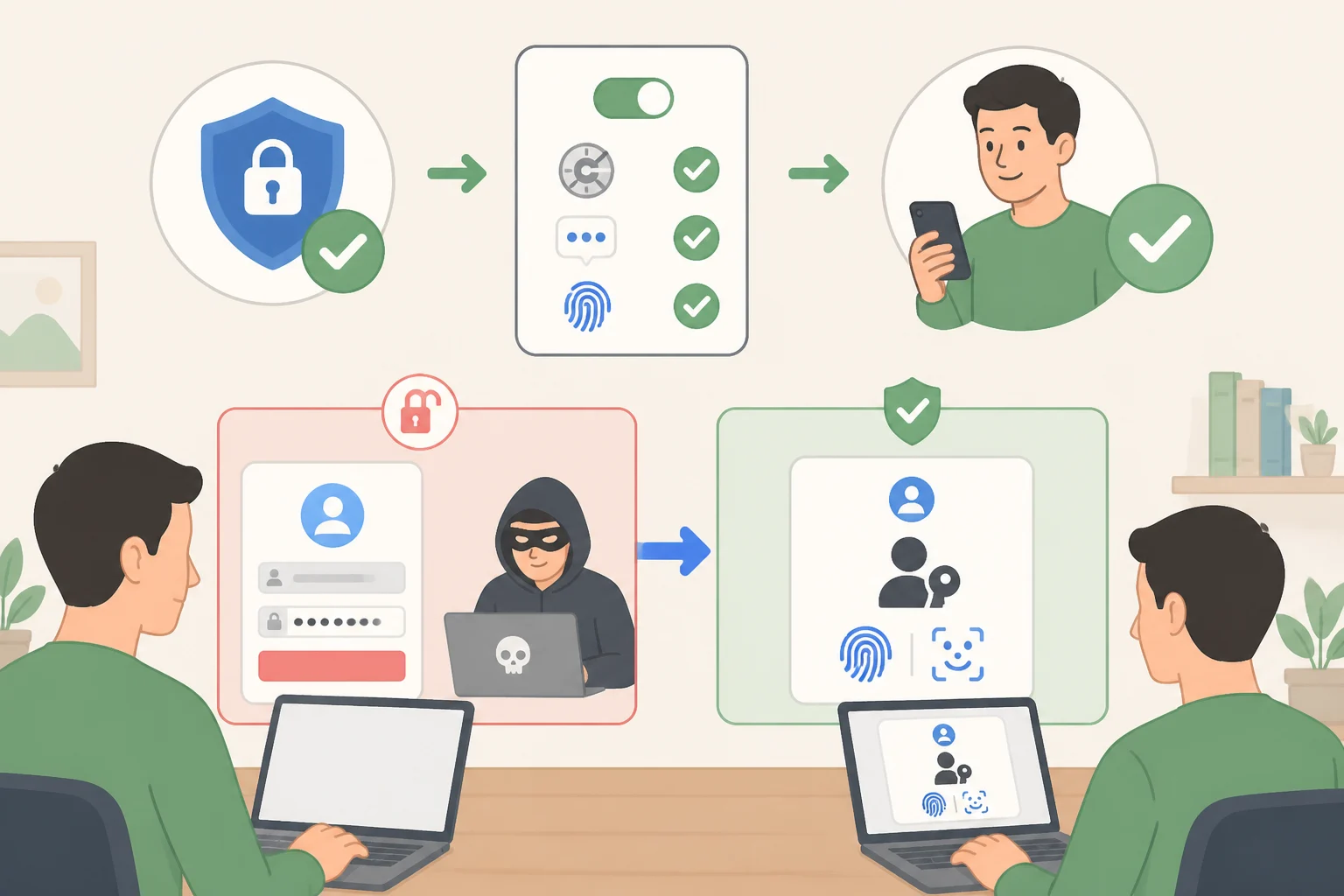
NIST's first recommended action after discovering any account exposure is straightforward: turn on multi-factor authentication, or MFA (NIST). MFA works by requiring something beyond the password itself. If a password gets stolen, an attacker still needs control of a second factor, typically something physically in hand, like a phone (NIST).
Not all MFA carries equal weight. Options range from authenticator apps and push notifications to physical security keys and text-message codes, and NIST specifically flags SMS codes as particularly vulnerable (NIST). Federal authentication standards formalize that gap: applications rated at the AAL2 assurance level must at least offer a phishing-resistant option, while the most sensitive AAL3 systems require one outright (NIST SP 800-63B).
Passkeys sit in that phishing-resistant category. A passkey is a private digital key stored on a device already in regular use, unlocked the same way the device itself unlocks, with a PIN or a face or fingerprint scan (NIST). Unlike a typed password, a passkey can't easily be stolen through phishing, and it doesn't need to be memorized (NIST). Each one is also unique to the site that created it, so extracting a passkey off a device wouldn't unlock anything else (NIST). They aren't limited to phones either; laptops, USB dongles, and some web browsers can all generate and store them (NIST).
None of this means passwords are disappearing soon. "It's going to be a long road to completely kill the password," says Galluzzo. "There are lots of great alternatives out there, but you're always going to be constrained by what technology people have available" (NIST). Use a passkey wherever a service offers one, and fall back on a manager-generated unique password plus MFA everywhere else.
Where to start
If the whole list feels like too much at once, the order matters more than the speed. Secure email and the password manager first, since compromising either one unlocks everything downstream. Move to banking and financial logins next. Everything else can follow at a reasonable pace, account by account, as the manager's generator quietly replaces whatever password was there before.
Even a long, carefully built passphrase can still be guessed, stolen, or phished, by NIST's own admission (NIST). The goal was never a flawless vault of memorized phrases; it's closing the gap that lets one leaked password take down everything else attached to it. As more services add passkey support, there will be fewer passwords left to manage in the first place.