How to install Apple CarPlay on an Echo Show 5: fact check
If you're searching for how to install Apple CarPlay on an Echo Show 5, here's where things stand: no verified, complete installation guide exists yet for either generation of Amazon's smart display. What's out there is one builder's result, reported secondhand, stacking a full Android install on top of a car-interface app most people have never touched.
A Reddit user stripped Fire OS off a first-generation Echo Show 5, installed LineageOS, added an app called DiPlay, and ended up with a wireless CarPlay screen sitting on a desk, no dongle, no home Wi-Fi network required, according to Android Authority's report today. A startup script even flips on the Echo Show's own hotspot automatically so an iPhone connects straight to the device. It's a real demonstration of how far you can push an Echo Show toward becoming a CarPlay display, just not proof that any unit off a shelf will get you there.
That result traces to one builder's first-generation unit, codenamed checkers. Most of the documentation around LineageOS support, hardware limits, and recovery tools concerns a different device entirely: the 2021 second-generation Echo Show, codenamed cronos, per RottenWiFi. Getting LineageOS running on either model doesn't confirm CarPlay works on both, and that gap is exactly why a single clean how-to doesn't exist yet.
What follows separates confirmed from unconfirmed: who can reasonably attempt this, what a limited version of the process looks like today, what you give up the moment you replace Fire OS, and the specific holes in the CarPlay layer that keep it from being copy-paste reproducible.
What's actually confirmed about this Echo Show 5 wireless CarPlay display
Video of the Day
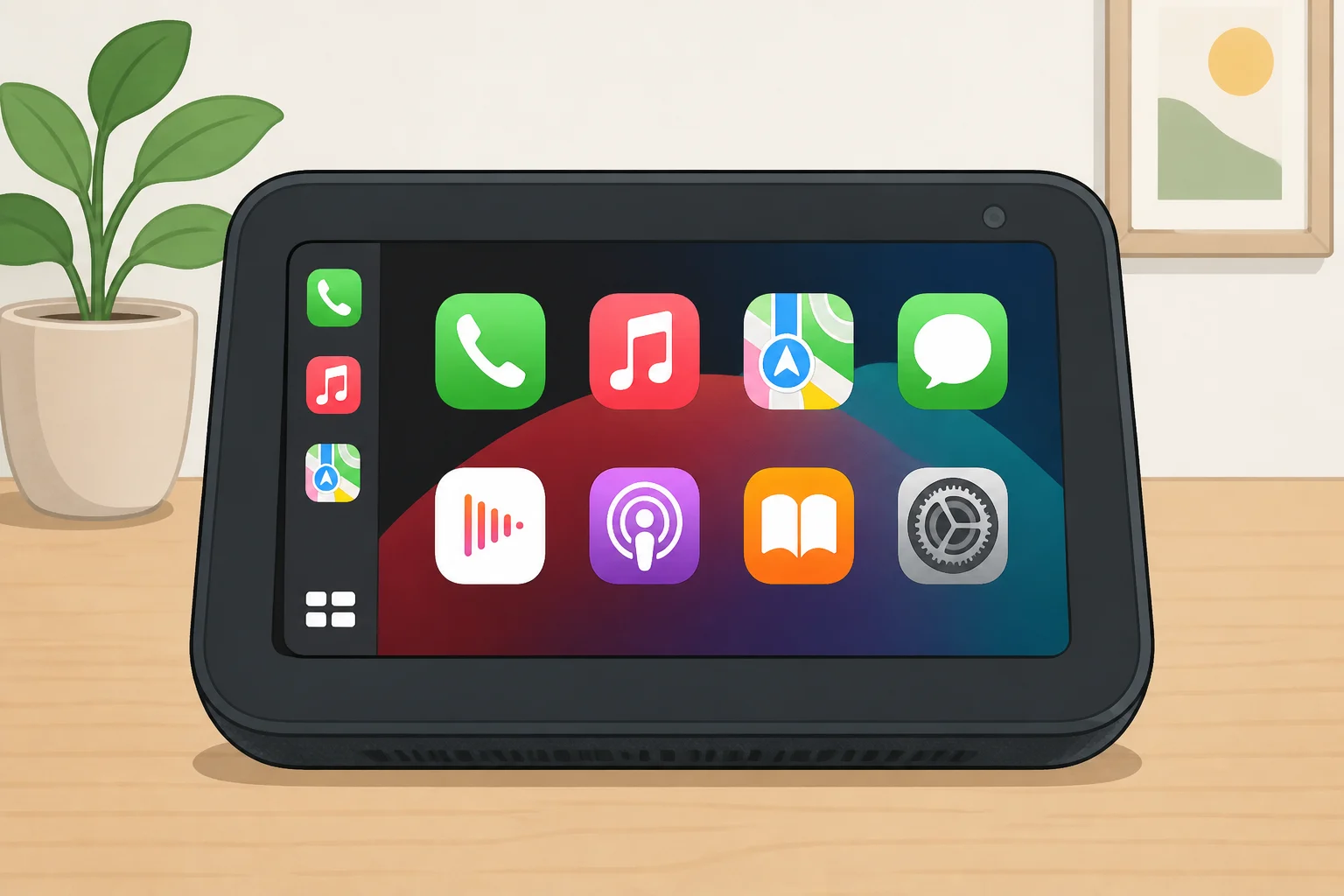
Start with what the build is, not what it isn't. It's a desk companion: audio plays through the Echo Show's speaker or its 3.5mm jack, and Android Authority's report makes no mention of dashboard mounting, in-car testing, GPS behavior, or outdoor screen visibility. Whatever this project proves, nobody has shown it working in a moving vehicle.
It also traces to a single project, reported secondhand. Android Authority doesn't link to source files, a video walkthrough, or any attempt by someone else to reproduce the setup, so "fully functional" describes one builder's personal result, not something confirmed to be repeatable by anyone with the same hardware.
There's a second, better-documented data point worth keeping separate from this one. Earlier this year, Android Authority ran its own hands-on test of LineageOS on an Echo Show 5 and found that apps like Spotify, Plexamp, and NewPipe ran reliably on the converted hardware. That's solid evidence, from that outlet's own testing, that plain Android behaves well on this device. It never touched CarPlay or DiPlay at all.
For a buyer or tinkerer, the distinction has one practical consequence: LineageOS on Echo Show 5 hardware is the verified project. CarPlay sitting on top of it is still the unverified layer.
Video of the Day
How to install Apple CarPlay on an Echo Show 5 without assuming the build is universal
If you're going to attempt any version of this, treat it as three separate, sequential checks rather than a single guide to follow blindly.
Identify your exact codename first. Community developers have built unofficial LineageOS 18.1 for two models, the 2019 first-generation Echo Show 5 (checkers) and the 2021 second-generation Echo Show 5 (cronos), and the two builds are not interchangeable, according to RottenWiFi's installation breakdown from last month. Mixing files between generations has left at least one user's device misidentifying its own hardware, forcing a manual recovery sequence just to get it booting again, per the XDA community thread.
Check firmware state, not just model year. The XDA unlock thread notes the underlying vulnerability was patched in March 2019 and describes units from roughly 2019 to 2021 as the technically exploitable window. Model year alone isn't quite enough, though. RottenWiFi adds that the exploit may also require a specific Fire OS version or an unpatched firmware state, so whatever your Echo Show is currently running still matters. Check the live XDA unlock thread for your exact codename rather than assuming any particular unit qualifies.
Back up through TWRP before flashing anything. The documented cronos unlock path uses custom recovery and flashes low-level partitions, including the preloader and trusted execution environment, as part of its sequence, per the same XDA thread. The instructions are blunt: interrupting the process after its ten-second grace period will permanently brick the device. This isn't a step to pause halfway through.
Once your device is unlocked and the generation-specific LineageOS build is installed, the documentation stops. Nothing in the available reporting lays out a published, step-by-step DiPlay install or hotspot configuration tied to a specific LineageOS version. That stage is covered later in this piece, and it's the one that currently can't be reproduced from a public guide.
None of this is a permanent opportunity, either. Asked directly whether Amazon could patch the exploit, the XDA thread's maintainer says yes, and that Amazon will likely act promptly. Per Amazon's own documentation cited in that thread, the second-generation Echo Show 5 is covered by security updates through 2029, a detail specific to that device, not a guarantee extended to the first-generation checkers unit. Whatever window currently exists for unlocking these devices isn't guaranteed to stay open.
What installing LineageOS on an Echo Show 5 costs you, with or without CarPlay
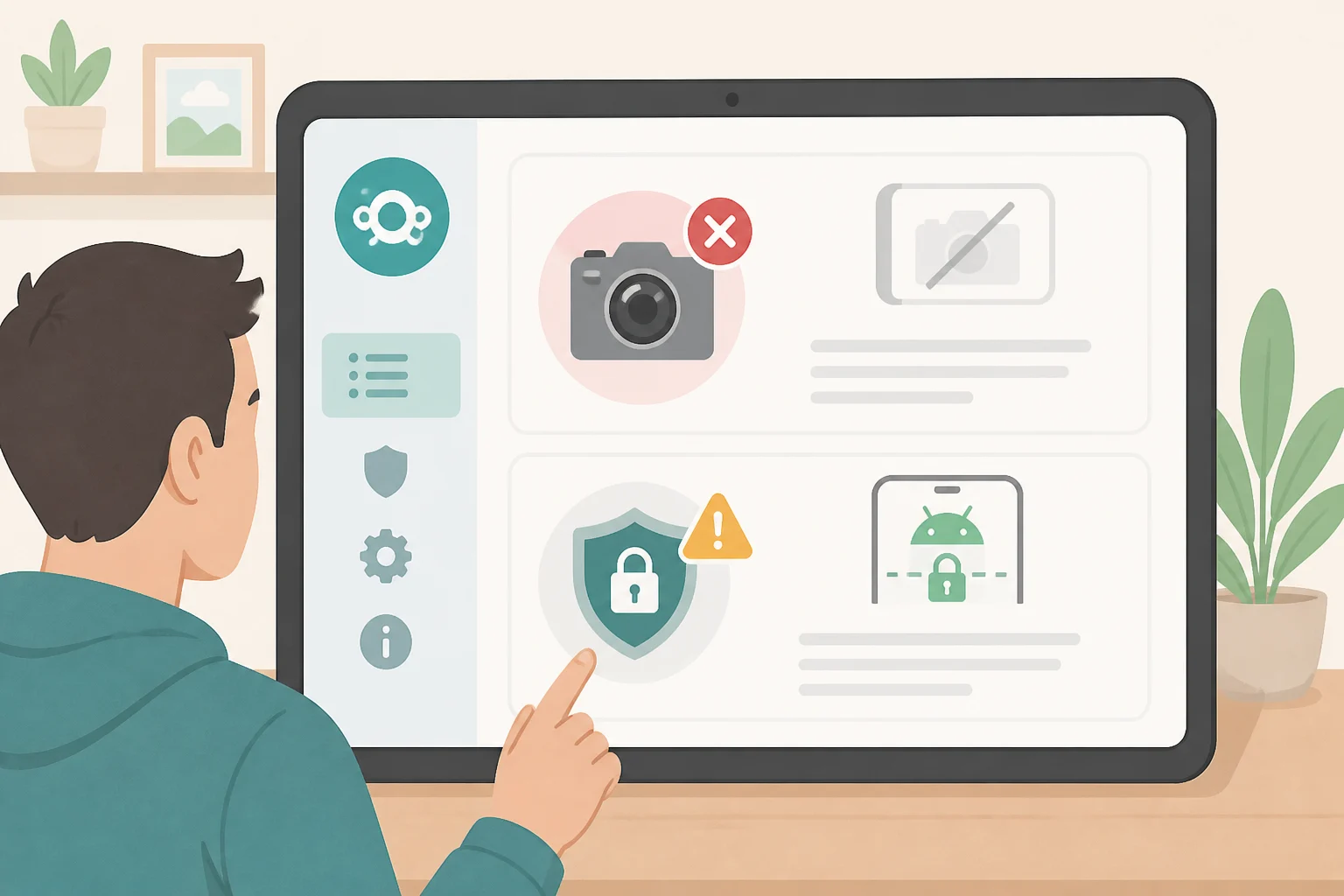
Replacing Fire OS isn't a side-by-side arrangement. There's currently no way to run Alexa on the Android build at all, confirmed by both Android Authority's hands-on testing and RottenWiFi's installation notes, which describe this as something other than an "Android alongside Alexa" setup. You're trading Amazon's voice assistant and audio pipeline for Android, not adding a second mode to switch between.
The evidence behind the remaining trade-offs varies in strength, and it's worth being clear about which is which:
- SELinux set to permissive mode on the
cronosbuild is a project-level warning straight from the ROM's own maintainer, who advises against storing sensitive data on it, per the XDA ROM thread. That carries more weight than a one-off forum complaint. - Camera support gaps, including a missing vendor camera provider, missing MediaTek camera blobs, and a kernel referencing the wrong image sensor, are historical technical findings specific to the
cronosbuild, per RottenWiFi. Don't assume the camera works. - Wi-Fi dropping between 2.4GHz and 5GHz bands comes from a single user report on a specific access point, per the XDA thread. Test your own network rather than assuming the issue is universal.
- Auto-brightness failing to respond to ambient light is also a single user's report on that same thread, not a confirmed defect across all units.
The cronos build ships with no Google apps and no mods baked in, per that thread. Expect a bare-bones Android experience, not a polished daily driver.
Recovery is possible but narrower than it sounds. Starting with version 2.0.0 of the cronos unlock project specifically, reverting to Fire OS is as simple as flashing a stock update file through TWRP, according to the XDA thread. That path applies to that project and that version, not necessarily to the first-generation build or to every LineageOS installation. When one user accidentally flashed checkers files onto a cronos device, the fix required rebooting into a hacked fastboot mode and manually reflashing the correct firmware in order, the kind of recovery that assumes comfort with fastboot commands rather than a one-click undo.
The DiPlay app for Android CarPlay layer: why it isn't reproducible yet
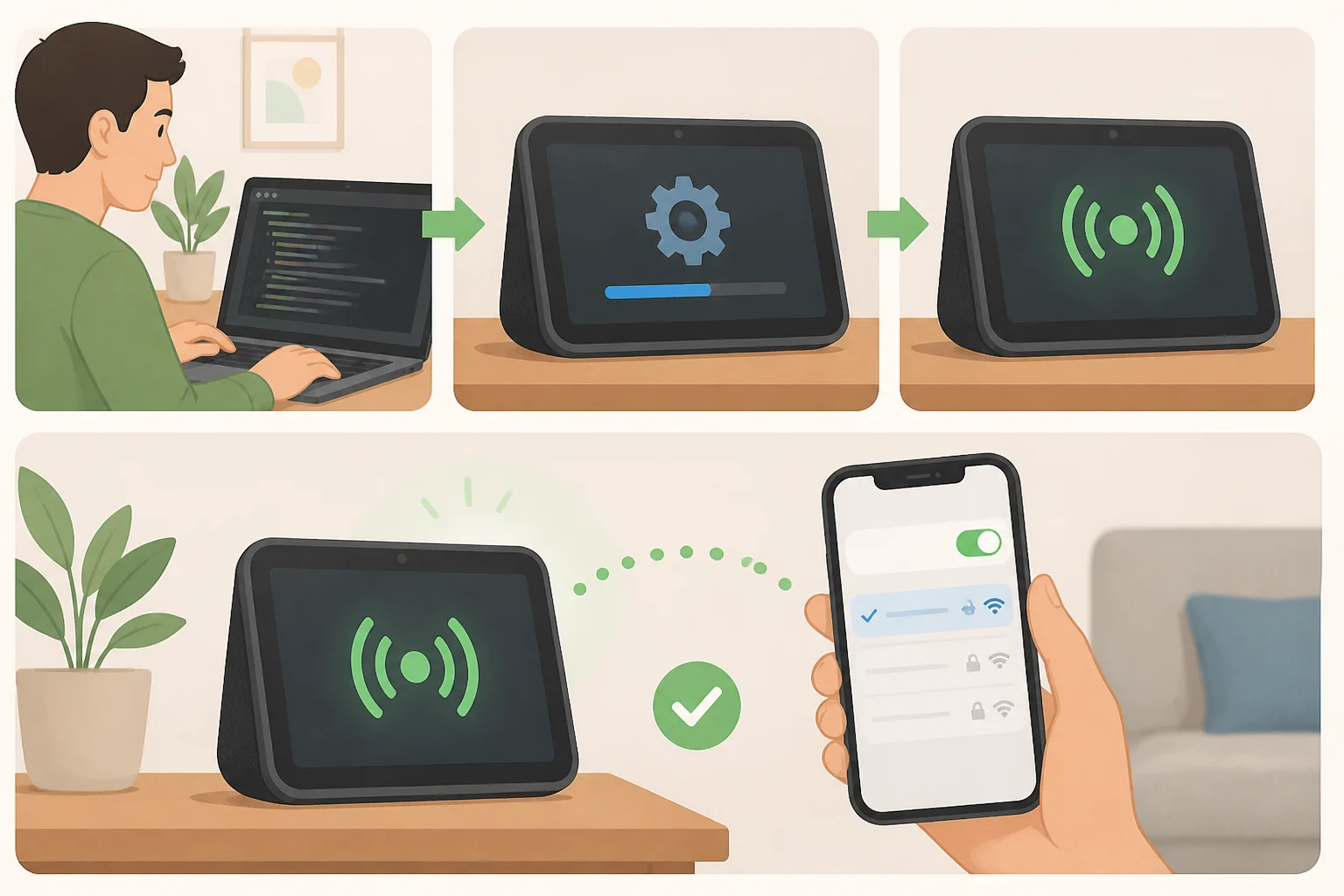
DiPlay is the piece that actually makes CarPlay appear once LineageOS is running. Android Authority describes it as an app that brings wired and wireless CarPlay support to compatible Android-based car displays, and on this build, it's the layer projecting the iPhone interface onto the Echo Show's screen.
The hotspot trick removes the usual network dependency. The builder set up a script that automatically enables the Echo Show's own hotspot on startup, letting an iPhone connect directly without a separate dongle or an existing Wi-Fi network nearby. It's a useful workaround, worth being precise about, too: the device is still hosting its own network, just one it creates itself rather than one it needs handed to it.
Even the builder ran into friction getting there. A slowed-audio bug required downgrading DiPlay from version 0.2.21 to 0.2.19 and raising the music buffer to 500ms before playback behaved normally. Leaving something plugged into the audio jack during a reboot can also stop the device from starting properly.
What the report doesn't settle matters just as much. It never identifies which iOS version the setup depends on, what DiPlay costs, or where the hotspot script might be published for others to use. Those are open questions, not footnotes. Anyone hoping to reproduce this build should check current DiPlay and LineageOS documentation directly rather than assuming the Reddit project is a finished recipe.
What you should actually do next
A working CarPlay result exists on one first-generation Echo Show 5, and plain Android use on this hardware has been independently tested and confirmed on its own terms. Community LineageOS builds exist for both checkers and cronos, but nothing in the available documentation adds up to a complete, generation-specific installation guide for either model, let alone for CarPlay specifically.
If you've got real fastboot and TWRP experience, plus a spare Echo Show 5 you wouldn't miss, attempting the full build is a project for experienced Android modders only, and only after confirming the exact codename and accepting that the DiPlay stage isn't fully documented anywhere public. If your goal is simpler, say reviving an old Echo Show 5 to run Spotify, Plexamp, or similar apps, installing LineageOS alone is the better-supported path and skips the unreplicated CarPlay layer entirely. If you need dependable CarPlay in a car every day, buy a purpose-built CarPlay display or adapter from a vendor that documents compatibility instead of betting daily use on a hacked smart speaker.
Whatever you choose, don't start on a device you actually rely on. Back it up through TWRP before touching a flash command, and check the live XDA thread for your specific model rather than following secondhand instructions pulled from a Reddit post. This project is worth watching closely. It isn't yet worth copying exactly.