Affinity for iPad launch: what it fixes and what to check
Affinity for iPad is now available as a free download from the App Store, according to Thurrott and Creative Bloq, both reporting this week. The launch closes a gap that opened last year, when Canva merged Affinity Photo, Designer, and Publisher into a single desktop app built around a new .af file format.
That gap mattered most for anyone who already owned Affinity Photo, Designer, or Publisher on iPad from before the desktop merger. Those older apps kept working, but they never gained support for the new format, so Mac and Windows users got stuck if they wanted to finish a desktop project on a tablet (Creative Bloq).
Digital Trends reported last week that Affinity was targeting November 3 for the iPad launch. Thurrott and Creative Bloq's reports this week say the app is already live, a day ahead of that target, so anyone downloading now should check the App Store listing in their own region rather than assume the rollout hit every market at once.
iPad-first illustrators and Adobe switchers can use the app too, but the free toolset comes with real limits worth understanding before client work moves over.
What to check before you download
Video of the Day
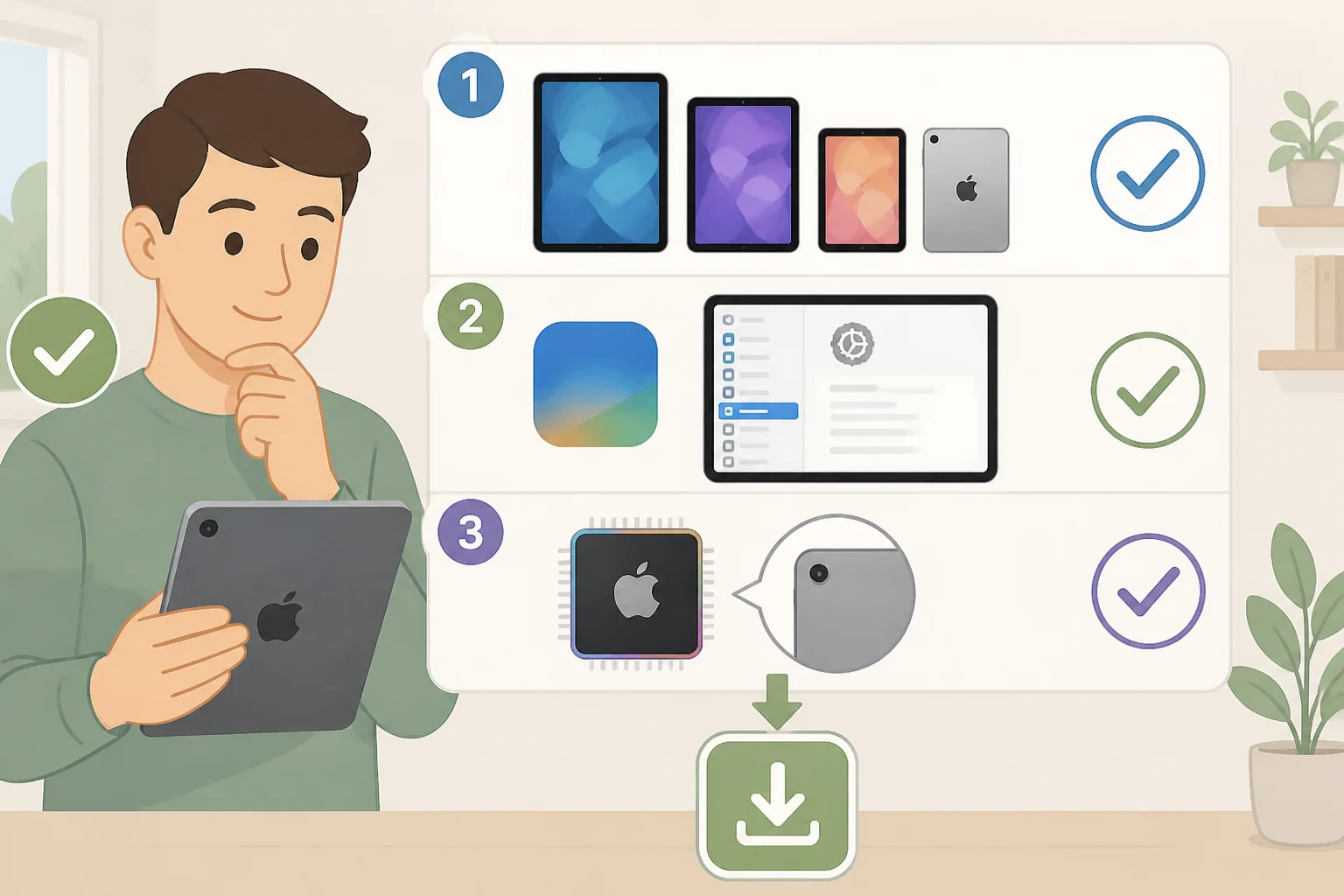
Affinity for iPad requires a free Canva account to launch, even though no subscription is needed for the core editing tools (Creative Bloq). Once that account is set up, the app works offline, according to a TechRadar review of the desktop version published earlier this year.
Supported devices include the iPad 7th generation or newer, iPad Mini 5th generation or newer, iPad Air 3rd generation or newer, and iPad Pro models running iPadOS 18, 26, or 27 (Thurrott). Machine-learning tools are restricted to iPads with an M-series chip, so an older supported model can run the app without unlocking everything inside it (Thurrott).
AI tools sit on a separate track entirely. Generative Expand, upscaling, denoising, and Decompose Layer all require a paid Canva subscription rather than the free tier (Creative Bloq). Earlier this year, that premium tier cost around $15 a month or $120 a year for an individual plan, per TechRadar's review, though readers should check Canva's current pricing page rather than treat that figure as fixed (TechRadar).
Before downloading, confirm the iPad model and iPadOS version against the live listing, have a Canva account ready, and check for an M-series chip if the ML tools matter to the workflow.
Video of the Day
What Affinity for iPad can actually do
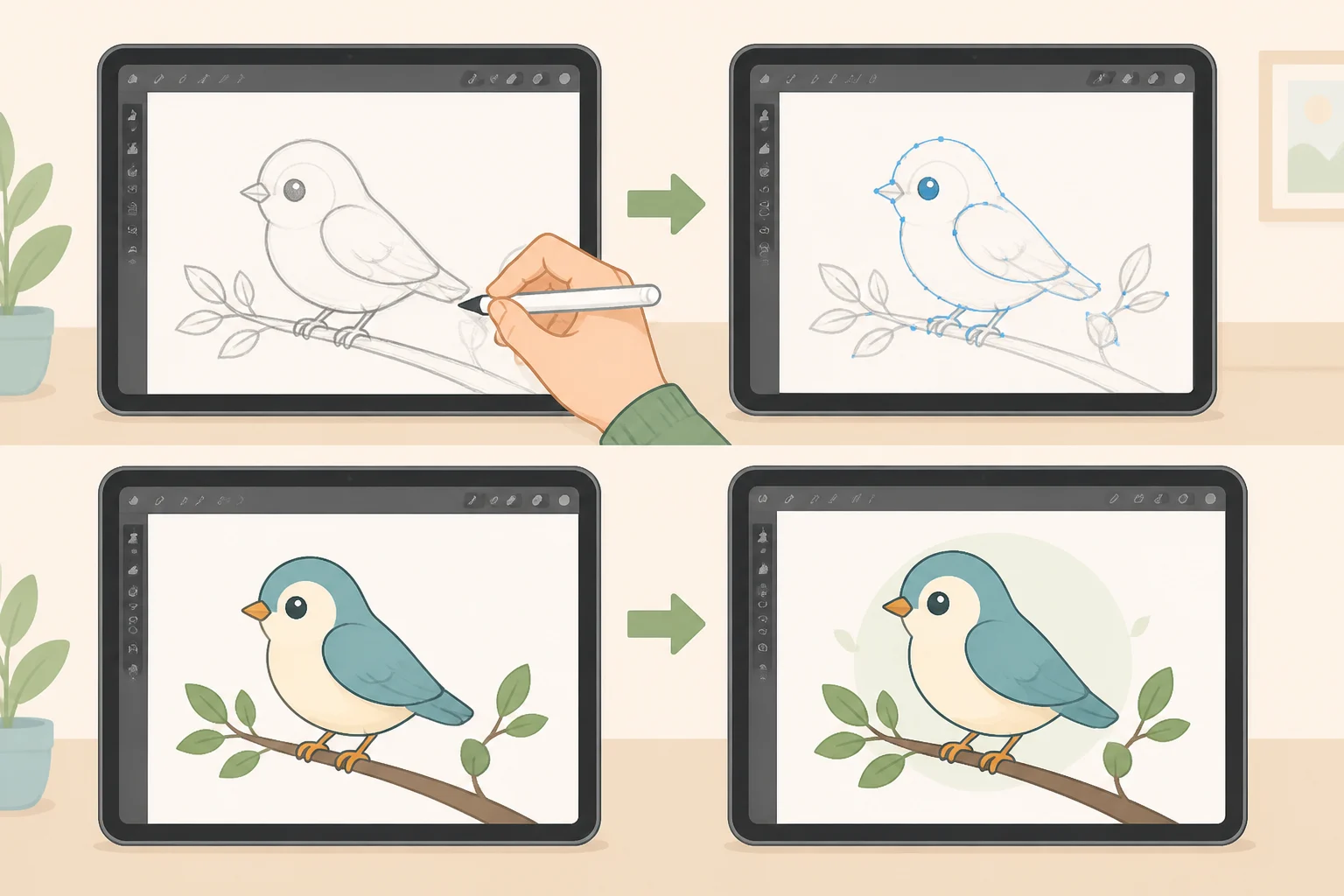
Like the Mac and Windows versions, Affinity for iPad is built on Affinity v3, according to Thurrott. The app merges photo editing, vector design, page layout, and sketching into one tool built around the same .af file format used on desktop, so files move between Mac, Windows, and iPad without conversion (Creative Bloq; Digital Trends). On the desktop version, that structure plays out as separate "studios" for vector work, pixel editing, and layout, each acting like its own interface depending on the task (TechRadar). That shared format is really the point of the release: it lets someone start a layout on a desktop machine and finish it on a tablet without exporting or rebuilding anything.
iPad-specific additions include Sketch Studio, a Mask Tool, and Sketch to Shapes, which keep a hand-drawn sketch live in the file while it develops into vector artwork. These tools support Apple Pencil pressure and tilt, along with Apple Pencil Pro gestures like barrel roll, squeeze, and hover (Creative Bloq). The free tier also covers RAW photo editing and print-ready multi-page layouts (Digital Trends).
What's still missing compared to desktop
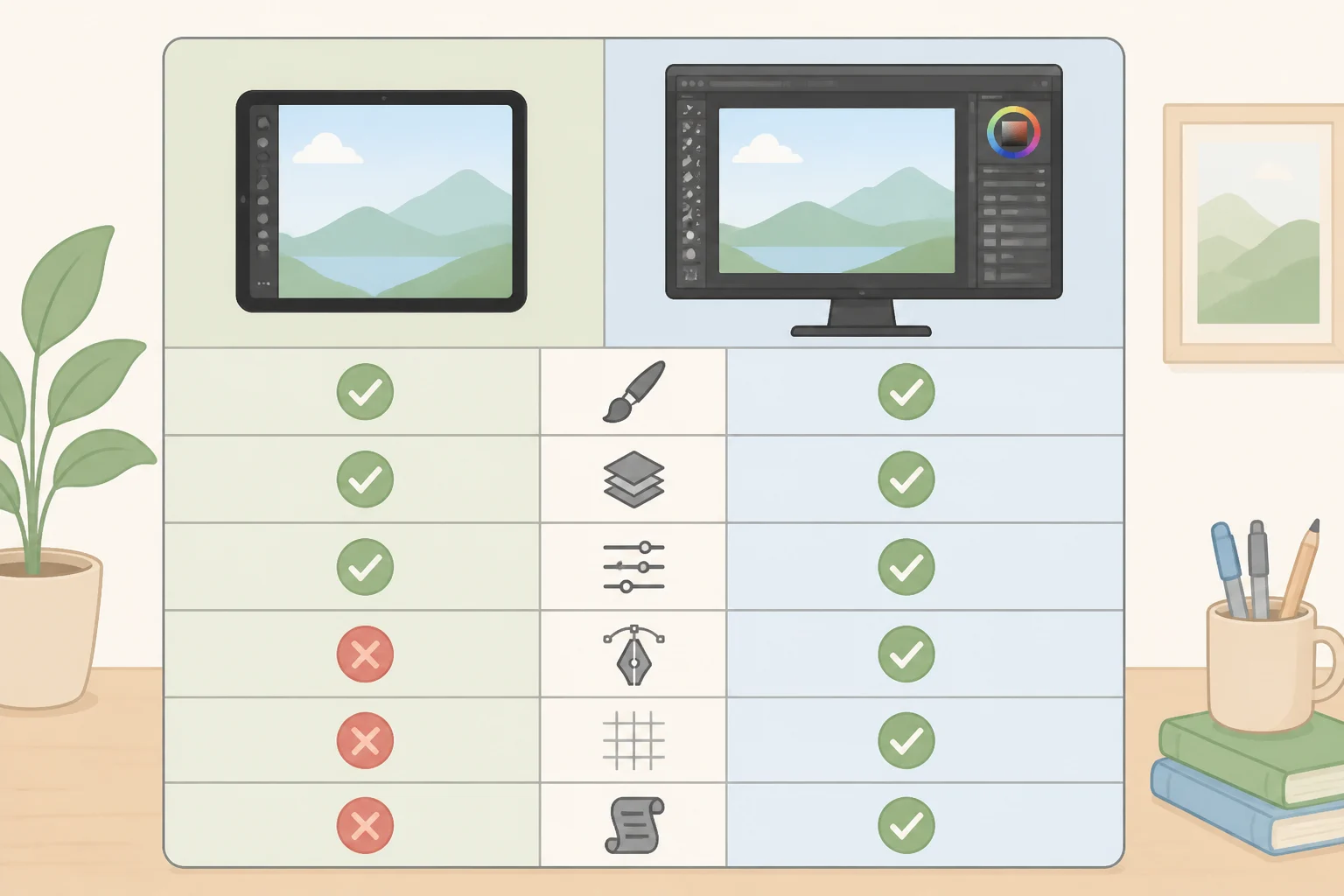
Affinity's own release notes describe the iPad app as having "feature parity" with the desktop version (Thurrott). That's a company claim worth treating with some skepticism, since Thurrott's hands-on look at the app found several desktop tools missing entirely: Books, Batch processing, Data Merge, Quick Adjustments, the Info and Scope panels, macro recording, and Astrophotography Studio (Thurrott).
Affinity has said more features are coming to iPad over time but hasn't given a timeline, so treat that as a stated intention rather than a confirmed roadmap (Thurrott). Anyone whose desktop work leans on batch exports, mail-merge-style documents, or recorded macros should plan on keeping a desktop machine in the loop for now.
The unresolved InDesign question
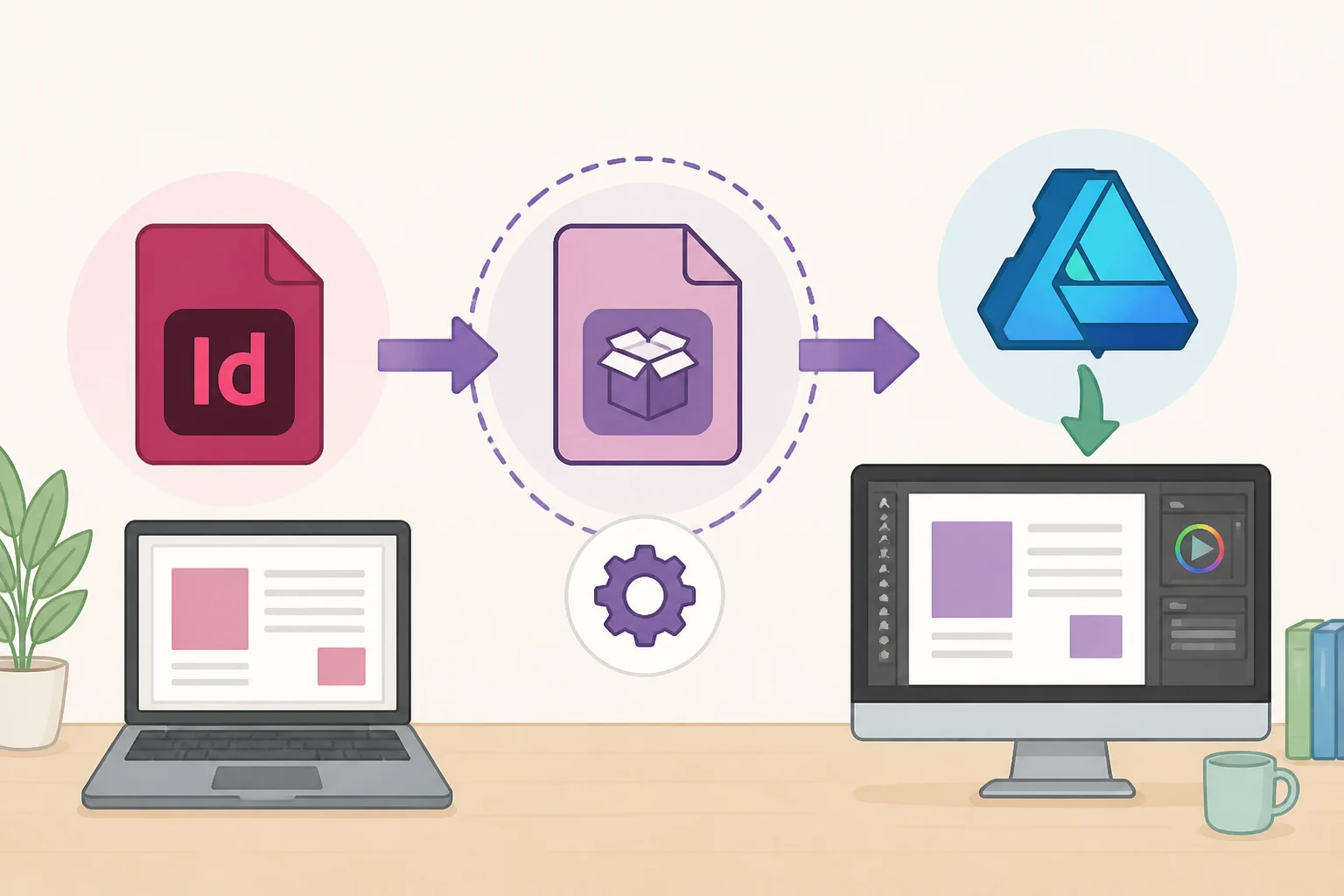
File compatibility for outside formats is mostly good news. PSD and AI files reportedly open without much trouble, according to TechRadar's review of the desktop app. Where sources disagree is InDesign support, and it's worth being precise about why.
Digital Trends lists INDD as a supported import format for the iPad app (Digital Trends). But TechRadar's hands-on review, published earlier this year and focused on the desktop app rather than the iPad release, found that native INDD files can't be opened directly at all; they have to be exported to IDML format in InDesign first.
Because the TechRadar finding predates the iPad launch and covers desktop behavior specifically, it doesn't actually confirm how the iPad app handles INDD files. Anyone whose workflow depends on importing InDesign files directly should treat that capability as unconfirmed on iPad until Affinity's own documentation or App Store listing addresses it specifically, rather than assuming either report has settled the question.
Who should switch now, and who should wait
Existing Mac or Windows Affinity users can resume cross-device work right away, since .af files now open on iPad without conversion. Anyone whose projects depend on Batch, Data Merge, macros, or Astrophotography Studio should keep those specific tasks on desktop until Affinity adds them to iPad (Thurrott).
iPad-first illustrators and designers have a reasonable entry point here: free core tools, Apple Pencil Pro support, and a sketch-to-vector workflow built for touch. Just account for the fact that AI-assisted tools sit behind a paid Canva plan and that machine-learning features need an M-series chip to run at all.
Adobe-dependent publishing or automation workflows have the most reason to wait. Until the InDesign import question is settled and tools like Data Merge and Batch processing land on iPad, production work that depends on them belongs on desktop. Confirm the exact device and iPadOS version against the live App Store listing before downloading, and hold off moving a client's InDesign-based workflow onto the iPad app until Affinity clarifies whether native INDD import actually works there.