How to go analog in 2026: phone, media, and work offline
If you're figuring out how to go analog in 2026 without upending your life, the goal isn't to reject technology. It's to use it less reflexively and on better terms. Two specific problems are worth targeting: attention capture, which is what happens when your phone is engineered to keep pulling you back, and platform dependence, which is what happens when a streaming service removes a title, a cloud subscription lapses, or connectivity fails at the worst moment. This guide addresses both, step by step, starting with the changes that cost nothing.
A Georgetown University study of nearly 500 people found that restricting phone internet access for two weeks cut average screen time from roughly five hours daily to about two and a half, added 20 minutes of sleep per night, and improved sustained attention by an amount the lead researcher compared to reversing approximately a decade of age-related cognitive decline (Georgetown, late 2025). The more useful number: only about 25% of participants fully completed the two-week restriction, but 91% improved on at least one major outcome in well-being, attention, or mental health (Georgetown, late 2025). Partial change works. That result shapes everything that follows.
Steps 1 and 2 are for everyone and require no new hardware. Step 3 is for people whose work depends on reliable file access: freelancers, frequent travelers, anyone burned by connectivity failures or subscription lock-in mid-project. The optional section is for readers who want local control over passwords and media and are willing to do some setup. Stop wherever the commitment stops making sense.
Step 1: Restructure your phone before buying anything
Video of the Day
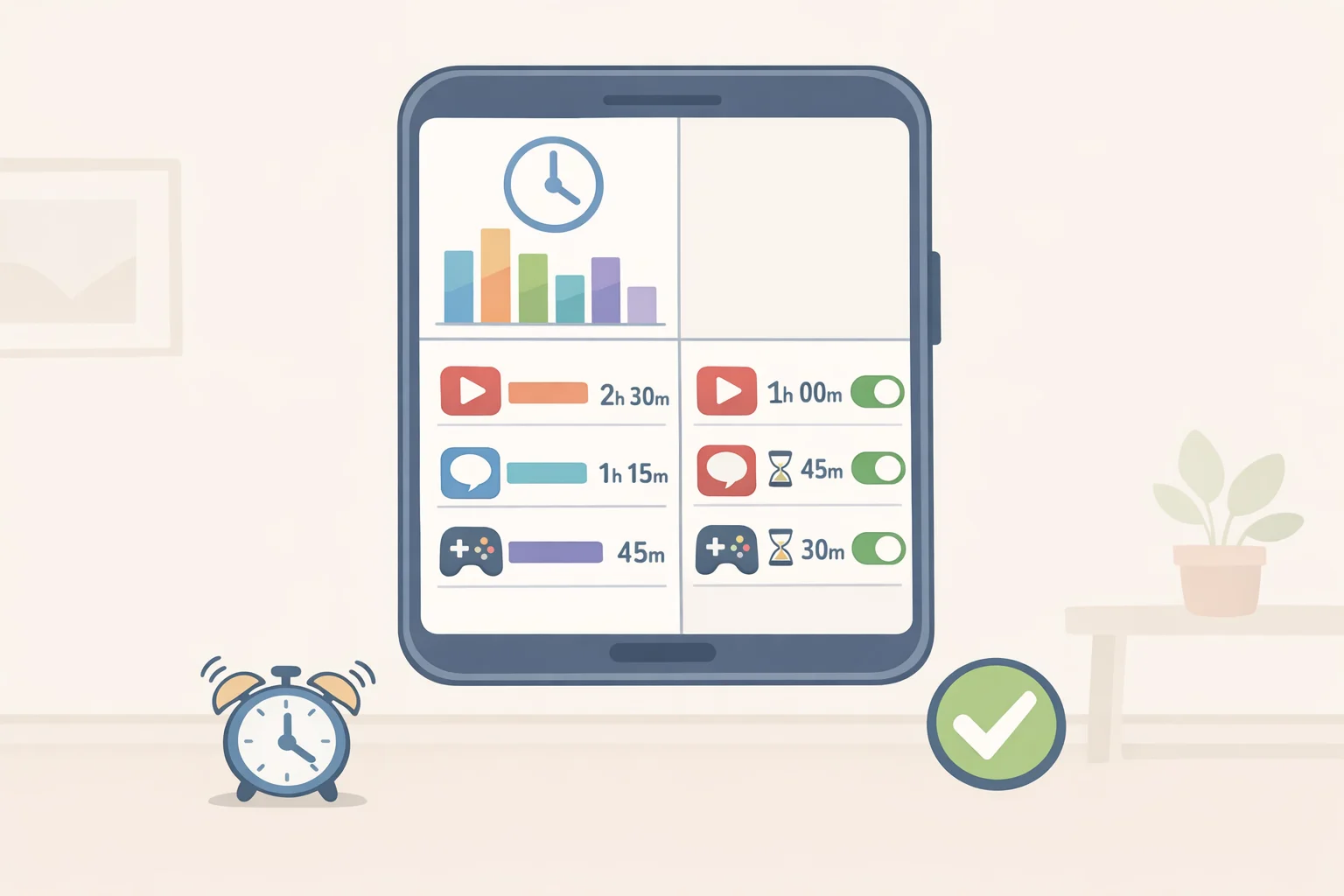
The governing test for every step in this guide: does the change reduce attention capture, platform dependence, or both? Start with attention capture, because it's the highest-use intervention and it costs nothing.
Online mentions of "digital detox" grew 25% in 2024, but awareness isn't a plan (INMA/Brandwatch, late 2025). The plan is designed friction: make the reflexive scroll require a deliberate action to resume, and make the bedroom a phone-free zone by default. Georgetown's lead researcher specifically warned against swapping one short-form platform for another. Blocking TikTok while filling recovered time on YouTube Shorts isn't a detox. The target is the dopamine-loop mechanism, not the brand name on the app (Georgetown, late 2025).
The Georgetown study effectively converted participants' smartphones into devices that could call and text but not access the internet, what Merriam-Webster now formally recognizes as a "dumb phone." The same functional result is achievable with app blockers on hardware you already own (Georgetown, late 2025).
Steps:
- Check your screen-time report and identify the one or two apps consuming the most time. Two minutes. Do this first
- Set a hard daily limit for each at roughly half your current average, not a generous cap, something that actually bites
- Move the phone charger out of the bedroom tonight; use a standalone alarm clock if needed. This single change addresses the sleep outcome directly
- Disable all non-essential notifications; calls and texts only
- For stronger enforcement: install a blocker like Freedom that requires deliberate friction to override
Gotcha: App timers with a one-tap override defeat the purpose. The friction has to be real, or it's decorative.
What to expect: The first few days feel like withdrawal. That's the dopamine loop dismantling. The discomfort passes.
Video of the Day
Step 2: Build a physical media routine without buying everything at once
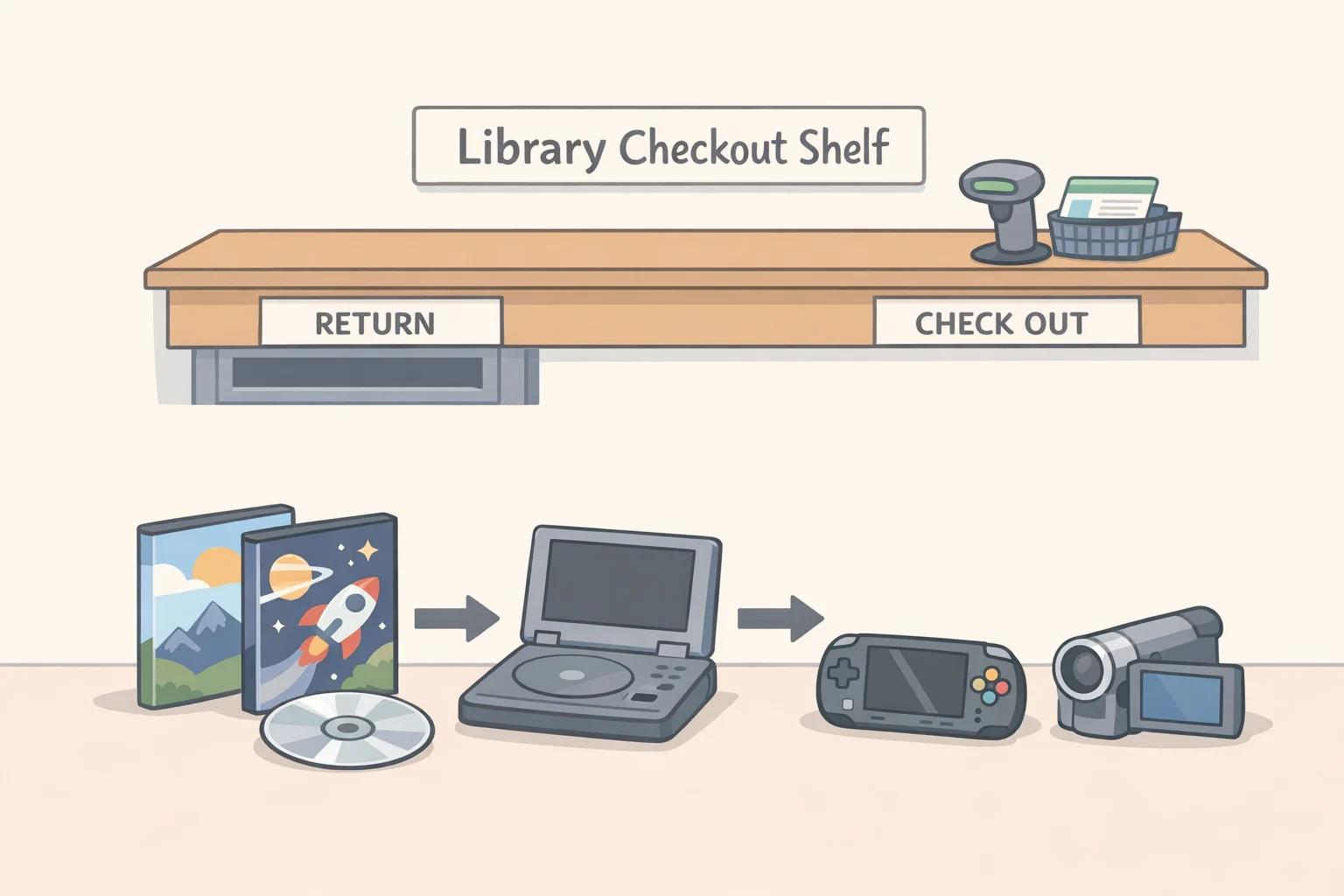
This step targets platform dependence. Physical media and single-purpose devices do what streaming and smartphones don't: they stay bought, play what you want without recommendation algorithms, and do not interrupt.
Streaming provides access, not ownership. Platforms remove titles without notice; a disc on your shelf exists independently of any licensing agreement, price increase, or service shutdown (League of Filmmakers, this spring). An older iPod without internet access plays music and does nothing else. It cannot push a notification or redirect attention (Firstpost, earlier this year). A paperback cannot interrupt you with a headline. These are functional distinctions, not aesthetic ones.
The cheapest path is already in your city. Many libraries, including school libraries, carry wide selections of films and shows spanning decades and genres (League of Filmmakers, this spring). Your library might also have access to media players through its interlibrary loan system, though that system is primarily used for research materials and some offer larger items like TVs and VCRs (League of Filmmakers, this spring). Start here, and borrow before buying anything.
Secondhand shops are the reliable second option. Thrift stores have been overflowing with DVD players and VCRs for a decade, and 90s and 2000s media is priced accordingly because demand was negligible until recently (Firstpost, earlier this year). The rule: borrow before buying, thrift before retail, and use what you already own before purchasing anything new.
Steps:
- Check your library's catalog before spending a dollar. The borrowing habit is itself the point
- If you need a player: thrift one first. Most modern TVs require an HDMI adapter for older AV-output players, a $10-15 fix (League of Filmmakers, this spring); an external disc drive for a laptop is an equally cheap alternative
- For building a collection: used-media stores and secondhand shops like Half Price Books carry far more than big-box retail at lower prices (League of Filmmakers, this spring). Start with DVDs over VHS: VHS tapes are less common, more expensive, easier to damage, and harder to replace (League of Filmmakers, this spring)
- For music: older iPod models without internet capability and secondhand CD players both deliver music without interruption or recommendation. Thrift stores and eBay are good places to start before buying new
- For reading: swap one ebook for a paperback this week. The format change is simple; the reduction in background distraction is not
Gotcha: Handle DVDs by the center hole to avoid surface contact; store VHS tapes rewound and upright (League of Filmmakers, this spring). Physical media wears out, but a scratched disc is at least replaceable.
Take it slow. A collection built gradually is more durable than one assembled in bulk. Libraries cover the gaps.
Step 3: Make your work setup less dependent on platforms you don't control
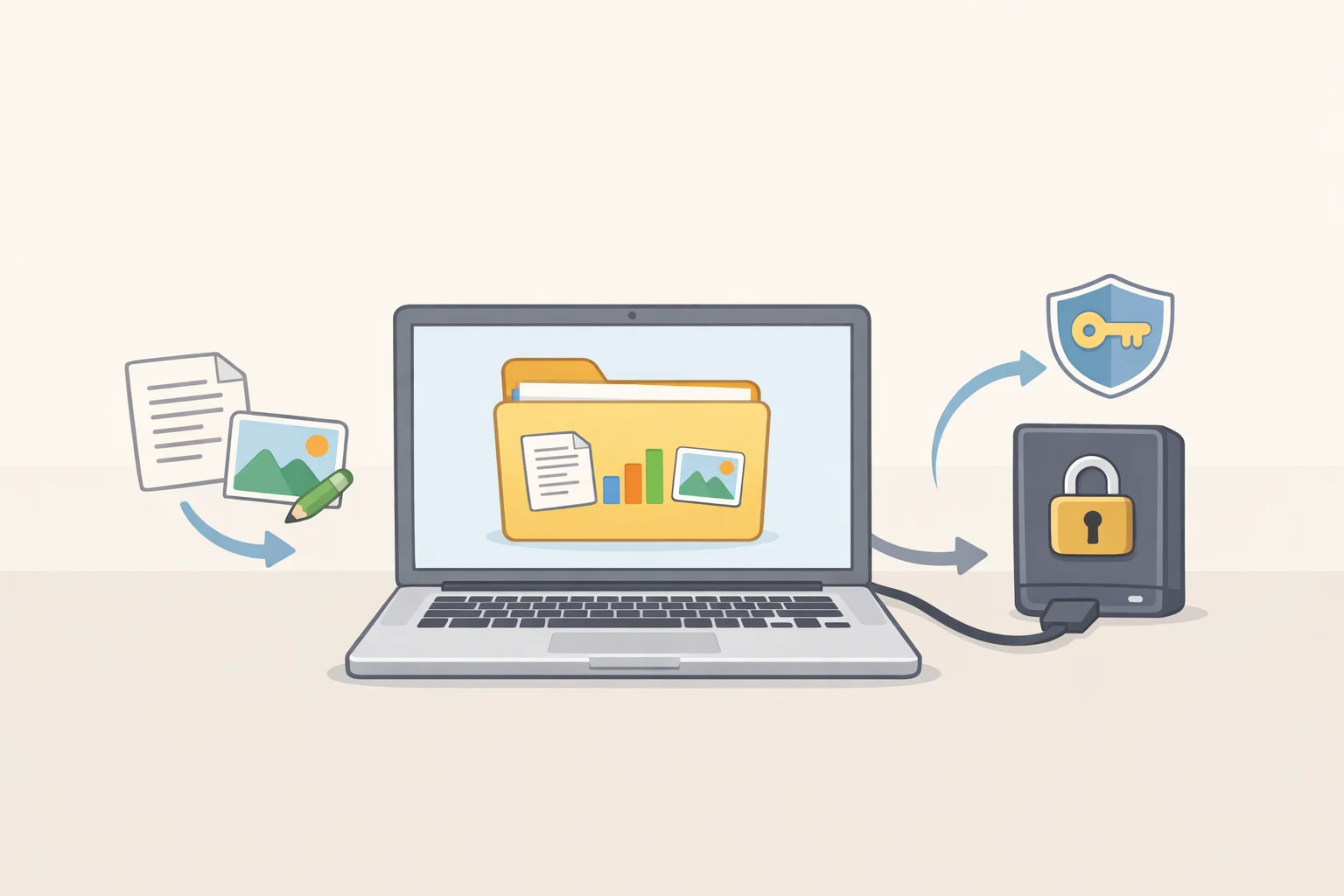
For freelancers, frequent travelers, and anyone building an offline-first setup
Steps 1 and 2 address attention and media ownership. This step addresses continuity. It's for people whose work requires reliable access to files, maps, and documents when cloud tools are unavailable, a subscription lapses, or connectivity fails mid-project. If that's not your situation, you can stop at Step 2.
The core principle mirrors physical media ownership, applied to work: your local machine should be the source of truth for your workday, not a remote server. When infrastructure fails, you keep working (Recurrent, two weeks ago). A practical baseline is leaner than most people assume: a repairable laptop, an encrypted external backup drive, offline copies of essential documents, an offline-capable maps app, and a defined procedure for syncing when you reconnect. The goal is a setup lean enough to understand and recover from, not a fortress (Recurrent, two weeks ago).
In practice, this looks like drafting documents locally rather than in cloud editors, syncing only at the end of the day rather than continuously, keeping PDFs of contracts, IDs, and travel documents in an encrypted local folder, and pre-downloading maps for every region you'll be working or traveling in before you leave. Small habits, but they add up to a workday that doesn't stall when connectivity does.
Security is non-negotiable once data moves off cloud infrastructure. Full-disk encryption is the floor, paired with strong boot authentication. The risk shifts from platform failure to device loss, so treat local data accordingly (Recurrent, two weeks ago).
Steps:
- Audit your cloud tools. Separate "genuinely required" from "just convenient"; the latter are candidates for local alternatives
- Enable full-disk encryption if it isn't already active: FileVault on Mac, BitLocker on Windows, LUKS on Linux
- Set up an encrypted external drive for backup, then restore a test file from it before trusting it
- Move active working documents to a local folder with a manual, intentional sync procedure rather than auto-sync-everywhere
- Download offline maps for every area you regularly work and travel in
Gotcha: A backup you have never restored from is not a backup, it is a belief (Netguardia, earlier this year). Schedule a quarterly restore test and treat a failed restore as a production incident.
Optional: Self-hosting for readers who want local control
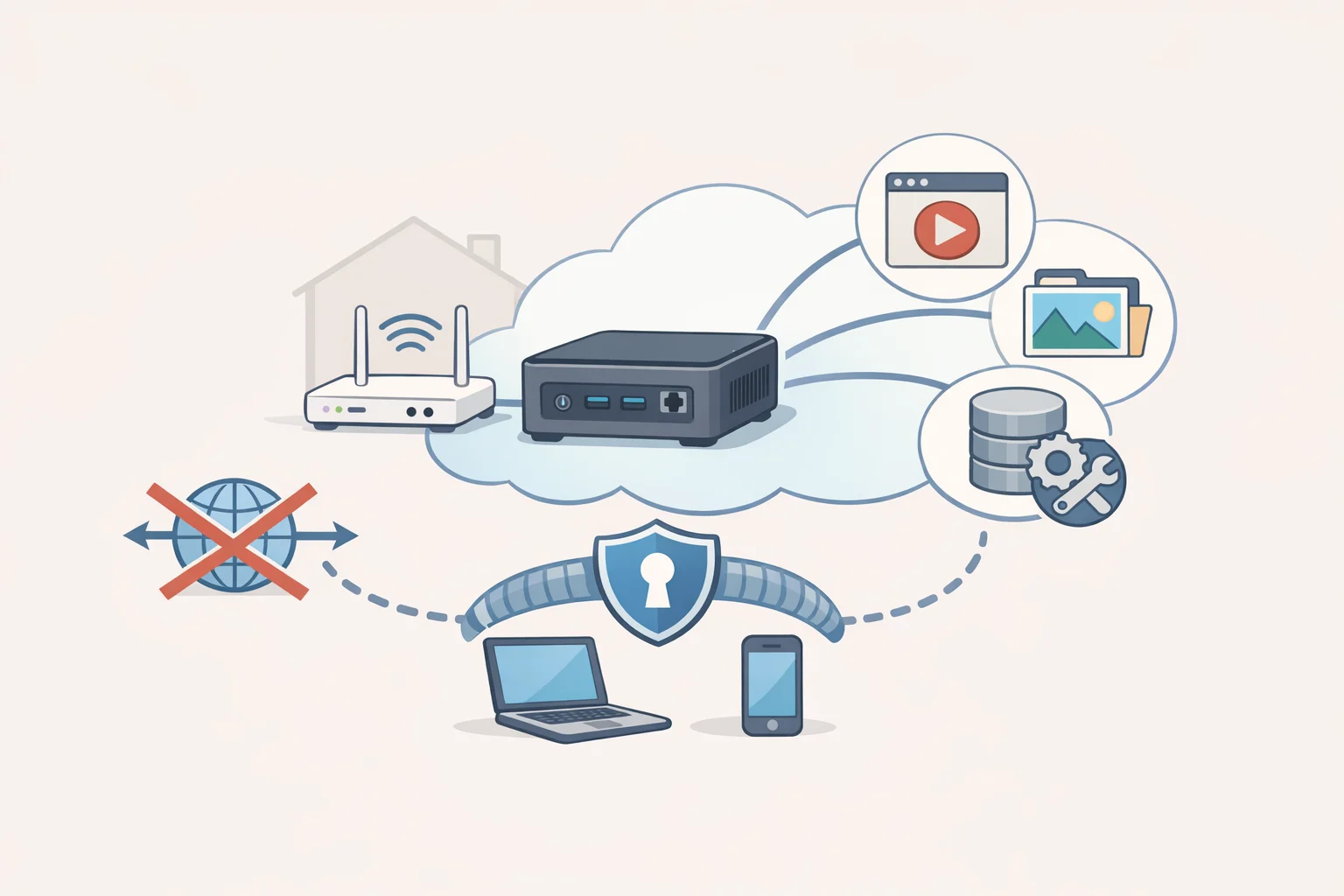
This is not a required step. It's a brief signpost for readers who want local control over passwords, photos, and media files and are willing to do setup and maintenance. Skim it if curious; skip it if not.
The hardware cost has dropped far enough to remove it as a barrier. A used business-class mini PC, a ThinkCentre Tiny or Dell OptiPlex Micro with an i5 and 16GB of RAM, runs around $120 on eBay and can simultaneously run password management, photo storage, and media serving. New Intel N100/N150 mini PCs from manufacturers like Beelink and GMKtec fall in the $140-$200 range (Netguardia, earlier this year).
The rationale is concrete. LastPass is still managing the reputational fallout of its 2022 vault breach; Plex reset user passwords last September following unauthorized access to a credentials database (Netguardia, earlier this year). When your data isn't on a vendor's server, their security failures don't become yours.
A sensible starting stack, pick one or two rather than all at once: Vaultwarden for passwords, Immich for photos, Syncthing for files (peer-to-peer, no server required). Community-maintained scripts for Proxmox can deploy specific services like Vaultwarden, Nextcloud, or AdGuard Home in a single terminal command (Netguardia, earlier this year). Remote access should run through WireGuard or Tailscale with no public ports. Forwarding ports directly to services like Home Assistant or Jellyfin skips every protective layer, and the Home Assistant project explicitly warns against it (Netguardia, earlier this year).
One firm limit worth knowing: even experienced self-hosters typically don't self-host email. The deliverability and maintenance burdens are high enough that most end up on Fastmail or Proton regardless (Netguardia, earlier this year). Self-hosting is not a purity test. Know your sensible limit and stop there.
What to do first: a practical ladder of commitment
The goal is not a complete break from digital tools. It's deliberate reduction where it pays off most, and the evidence is clear that partial change captures most of the benefit.
Start this week, spending nothing:
- Move the phone charger out of the bedroom tonight
- Set one hard app limit at half your current daily average
- Check your library's DVD and physical media catalog
Add next, when the first layer holds:
- Source a secondhand disc player or external drive; borrow media before buying any
- Enable full-disk encryption and set up a local backup with a tested restore
Add later, if you want more control:
- Offline-first work setup for files, documents, and maps
- One self-hosted service, tested and maintained, not a stack of ten
The tension in the analog trend is whether it becomes a practice or remains an aesthetic, a distinction commentators noted earlier this year before the trend had time to fully commercialize (Firstpost, earlier this year). Practice looks like borrowing from libraries instead of bulk-buying collections, using existing devices rather than purchasing newly manufactured retro gear, and building slower habits instead of curating an offline persona for social media. The first three actions on this ladder are where that practice starts.