Google Maps Business Scam: How to Spot Fake Listings
Say you're locked out of your house at midnight. You pull up Google Maps, search "locksmith near me," and call the top result: a real-looking address, a working phone number, a handful of four-star reviews. It's a reasonable way to solve a problem at midnight. It's also exactly the setup a Google Maps business scam is built to exploit.
That scenario isn't invented out of nowhere. It mirrors a pattern Google has documented directly. In 2024, the company took down more than 10,000 Maps listings run by a group impersonating real locksmiths, who had taken over unclaimed Business Profiles and used them to overcharge the people who called, according to a Google Blog post from last year.
That case is just one shape this problem takes. Fake Google Maps business listings, hijacked real ones, and businesses whose reputations are propped up by fake reviews all look the same on the search results page: a working number, a plausible address, some stars. Earlier this year, Google's own 2025 Trust & Safety report disclosed that it removed more than 13 million fake Google Business Profiles and blocked 79 million inaccurate or unverified profile edits (Google Blog, earlier this year). Those numbers describe moderation activity, not how many scams actually reached someone's phone, but they make one thing clear: this is a persistent weakness in how Maps works, not a rare glitch.
This piece breaks down the three ways a listing can mislead you, walks through what to check before you call or pay, and covers what to do if you've already handed over money. Keep one idea in mind through all of it: a Maps listing is a lead, not proof.
Three ways a Google Maps business scam can fool you
Video of the Day
The first is the simplest, and it's sometimes called a Google Business Profile scam: someone builds a business that doesn't exist. In 2023, Google filed a lawsuit against an actor who had created more than 350 fraudulent Business Profiles and backed them with over 14,000 fake reviews, then tried to sell data on the consumers those fake listings had lured in (Google Blog, 2023). The profile is fabricated from the ground up. It exists purely to collect calls, payments, or personal information.
The second is the hijack, and it's the one behind the locksmith case above. Scammers take over an unclaimed Business Profile belonging to a real business and change the contact details on it. Google points to a sudden shift in listing category as one suspicious pattern it watches for: a cafe that suddenly relists itself as a plumber, which the company treats as an example of a takeover rather than a rebrand (Google Blog, last year). Google says it has fended off more than 2 million attempts by bad actors to claim profiles that weren't theirs (Google Blog, 2024).
The third is different in kind: the business is genuine, but its reputation is fabricated. This is the Google Maps fake reviews scam problem, and it's large. Google removed more than 240 million policy-violating reviews from 2024 alone (Google Blog, last year), and the FTC has cited survey data showing consumers waste an average of $125 a year acting on inaccurate reviews (Google Blog citing FTC, 2023).
These three problems attack different things: existence, identity, or reputation. But they produce the same output on your screen, a working number, a plausible address, a decent star rating. That resemblance is exactly why the listing itself can't do the verifying for you.
Video of the Day
How to spot a fake business on Google Maps
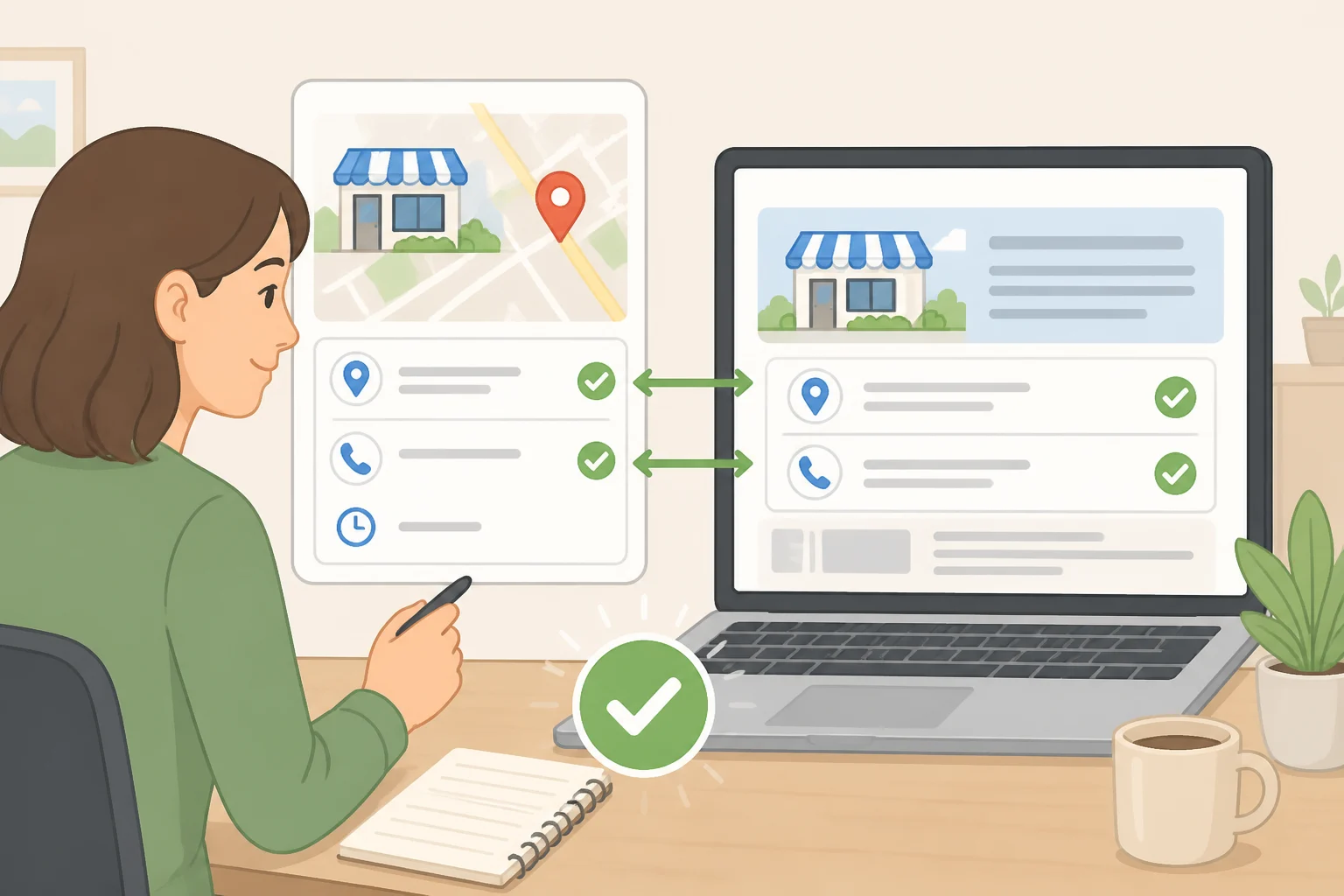
Start off the platform entirely. Look up the business's own website, if it has one, and search the company's name alongside "scam" or "fraud." That's a basic check the FTC recommends for any unfamiliar company before you buy from or hire it (FTC Consumer Advice).
Then verify contact details independently, not just visually. If the business has its own website, call the number listed there rather than the one shown on Maps, and check whether the address, business name, and service category match across both. Neither Google nor the FTC has published this as a formal fraud test, but it costs little and can catch a fabricated or hijacked listing before you commit to one.
If a business has no independent website, look for it somewhere else public, a licensing directory, a property manager's listing, a chamber of commerce page, and call the number found there instead of relying on Maps alone.
A mismatch doesn't automatically mean fraud. But given how many inaccurate edits Google says it blocks in a given year, a listing that currently looks clean isn't the same as one that's confirmed accurate (Google Blog, earlier this year).
Read reviews for patterns, not scores. Google says that when it detects a sudden spike in spam reviews, it removes the fake content, pauses new reviews on the profile, alerts the business owner, and displays a notification banner explaining the pause (Google Blog, earlier this year). Seeing that banner, or a cluster of nearly identical reviews posted in a tight window, is a reason to look elsewhere before treating the star rating as meaningful.
For anything urgent, a locksmith, a tow truck, an emergency plumber, treat the next steps as practical judgment calls rather than a research-backed test: ask for the company's legal business name, get a price range over the phone, and treat a large gap between that quote and the price given on arrival as a reason to send the crew away. Neither Google nor the FTC publishes data on how well these habits work, but they take half a minute and close off the easiest opening for an in-person overcharge.
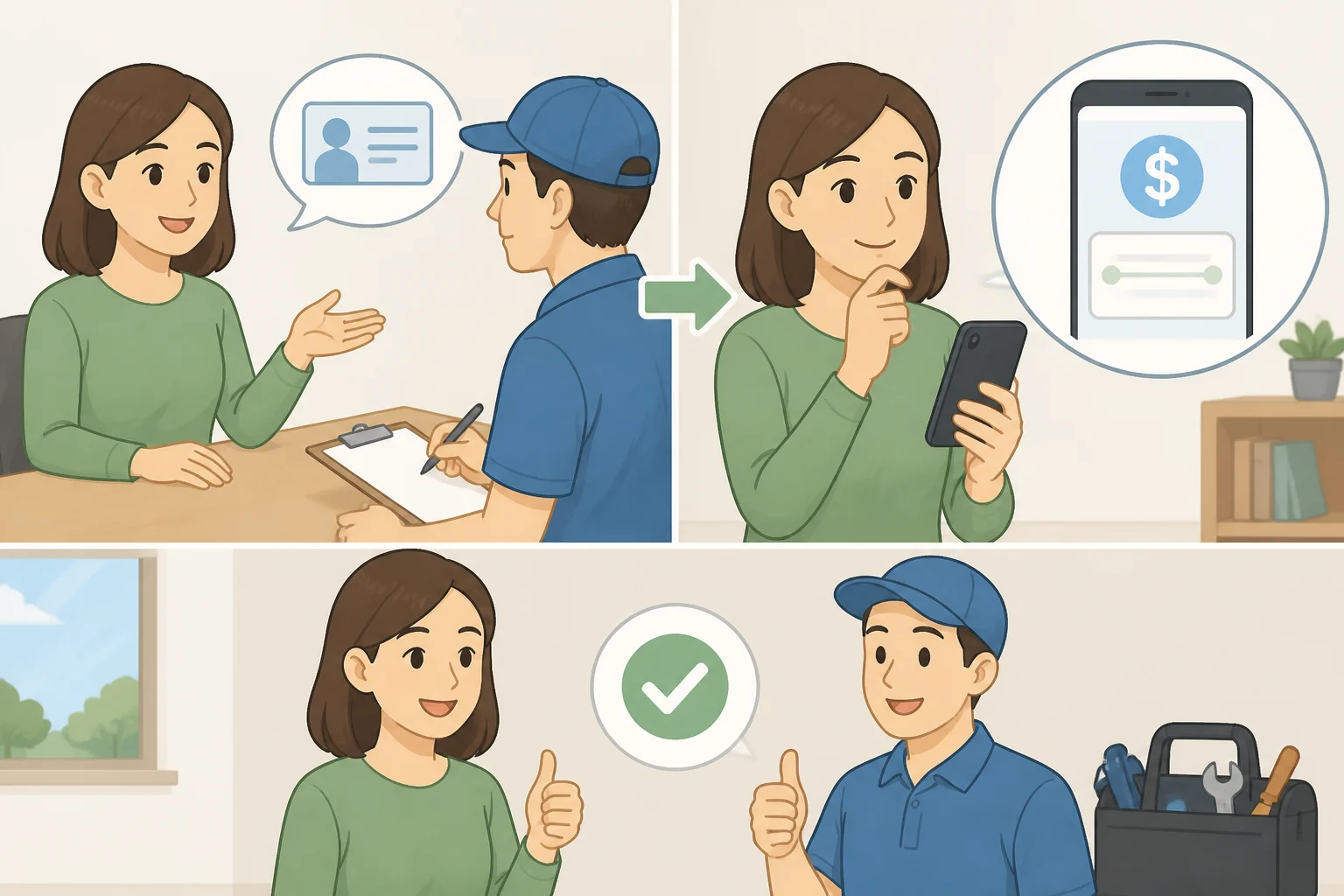
Choose a payment method that leaves you a way out. The FTC recommends paying by credit card rather than cash, a wire transfer, or a payment app (FTC Consumer Advice), since a card charge can potentially be disputed if the work is misrepresented or never delivered. Whether a dispute succeeds depends on the issuer, so treat this as risk reduction, not insurance.
None of this needs to be exhaustive every time. Treat it as a rule of thumb, not a validated test: a single inconsistency, a slightly different address format, a minor spelling variation, can be an honest error. Two or more mismatches, say a phone number that doesn't match the company's own site plus a cluster of generic-looking reviews, is a reasonable point to stop and verify the business through another channel before you call or pay.
Why Google's Maps scam defenses still miss things
Maps only stays useful because people keep it updated, and that same openness is what scammers exploit. Users contributed more than 1 billion reviews and suggested 80 million profile updates in 2025 (Google Blog, earlier this year), and Google was already fielding roughly 20 million contributions a day across Maps and Search back in 2023 (Google Blog, 2024). A platform that lets anyone suggest an edit has to sort good-faith updates from bad ones at a volume that would be difficult for human reviewers to handle alone.
That's where Google's AI screening comes in. A model trained with Gemini flags suspicious profile edits, like the cafe-to-plumber switch, before they publish, and Google says it has already blocked thousands of them (Google Blog, last year). The review-spike banner and proactive edit alerts for verified owners were rolling out globally as of Google's most recent Trust & Safety update (Google Blog, earlier this year). Google said the protections were rolling out globally, so availability may vary depending on where you are.
Beyond product changes, Google has taken bad actors to court, including the group behind the locksmith takeovers and the actor behind the 350-plus fabricated profiles cited earlier (Google Blog, 2023). Business owners face a mirror-image version of this problem too: Google says it has sped up detection of scammers who threaten to bury a business in fake one-star reviews unless the owner pays to make them stop (Google Blog, earlier this year). That's a different scam from the one facing someone searching for a locksmith at midnight, but it's part of the same enforcement push.
Those figures measure moderation activity, not consumer losses. None of them count how many scams reached a real customer, or how much money changed hands first. AI screening is a helpful layer. It doesn't guarantee that every suspicious listing will be caught before a consumer sees it.
What to do if you already paid a scammer found on Google Maps
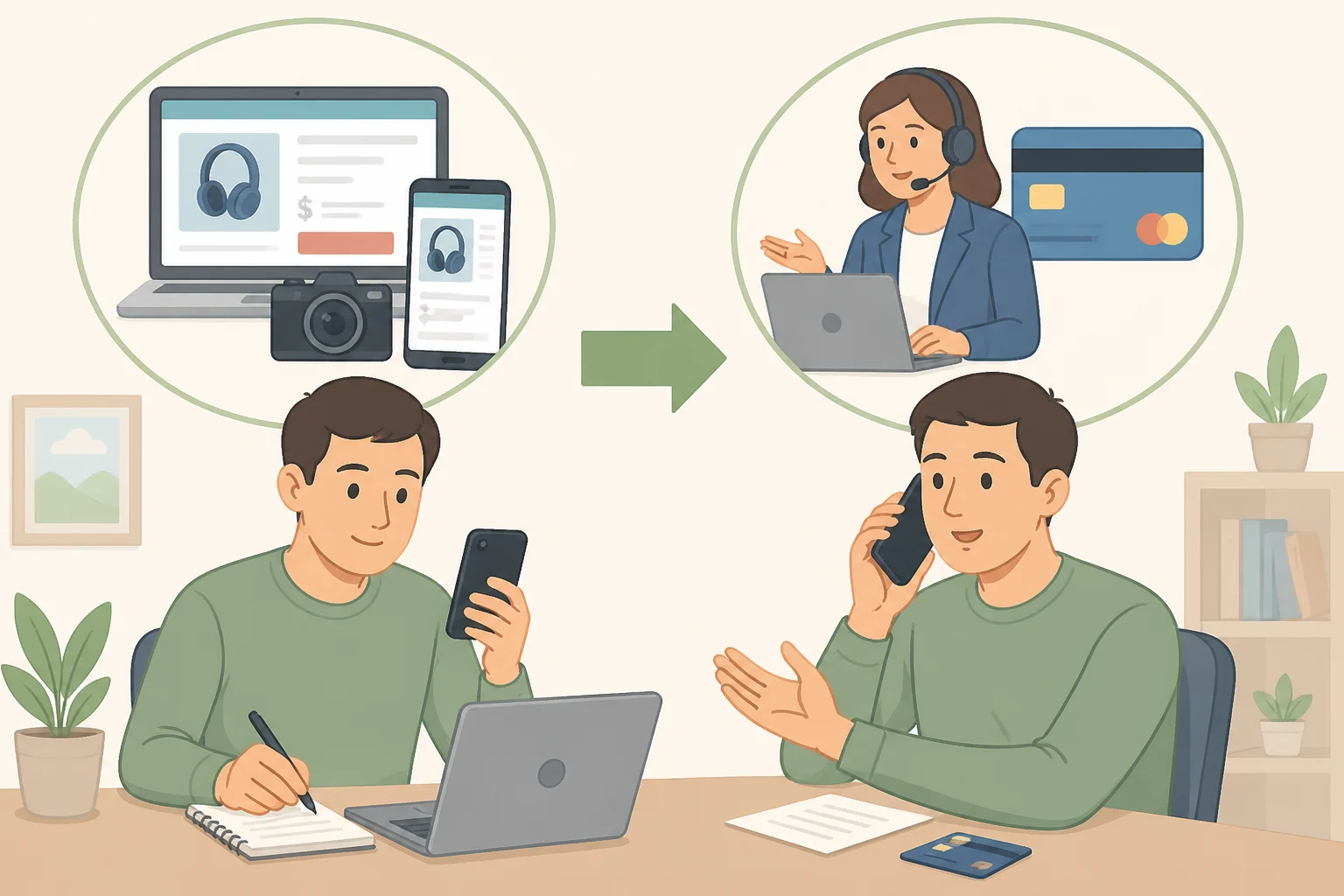
Preserve the evidence before anything disappears. Screenshot the listing, and hold onto any texts, receipts, or confirmation messages. The FTC recommends keeping a full record of the company's name, its website, and what you paid (FTC Consumer Advice).
If you paid by credit card, contact the issuer promptly and ask whether the charge can be disputed. Explain what was promised and what actually happened, and hand over the records you saved. The issuer decides whether a dispute qualifies and what documentation it needs, so the more specific you can be, the better.
Report the listing to Google using the report-a-problem or "suggest an edit" option on the profile itself, so it can be reviewed and potentially taken down.
File a report with the FTC at ReportFraud.ftc.gov. The agency positions this as the place to flag a seller that hasn't lived up to what it promised (FTC Consumer Advice).
A listing is a lead, not proof
Fake, hijacked, and inflated listings all wear the same disguise: a working number, a plausible address, a few stars. Google's defenses keep improving, but the company's own reporting shows they're still rolling out unevenly and still missing things before they reach a consumer (Google Blog, earlier this year).
Before you call, verify the number and address outside Maps. If the details conflict, pause. If you've already paid, save the evidence and contact your payment provider promptly.