How long does a Steam Deck last? LCD battery life explained
"How long does a Steam Deck last?" is actually three separate questions stacked on top of each other: does the hardware keep working, how much battery capacity has it lost, and does a handheld with a fixed performance ceiling still keep pace with games that get more demanding every year? There's no manufacturer lifespan study or large-scale teardown data to answer any of those cleanly. What exists is a pair of detailed hands-on reviews and one broad owner survey, and each covers a different piece of the picture.
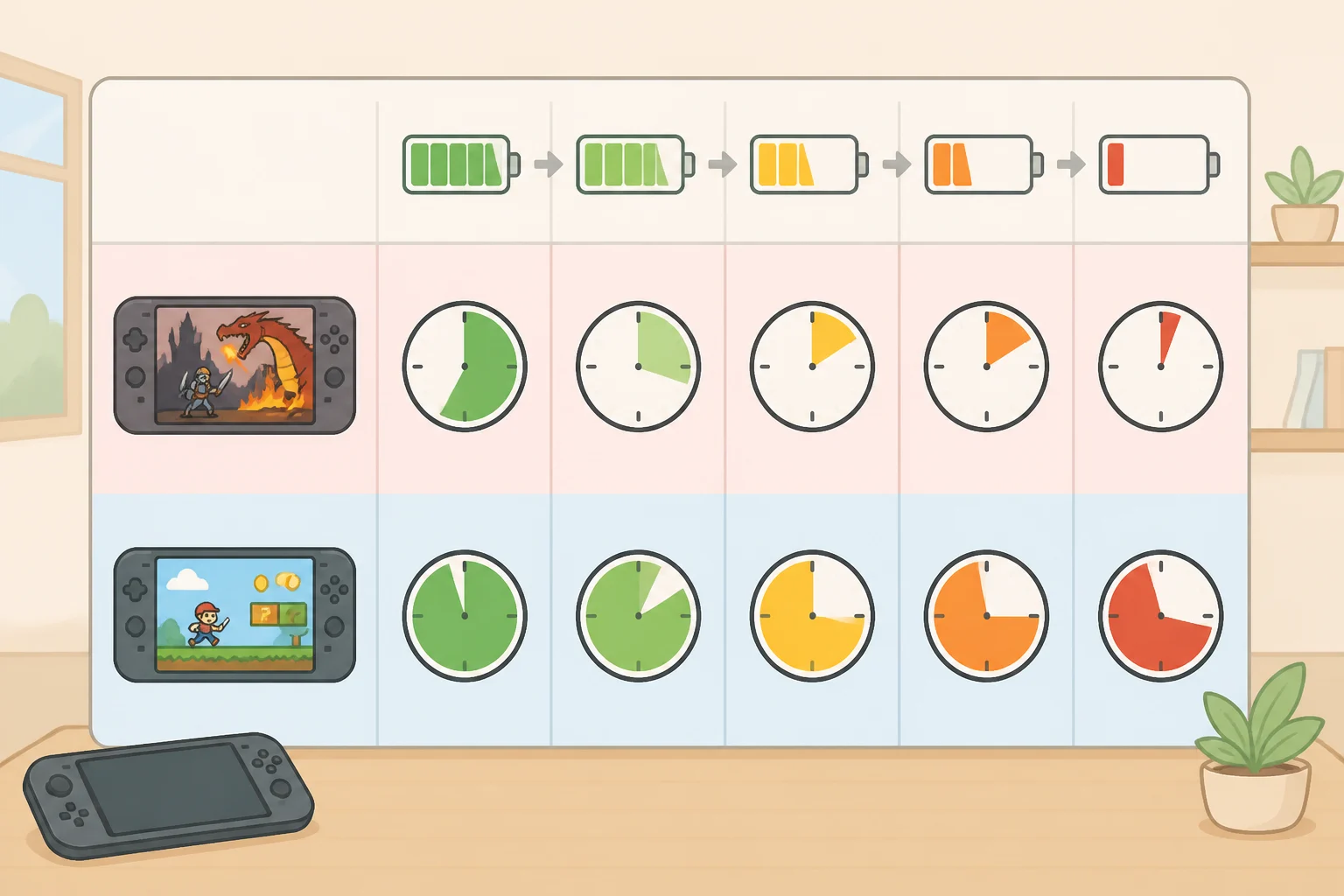
This piece treats continued gaming usefulness as separate from physical wear, because a Steam Deck's performance ceiling doesn't move with age even as new releases ask more of the same chip. Runtime, not sudden hardware failure, is the clearest aging-related signal available in the sources reviewed here. Android Police found, in 2024, that a demanding game like Spider-Man can drain an LCD Deck in under two hours, while a lighter game such as Stardew Valley can approach the advertised eight-hour runtime. Game choice swings runtime as much as age might, which is worth ruling out before blaming a short session on a worn battery.
What follows works through what's actually documented about physical durability, why battery-degradation percentages circulating online can't be verified from the available sources, a settings test worth running before assuming the battery has failed, and a decision path for keeping, tuning, repairing, or upgrading, plus a short checklist for buying a used unit. Three threads run through all of it: whether the hardware keeps working, how much the battery has worn down, and whether the fixed internals still run the games someone wants to play. The first two depend heavily on how an individual unit has been handled and charged; the third is closer to a hardware constant, though none of the sources reviewed run a controlled old-versus-new comparison to confirm exactly how that holds up over time.
How long does a Steam Deck last in real-world use?
Video of the Day
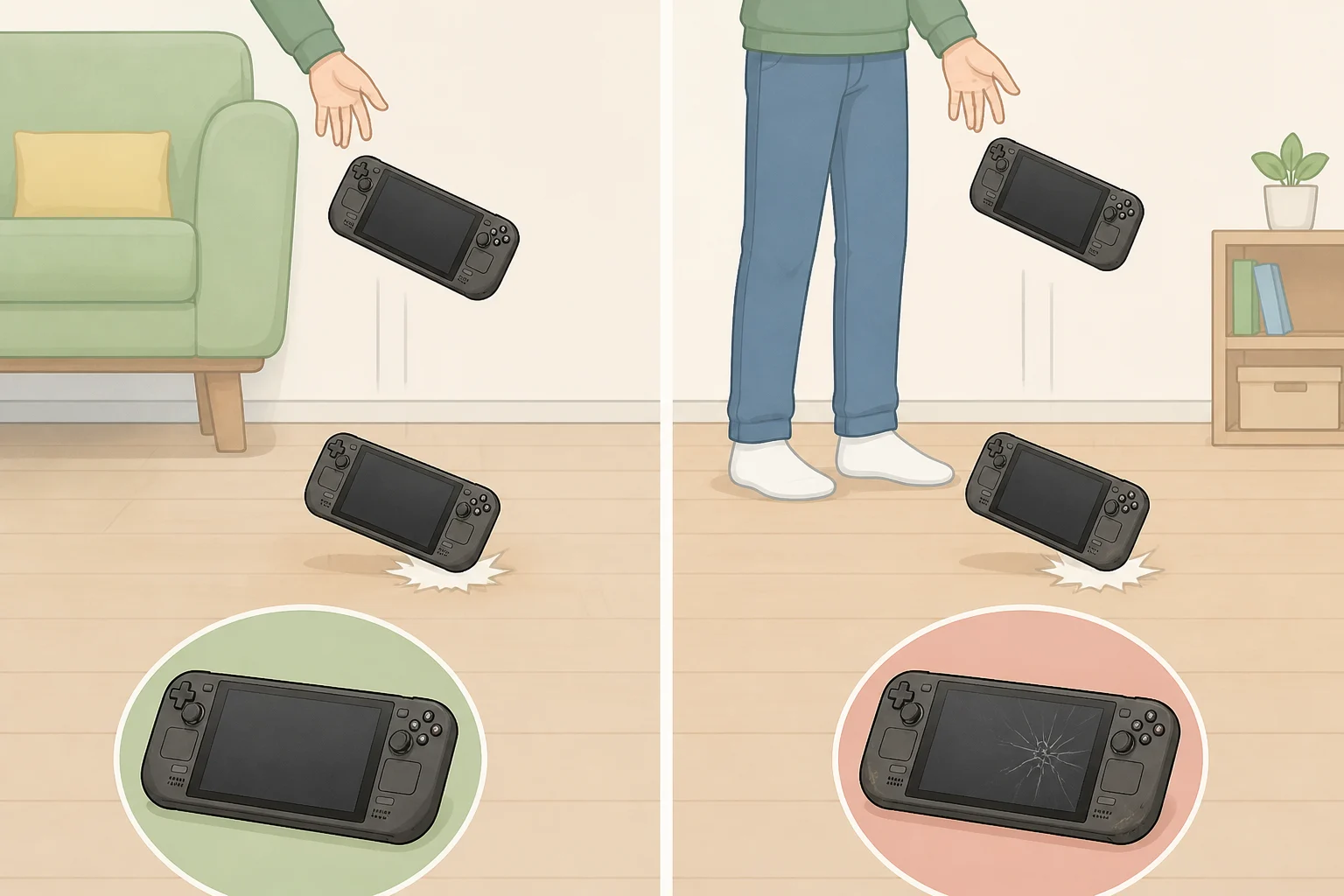
None of the sources reviewed here include failure-rate data on the issues most owners eventually ask about: joystick drift, trigger or bumper wear, trackpad response, fan noise, USB-C port wear, or SSD health. That's a gap in what these sources document, not proof those problems are rare or common. Without a dedicated durability study or teardown data, there's no broad claim to make about how the hardware holds up beyond the device's original spec sheet.
A wider owner survey offers one data point adjacent to durability, even if it doesn't measure wear directly. Just over 3,800 Steam Deck owners responded to a survey run across three weeks in late 2024, and average satisfaction landed at 8.92 out of 10, per an Overkill.wtf survey. That's a wide sample suggesting most long-term owners aren't souring on the hardware, though the survey wasn't designed to isolate battery wear or failure rates by device age.
Separate from wear entirely, graphically demanding games such as Baldur's Gate 3, Cyberpunk 2077, and Hogwarts Legacy reportedly require full power and return a reported runtime of around two hours on the LCD Deck, according to a Kaytomas review published in early 2025. None of the sources reviewed here compare an old Deck against a new one directly, so that two-hour figure should be read as a description of runtime under heavy load on the units these reviewers tested, not confirmation that hardware age plays no role at all.
Video of the Day
Steam Deck battery degradation: why no one has measured it
No manufacturer battery-health data, warranty-claim statistics, or testing across multiple units at defined ages appears anywhere in the sources reviewed for this piece. That's a real gap, especially since the original LCD Steam Deck launched in February 2022 and the oldest units in circulation are now roughly four and a half years old.
What is documented is a spec and a workload pattern, not a decay curve. The LCD Deck ships with a 40Wh battery, according to Kaytomas, which lines up with Android Police's description of a 5,200mAh cell it called comparable in scale to the battery inside a Galaxy S24 Ultra, per its 2024 review.
Both outlets point to workload, not age, as the dominant factor behind runtime swings. Android Police found that heavy games can kill a healthy unit in under two hours while light titles stretch close to the advertised eight, and Kaytomas found full-power AAA titles returning roughly two hours regardless of the settings tricks that help lighter games run longer. Neither source measured the same unit at two different points in its life, so neither confirms how runtime on a given Deck changes purely from age.
Any specific battery-degradation percentage circulating online, the claim that a Deck loses some fixed share of capacity after a certain number of charge cycles, isn't something the sources reviewed here can verify. Treat figures like that as unconfirmed anecdotes until an independent test tracks the same unit's capacity across multiple years.
How long will a Steam Deck battery last after years of use? A test worth running first
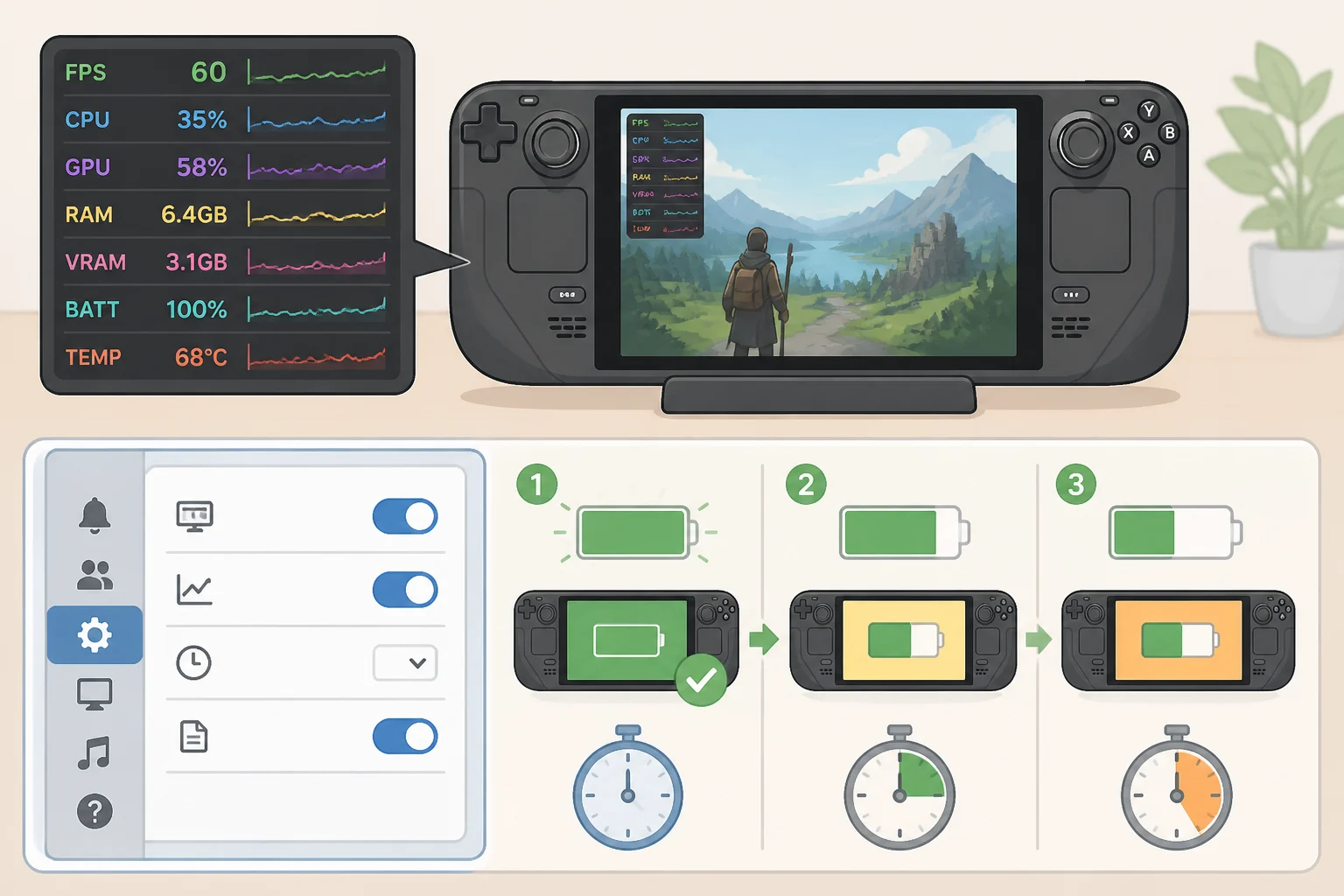
Before assuming a battery has failed, it's worth ruling out one explanation first: whether current settings, not the battery, are shaping a short session. SteamOS includes a Performance overlay that estimates remaining runtime based on current settings and power draw, according to the Kaytomas review.
Capping the in-game frame rate, setting a system-level FPS limit, or restricting total APU wattage can stretch a lighter game like Hades across a roughly six-hour session, per that same review, which frames this as useful for something like a long flight. Kaytomas reports around two hours of runtime for Baldur's Gate 3, Cyberpunk 2077, and Hogwarts Legacy when those games demand full power, but the review doesn't test what happens to them once frame rate or wattage is capped. There's no evidence from this source that settings management closes the gap for demanding games the way it clearly does for lighter ones.
This is a workload consistency check, not a battery-health test. It can surface a repeatable runtime problem, but it can't measure how much capacity the battery has actually lost; the sources reviewed here don't describe a standardized way to read a battery-health percentage directly on a Steam Deck. Improved runtime after capping settings mainly indicates that reducing the workload affected power draw, not that the battery itself is fine.
A useful version of this test logs more than the final runtime number. Note the starting charge percentage, screen brightness, the frame-rate or wattage cap in use, whether the session is active gameplay or idling at a menu, whether Wi-Fi or a background download is running, and roughly what temperature the room is. Time how long it takes to drop from 100 percent to 80 percent and to 50 percent, not just when the Deck dies. Run the same game with all of that held constant across two or three sessions, and compare the results to each other rather than to the advertised runtime printed on the box.
This is an editorial troubleshooting protocol built from the sources above, not a validated battery-health test, so a repeatable shortfall is a reason to investigate further, not a diagnosis on its own. If runtime still falls short for the games actually being played, and that shortfall repeats across the logged sessions, that's what justifies looking into battery replacement or a professional diagnosis. One inconsistent result doesn't prove anything by itself.
Keep it, tune it, repair it, or upgrade
Once the logged test shows a repeatable pattern, it points toward one of four outcomes.
Keep it as-is. If the test matches expectations for the game and settings used, there's no evidence pointing to a battery problem. Software support remains a real strength of the platform, according to Android Police's 2024 review, which points to Valve's ongoing updates as part of what keeps the Deck worth owning years in.
Tune the settings. If the shortfall disappears once frame rate or wattage is capped, the fix is workload management, not a hardware fault. Shorter sessions in full-power AAA titles match what Kaytomas describes as expected behavior for that kind of game, not a sign something is broken.
Replace the battery. Worth pursuing only once a shortfall repeats across the logged sessions, not after a single bad run. None of the sources reviewed here include verified pricing or installation time for a battery swap, so get a current quote and a real parts list before opening the case rather than relying on a number seen in a forum post or review.
Upgrade for modest battery gains. The OLED model returns somewhat better battery numbers than the original LCD Deck, though Android Police describes the improvement as "better, but not by much." That makes this path a fit for owners chasing incremental runtime or other hardware changes, not anyone expecting the battery problem to disappear entirely.
Buying a used Steam Deck: what to check first
A used listing adds a fifth question on top of the four above: is this specific unit worth buying at all? Plug it in and watch how it charges, then run a demanding game for a short stretch as a screening step. That check may reveal an obviously failing unit, but it doesn't establish long-term battery health, since none of the sources reviewed here define what normal wear looks like at a given age.
Test the joysticks, buttons, and charging port in person. Failure rates on those parts aren't covered in the available research, so there's no baseline to compare against, just a hands-on check. Treat any battery complaint from a seller as something to negotiate on rather than an automatic dealbreaker, and don't assume a quick charge-and-drain test proves anything beyond "this unit isn't obviously broken today."
What to do now
There's no reliable universal number for how long a Steam Deck lasts. Runtime depends heavily on workload, and no source reviewed here tracks verified battery-capacity loss on the same unit over multiple years, so any specific degradation percentage seen online should be treated as unconfirmed. Run a representative game at matched settings across a couple of sessions, log the conditions, and compare the results to each other rather than to the advertised runtime on the box; that test rules out settings as the culprit, but it doesn't measure actual capacity loss.
Only pursue a battery replacement or professional repair if the shortfall repeats across multiple logged sessions. If buying used, treat the charge-and-drain check as a first screen, not a verdict, and verify the sticks, buttons, and port in person before handing over money.