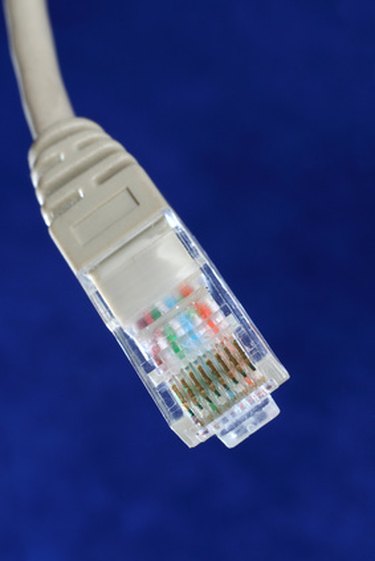
A crossover cable is used to connect two network cards directly without the need to use a hub or switch. Ubuntu is a Linux distribution; its ease of use and good support make it popular with beginners and power users alike. You can use a crossover cable to use the Ubuntu as a server for testing networking software on your Ubuntu server. You will have to configure the IP address manually in order for the two computers to communicate with each other.
Windows
Video of the Day
Step 1
Connect the crossover cable to the network port of both the Ubuntu and the Windows computers.
Video of the Day
Step 2
Go to the "Start" menu and type "netcpl.cpl" in the "Run" or "search programs and files" field and press "Enter."
Step 3
Right-click on "Local Network connection" and select "Properties."
Step 4
Select "TCP/IP V4" and click "Properties."
Step 5
Select "Use the following IP address" and enter 192.168.1.1 in the "IP address" field.
Step 6
Click on the "Subnet mask" field to fill it automatically. Click "OK."
Ubuntu
Step 1
Press "CTRL + ALT + F1" to open a terminal.
Step 2
Type "sudo ifconfig eth0 192.168.1.2 netmask 255.255.255.0 up" and press "Enter."
Step 3
Type your password and press "Enter."
Step 4
Press "CTRL + ALT + F7" to go back to the graphical interface.