Current RSS Reader Explained: Is the Calm Timeline Right for You?
There's a design decision buried inside almost every RSS reader that makes leisure reading feel like work. It was imported from email clients in the early days of feed readers, and it's the reason opening your feed reader sometimes produces a small, irrational dread: the unread count. That number climbing in the corner of an app you opened to relax.
The Current RSS reader is built around a single argument against that design. Developer Terry Godier framed its goals as "calm, clarity, and relief from the pressure to stay current on everything" language that treats the problem as emotional before it's technical, as Defiant Sloth noted earlier this year. Writer Dan Q has a name for what Current is fighting: "phantom obligation." Feed readers borrowed the visual language of email bold unread items, accumulating counts, the sense of a backlog and imported the anxiety without any of the underlying stakes. In email, an unread count represents social debt; someone real is waiting on you. In RSS, no one sent you anything.
Current is not alone in making this argument. Reeder rebuilt itself around a similar philosophy in 2024, replacing read/unread tracking with timeline-position sync, as MacStories reviewed. The design direction is real. So are its limits.
This guide explains what Current actually changes in day-to-day use, how to know whether its model fits your reading habits before you commit, and how to configure it if it does. If it doesn't fit, there are two alternatives worth knowing about.
Is the Current RSS reader right for you?
Video of the Day
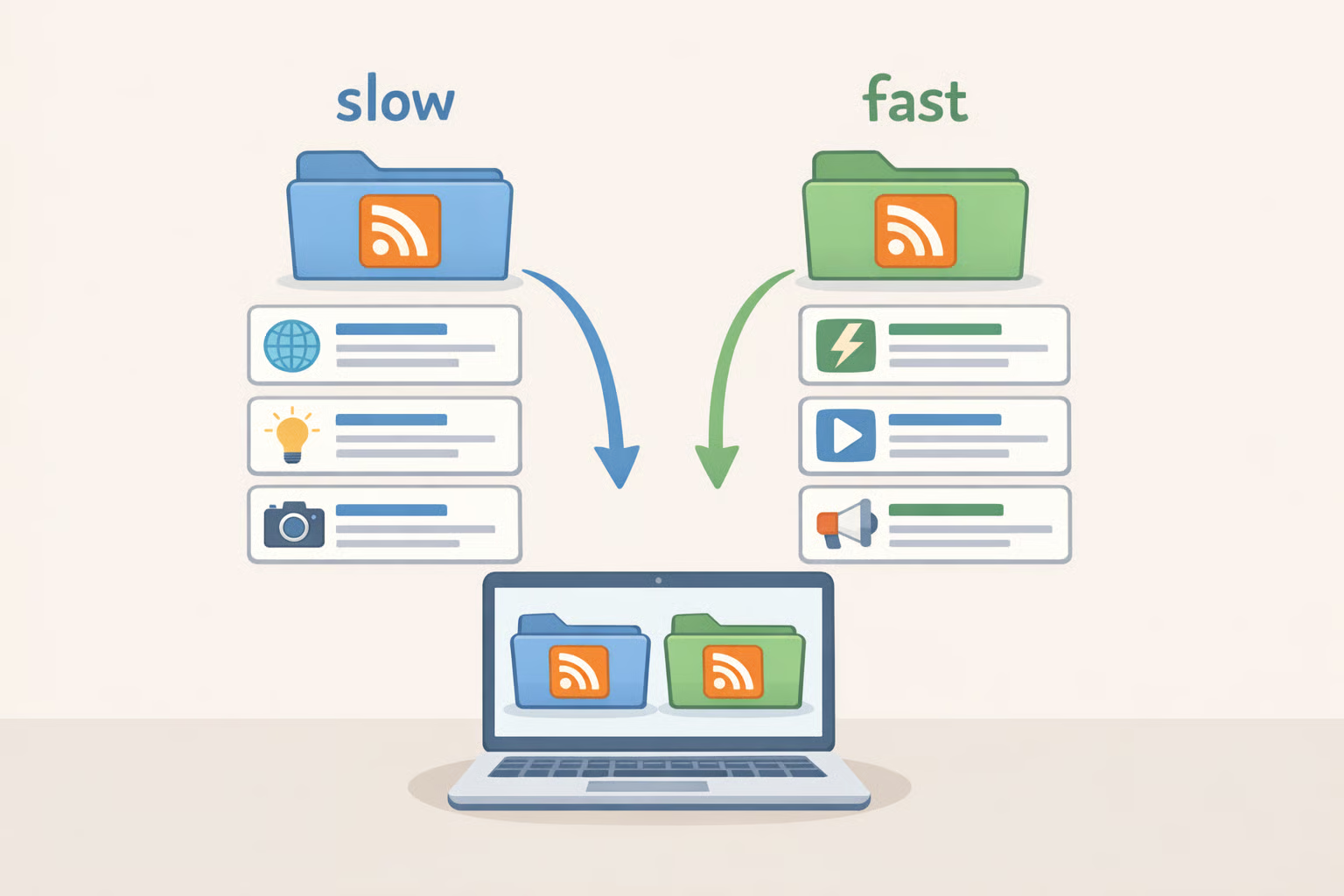
Start here before touching any settings. The calm-timeline model Current is built on works well for one type of reader and poorly for another. Knowing which one you are saves a migration you'll just reverse.
Dan Q draws the sharpest practical line: he separates subscriptions into "slow content" (blogs, webcomics, long-form writing things with no expiry date) and "fast content" (software updates, time-sensitive alerts, anything genuinely needed same-day). Current's design maps almost exactly onto the slow-content category, he argues. That's not a criticism it's a scoping decision. The problem comes when you ignore the boundary.
One writer who spent about 18 months using Reeder's unified timeline the closest documented analog to what Current offers concluded that different content types genuinely demand different reading modes, and that a single interaction model doesn't suit all feed types, per Defiant Sloth. The practical consequence is predictable: when unified timelines mix blog posts with high-volume social feeds, the long-form content gets buried. A social media timeline can generate hundreds of posts per day; mix that with a blogger who publishes occasionally, and the blogger disappears, as Shellsharks observed.
Use Current if:
- Your feeds are mostly blogs, newsletters, and long-form writing you read at your own pace
- None of your subscriptions require same-day attention
- Chasing "inbox zero" is habit rather than genuine need
- Your subscription list is curated and relatively low-volume
Don't use Current (at least not alone) if:
- Clearing an unread count gives you closure you actually want. One longtime RSS user described returning to NetNewsWire specifically because unread counts provide "dopamine with a checkbox," as Island in the Net put it last year
- You follow high-volume feeds alongside quieter writers and need to surface both reliably
- You have any feeds that are genuinely urgent security advisories, deployment alerts, time-sensitive reminders that need signals, not streams
One trap worth flagging before you start: the calm-timeline model only holds if you stay in the timeline. Current does offer ways to view individual voices or feeds directly, but the moment you start drilling into them to check on a specific writer, the anxiety reasserts itself through a different interface. Defiant Sloth noted the same pattern with Reeder once you start checking individual feeds for FOMO reasons, the behavior reverts to exactly what the app was designed to replace. The timeline is the product. Either use it that way, or the model doesn't hold.
Video of the Day
What Current changes in day-to-day use

Current is explicitly designed to move away from the email-style triage view, de-emphasizing unread counts and feed hierarchies rather than organizing content through them, per Defiant Sloth. What that means in practice is best understood through Reeder's redesign, which is the most thoroughly documented public implementation of this model. Reeder eliminated the concept of read versus unread entirely no badges, no bold text for new items, no backlog. You scroll up to see what's new; your position syncs across devices so you resume where you left off, MacStories confirmed. The organizational hierarchy flattens too: Reeder auto-groups subscriptions by type but doesn't allow manual folder organization, trading fine-grained control for a simpler view.
Current is designed around these same principles. The specific implementation details exactly which feed-level controls exist, how individual voices are surfaced, what per-feed options are available are not yet fully documented in public reviews. Verify anything you'd rely on for must-read writers directly in the app before committing.
What the model gives you, when it works: reading becomes something you do when you open the app, not a debt you work through. A backlog stops feeling like failure because the concept of a backlog ceases to exist. You scroll as far as interest takes you, stop, and pick up tomorrow without guilt. Long-form content can get a fairer read in a carefully pruned, low-volume timeline when the stream isn't structured around urgency signals, quieter posts compete on equal footing. The intended effect of the design is that feed management overhead largely disappears alongside the counts and folders that drove it.
The costs are real too. Per-feed confidence weakens the "favorite writer lost in the stream" problem isn't hypothetical. Defiant Sloth described exactly this: the pain of missing a favorite writer buried in a single feed, which they documented as a genuine limitation of both Current and Reeder's model. And for readers who find closure in emptying a queue, a timeline without a finish line feels structurally unresolved. That's a feature to some people. To others it's the reason they'll end up back in NetNewsWire.
How to set up Current for the reading style it's designed for

This setup process is less about configuring an app than redesigning your reading habits first. The configuration follows the habits, not the other way around.
Prerequisites: A curated list of feeds you plan to subscribe to, and a rough mental sort of which ones are slow (no urgency) versus fast (same-day relevance). Do this before opening the app.
Step 1: Add your feeds.
If Current supports OPML import, use it to bring subscriptions over in one batch. Check the app directly for this capability OPML import is confirmed for Reeder, per MacStories, but not for Current in available public documentation. If OPML isn't an option, plan for manual setup. Either way, treat the initial import as a rough starting point, not a finished configuration.
Step 2: Prune before you read anything.
Do this immediately, before the timeline has a chance to form bad habits for you. High-volume feeds active social timelines, prolific news aggregators, subreddits with constant activity will dominate the stream and undermine the calm model before it gets started. When blog posts and social posts compete in a single chronological timeline, the higher-frequency content wins by sheer volume, as Shellsharks observed. Remove or defer anything generating noise you wouldn't sit down to read.
Step 3: Separate slow from fast content.
Work through Dan Q's framework explicitly: every remaining feed is either slow (blogs, newsletters, long-form no time pressure) or fast (anything you genuinely need same-day). This distinction drives every decision that follows, he explains. It's worth doing on paper or in a notes app, not just mentally.
Step 4: Route fast feeds somewhere else.
Current is not the right home for anything requiring same-day attention. Dan Q handles this by keeping unread badges active only for a small set of high-priority categories in FreshRSS, suppressing them everywhere else via custom CSS a hybrid system that gives urgency signals only where they're warranted, as he describes. Apply the same logic here: route genuinely urgent feeds to a purpose-built alert system, a separate reader, or a notification. Don't compromise the calm timeline by forcing it to do a job it wasn't designed for.
Step 5: Use the timeline as the primary surface and keep it that way.
This is the behavioral commitment the app requires. Resist checking individual feed views to hunt for a specific writer that's the pattern that reintroduces anxiety through a different door. The moment it starts, FOMO returns and the behavioral pattern reverts to exactly what Current was built to replace, per Defiant Sloth. Stay in the timeline. That's the product.
Current vs Reeder and other alternatives: three options with different tradeoffs
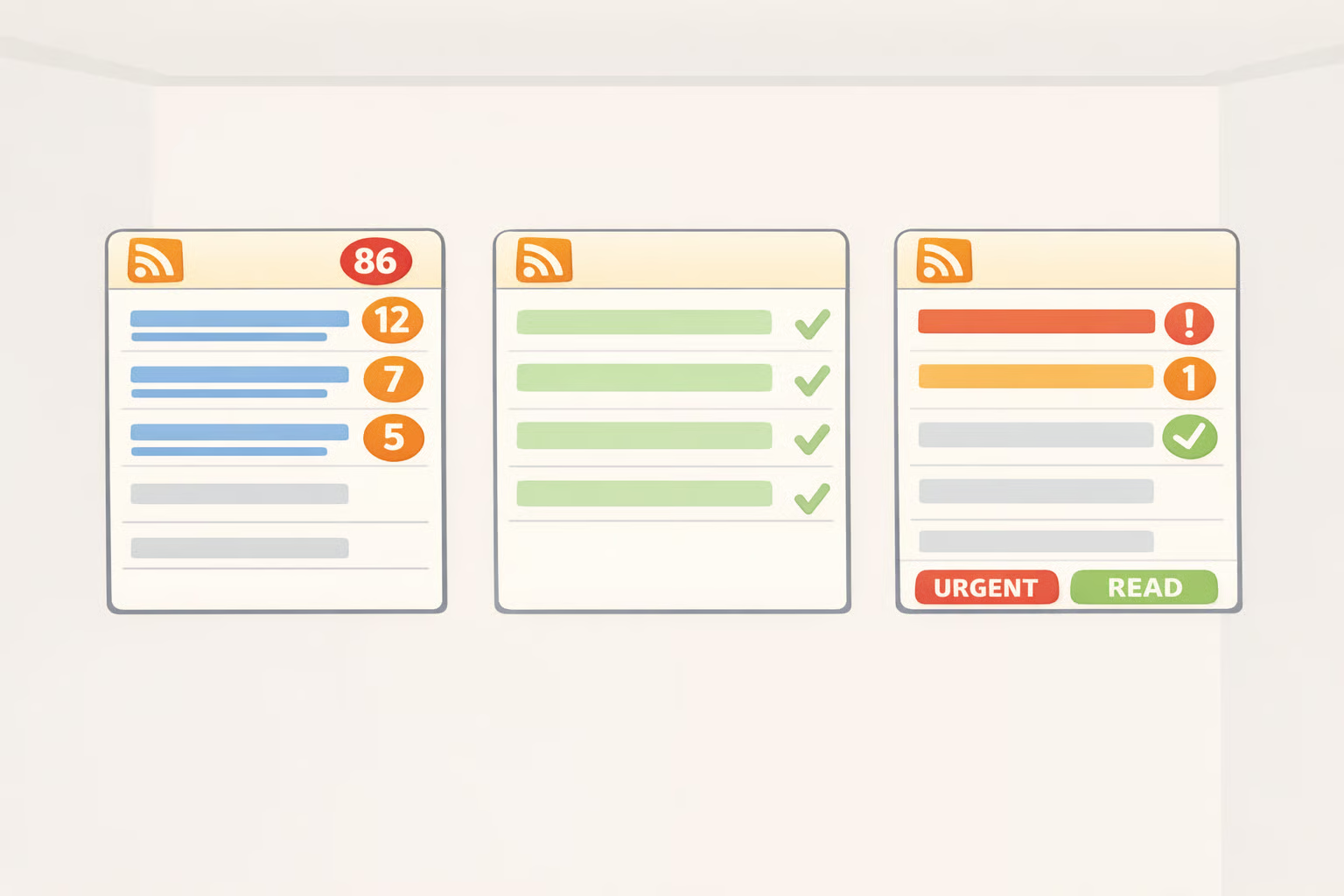
The section heading says three, not two the draft had a mismatch there. Here's what's actually worth considering.
For readers who want completion and per-feed control: NetNewsWire
NetNewsWire operates on the unread-count model, explicitly and by design. It syncs with iCloud for zero third-party dependencies, or with Feedbin, Feedly, Inoreader, BazQux, NewsBlur, and FreshRSS if you prefer an external service, per Island in the Net. On macOS it supports full keyboard navigation and AppleScript; on iOS it's fast and consistent. If crossing off items gives you clarity rather than stress, this is the reader built for that habit. One writer who returned to it after leaving Reeder put it plainly: unread counts are "dopamine with a checkbox," they wrote. Not a flaw if that's what you need.
For readers who want the calm-timeline model with broader content types: Reeder
Reeder shares Current's timeline-position philosophy but extends it to YouTube, podcasts, Mastodon, Bluesky, subreddits, and more. It's free for up to ten feeds; unlimited feeds plus shared timelines require a $1/month or $10/year Reeder+ subscription, MacStories confirmed. The tradeoff for the broader content range: connecting social services makes Reeder strictly read-only. No liking, boosting, or commenting; no algorithmic feeds or notifications for Bluesky, Shellsharks noted. Consumption only, not participation. If that framing appeals, Reeder is worth a look over Current for anyone who wants the calm model applied beyond RSS.
For readers who need fine-grained control over both modes: FreshRSS with custom CSS
Dan Q's approach FreshRSS running with unread badges suppressed everywhere except a small set of priority categories produces a reader that feels, in his words, "a little like a library, a little like a newsstand, a little like a calendar." It requires configuration investment, but it gives explicit control over which feeds carry urgency signals and which don't, as he explains. If your subscriptions span both slow and fast content and no single app covers both well, this hybrid approach is worth the setup cost.
What this actually comes down to
Current's design makes a persuasive argument: RSS is not email, unread counts in a feed reader represent no actual social obligation, and the anxiety they generate is an artifact of a decades-old UX shortcut borrowed from email software to reduce the learning curve, per Dan Q. Whether Current executes that argument well for your specific feed list is a separate question, and one that depends almost entirely on what you subscribe to.
The practical test is an audit, not a review. If the majority of your subscriptions are blogs, newsletters, and long-form writing you read when you feel like it, Current's model fits. If you have a meaningful cluster of high-volume or time-sensitive feeds, grafting those into a calm timeline will break the calm before it has a chance to form, as Defiant Sloth concluded after extended experience with Reeder's version of the same model.
Current is new enough that some of its feature set remains underdocumented. Whether it can accommodate readers who need both slow and urgent feeds within the same app is still an open question, one Defiant Sloth flags directly. For now, treat it as a specialist tool optimized for one reading mode.
The test worth running: export your OPML file, sort your feeds into slow and fast before you touch any app settings, and run Current for two weeks against only your slow-content subscriptions. At the end of two weeks, you'll know whether the absence of completion signals feels like relief or like something is missing. That answer will tell you more than any review can.