How to Enable Firefox's New Redesign in Firefox 152
Mozilla's published material does not describe a switch to flip. Open Settings and look for the General page: if it has been replaced by Appearance, Accessibility, Languages, and Tabs and browsing, you already have the redesign.
That is the whole test, and it takes about thirty seconds. Searches for how to enable Firefox's new redesign tend to assume there's a hidden setting to switch on ahead of everyone else. Mozilla frames this differently: the redesign is rolling out in Firefox 152, and the company's own post doesn't detail how that staged rollout reaches individual installations (Mozilla, three months ago).
Two separate Firefox projects tend to get conflated in searches like this one. The reorganization covered in this guide is the one Mozilla announced for Firefox 152. Project Nova, the company's broader visual overhaul with a new color palette and a glow around the active tab, is a distinct effort Mozilla has only committed to for "later this year," with no build-specific ship date attached (Mozilla, four months ago). Treat the two as separate stories. Looking for Nova's color scheme inside today's Settings menu will just leave you disappointed.
This guide covers three things: how to tell whether your Firefox already shows the redesigned Settings menu, what actually moved and how to find it fast, and what Mozilla has documented, and hasn't, about Nightly as an early-access route.
What changed in Firefox 152's redesigned settings
Video of the Day
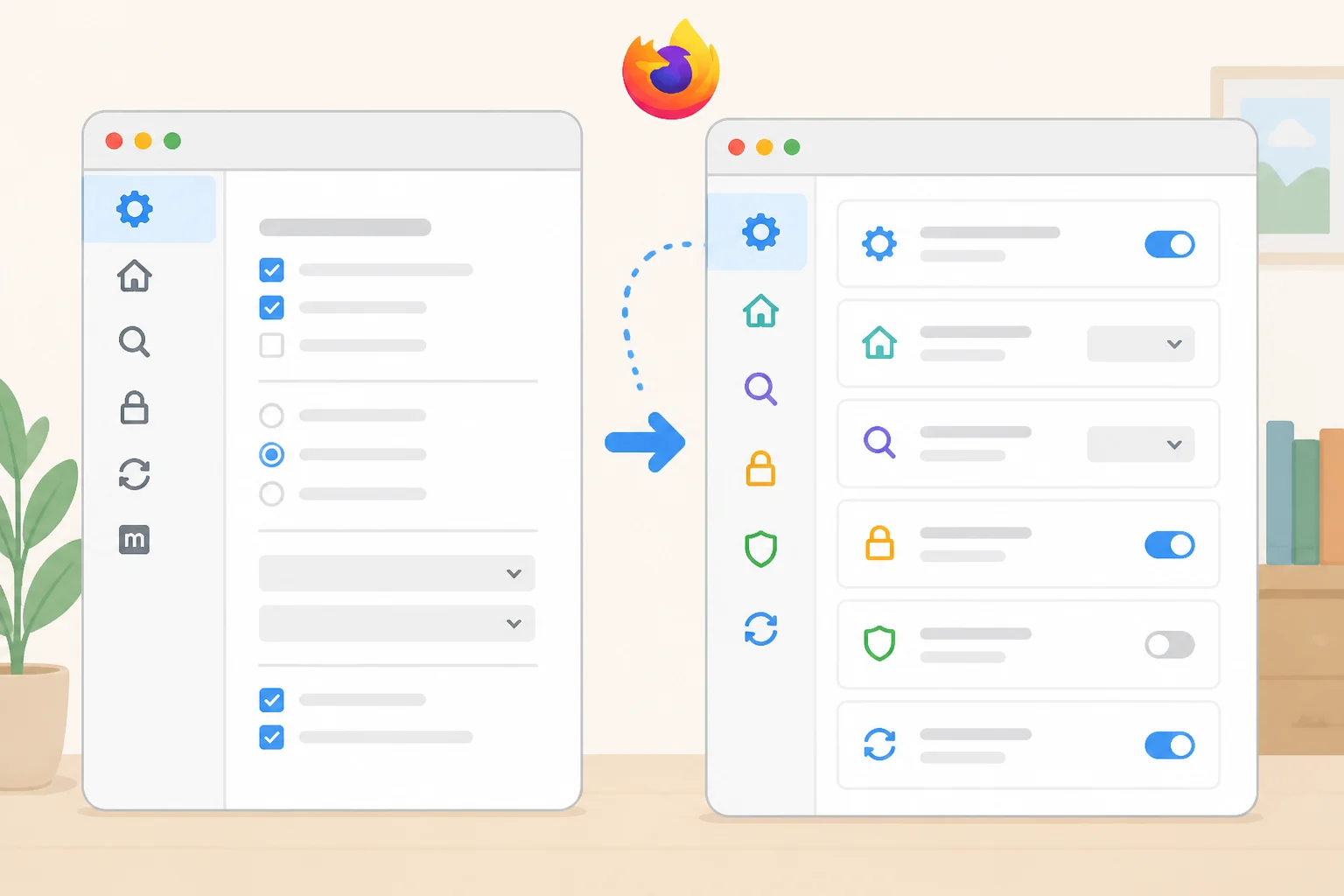
Mozilla says the old Settings layout had grown cluttered over time. Related preferences were scattered across different pages, and it wasn't always obvious where to look for a given option (Mozilla, three months ago).
The most visible change is that the long-standing General page has been retired. Many of its options moved into more specific areas, including Appearance, Accessibility, Languages, and Tabs and browsing (Mozilla, three months ago). Language settings, for instance, now have a page of their own instead of sitting inside a catch-all menu.
Beyond the reshuffle, Mozilla rewrote labels and descriptions and gave the Settings pages a more modern visual layout (Mozilla, three months ago). The pages read differently than they used to, not just look different.
If you've spent time tuning a custom setup, nothing there is at risk. Mozilla says existing preferences remain unchanged even where the option itself moved to a new page (Mozilla, three months ago). Your configuration carries over; it's just filed differently now.
None of this was an arbitrary reshuffle. Mozilla built the new structure on interviews, usability testing, card-sorting exercises, and usage-data analysis, plus community feedback gathered through Mozilla Connect and Reddit (Mozilla, three months ago). The company says the categories were informed by that research and feedback, though it hasn't claimed the final layout maps one-to-one to what testers went looking for.
Video of the Day
How to check whether you already have it
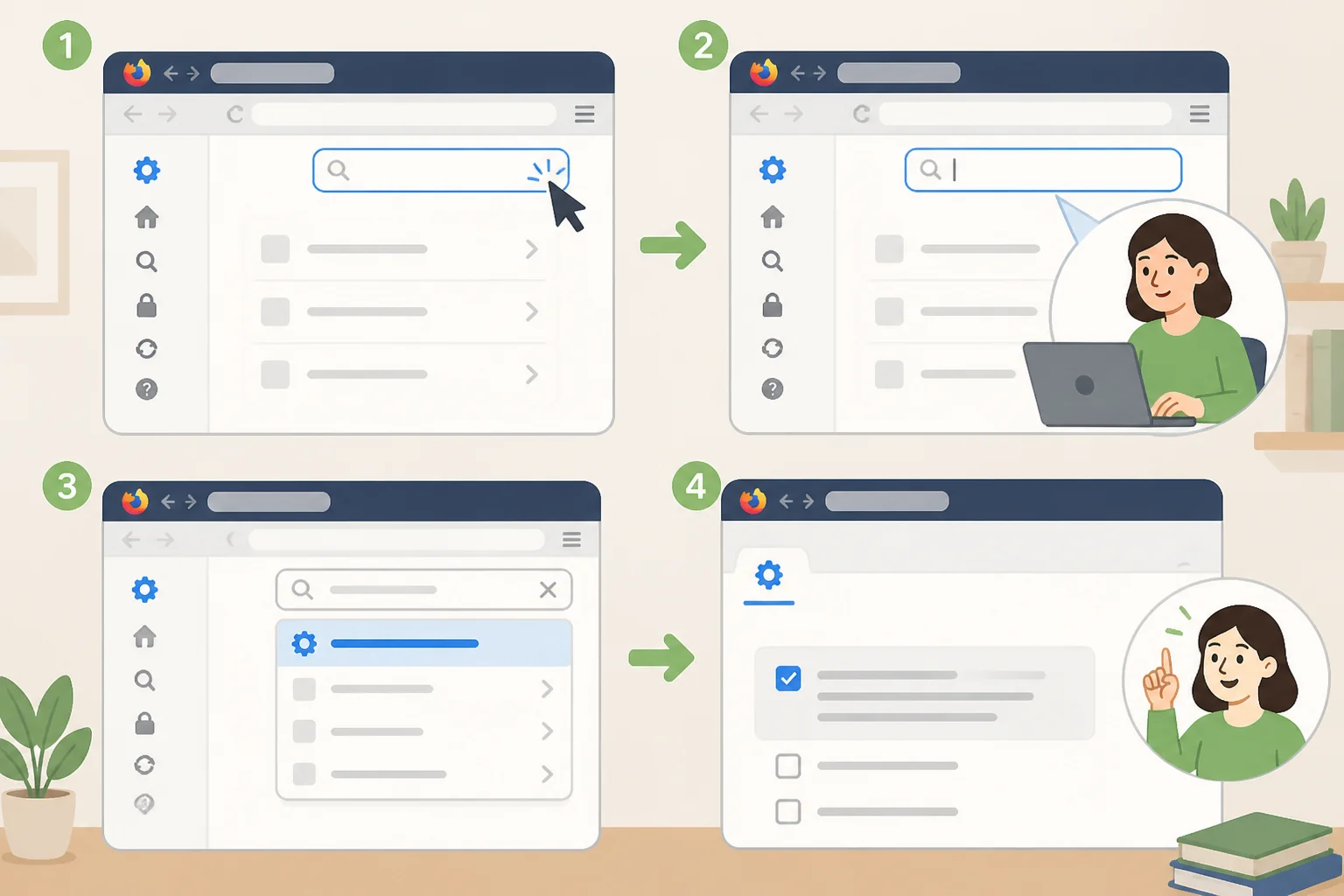
This check requires nothing beyond the Firefox install already on your machine.
- Open the Firefox menu and check for updates. Mozilla says the redesign is rolling out in Firefox 152, but the company hasn't published details on how that rollout reaches individual installations, so updating is the only documented way to give yourself a shot at having it already.
- Open Settings and look for a General page. If it's gone, replaced by Appearance, Accessibility, Languages, and Tabs and browsing, you have the redesign. Nothing else to do.
- Use the search bar at the top of Settings if something seems missing. Mozilla built the updated search so it can help you find settings that moved to new sections (Mozilla, four months ago). Type the name of the option you remember and let the search point you toward its new home.
- If General is still there after updating, your installation doesn't yet show the layout Mozilla describes. The cited posts don't explain how availability is sequenced across the Release channel, so check again after your next update rather than assuming something's broken.
Here's how that breaks down:
| What you see | What it means | What to do |
|---|---|---|
| General page is gone; Appearance, Accessibility, Languages, and Tabs and browsing appear instead | Your Firefox already shows the Firefox 152 redesign | Use the Settings search bar for anything that seems to have moved |
| General page still shows up after updating | Your installation doesn't yet show the layout Mozilla describes | Keep Firefox updated and check again after future releases |
| You're weighing early access through Nightly | Mozilla previewed this same reorganization in Nightly ahead of the Firefox 152 rollout | Check Nightly's current release notes before installing |
What is not documented
Mozilla's cited posts don't describe a manual toggle for Release users, don't mention a rollback option, and don't detail exactly how the staged rollout reaches specific installations. If your Settings menu still shows General after updating, that's consistent with a rollout still in progress, not evidence that anything's broken.
Nothing in the supplied material says how long that wait might run. Treat the absence of a documented timeline as exactly that: an absence, not a hidden deadline.
Firefox redesign early access: what Mozilla documented about Nightly

Nightly is the closest thing to an early-access path Mozilla has actually put on record, and the record covers a specific moment, not necessarily today's builds. Mozilla enabled the redesigned Settings experience by default for Nightly users starting the week of May 19, roughly a month before Firefox 152 began rolling out to Release (Mozilla, four months ago).
That announcement had a lead-up. Two months earlier, Mozilla had flagged the Settings overhaul as something still in testing, describing improved navigation and search as "available soon in Firefox Nightly" (Mozilla, earlier this year). Read together, the two posts trace a path from Nightly testing in March, to a default Nightly experience in May, to the Firefox 152 push to Release in June.
What the supplied material doesn't spell out is whether today's Nightly builds still match that May preview, whether a rollback exists, or how the redesign interacts with an existing Firefox profile. Nor does it document a Release-channel toggle or a Firefox experimental design setting for turning the redesign on ahead of schedule. Anyone set on trying Nightly should check its current release notes directly rather than assume May's behavior still holds four months later.
If the reorganized menu is all you're after, updating Firefox and waiting is the simpler path, since the redesign is already reaching Release installations on Mozilla's own schedule. Nightly is generally treated as a daily development channel meant for testing rather than everyday browsing, so weigh that trade-off before installing it just to get Settings ahead of the staged Release rollout.
Where Project Nova fits in
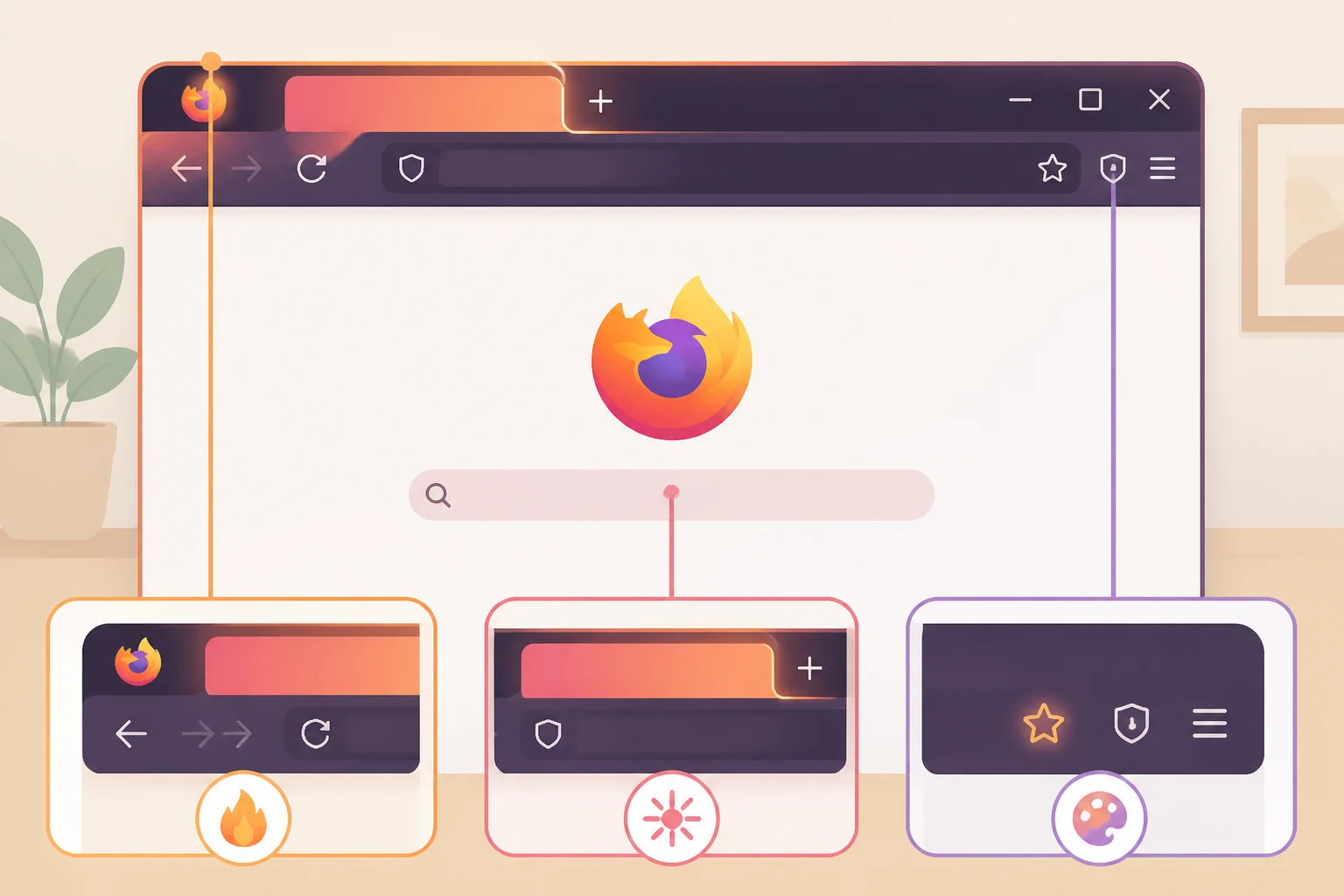
Project Nova is Mozilla's name for the wider visual overhaul: a fire-inspired color palette, a glow around the active tab, more direct copy, and new themes and wallpapers (Mozilla, four months ago). Mozilla frames it as "a renewal, not a replacement," with a public target of "later this year" and no build-specific ship date.
Nova touches Settings too, just not the reorganization covered above. Mozilla's May announcement described plans to make privacy choices within Settings easier to understand, including a way to turn off AI features entirely and to tune Enhanced Tracking Protection to a preferred balance of protection and usability (Mozilla, four months ago). That's planned design work Mozilla described in May, separate from the General-page retirement detailed in the June Settings post, and the announcement itself doesn't attach it to a specific build.
Mozilla has said the redesign is most visible on desktop, though the work extends to mobile too (Mozilla, four months ago). In May, Mozilla described the design system as still being shaped. The company's announcement didn't come with a build-specific ship date, so check current Release and Nightly notes yourself before concluding that Nova has, or hasn't, shipped.
What the available documentation establishes
Check Settings first. If General is gone, replaced by Appearance, Accessibility, Languages, and Tabs and browsing, the Firefox 152 redesign is already on your machine and there's nothing else to do.
If General is still there, the supplied sources document no manual override for the Release channel, just a staged rollout without a published schedule. Nightly and Nova both sit in a different category: real, documented projects, but not things this material can confirm are present in today's builds.
Mozilla's public roadmap, launched in June partly so users could follow work before it ships, remains the most direct place to track both threads going forward. Head of Firefox Ajit Varma described it as a way for the community "to see what's taking shape, share feedback earlier and help guide where we're heading next" (Mozilla, three months ago). Bookmark it if Nova's finished look, or a documented Nightly-to-Release gap, is the part of this story still worth waiting on.