Where to Put Your Phone at TSA Security: Carry-On vs Bin
TSA officers have a habit they won't repeat when they're the ones flying: dropping a phone into a screening bin. Officers at Philadelphia International Airport said as much in TSA's August 2023 checkpoint guidance, timed to Labor Day travel, listing it among six things they never do as passengers. That tip answers a question travelers quietly wonder at almost every checkpoint: where to put your phone at TSA security so it doesn't end up somewhere worse than your pocket.
The short answer, repeated across TSA's own guidance in 2023 and again in 2025, is to keep your phone in your carry-on bag instead of setting it in a bin (TSA's Super Bowl travel guidance). TSA repeated the advice this past summer in guidance tied to a new computed tomography scanner installed in Juneau (TSA's July 2026 CT guidance), which suggests the advice holds regardless of which scanning technology is running at the lane. This isn't a tip passed around in travel forums. It's advice TSA has repeated across multiple releases over the past few years.
What follows is a practical routine for handling pocket items before you reach the X-ray belt, the reasoning TSA gives for it, and what happens if an officer asks you to power your phone on mid-screening.
Why TSA officers keep phones out of the bin
Video of the Day
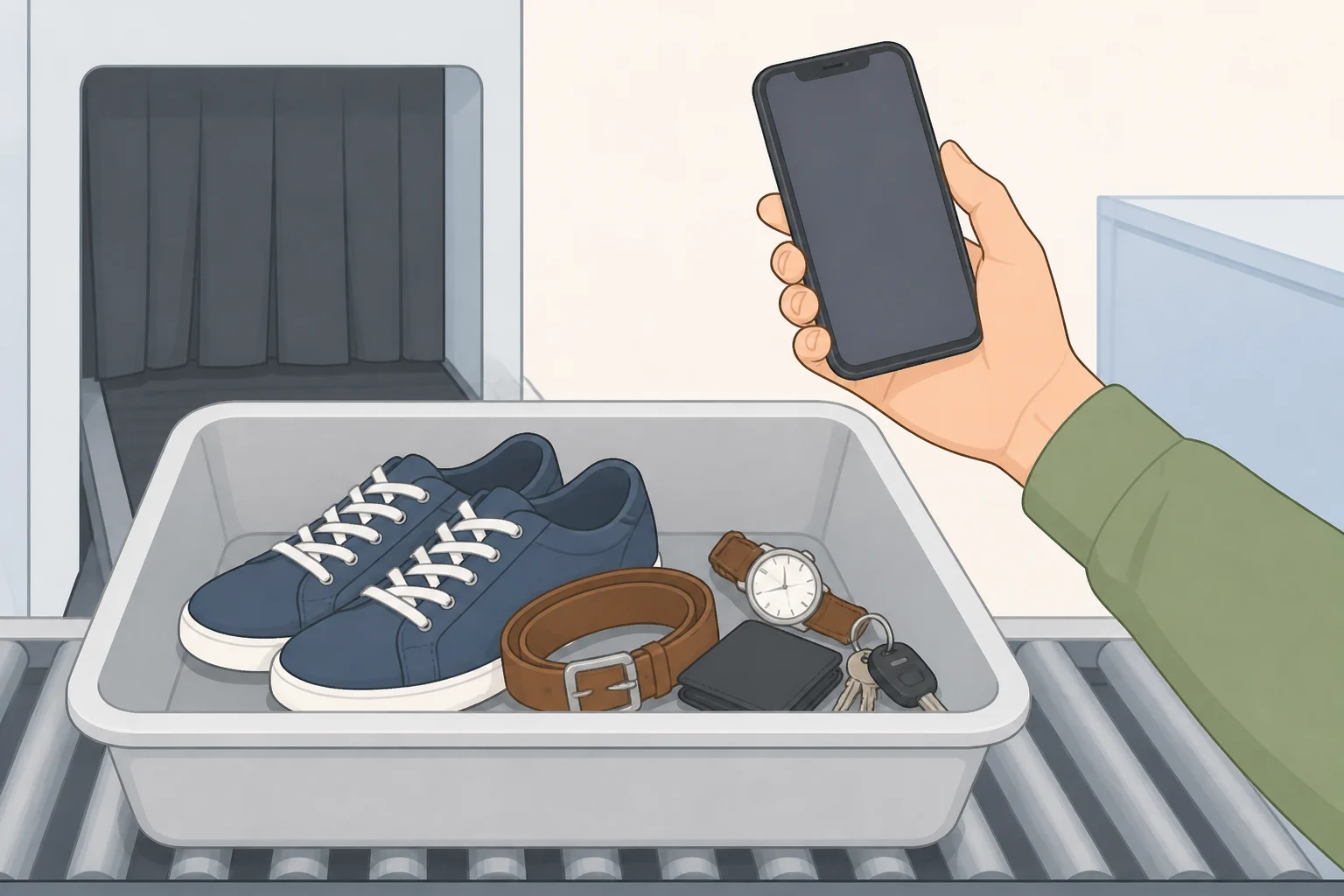
The reasoning is blunt, and it comes from the officers who work the checkpoint every day. Don't place your phone in a bin where someone just set down their shoes, because the next thing you do with that phone is hold it up to your face (TSA's August 2023 checkpoint guidance). Spero, quoted in that release, said officers had identified several things they avoid when traveling as passengers.
That guidance is a practical rationale from officers, not a measured hygiene study. Treat it as a sensible precaution rather than a quantified health risk.
It's also not a one-off talking point. Nearly identical wording showed up earlier that month in TSA's August 2023 checkpoint dos and don'ts. TSA published the same advice twice within the same month, then folded the broader carry-on recommendation into later releases about a CT installation and Super Bowl travel. That pattern suggests this is advice TSA keeps returning to, not a single comment that never got repeated.
Hygiene is the reason that sticks with people, mostly because it's visceral. It isn't the only reason TSA wants your phone out of the bin, though. The rest of the advice has more to do with keeping your belongings together and moving the line along than with what's touched the plastic.
Video of the Day
Where to put your phone at TSA security: the packing routine
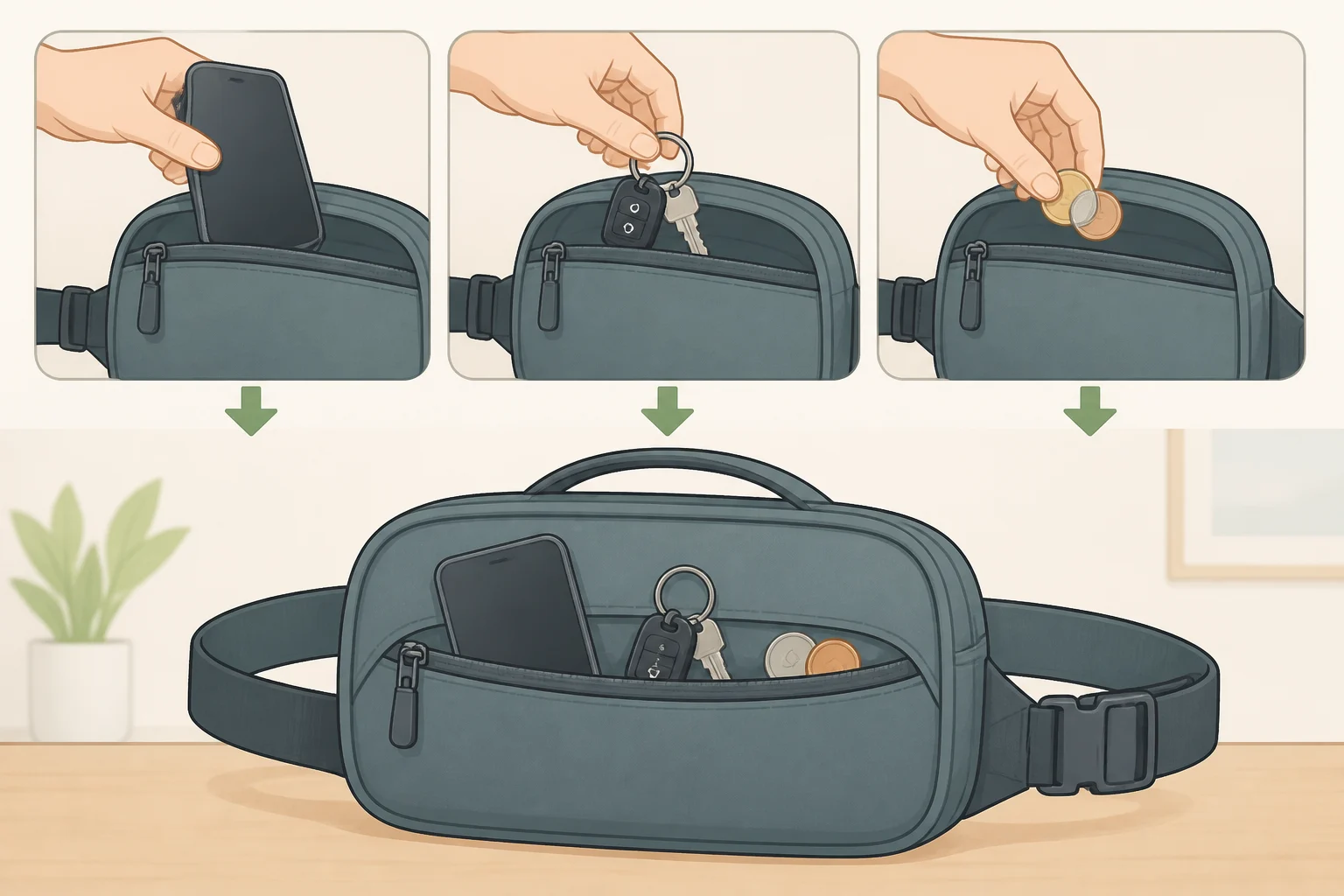
TSA's instruction is specific: before you even reach the checkpoint, move your phone, keys, loose change, and other pocket items into your carry-on bag rather than a bin (TSA's Super Bowl travel guidance). TSA says doing this can help prevent items from being left behind in bins and can help speed up screening (TSA's July 2026 CT guidance). That's two separate payoffs: fewer phones and wallets abandoned at the checkpoint, and a faster-moving line for everyone behind you.
If you're searching for how to keep your phone out of TSA bins, the practical answer is to put it in a reachable carry-on pocket before you enter the checkpoint, not after you've already started pulling out your laptop and belt.
Here's a sequence that holds up in practice, broken into three stages.
Before you join the line:
- Move your phone, keys, and coins into one zipped pocket or pouch inside your carry-on.
- Pick a spot you can reach without digging; an outer zip pocket beats burying items under clothes or a laptop sleeve.
- Keep that pocket separate from your liquids bag so you're not hunting through chargers and coins for a quart-size bag at the belt.
At the belt:
- Place any items in a bin only when the officer or checkpoint signage instructs you to. Phones and other pocket items stay zipped in the carry-on rather than going into a separate bin.
- Send the carry-on through screening with the phone already inside instead of digging it back out at the last second.
After you clear the checkpoint:
- Before you walk away from the belt, confirm your zipped pocket still has your phone, keys, and wallet. A loose phone sitting in a bin is easier to leave behind while you're gathering shoes, a laptop, and a jacket at the same time; a phone zipped into a bag you're already carrying isn't.
The TSA officer working your specific lane makes the final call on what's allowed through, not a press release (TSA's cell phone guidance). If an officer tells you to put something in a bin anyway, do it. The routine above is the default TSA recommends, not a rule that overrides whatever the officer in front of you is saying in real time. If an officer needs to inspect the bag, follow the officer's instructions about where the phone goes from there.
What happens if a TSA officer asks you to power on your phone
Phones are explicitly permitted items, both in carry-on bags and checked luggage, according to TSA's cell phone guidance. Packing it in your carry-on isn't a workaround; that matches TSA's own carry-on guidance.
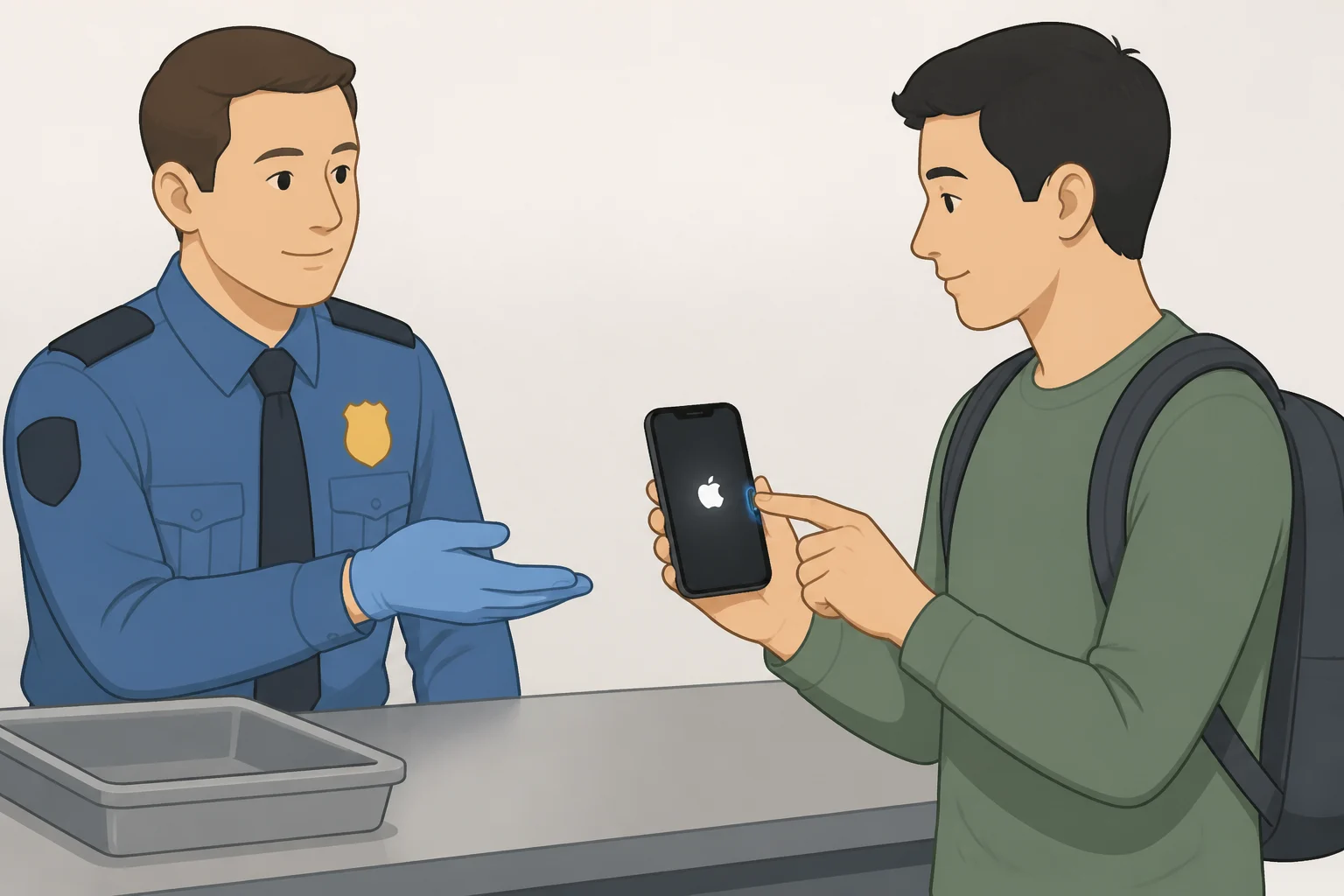
Where it gets more consequential is the power-on check. Officers may ask you to power up an electronic device, phones included, as part of screening (TSA's electronics screening guidance). TSA doesn't say this happens at every checkpoint or to every device; the guidance only establishes that officers have the option to ask.
What TSA does say plainly is the consequence of getting caught without charge: a device that won't power on will not be permitted onboard the aircraft (TSA's electronics screening guidance). Charge it before leaving for the airport so it can power on if an officer requests it.
On privacy, TSA states that officers do not read or copy information from a traveler's device during this process (TSA's electronics screening guidance). That's TSA's own stated policy, not a claim independently audited by a third party. Read it the way you'd read any company's privacy statement: the agency's assurance, not a verified guarantee.
Store the phone somewhere you can retrieve it quickly, not at the bottom of a backpack under a water bottle and a paperback. If an officer asks you to power it on, you want to be reaching into a known pocket, not unpacking your whole bag while a line forms behind you.
What to do before your next flight
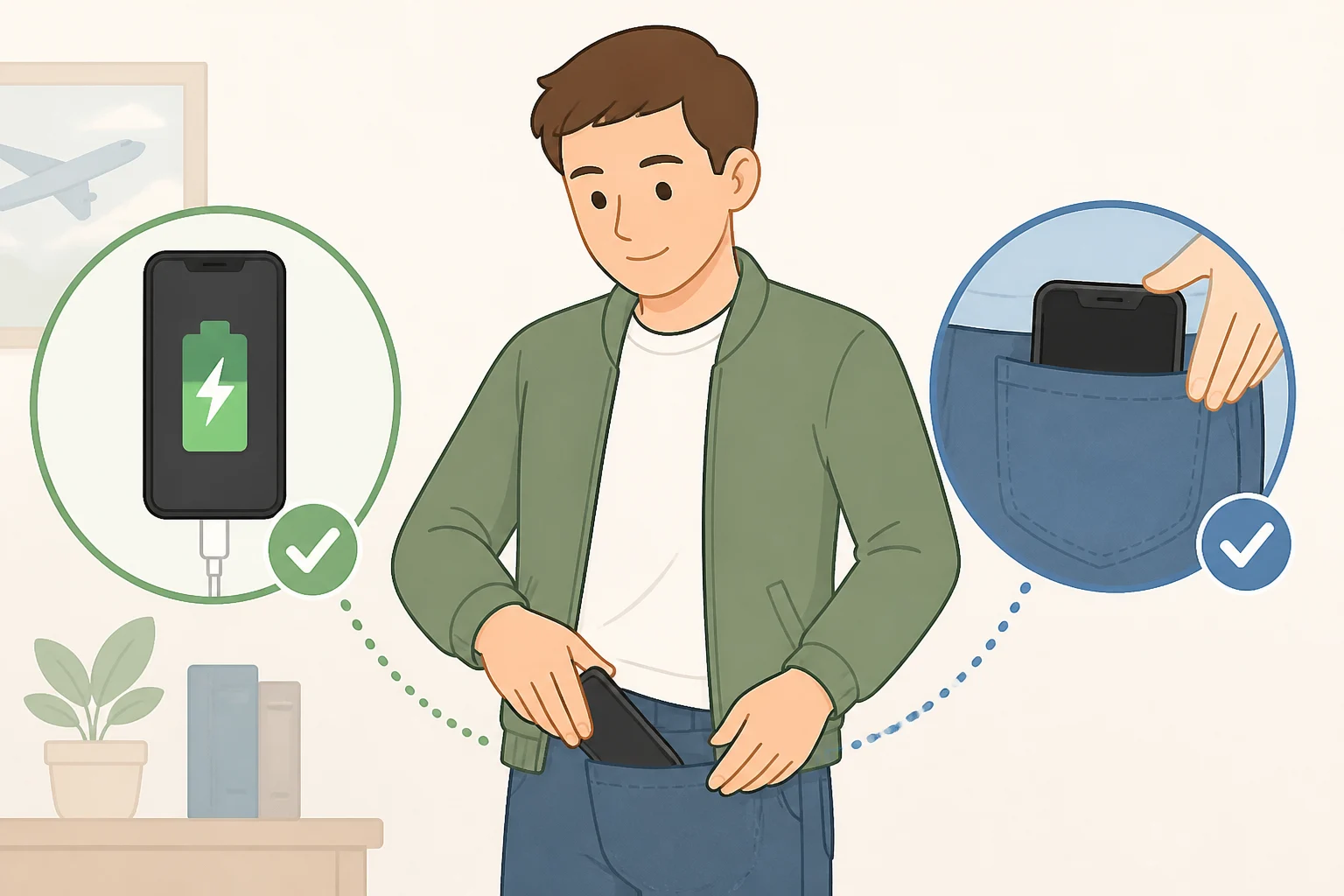
Pick one zipped, reachable spot in your carry-on for your phone, keys, and coins, and move everything there before you join the line, not after. Charge the phone enough the night before that a power-on request isn't a problem, and follow whatever instructions the officer in your lane gives if they differ from the routine above.
That's the variable that actually determines whether your phone clears the checkpoint without friction: a phone you control, charged, and easy to reach, instead of one sitting loose in a bin someone else just used for their shoes.