Unexpected Apple Cash payment scam: what to do first
Money lands in Apple Cash from a name no one recognizes. A day or two later, a follow-up message asks for it back, not through Apple, but through a gift card, a wire transfer, or a completely different payment app. That follow-up request, not the deposit itself, is where an unexpected Apple Cash payment scam does its real damage.
The short answer: don't send anything back the way the sender asks, no matter how urgent or official the message sounds.
The FTC's general guidance on online payments is blunt about the setup in the first place: avoid accepting a payment from someone unfamiliar at all (FTC, over 4 years ago). That's easier advice to give than to follow once the money is already sitting in Wallet, which is the situation this guide actually deals with: what to check, what to leave alone, and who to contact once an unfamiliar Apple Cash payment has already arrived.
Should I return an unexpected Apple Cash payment?
Video of the Day
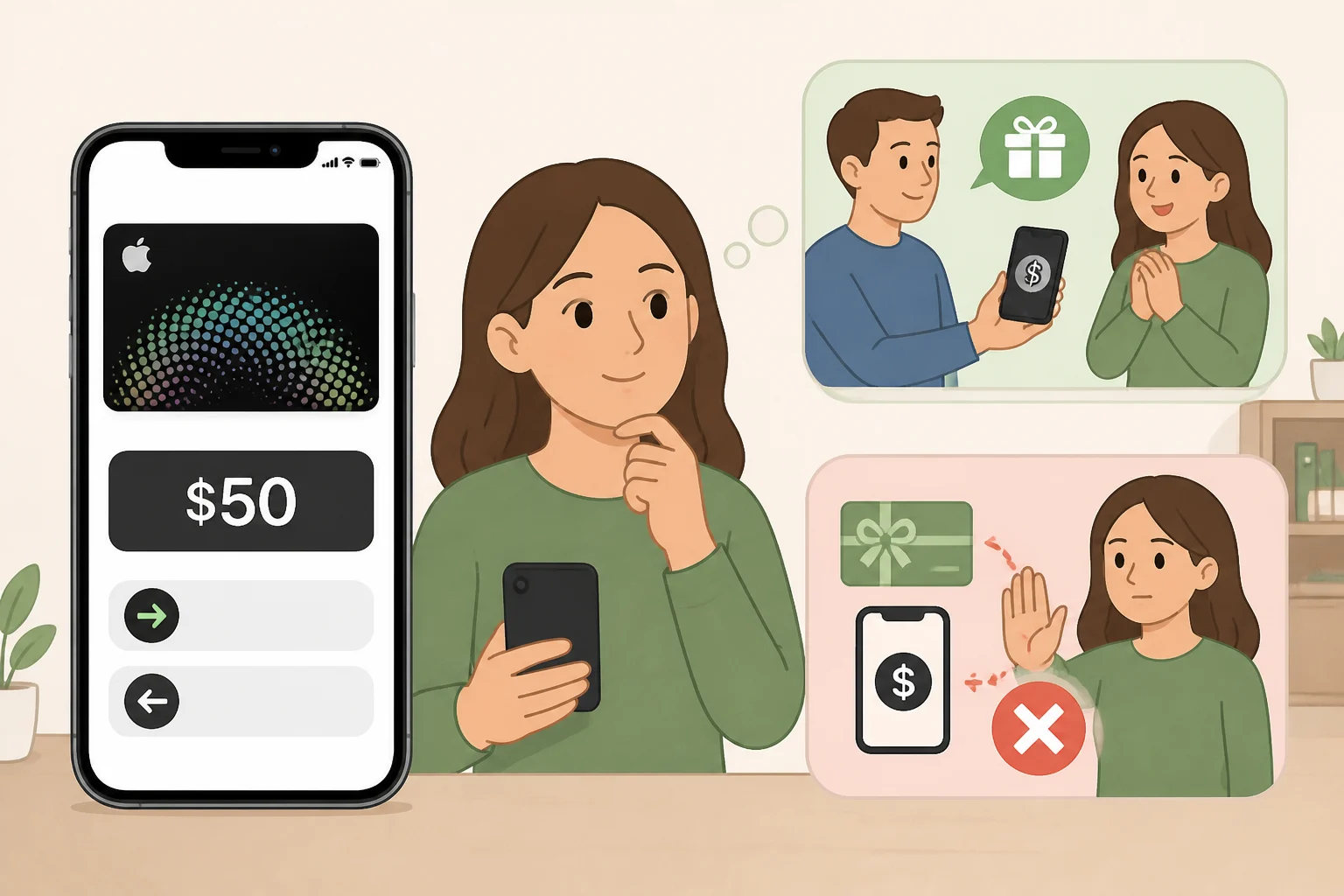
Not by sending a separate payment through whatever method the sender names. A legitimate refund request doesn't usually come with instructions on exactly how to repay it. A gift card, a wire transfer, crypto, or a different app is a specific, hard-to-reverse channel, and a sender who insists on one of those is the clearest signal something is off.
If the search that brought someone here was "someone sent me Apple Cash by mistake," the safest move is not to act on that person's instructions directly. Confirm whether a transaction actually exists in Wallet first. Resolve it through Apple or a bank afterward, not through a script written by whoever is asking for the money back.
One detail worth knowing before deciding anything: once an Apple Cash payment is accepted, recourse is described as rare, unlike a credit card charge, which can be formally disputed (SF Economic Justice Center, two months ago). That's a reason to slow down and verify before touching the balance, not proof that every accepted payment is unrecoverable.
Video of the Day
Signs of the Apple Cash refund scam
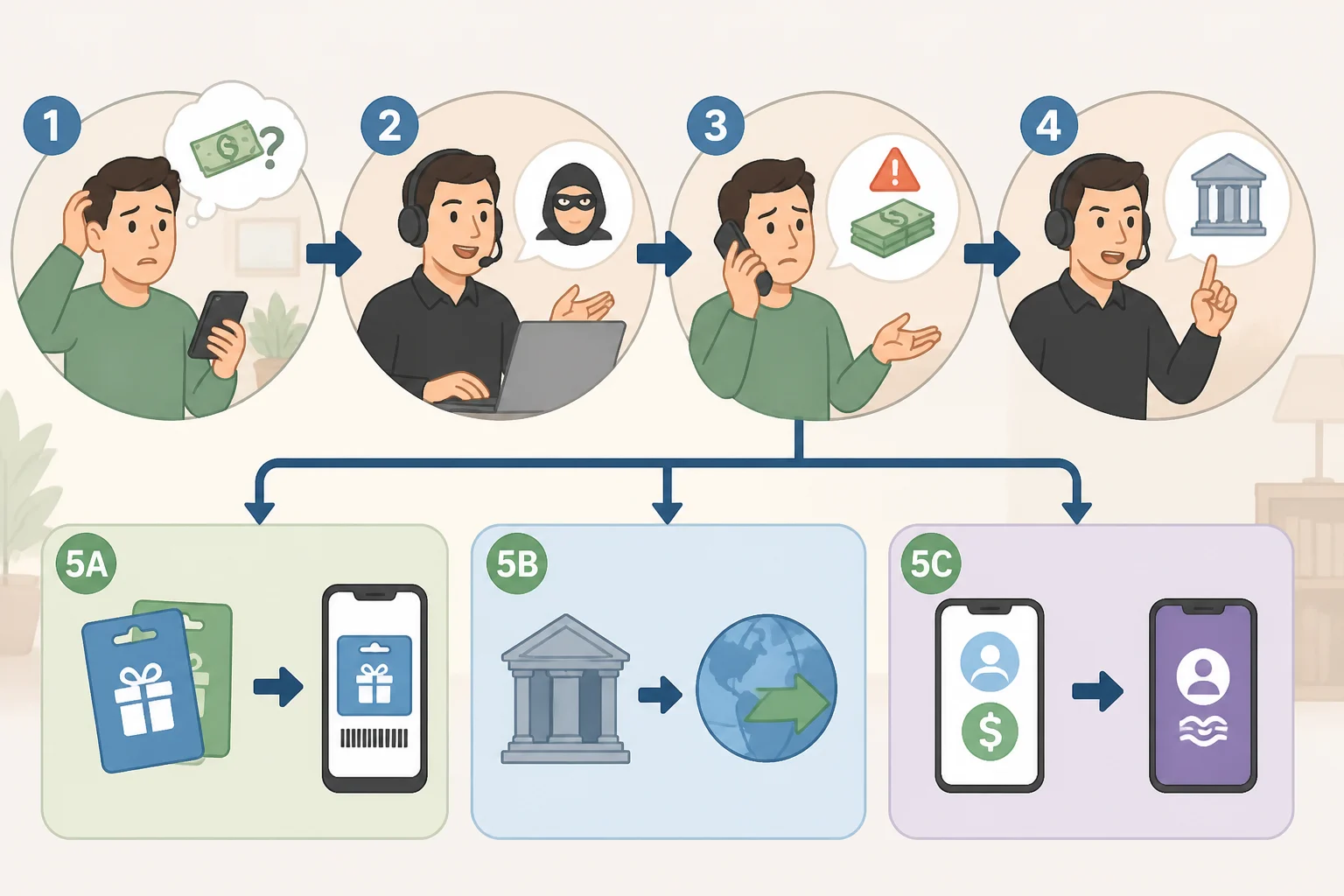
The pattern tends to run the same way regardless of which app it shows up in:
- An unfamiliar sender transfers money and claims it was sent by mistake or meant for someone else.
- A follow-up message pushes urgency, often implying the "mistake" needs correcting right away.
- The sender specifies exactly how to send it back, a gift card, a wire transfer, crypto, or a separate payment app, instead of letting Apple or a bank handle it.
- Any link or phone number included in the message routes to something the sender controls, not an official Apple support channel.
Some people search for this as an Apple Cash accidental payment scam or an Apple Cash payment reversal scam. Both describe the same mechanic: a sender dictating repayment terms. Neither is an official scam category documented in Apple's own support materials, so treat the label as a description of the behavior, not a name Apple has actually assigned to it.
What to do when no transaction appears in Apple Wallet
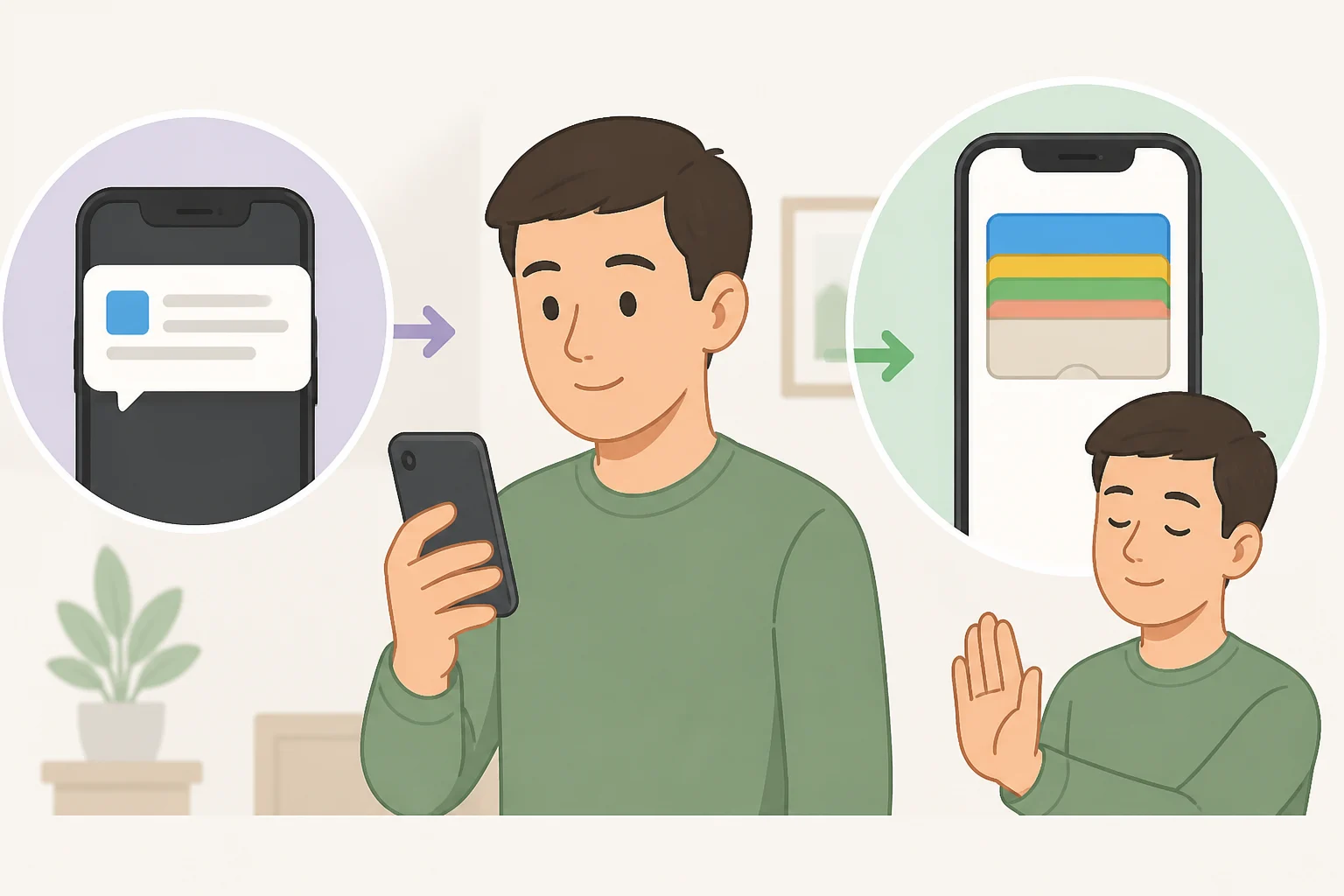
Before reacting to the message at all, open Apple Wallet directly and check whether a transfer actually exists. Skip any link or phone number supplied in the message to do that.
If nothing matching shows up, the message describes money that was never actually sent. Delete it and move on. If there's still doubt about whether a sender or company is real, contact them using a number or app already known to be legitimate, separate from anything the message itself provides.
What to do when a transaction does appear
If Wallet shows a pending or completed transfer, don't send a separate payment to the sender through a gift card, wire transfer, crypto, or another app based on their instructions. Report the transaction to Apple through a support channel looked up independently, not a number or link from the message, and ask what options apply to that specific transfer (SF Economic Justice Center, two months ago).
Apple's own documentation doesn't spell out whether a pending transfer can be declined after the fact, or how a reported transaction gets reviewed once it's accepted. There's no general workflow to lean on here beyond asking Apple directly. Until support responds, treat the balance as something to leave untouched rather than spend or move, since reversing an accepted Apple Cash payment is already described as uncommon (SF Economic Justice Center).
What if the sender is someone you actually know?
A payment or follow-up message that appears to come from a friend, relative, or coworker shouldn't be trusted just because the name looks familiar. Contact that person directly through a number or app already used for them, separate from whatever contact method the message provides.
An account can be compromised without its owner knowing. A message that looks genuine isn't the same thing as one that actually is, which is why the confirmation step matters even when the name checks out.
This check applies specifically to people already known. It isn't the first move when money shows up from someone never heard of before, where the priority is simply confirming whether a transaction exists at all.
What to do if you already paid
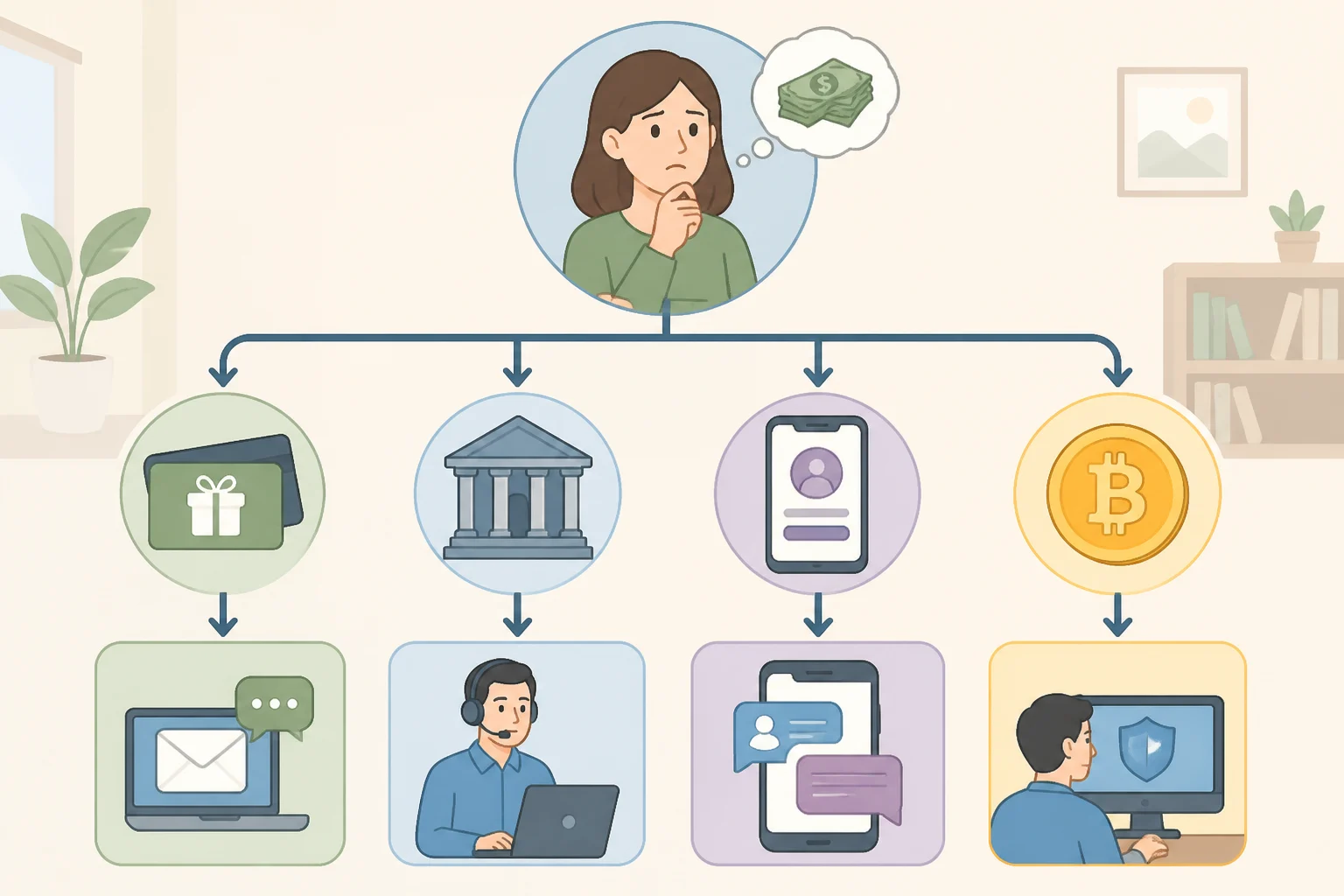
The next step depends on how the money went out, since recovery paths and contacts differ by channel.
- Gift cards. Contact the retailer or issuer as soon as possible. Gift card codes are notoriously hard to trace once redeemed, which is exactly why a scammer asks for one.
- Wire or bank transfer. Contact the bank directly and ask about flagging or recalling the transfer before it settles.
- Payment app, including Apple Cash, Venmo, Cash App, or PayPal. Go through that app's own support channel rather than anything the sender suggests. For Apple Cash specifically, recourse is already described as limited once funds are accepted (SF Economic Justice Center), so reporting quickly matters more here than with a method that allows a dispute later.
- Cryptocurrency. Treat recovery as unlikely. Crypto transfers are generally irreversible once sent, and there's no bank or card issuer to appeal to afterward.
Watch for a second scam layered on top of the first. Anyone who reaches out afterward offering to recover the lost money for a fee is running a separate scam, not offering real help.
Report the transaction to Apple (SF Economic Justice Center) and consider documenting the incident with the FTC at ReportFraud.ftc.gov in case a formal record is needed later.
Quick checklist before responding
- Open Apple Wallet directly. Don't rely on the message itself to confirm a payment exists.
- Don't send a separate payment through a gift card, wire transfer, crypto, or another app based on the sender's instructions.
- Don't call a number or click a link included in the message.
- Confirm a recognized sender's identity through a channel already trusted, not the one supplied in the message.
- Report the transaction to Apple through independently located support, and keep screenshots in case a follow-up report is needed.
If an unfamiliar Apple Cash payment shows up today, the one certainty is that a sender dictating how to pay them back is reason enough to stop and verify through Apple or a bank before anything else happens. Apple hasn't published its exact reversal rules for situations like this, so let Apple Support confirm the real answer rather than guessing at it.