How to use Reddit without the app on phone: browser setup that actually works
To use Reddit without the app on your phone, the mobile browser works. That's the short answer. The longer one is that Reddit doesn't make it easy the mobile site pushes you toward the app at every turn, clutters your feed with communities you never joined, and strips out navigation features the app takes for granted. None of that is unavoidable. With the right URL and a few one-time setup steps, you can get a cleaner reading experience without installing anything.
This guide is for people who primarily read Reddit: scrolling feeds, searching threads, occasionally commenting. If you moderate a subreddit, rely on Reddit Chat, post media regularly, or want push notifications, the app is the better call. For everyone else, here's the setup.
Some context on why this is even a question: in 2023, Reddit tightened API access, making third-party apps financially unworkable and effectively shutting down nearly the entire independent app ecosystem, including Apollo, the most popular third-party client at the time. Android Police covered it about two years ago. That left users choosing between the official app and a browser. The browser is a supported path Reddit officially lists Chrome, Firefox, and Safari as supported mobile browsers on iOS, and Chrome, Firefox, and Opera on Android, according to Reddit's help documentation. You're on solid ground, just not the ground Reddit is actively trying to sell you.
The core problem: what Reddit's mobile site does by default
Video of the Day
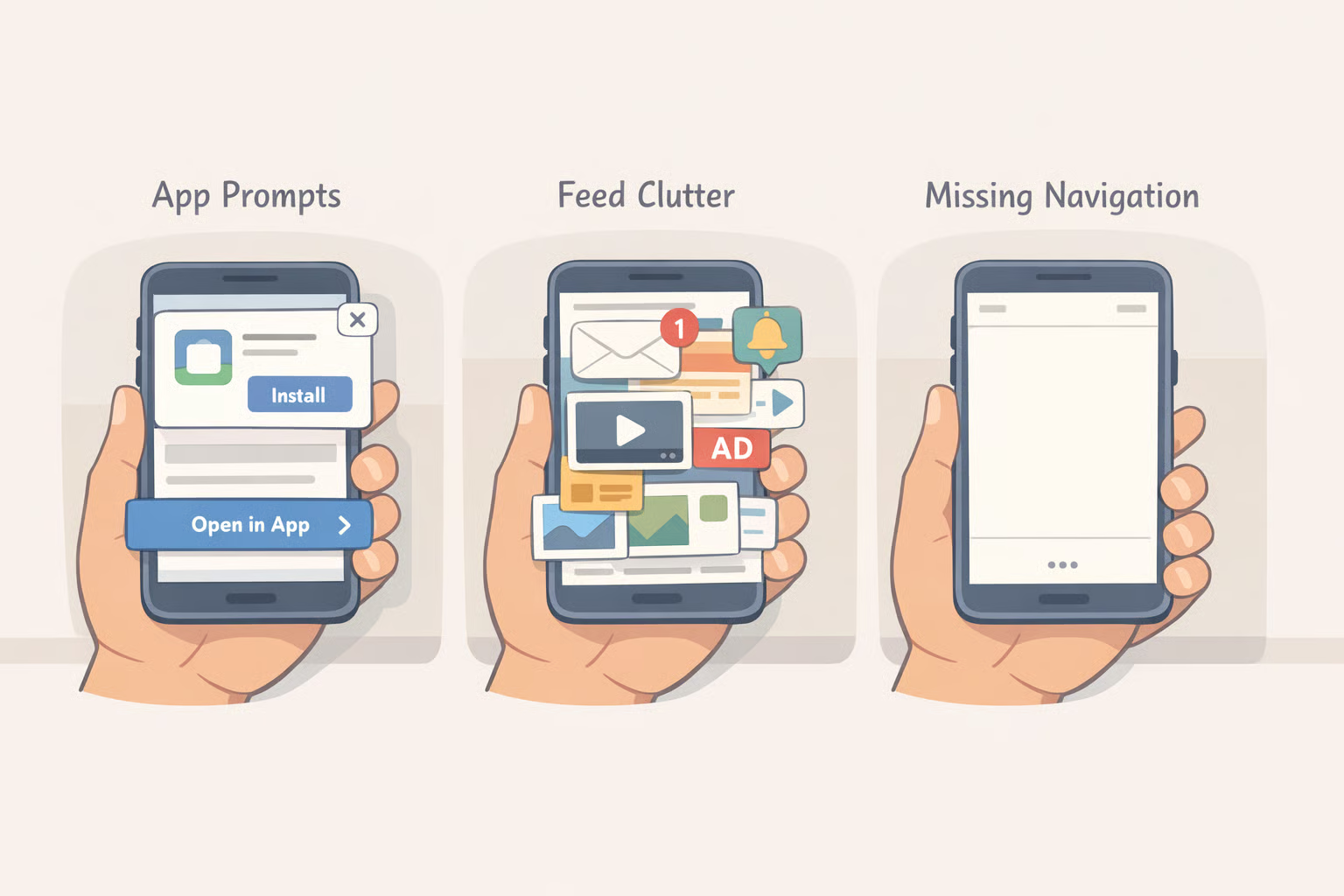
Know what you're working around before the setup. The standard mobile site at reddit.com has three friction points worth understanding not to complain about them, but because the workarounds only make sense once you know what they're fixing.
App-download pressure. The mobile site leads with banners and pop-ups pushing you toward the app. From pop-ups to persistent banners, the experience can feel more like an ad campaign than actual browsing, as How-To Geek noted late last year. Dismissing one prompt doesn't stop the next.
Feed clutter. The feed isn't limited to communities you've joined. Close to half the posts shown can come from subreddits you visited once or that resemble ones you follow, sometimes running two or three consecutive posts from communities you never subscribed to, How-To Geek reported. If you came to check your actual subscriptions, that ratio is the wrong one.
Navigation gaps. Unlike the app, the mobile site has no bottom navigation bar for quick access to communities, inbox, or key features. Chat is absent from the home screen entirely, per How-To Geek. Media posts show as small thumbnails rather than full previews, so browsing image-heavy threads means extra taps at every turn.
Most of this is avoidable. The fix starts with a different URL.
Video of the Day
How to browse Reddit on mobile without the app: the four-step setup
Prerequisites: Any modern iOS or Android phone with a browser already installed. No account needed to read; you'll need one only to post or comment.
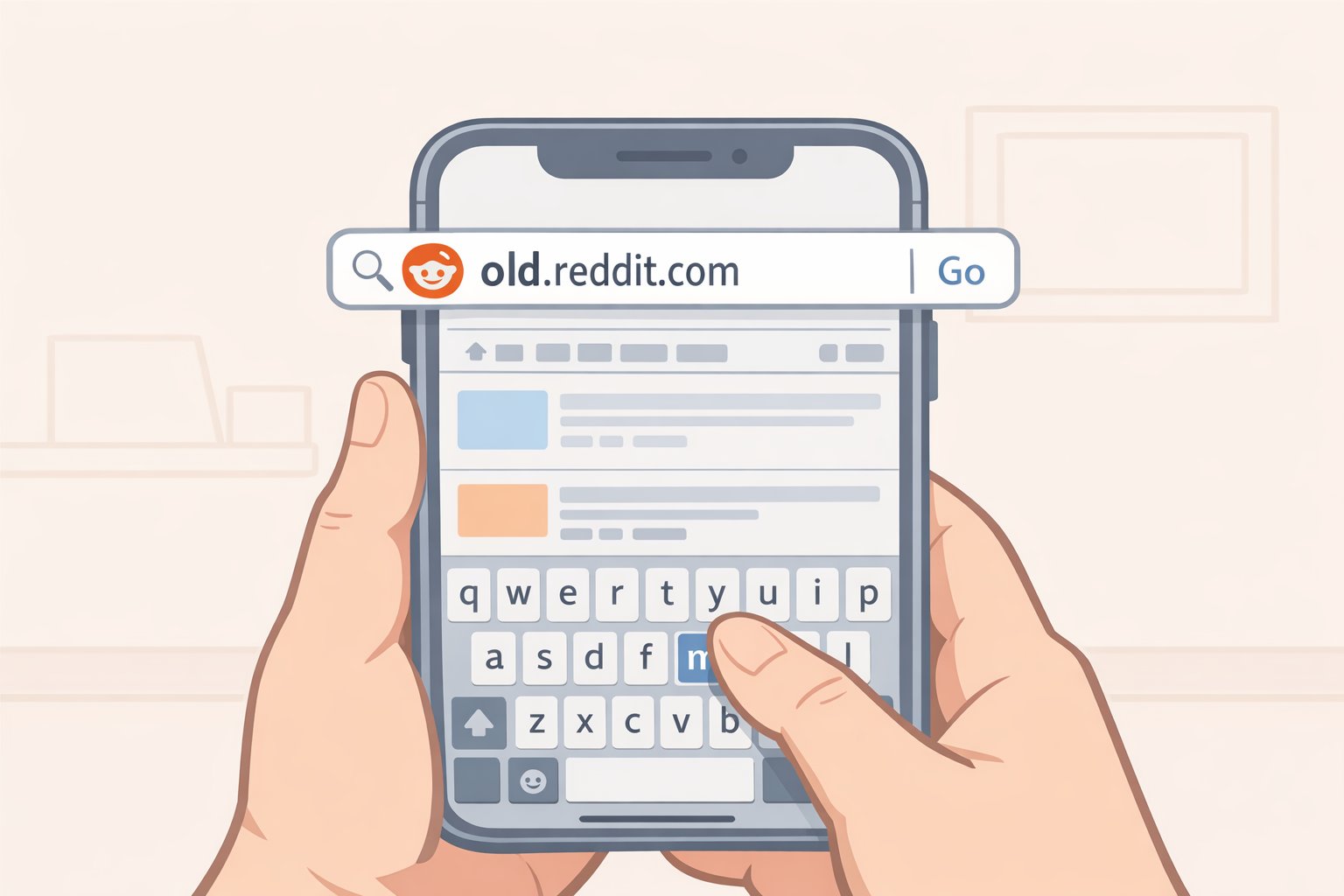
Step 1: Go to old.reddit.com, not reddit.com.
Type old.reddit.com directly into your browser's address bar. This loads Reddit's legacy interface a plain, link-forward layout with no recommendation algorithm, no animated cards, and considerably less app-download pressure than the standard mobile site. Android Police described it about two years ago as reminiscent of old-school message boards: no frills, no animations, no algorithms.
The layout is dense by modern standards. Small text, blue links, minimal visual hierarchy. It looks like it was built in 2012 because it was. The payoff is a fast, stable interface that sticks to your subscribed communities rather than filling your feed with recommendations you didn't ask for.
One thing worth knowing upfront: old.reddit.com has an uncertain future. Reddit has never committed to keeping it, and as Android Police noted, the possibility of it being retired eventually is real. Use it while it's there.
On some devices, browsers redirect old.reddit.com to the standard mobile site automatically. The fix is in Step 3.
Step 2: Handle Reddit links that try to open the app.
Tapping a Reddit link inside a text message, email, or another app can trigger a redirect to the App Store or Play Store instead of your browser. There are a couple of ways around this, though exact behavior varies by device, OS version, and browser.
The most reliable workaround on any platform: copy and paste the URL directly into your browser's address bar. This sidesteps redirect behavior regardless of device.
On Android, if the Reddit app is installed, it may claim Reddit links by default. Most Android versions include a way to manage which app handles specific link types, typically found in the app's settings or under system defaults, though the exact path varies by manufacturer and Android version. Clearing Reddit's default link handling usually routes Reddit links to the browser instead. If the Reddit app isn't installed, Android generally defaults to the browser without any adjustment needed.
On iPhone, iOS gives less direct control over link routing. Long-pressing a Reddit link often surfaces options that include opening in a browser rather than redirecting to the app, though this depends on where the link appears and how the source app handles it.
Once you're in-browser, you'll see the app-download banner on reddit.com. Tap the X. On old.reddit.com, the prompt is considerably lighter.
Step 3: Request the desktop site when the mobile view is too limited.
Most major mobile browsers can load the full desktop version of any page. Use this when old.reddit.com redirects back to mobile, or when you need access to settings or subreddit tools that the stripped mobile layout blocks.
The option typically lives in the browser's main menu, often labeled "Desktop site" or "Request Desktop Website," though exact labels shift between browser versions. Common locations:
- Chrome: Three-dot menu
- Safari: The "AA" icon in the address bar
- Firefox: Three-dot menu
What you'll see is the full Reddit layout designed for a wider screen. Pinch-zoom and horizontal scrolling will be necessary. This isn't a comfortable daily-use interface treat it as a targeted fix when the mobile view is blocking something you need.
If your browser supports per-site settings, applying desktop mode specifically to old.reddit.com means you won't have to toggle it on every visit. Both Firefox and Safari support this.
Step 4: Add Reddit to your home screen for one-tap access.
Adding old.reddit.com to your home screen creates an icon that opens directly in your browser. No app installation, no background permissions, no push notifications unless you specifically want them.
The general process is consistent across platforms, though menu labels may vary slightly by browser version:
- iOS, using Safari: Navigate to
old.reddit.com. Tap the Share button (the box with an upward arrow). Scroll down and tap "Add to Home Screen." Name it, tap "Add." - Android, using Chrome: Navigate to the site. Tap the three-dot menu, then "Add to Home screen." Confirm.
Tapping the icon opens the site in your browser exactly as if you'd typed the URL because that's exactly what it's doing. No special permissions, no background sync.
One iOS note: shortcuts created in Safari open in Safari, regardless of which browser you use day-to-day. If you prefer a different browser on iOS, create the shortcut from within that browser instead. Behavior may differ slightly.
Troubleshooting: the problems that keep coming back
App prompts reappear. Reddit's app-nag banners reset whenever you clear cookies or use private browsing. If you browse Reddit in incognito mode, expect the prompts on every session. On old.reddit.com the pressure is lighter, but it doesn't disappear entirely. On Android, Firefox supports browser extensions, which opens the door to filtering tools that can suppress these prompts check Firefox's add-ons library for current options. No equivalent extension support exists for Chrome on mobile or for any browser on iOS.
old.reddit.com redirects to the mobile site. Enable desktop mode (Step 3) while on old.reddit.com. If your browser supports per-site settings, lock it there so you don't need to toggle it on every visit.
Media still requires extra taps. The mobile browser shows image and video posts as small thumbnails rather than full previews, How-To Geek observed. That's a structural limitation of the mobile web experience and none of the steps above change it. If browsing image-heavy or video-heavy threads is central to how you use Reddit, the browser will feel slower for that specific task.
One place the browser actually wins on media: the Reddit app can silently drop audio on externally hosted videos, surfacing a "This video has no sound" notice even when sound is present. The mobile site handles third-party video audio more reliably, per How-To Geek.
Recommended setup by platform
On Android: Navigate to old.reddit.com, request desktop mode, and add it to your home screen. Firefox is worth considering if banner suppression matters to you it's the one mobile browser that supports extensions for filtering that kind of noise.
On iPhone: Use Safari. Navigate to old.reddit.com, enable desktop mode for that site, and add it to your home screen via the Share menu. Extension support isn't available, but old.reddit.com generates far fewer prompts than the standard mobile site.
The tradeoffs are real. The browser is slower and requires more taps to navigate, and you lose push notifications, Reddit Chat, and smooth infinite scrolling, How-To Geek noted. What you get in return is a feed that mostly sticks to communities you actually joined, ads that are smaller and easier to scroll past, reliable audio on third-party videos, and one fewer app with background access on your phone. For a certain kind of Reddit user, that trade is worth it.