How to spot quishing scams before you tap any QR code
QR codes hide their destination by design. This guide walks through a five-check verification routine you can run in under fifteen seconds before tapping through any code. Fail any step, and the fallback is always the same: close it and go to the organization's official website or phone number directly. That single rule will protect you more reliably than any app.
It exists because QR codes are built to remove hesitation. Unlike a hyperlink, which shows its destination when you hover, a QR code conceals the URL until your camera is already reading the pattern. Scammers treat that gap as the opening. A 2025 ACM study simulating QR code phishing attacks found that many users engage with codes without proper verification, partly because recognizable branding on surrounding material creates false confidence the branding doesn't authenticate the code (ACM).
The FBI began receiving reports of financial losses tied to QR fraud in 2022 and has since documented the tactic merging with cryptocurrency payment schemes and gift-card cons: the same social engineering playbook, a different delivery surface (FBI). A malicious QR code phishing scam can route you to a credential-harvesting site or silently install malware on your device, according to the FTC.
This isn't a trend piece. It's a decision framework for the moment you're standing at a parking meter, opening a text, or receiving an unexpected package.
What you'll need: A phone with a camera app that shows a URL preview before opening the link. If yours doesn't display a preview, the same logic applies run the checks on the address bar after the browser opens, before interacting with anything on the page.
How the routine is structured
Video of the Day
The five checks divide into two phases: what you assess before pointing your camera at anything, and what you read after the preview appears. The two strongest signals are also the earliest whether you expected this code from this source, and whether the page eventually asks for your credentials. Everything between those two poles narrows the picture.
The routine also splits by delivery context. For physical codes (parking meters, signage, printed materials), checks one and three are the primary filters. For digital delivery (text, email, package insert), checks one and two carry the most weight. Checks four and five apply to both. A clear failure at any step means stop and use the default rule.
Video of the Day
Before you scan: two checks you can run immediately
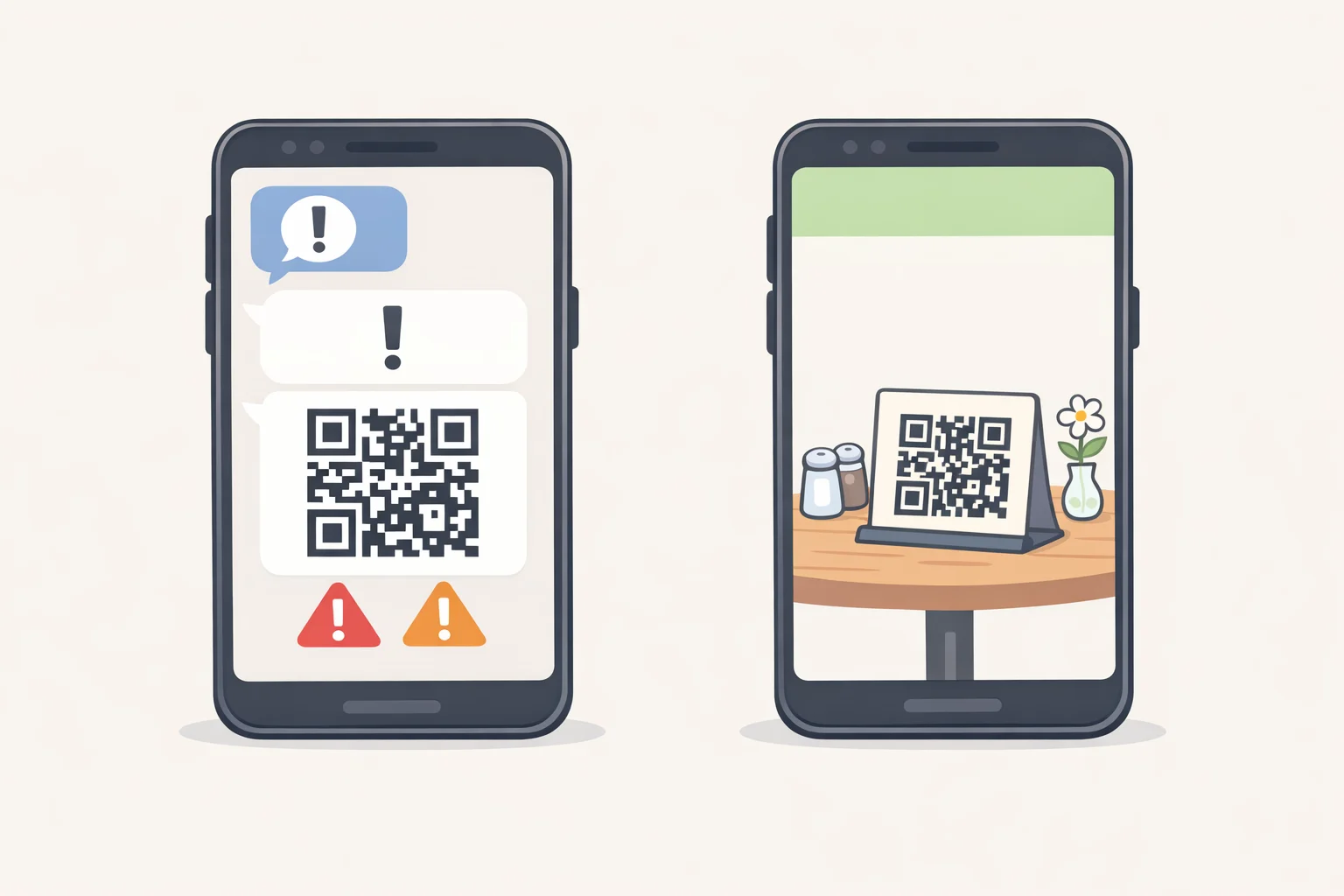
Check 1: Did you expect this code from this source?
This is the highest-signal filter in the routine, and you can run it without pointing your camera at anything.
An unexpected source is the strongest single predictor of a malicious QR code. The FTC documents three standard pretexts scammers use to justify an unsolicited code: a package that supposedly couldn't be delivered and needs rescheduling, an account that requires urgent verification, or suspicious activity demanding an immediate password reset. All three manufacture pressure to scan without thinking, the FTC notes. The FBI is direct: do not scan codes from unknown origins, and treat any package arriving without sender information as a warning sign a tactic the FBI flagged this month in a fresh advisory on unsolicited packages used to initiate fraud.
How this plays out in practice:
- Restaurant table card you walked up to: Expected context; proceed to Check 2.
- Text from a carrier saying your package is delayed, with a QR code to reschedule: Unexpected source plus urgency framing; stop. Contact the carrier through a number from their official website.
- Package on your doorstep, no sender information, QR code inside: Stop. You have no obligation to investigate by scanning. If you ordered something recently, check your order confirmation independently.
If you can't confidently confirm you expected this code from this source, apply the default rule now.
Check 2 (digital delivery only): Is the message pushing you to act immediately?
Urgency is the mechanism that collapses verification. CISA identifies emotionally pressing language particularly warnings of immediate, dire consequences as a primary marker of phishing across every delivery format (CISA). When a message says "act now" or implies your account is at risk this moment, that urgency is doing something deliberate: moving you from the scan directly to a login page before you pause.
Treat urgency as a reason to slow down, not comply. If a legitimate organization needs you to act on an account, their website will still be there when you type the address yourself.
Check 2 applies to digital delivery only. Physical codes move to Check 3.
Check 3 (physical codes only): Does the code look applied rather than printed?
Spend three seconds looking at the code itself. Scammers physically paste fraudulent codes over legitimate ones the FTC has documented this at parking meters, and the FBI advises against scanning any code that appears tampered with. Look for sticker edges, a raised border, or misalignment with the surrounding printed design.
If it looks placed after the fact, find another way to complete the transaction. If it looks cleanly integrated with the printed material, proceed to Check 4.
Common quishing scam warning signs: reading the URL preview
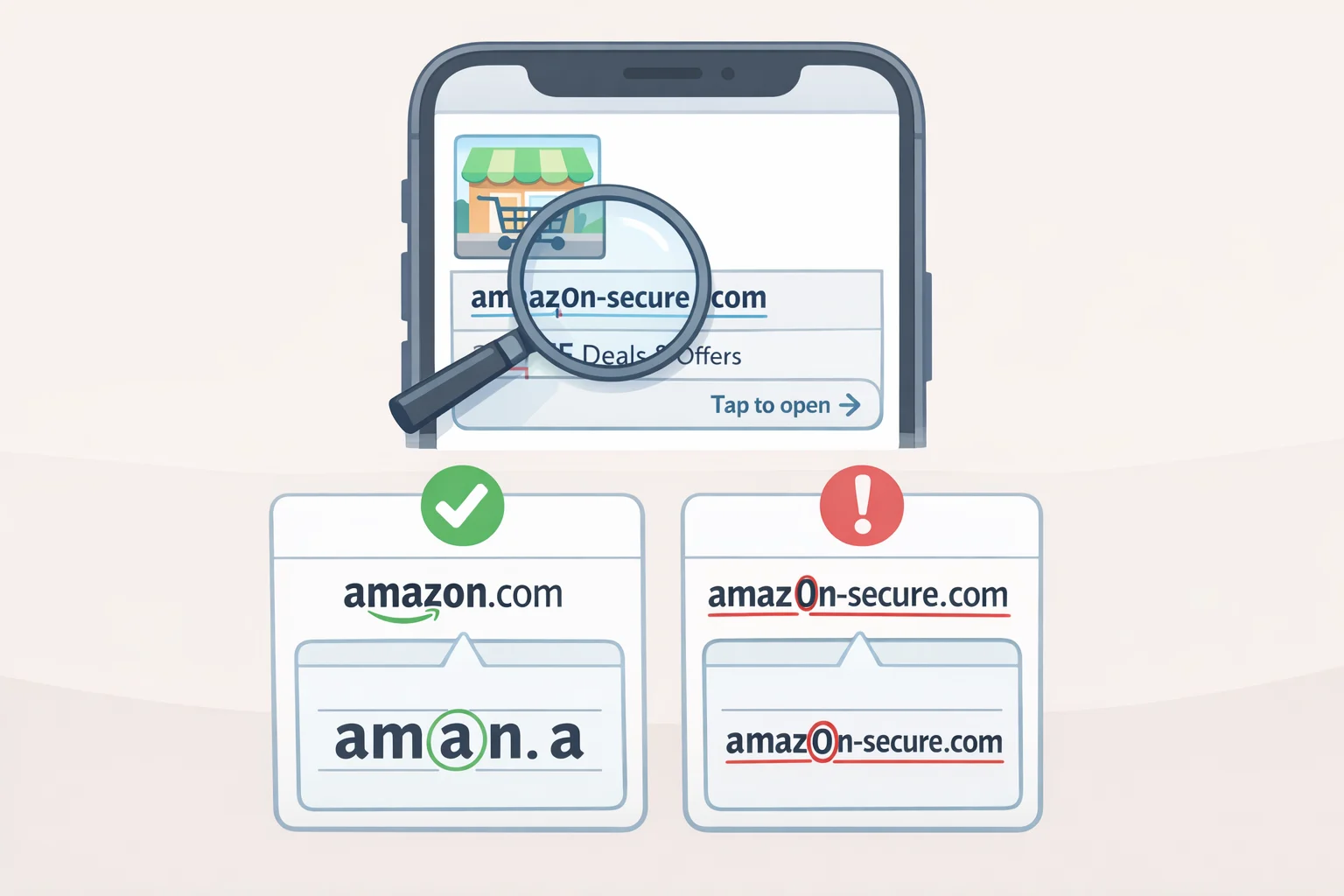
Check 4: Does the URL preview show where you think you're going?
Your camera app displays the destination URL before the page opens. Read it before tapping. This is the functional replacement for hovering over a hyperlink, and it takes about five seconds.
Find the root domain first. The root domain is the segment immediately before the first forward slash after https:// it's the only part that determines where you're actually going. In secure.paypal-verify.attacker.com/login, the root domain is attacker.com. The "paypal" appearing in the subdomain is irrelevant. Scammers insert recognizable brand names in subdomain strings and path segments precisely because most people see a familiar word and stop reading. The FTC advises specifically checking for misspellings and character substitutions in QR-delivered URLs (FTC).
Check for lookalike characters if the domain looks almost right. Common substitutions: zero for the letter O, numeral 1 for lowercase L, "rn" designed to read as "m," a hyphen inserted mid-brand. CISA explicitly flags this pattern citing "amazan.com" as the textbook example as a standard phishing indicator across all delivery formats (CISA).
Treat a shortened URL as a yellow flag in unexpected or urgent contexts. If the preview shows bit.ly or a similar shortener, you can't read the actual destination. CISA lists untrusted shortened URLs as a phishing warning sign (CISA); combined with an unexpected source or urgency framing, that's enough to warrant the default rule.
Concrete examples:
- Preview shows
chipotle.com/menu: Root domain matches the known company. Proceed. - Preview shows
chipot1e-offers.com/menu: Lookalike character in root domain. Stop. - Preview shows a bit.ly link in a text you didn't request: Can't verify destination. Apply default rule.
If your camera truncates the preview before you can finish reading it, treat it the same as an unverifiable source: close it and go to the company's official site directly.
Check 5 (after the page loads): Did a login screen appear?
Be suspicious if a QR code from an unexpected source lands you on a page asking for a password or login credentials. The FBI flags an unprompted login request after scanning as a warning sign. Close the browser without entering anything. If you need to access the account, type the known address yourself.
The routine at a glance
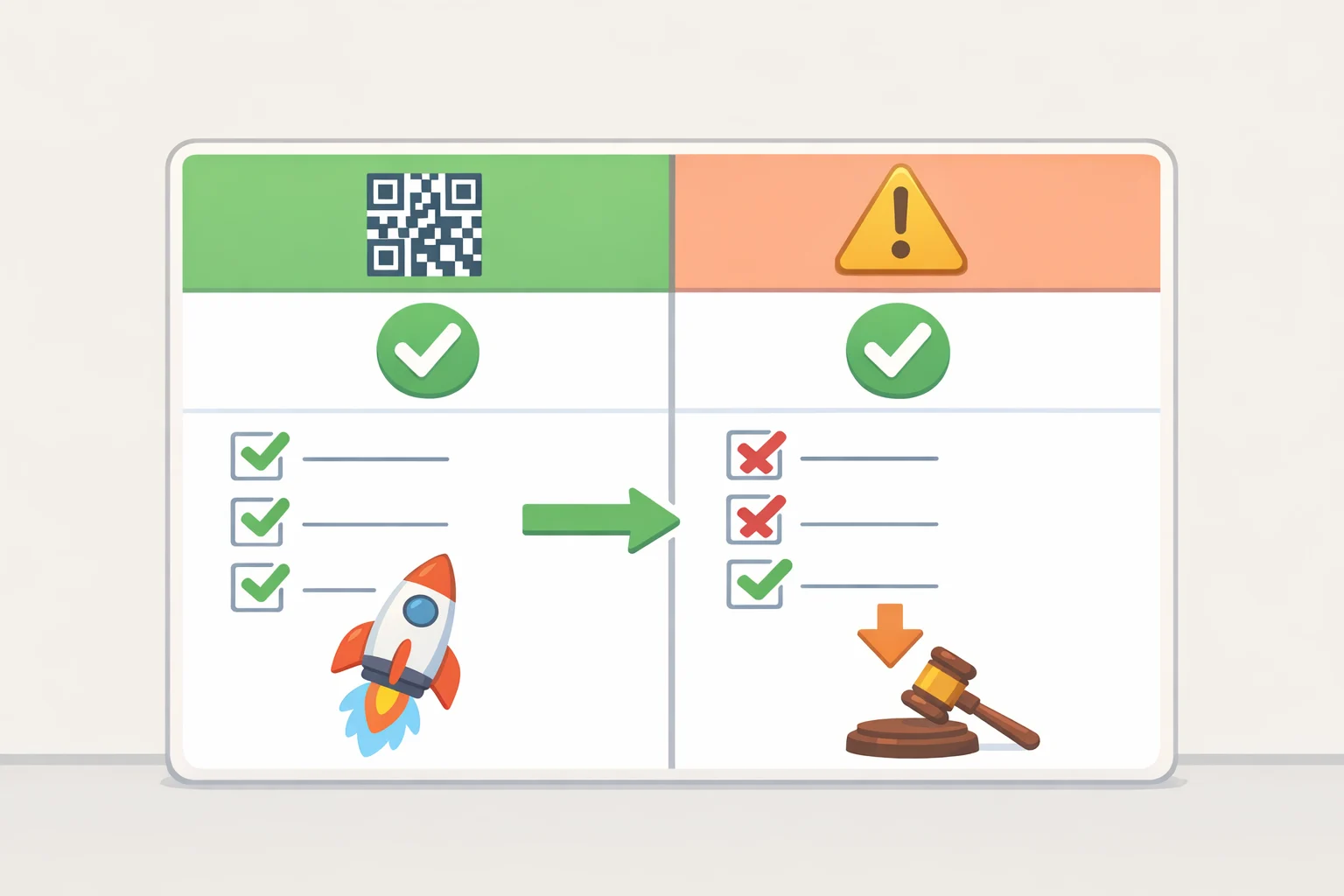
| What you find | What to do |
|---|---|
| Expected source, no urgency, clean root domain, no surprise login | Proceed |
| Unexpected source, regardless of other signals | Apply default rule: go directly |
| Urgent framing on a digital message | Slow down; verify independently |
| Physical code looks tampered | Stop; find another payment method |
| Root domain doesn't match the organization | Stop |
| Lookalike characters in the root domain | Stop |
| Preview truncated, can't read full URL | Apply default rule |
| Login screen after unexpected scan | Close immediately; don't enter anything |
QR code scam safety tips if you already scanned and interacted
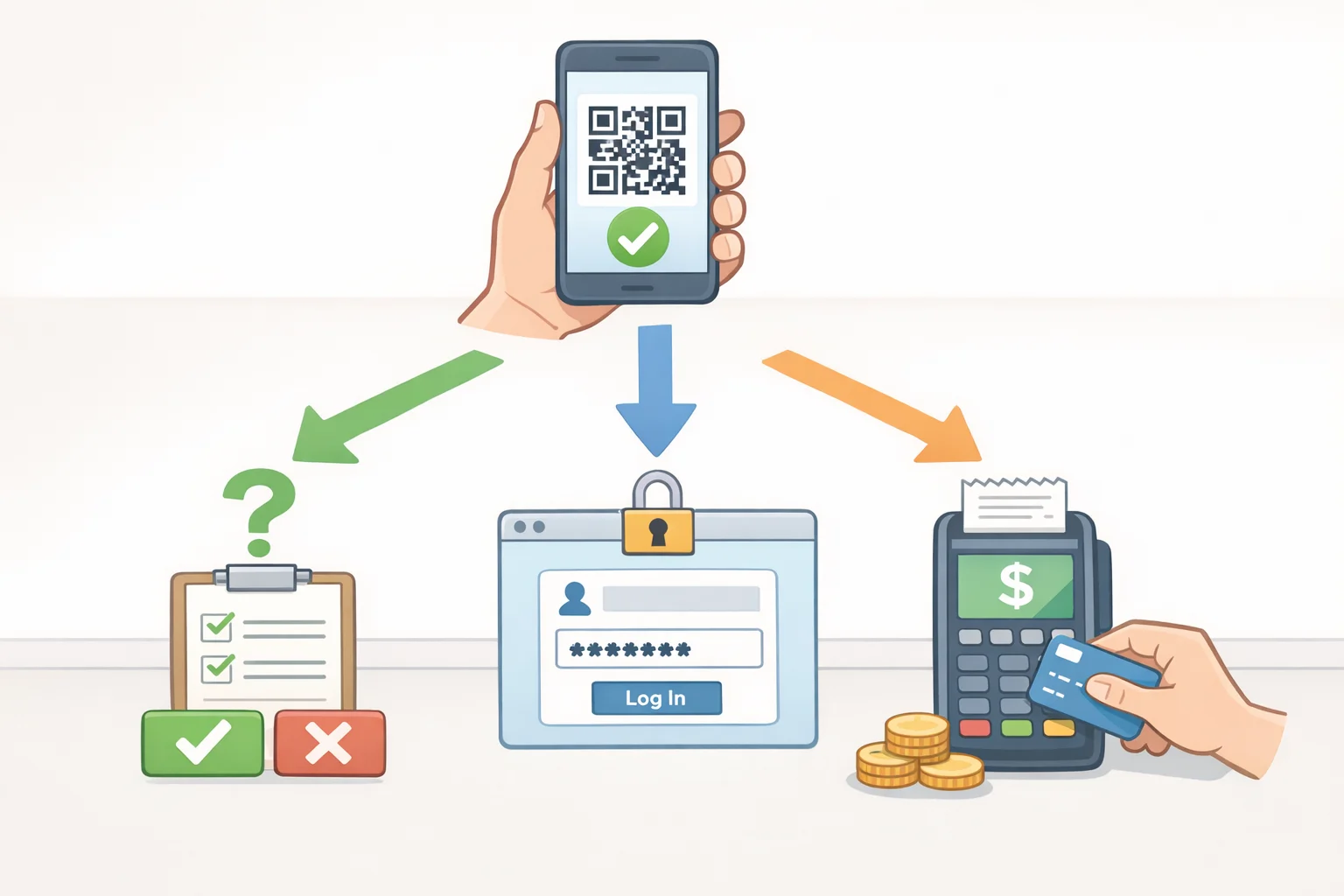
Work through the routine in reverse: what did you reveal, authorize, or pay? Your response should match what actually happened.
Scanned but didn't enter anything or grant permissions: Close the site and deny any permission requests. Update your phone's operating system now software flaws give attackers access to files and accounts, and installing updates is the fix, CISA advises. Watch for unusual device behavior over the following days.
Entered credentials: Change the compromised password immediately, and change it on every other account where you've reused it. Enable two-factor authentication on affected accounts even if an attacker has captured a password through a spoofed login page, 2FA can prevent them from using it. The FTC recommends strong, unique passwords and 2FA enrollment as baseline protections. If the credentials belonged to a financial account, call the institution through a number from its official site.
Made a payment or shared financial details: Review recent bank and card statements for unrecognized transactions. Pull a free credit report at AnnualCreditReport.com available weekly, per the FTC and consider a fraud alert or credit freeze. Move quickly: funds transferred through a fraudulent QR code are difficult or impossible to recover, the FBI warns.
Report it regardless of outcome. File at ic3.gov include the contact method used, any URLs, and any permissions you granted. Adults 60 and over can call the DOJ Elder Justice Hotline at 1-833-FRAUD-11 for filing assistance. Suspected identity theft: IdentityTheft.gov.
Two background protections worth having in place
Keep your phone's OS current. Outdated software extends the window an attacker can exploit through known vulnerabilities updates close those gaps, and CISA is unambiguous on not delaying them. Enable multi-factor authentication on accounts that matter, particularly financial and email accounts, which attackers treat as master keys to everything else.
The FBI also recommends antivirus software that includes a security-focused QR reader, which can evaluate a link's safety before the page opens an automated check that runs alongside, not instead of, the manual routine.
The point of this routine isn't to turn every scan into a forensics exercise. It's to recognize when a QR code is asking you to skip the normal trust checks you'd apply to any other link. The scenarios keep shifting packages, parking meters, payment texts, gift-card pitches but the underlying logic doesn't. When you can't verify the source, the code's physical integrity, or the destination, don't go through the code. Go around it.