How to Choose Headphones for the Best Bass: Chart, Fit, EQ
Learning how to choose headphones for the best bass starts with distrusting two shortcuts: a label that says "extra bass," and the volume knob. Treat both as poor substitutes for a measured frequency response, the actual output across roughly 20Hz to 250Hz compared against a target curve rather than a flat line (Undisclosed Sounds, published in late May). Turning up the volume to compensate for weak bass carries its own risk, since unsafe listening habits are linked to widespread hearing damage among young listeners, a subject this guide returns to later (Discover Public Health/Springer, published in early June). Frequency response is one of the most useful buying-stage indicators available, though it's one signal among several that professional testers actually track.
This guide covers five stages, in the order a purchase actually unfolds: decide whether you want sub-bass rumble or mid-bass punch, learn to read a frequency-response chart, weigh fit and form factor before buying, use a return window as a genuine test, and fine-tune whatever headphones you already own with a conservative EQ approach. If you're comparing products marketed as the best bass headphones, use this process to test the claims behind each listing rather than the marketing copy itself.
What makes headphones bassy
Video of the Day
The number on a spec sheet is not enough to tell you how bassy a headphone will sound. A listed frequency range describes boundaries, not output, and two headphones both rated "20Hz-20kHz" can differ enormously in how much bass actually reaches your ear. One hobbyist guide groups sub-bass and bass together as a single band spanning roughly 20Hz to 250Hz, the range responsible for rumble, weight, and warmth (Undisclosed Sounds, late May). A separate testing guide defines a narrower sub-bass measurement focus around 10Hz to 100Hz (TestBeforeYouBuy, earlier this year). The two don't agree on an exact boundary, so treat the split as a rough guide rather than a fixed spec.
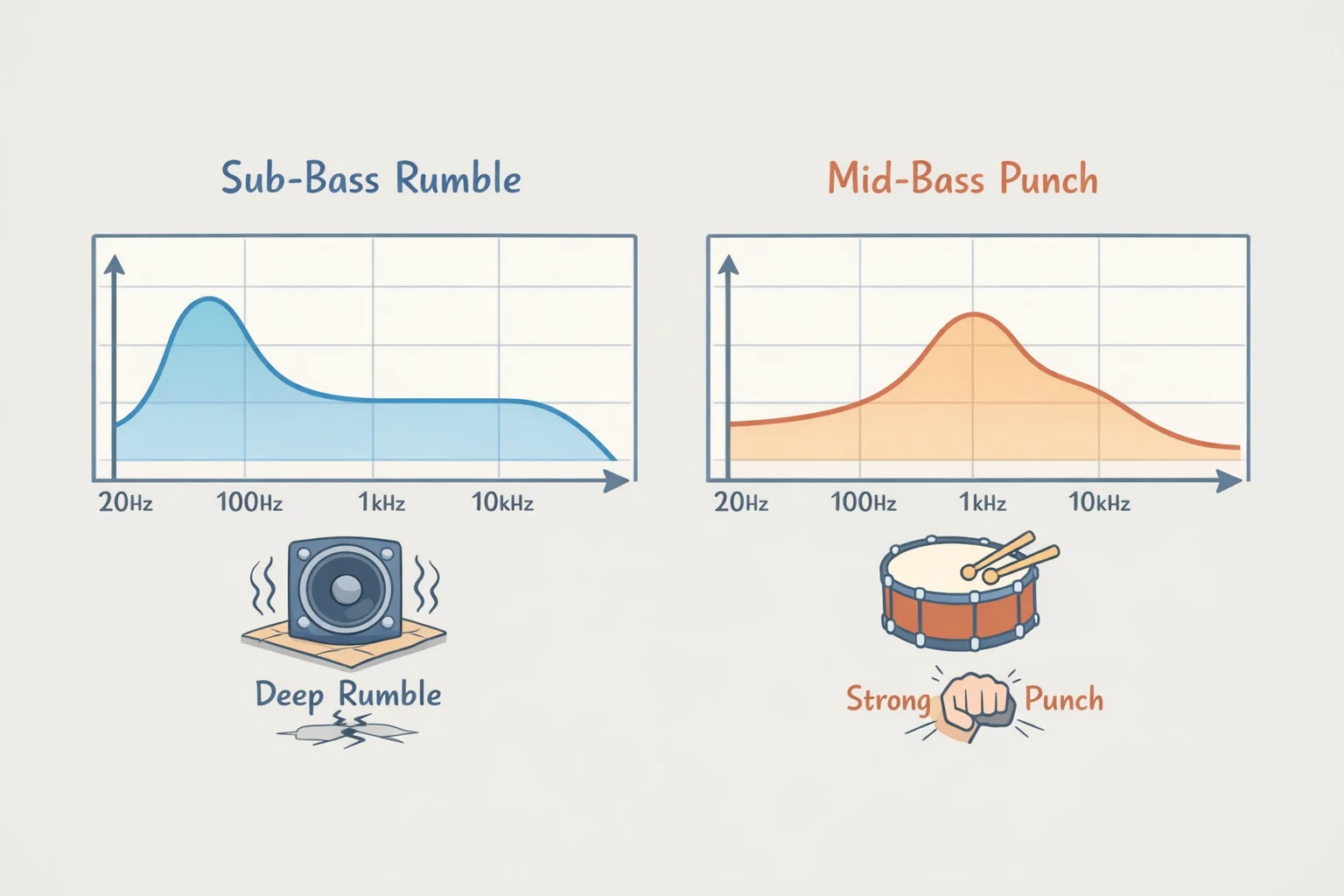
It helps to think of sub-bass as something often perceived as rumble or physical weight, the sensation under a kick drum or a film explosion, and mid-bass as the audible punch and body of a bassline. Which one you actually want changes what you should look for on a chart, which is the next skill worth learning.
What to look for on a headphone's product page
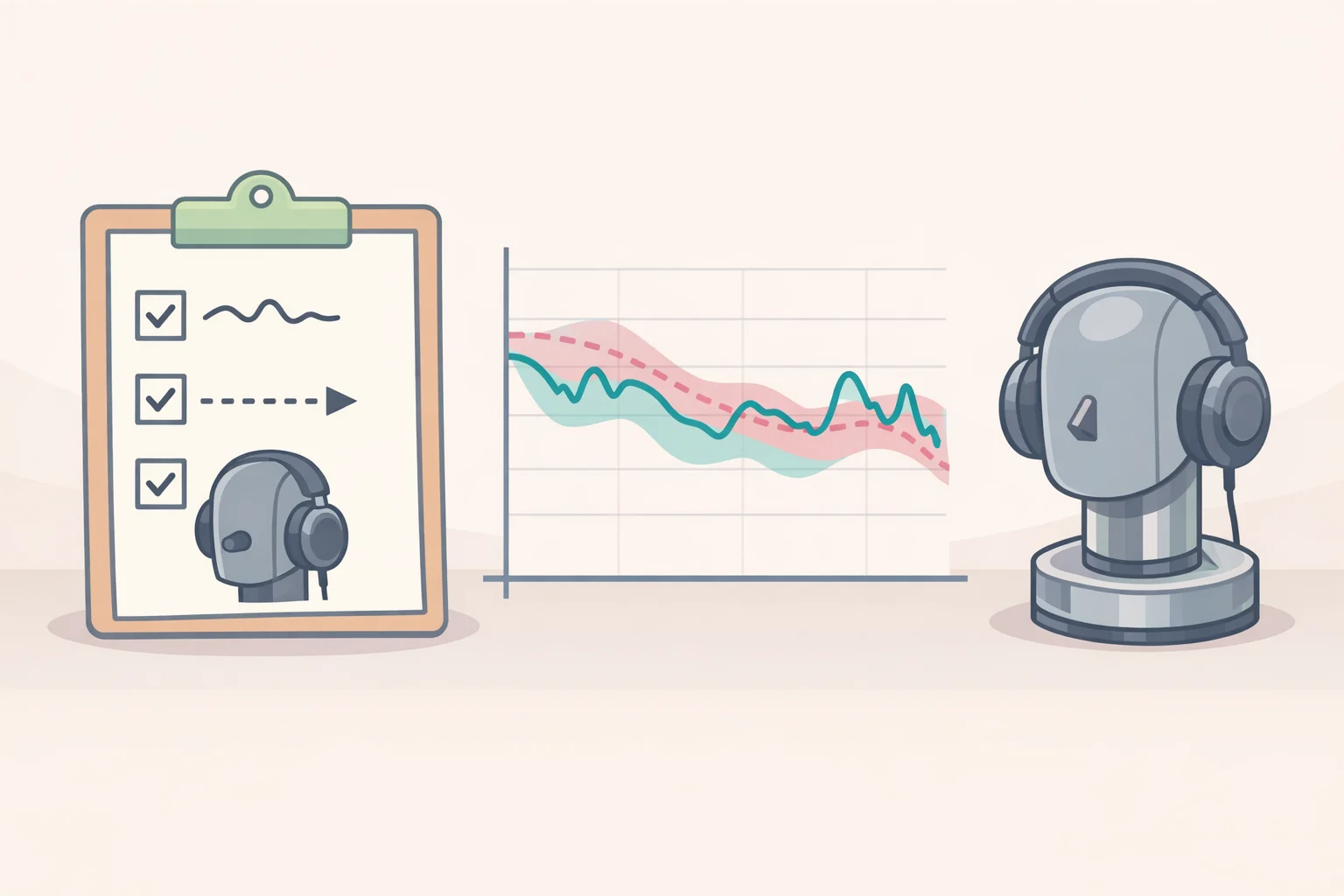
A stated frequency range is a spec. A frequency-response curve is a measurement. The two aren't interchangeable, and only the second one tells you anything about tuning. Before trusting a "deep bass" claim, look for three things on the listing or in a review: a measured curve, the target it's compared against, and some description of the rig or method used to produce it. A listing with none of those is marketing copy dressed up as a spec.
Professional headphone evaluation looks well beyond bass alone. It covers frequency response, distortion (THD+N), impedance and sensitivity, phase response, and subjective tonal balance (TestBeforeYouBuy, earlier this year). None of that shows up in an "extra bass" sticker on a box, which is exactly why the branding and the measurement can point in different directions.
Video of the Day
How to choose headphones for the best bass from a frequency-response chart
A headphone bass response chart is much more useful when you know its target and measurement method. Before drawing a conclusion from the shape of a line, find out what curve the reviewer compensated against. As a general convention, a flat-looking line on a compensated chart tends to mean the headphone tracks that target closely, while a line rising toward the left side usually means the headphone produces more low end than the target calls for, though the exact convention varies by reviewer, so check the chart's legend before drawing conclusions.
Compare the curve to a stated target, Harman-style if that's what the reviewer used, rather than to a flat reference. TestBeforeYouBuy notes that Harman-style targets typically call for a modest bass elevation of about 3-4dB above flat, alongside a smooth midrange and controlled treble. A broad elevation above that kind of target will generally be perceived as more bass, but its character depends on where in the range the elevation sits and how wide it is. Don't rely on a single dB cutoff to predict a boomy sound; the shape and width of the elevation matter as much as its height.
It also helps, as a listening heuristic rather than a lab rule, to distinguish extension from a hump. A curve that stays elevated all the way down to the lowest frequencies points toward real sub-bass reach. A curve that rises through the upper-bass region and then falls off toward the very bottom points toward mid-bass punch without much rumble underneath. Use that distinction to ask a better question about a chart, not to settle the decision on its own.
Here's a hypothetical to make that concrete. Say a reviewer publishes charts for two closed-back headphones tested on the same rig. Headphone A's curve climbs steadily from 250Hz down to 20Hz, staying a few dB above target the whole way. Headphone B's curve spikes around 100Hz, sits well above target there, then drops back toward target below 60Hz. Both charts show "more bass" at a glance, but they're not interchangeable: A would be the more plausible choice for listening that leans on sub-bass rumble, B for listening that wants punchy, present mid-bass without much rumble underneath.
Where possible, compare charts measured on the same rig, with the same head-and-torso simulator and compensation curve. A paper accepted for presentation at an Audio Engineering Society headphone-technology conference measured four Beyerdynamic DT 770 Pro units on a B&K HATS 5128C rig, repositioning each unit three times, and found no outliers such as leaking positions (arXiv/AES, published last December). The important limitation is measurement consistency: a chart from one lab and a chart from another can disagree even for the same headphone, simply because of differences in rig, compensation, and technique. Comparing within one reviewer's methodology beats jumping between sites, and a manufacturer's own chart, where one exists, deserves the same scrutiny about method as any independent one.
Choosing bass by fit, form factor, and your return window
Decide what kind of bass you're chasing before opening a product page. If your listening leans on rumbling film scores or electronic music, weight sub-bass extension on a chart most heavily. If your listening leans on rock, pop, or general everyday use, weight the mid-bass hump instead. These are useful starting examples, not fixed rules, and the decision determines which part of the chart actually matters to your ears.
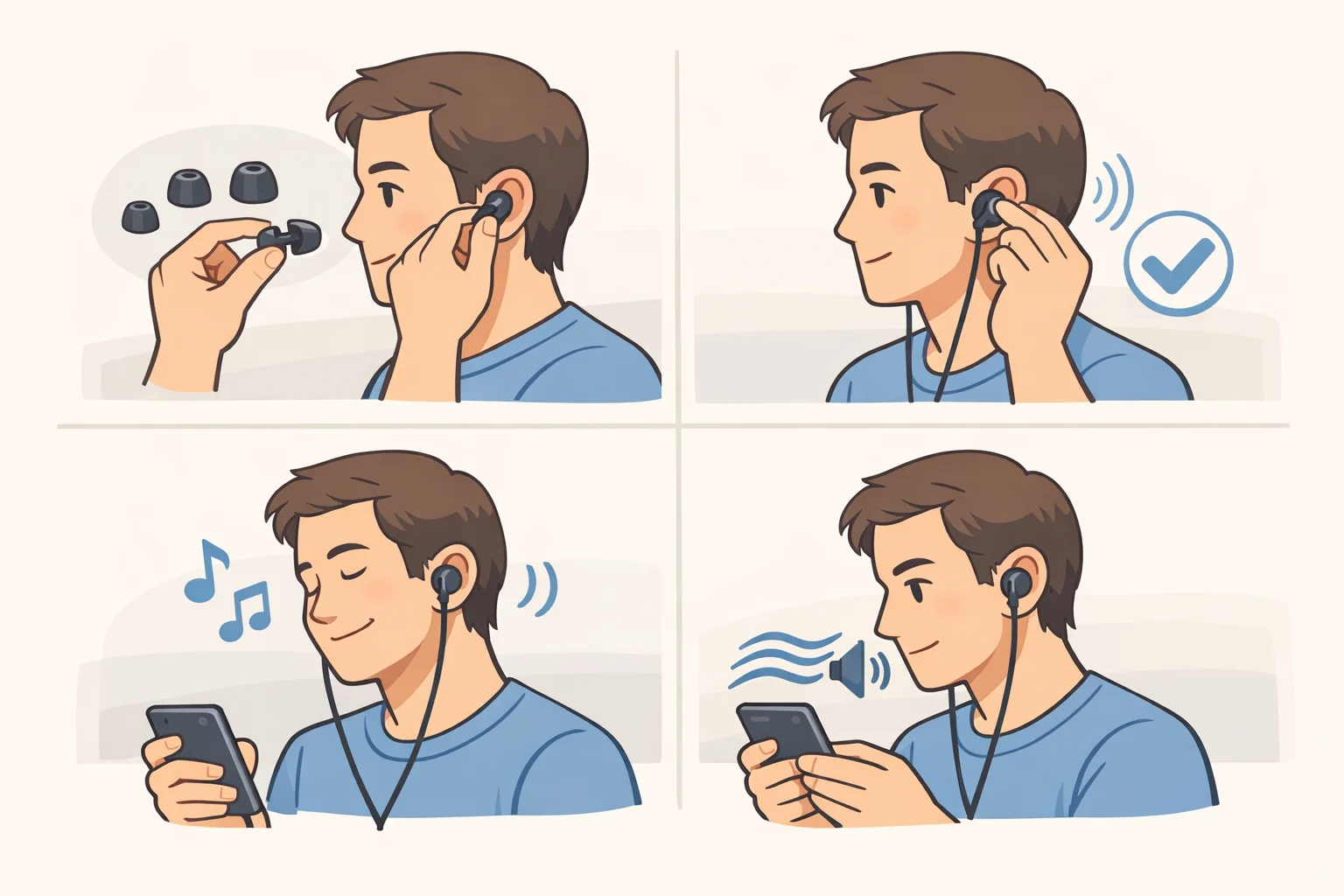
Fit and seal are worth checking carefully for in-ear headphones. A poor fit can change what you hear, so check the seal before judging the tuning: try every tip size the product ships with, and don't decide the tuning is at fault until you're confident the fit is sealed.
Form factor is worth weighing too, though the available research doesn't quantify how enclosure design affects bass output. Don't compare an open-back and a closed-back chart as though enclosure were irrelevant; look for measurements made on comparable form factors, using the same rig and compensation method, before drawing a conclusion.
Once you've narrowed the field on paper, treat the purchase itself as provisional. The study accepted for presentation at an AES headphone-technology conference tested an adaptive method for identifying a listener's preferred bass curve, using Beyerdynamic DT 770 Pro 250 Ω headphones with 24 Japanese students in the main comparison and evaluation experiment and 22 in a follow-up benchmark (arXiv/AES, published last December). The researchers describe the method as one that may ease the task of extracting frequency-response preference from untrained listeners, a hedge worth keeping given how small and specific that sample is.
In the follow-up, the best evolved curve was rated significantly higher than the researchers' starting curve, though only by a modest margin: 3.74 versus 3.51 on a five-point scale. That's a real, measured group-level preference for one curve over another within that sample, not proof that every individual listener wants something completely different.
It's a good reason to actually use your return window, with a specific procedure rather than a vague "live with it" approach. This is a practical test to run yourself, not a validated protocol, but it beats trusting first impressions in a store. Pick two or three familiar tracks, one bass-heavy, one vocal-focused, and use the same tracks every time you test a pair. Match volume between headphones as closely as practical by ear, and resist the instinct to judge whichever pair sounds louder as though loudness were the same thing as better bass; a phone SPL app can offer a rough reference but isn't a calibrated measurement, so treat any reading from one as approximate at best. Reinsert the tip and check the seal more than once, since it can shift during a session, and write down whether you hear rumble, punch, muddiness, or vocals getting buried, rather than trusting your memory of how something sounded a few days back.
Tuning what you already own before buying anything new
Before spending money on new headphones, try EQ on what you have; it's a low-cost way to get better bass from headphones you already own. One hobbyist guide argues that a well-applied parametric curve can close more of the gap between a headphone's measured response and a listener's preference than most equivalently priced hardware changes, and that it typically costs nothing to try (Undisclosed Sounds, late May). That's one enthusiast's view rather than a peer-reviewed finding, worth flagging once since the rest of this section draws on the same source.
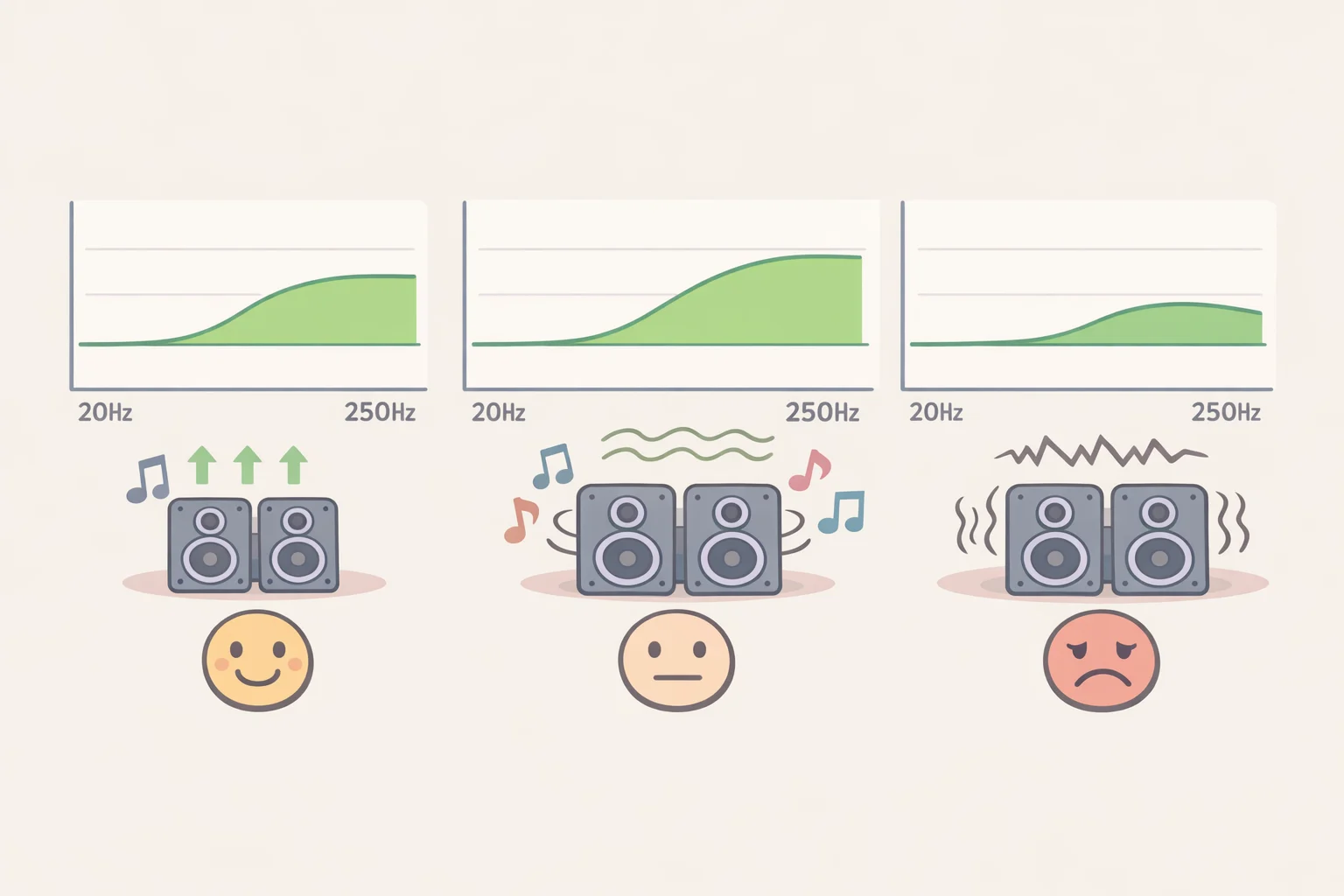
Start with a single bass-shelf adjustment inside the 20-250Hz region rather than building a full custom curve right away. Raise it gradually and listen after each change instead of jumping to a large boost in one step. If the bass starts to sound muddy, boomy, or bleeds into vocals, that's your ceiling; pull the boost back and stop there. Those are practical listening cues, not numbers pulled from a lab.
Compensate your output level as you go. The guide recommends reducing your preamp or app output level by roughly the amount you added, then listening again at matched loudness so you're comparing like with like.
EQ itself doesn't damage a driver under normal listening, according to the same source, which places the real risk on volume rather than the equalizer: pushing a large bass boost at an already-loud listening level increases the power delivered to the driver at low frequencies and can stress it over time. Treat that as sensible caution from a hobbyist source rather than an independently verified engineering limit.
If you're on Bluetooth, apply EQ on the source device before the signal transmits. For music listening, that's generally not a latency problem, and the guide reports that LDAC and aptX Adaptive handle pre-processed audio without introducing artifacts. That's one source's experience with two codecs, not a guarantee across every device and codec combination, so treat it as a starting assumption.
Keep the volume down regardless of how good the tuning is
None of the tuning above changes a basic fact about hearing: sustained high-volume listening can cause damage that doesn't reverse. A narrative review published in early June, citing a 2021 WHO estimate, puts the number of young people worldwide at risk of hearing loss from unsafe listening at more than 1.1 billion (Discover Public Health/Springer, early June). The same review estimates that around 50% of people aged 12 to 35 face risk of hearing loss from persistent, excessive exposure to loud noise through earphones and headphones.
Risk rises with both loudness and how long you listen. The review cites listening above 85 decibels as a commonly noted reference point at which cochlear hair cells, which convert sound vibration into the electrical signals your brain reads as hearing, can be damaged. Those cells don't regenerate once destroyed, so the resulting hearing loss is permanent (Discover Public Health/Springer, early June).
AirPods and similar devices can produce sound intensities of 100 to 110 decibels, comparable to a motorcycle or a power tool, and many people exceed safe limits without realizing it, particularly in noisy environments where they turn the volume up to compensate. The review describes the "60/60 rule," no more than 60 minutes of listening at under 60% volume, as a moderation strategy drawn from the literature rather than a clinical safety standard, so treat it as a sensible habit, not a validated threshold.
The evidence cited here does not establish that better-tuned bass leads people to listen at lower volumes. Volume moderation is its own habit, separate from how well your headphones are tuned, and driven largely by how long and how loud you actually listen.
The decision rule that ties this together
Measurements narrow the field, but they don't decide for you. A frequency-response chart shows whether a headphone's tuning direction matches what you're after; fit and seal can substantially change what you hear, especially with in-ears; and a conservative EQ adjustment on headphones you already own should come before any replacement purchase.
The study cited throughout found a small, real group-level preference for one evolved bass curve over its starting point, not that every listener needs a wildly different curve (arXiv/AES, published last December). That supports checking a chart against your own listening rather than trusting either one blindly on its own.
Chart first, fit and seal second, EQ before replacement, volume in check throughout. Use the chart to narrow the field, the fit to verify the result, and EQ before replacing a pair that may only need adjustment.