Back-to-school online safety tips for parents: a 4-step plan
Predators don't stop just because kids are back in school. That's the blunt assessment FBI Jacksonville gave parents last year, and the bureau points to the same messaging apps, social platforms, and gaming networks that make a new school year exciting as the places offenders go looking for children. These back-to-school online safety tips for parents lay out a four-step plan, grounded in current FBI and FTC guidance, for talking with kids honestly, securing their devices and accounts, setting social media and gaming safety controls that fit their age, and knowing exactly what to do if something goes wrong.
The scope of the problem is national. The FBI says it was investigating more than 350 subjects tied to violent online networks that target children, with all 56 field offices working the effort, according to an open letter FBI Boston published earlier this year. "The internet is a powerful tool for education and connection, but criminals exploit its anonymity to target children," said FBI Jacksonville Special Agent in Charge Jason Carley, adding that these predators "are relentless and adapt quickly."
Florida's own numbers show how quickly that risk can accumulate. Sextortion complaints filed with the FBI's Internet Crime Complaint Center rose 60% statewide in the first seven months of 2025 compared with the same period the year before, with losses approaching $1 million, FBI Jacksonville reported last year. In North Florida specifically, complaints filed during those same seven months matched the total logged for all of 2024. That's regional data, not a national trend, but it's a reason to have a plan in place before the first bell rings.
How to keep kids safe online during back-to-school season
Video of the Day
A new school year brings new classmates, new group chats, and often a new device or app to go with them. That means more accounts, platforms, and contacts for parents to keep track of, not just more hours spent on a screen.
Sextortion schemes can start on virtually any site, app, messaging platform, or game where people meet and communicate, FBI Jacksonville says. Once an offender has one or more explicit photos or videos, they threaten to publish the material or threaten violence to pressure the child into producing more, a pattern that escalates fast and depends on secrecy to keep working.
The threat extends beyond one-on-one sextortion. FBI Boston describes networks that connect with children through mobile messaging apps, social media, and gaming platforms, then manipulate or coerce them into producing explicit content or engaging in self-harm or violence, the agency says. In FBI Boston's region, some of these networks have also used doxing, publishing a victim's private information, or swatting, falsely reporting an emergency to send police to a target's address, as intimidation tactics to coerce victims into increasingly degrading acts. Most victims are young females, though the FBI stresses any child can be at risk, and the people running these networks are often males under 25.
Part of the back-to-school conversation should also cover what not to post. FBI Jacksonville warns that hoax threats, even ones kids consider a joke, disrupt schools, drain limited law enforcement resources, and put first responders in unnecessary danger.
Shame, fear, and confusion often prevent children from asking for help once they're caught in a cycle like this, FBI Jacksonville says. That makes a child's willingness to tell an adult one of the most useful safety measures a parent can build, and it's the reason the plan below starts with talking rather than settings.
Video of the Day
A four-step plan for back-to-school online safety tips for parents
This doesn't call for panic. It calls for a sequence: talk with a kid before touching any settings, secure their devices and accounts, layer on controls that match their age, and know exactly how to respond if something goes wrong.
Step 1: start with a conversation, not just controls
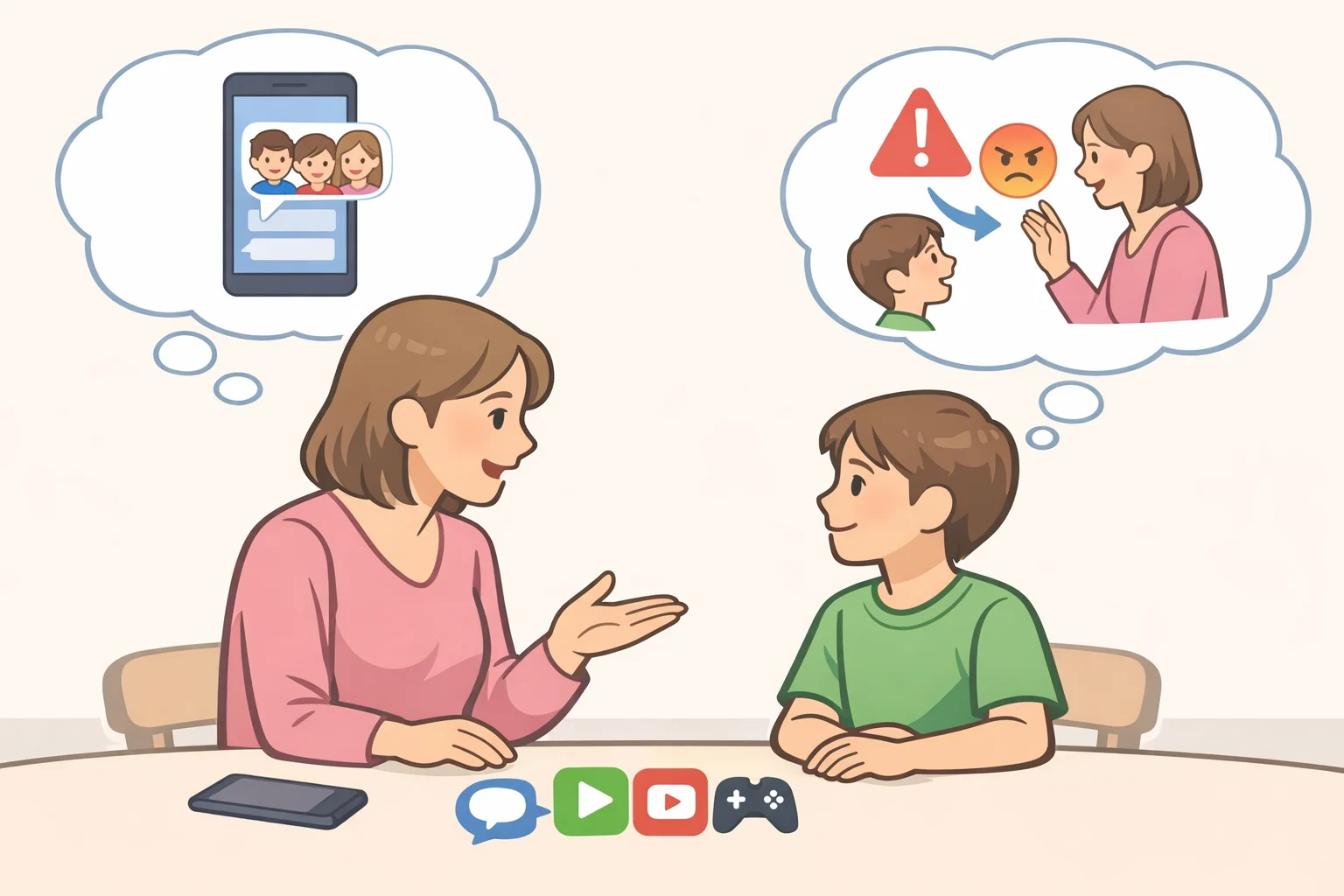
Before touching a single setting, talk. The FTC is direct about this: there's no substitute for talking with a kid about family rules and expectations, and no parental control replaces that conversation, the agency says.
Parents need to know who their kids are talking to online and which platforms they're using, paired with ongoing conversations about the risks of sharing personal information, images, or video, FBI Boston advises. FBI Jacksonville goes further, recommending parents ask directly about the games their kids play and the apps they use, treated as regular dialogue rather than a one-time interrogation.
A simple script works better than a lecture. Ask what apps they're using this year and who's in their group chats. Ask if anyone they don't know in person has messaged them. Then say plainly, as a matter of family policy, that if anything online ever feels off, they can come to you first, no punishment attached, no matter what already happened.
Step 2: secure devices and accounts before school starts
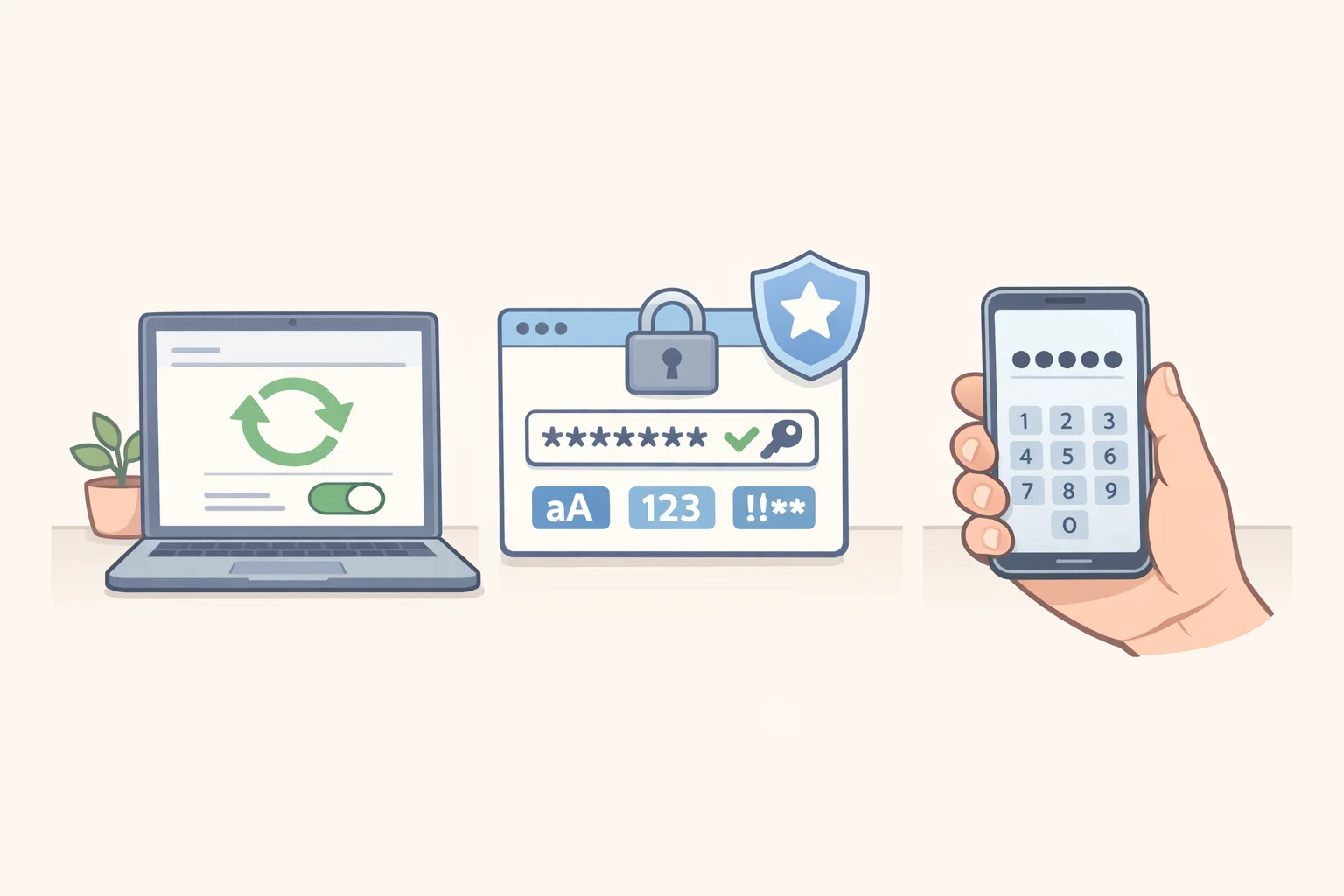
Once the conversation has happened, move to the hardware. This step is about keeping unauthorized people out of a device or account; the next step is about what a child can do and who they can reach once they're already logged in. Start with a quick inventory of every phone, tablet, laptop, and gaming console a child touches, including hand-me-downs, since a device that never gets set up undoes the rest of this list.
Turn on automatic updates for each device to protect apps, browsers, and operating systems, the FTC recommends. Set unique, strong passwords for every account and device instead of reusing the same one everywhere; for teens, a password manager or the device's built-in password generator can make this easier.
Home Wi-Fi deserves its own pass. Change the router's default name and password, turn off remote management, and log out of the admin account once setup is done, per the same FTC guidance.
Set every phone to lock automatically with a passcode of at least six digits, the FTC says. That single habit helps protect the phone when it's left unattended: at a friend's house, in a locker, on a bus seat.
New school year, new profiles, so this is also the right moment to think about what those accounts reveal. FBI Jacksonville's guidance for parents advises against detailed personal information in a child's profile: use initials instead of a full name, skip the exact date of birth, and avoid uploading photos where possible, the bureau says.
Step 3: set social media and gaming safety controls for kids

With devices locked down, layer on parental controls. The FTC frames these as reinforcement for family rules already discussed openly, not a replacement for them, the agency notes. Where Step 2 is about keeping intruders out, this step is about shaping what a child can access and who they can talk to once they're already in.
Apple's Family Sharing covers iPhones and iPads. Google's Family Link covers Chromebooks and Android devices, and also lets parents customize controls on YouTube. Microsoft Family Safety covers Windows computers and Xbox. The FTC lists these as the main options for each ecosystem.
Depending on the tool, parental controls can manage screen time, restrict the type of content a child can access, provide information about website and app activity, limit who a child can communicate with, and require approval for purchases, the FTC explains. Not every tool offers every function, so it's worth checking what a specific app actually covers before relying on it.
Parental controls work best when they're set up on every device a kid actually uses, the FTC says. A tablet borrowed from an older sibling or a hand-me-down phone that never gets the same setup is a gap worth closing, even though it's a practical concern rather than something the FTC quantifies.
These controls aren't set-and-forget. As kids get older, the FTC advises adjusting them to match, the agency says, the same way house rules shift between third grade and tenth.
Step 4: know what to do if something goes wrong
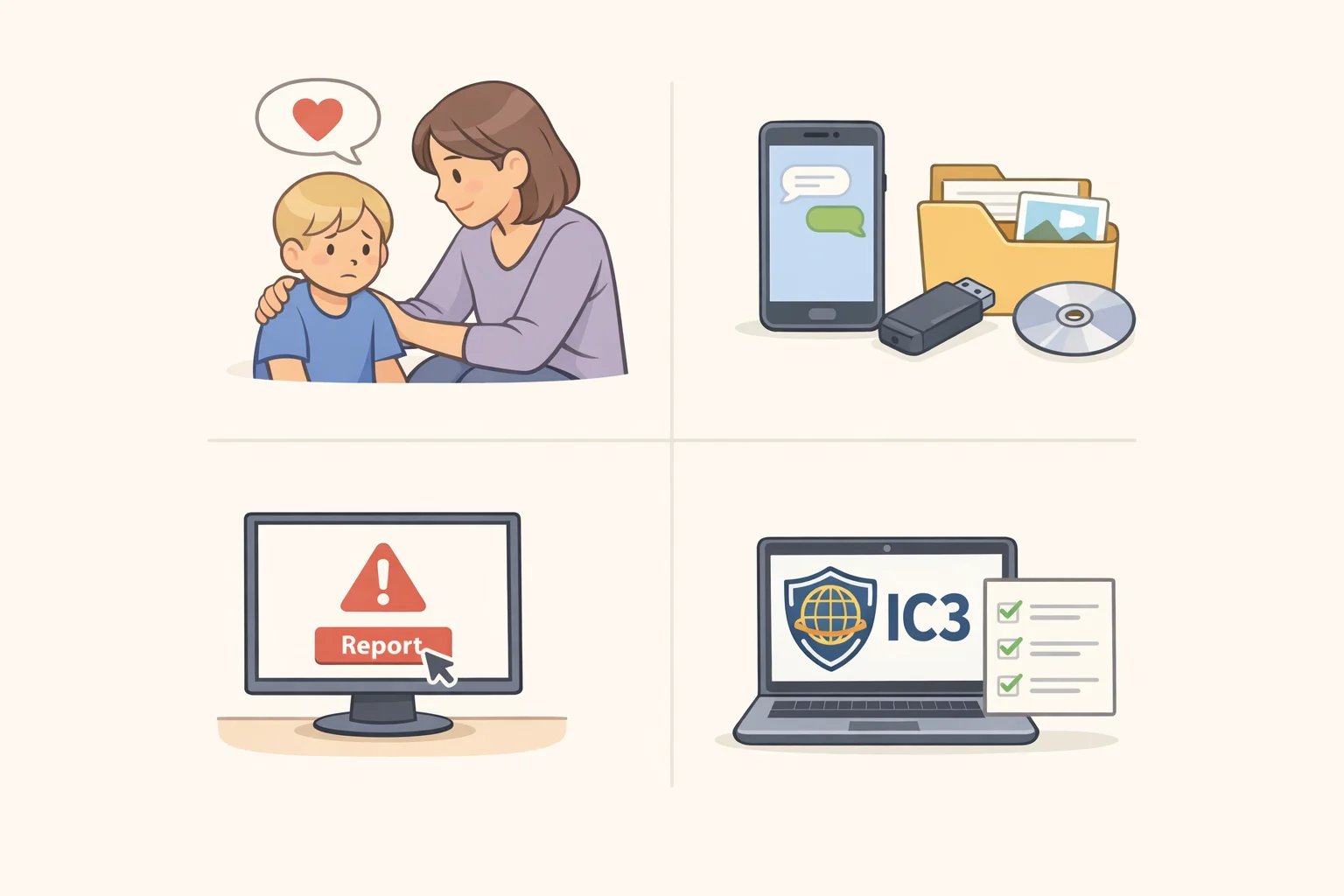
Having a response plan ready before a problem surfaces matters more than getting every step perfect once it does. Here's a sequence worth keeping close:
- Reassure the child first. Make clear they did the right thing by speaking up and that no punishment is coming, regardless of what already happened.
- Avoid contacting, threatening, or negotiating with the offender directly. That's a job for law enforcement, not a parent.
- Preserve everything: usernames, email addresses, platform names, and screenshots. Do not delete messages from the offender, since they're often critical evidence for investigators, both FBI Jacksonville and FBI Boston stress.
- Report the account or content directly through the platform where it happened; most social apps and games include a built-in reporting tool.
- File a report with the FBI's Internet Crime Complaint Center at ic3.gov, or reach the FBI directly at 1-800-CALL-FBI (1-800-225-5324) or through tips.fbi.gov, FBI Boston advises.
- If a child is in immediate danger, contact local law enforcement immediately, FBI Boston says.
- For images already circulating, NCMEC's free Take It Down service helps minors, or adults who were victimized as minors, remove or stop the spread of explicit content taken while they were under 18.
For the more mundane but still common threat of phishing texts, messages designed to extract personal or financial information, forward them to 7726 (SPAM) to help block similar attempts going forward, the FTC says.
The plan is a habit, not a checklist
Awareness is the first step in prevention, FBI Boston says, and that holds true well past the first week of school. Free tools like the FBI's Safe Online Surfing program keep the conversation going year-round; its tests are built for third through eighth graders, though anyone can work through the activities, FBI Jacksonville notes.
Kids will pick up new apps, switch devices, and outgrow old rules before the school year is over. Revisit the settings and the conversation each time that happens: when a new app shows up, when a device changes hands, or when a child moves into a new age bracket. The plan was never meant to be finished by September.