Passkey vs Password: What's the Difference, Explained
A password is a secret you memorize, or more realistically store in a password manager, and type in every time a service asks for it. A passkey is something else: a cryptographic credential that your device or credential manager uses on your behalf, so there's no reusable secret to disclose to a website in the first place. That distinction is the whole passkey vs password question, and it's not a case of one being a stronger version of the other. NIST's guidance credits correctly implemented passkeys with phishing-resistant authentication, a property that depends on there being no reusable secret for anyone to steal off a fake login page, which is exactly what a password is (NIST).
Availability has expanded fast. In 2024, FIDO Alliance estimated that more than 8 billion user accounts had the option to use a passkey, a figure NIST was careful to note measures availability, not how many people actually turned it on (NIST). Around the same time, NIST said the underlying standards had matured to the point that most major consumer platforms had built in support (NIST). The guidance framework has caught up too: NIST's interim guidance said correctly implemented syncable authenticators, the technical term behind passkeys, can provide phishing-resistant authentication, and SP 800-63B-4, finalized last July, now supersedes that earlier edition (NIST).
None of that makes a passkey a strictly better password. It solves a different problem, and whether passkeys are safer than passwords depends on which part of the login process is being asked about.
Passkeys vs passwords: the difference that matters
Video of the Day
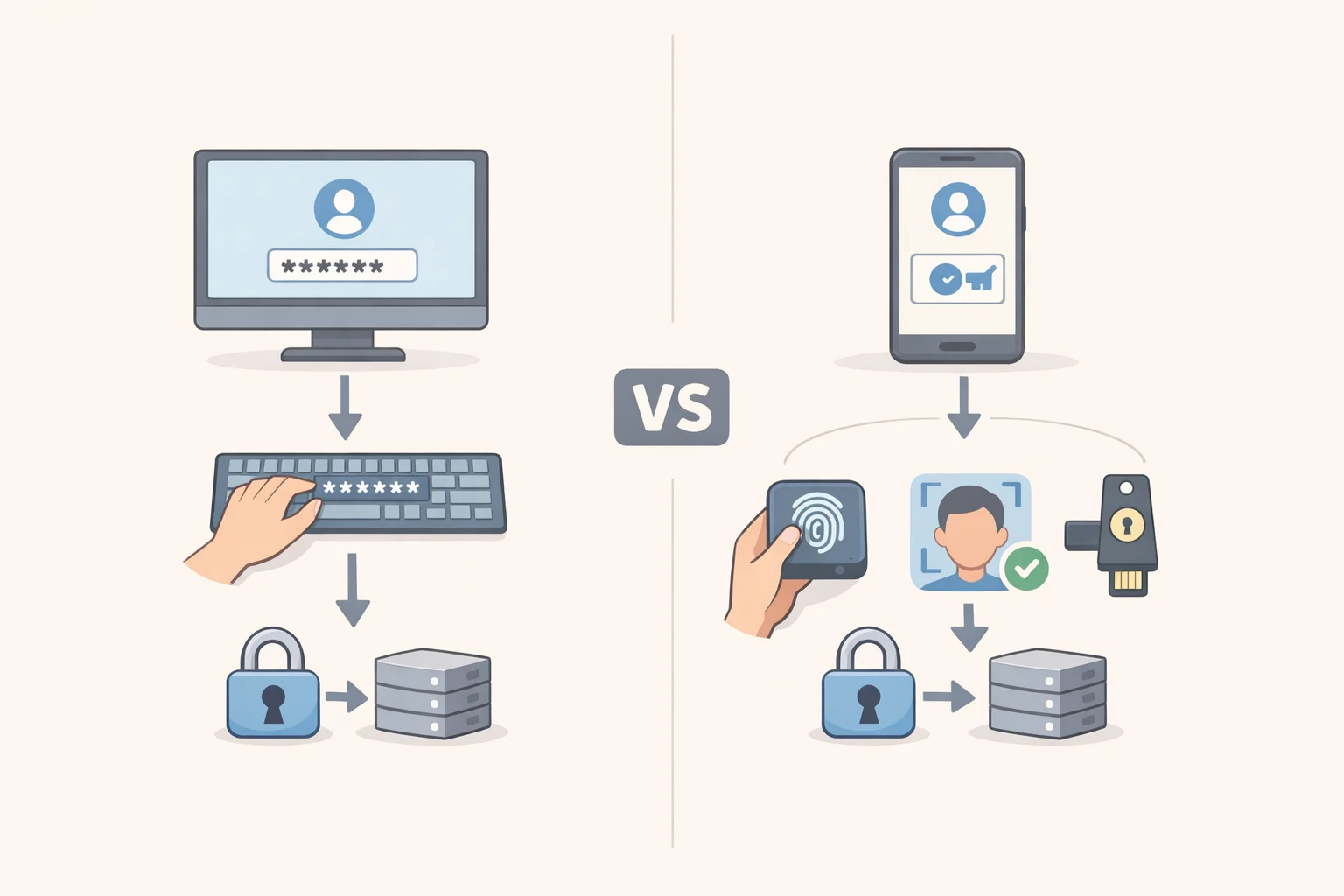
A password lives in your memory, or in a password manager, and stays the same login after login. Anyone who obtains that string, by guessing, by a data breach, or by a convincing fake login page, can typically use it the same way you would.
A passkey runs on different plumbing. NIST defines the underlying technology as a "syncable authenticator": a cryptographic authenticator whose private key can be cloned and stored separately so it works across devices (NIST). In everyday terms, that's what the FIDO Alliance calls a passkey, built on shared standards and protocols including the Client-to-Authenticator Protocol and the W3C's WebAuthn (NIST).
NIST also lists consumer-friendly biometric unlocking among the practical benefits of this approach (NIST). In practice, that's the fingerprint or face scan a phone or laptop asks for before it lets a stored passkey through.
That's the structural difference the rest of this piece turns on: a password is a secret you can be talked into revealing, while using a passkey doesn't require disclosing any reusable secret to the site at all.
Video of the Day
Why passkeys resist phishing
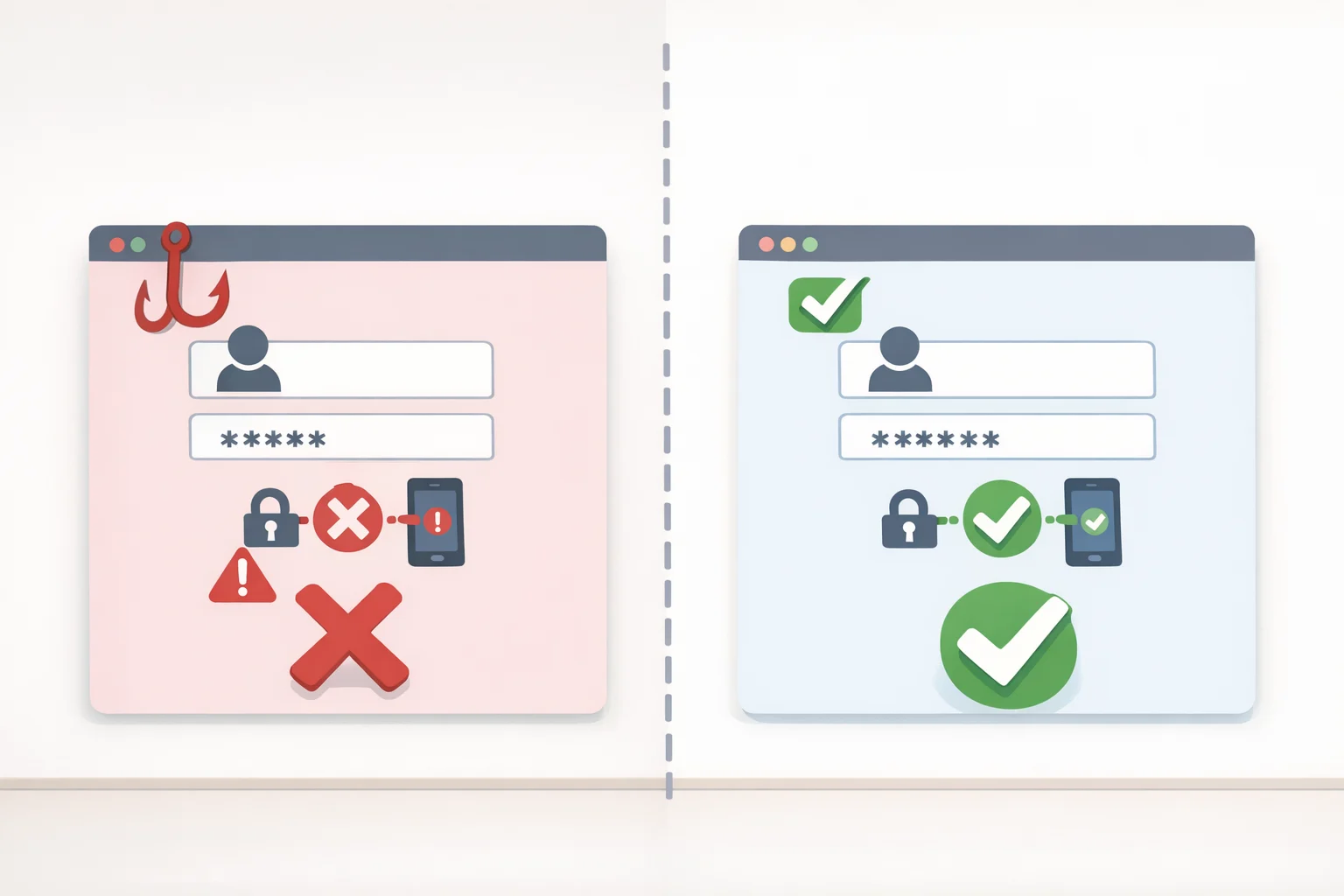
Phishing works on passwords because the login system depends on a person typing the same reusable string into whatever page happens to be in front of them, real or fake. A correctly implemented passkey is designed to authenticate only to the service it was created for, and the user doesn't need to type or reveal any private credential to complete that exchange.
Think of a password as a key you could photocopy for a friend, or one a stranger might talk you into copying for them: whoever holds a copy gets in. A passkey behaves more like a key cut for one specific address; presenting it at the wrong door does nothing, no matter how convincing that door looks.
NIST's position on the outcome is direct: when implemented correctly, syncable authenticators provide phishing-resistant authentication, along with benefits like simplified recovery, cross-device support, and consumer-friendly biometric unlocking (NIST). In plain terms, that's the case for passwordless authentication: without a reusable secret to steal, a large category of attack loses its target.
FIDO Alliance frames this as a gradual shift rather than a switch flipped once. Its white paper describes moving toward preventing phishing attacks as a multistage "journey" that requires strengthening both login and account recovery together, laid out across three stages: an overview of the concept, partial prevention in specific scenarios, and full phishing prevention once both pieces are hardened (FIDO Alliance).
That "login and recovery together" framing is the detail worth sitting with. Phishing resistance, as NIST and FIDO describe it, applies to the login step. What happens when someone loses access and needs to get back in is a separate problem, and it's where the next set of caveats live.
Where the protection can break down
FIDO's white paper is explicit that account recovery has to be hardened alongside login, or the phishing resistance built into a passkey doesn't protect the account end to end (FIDO Alliance). A passkey is designed to prevent the authentication step itself from succeeding on an impostor site. Recovery flows, such as a fallback email address or an identity check with customer support, aren't automatically covered by that same design, and may still be vulnerable to phishing or social engineering if they aren't hardened separately.
Passkeys are strongest at login, not necessarily at recovery.
NIST's own guidance reflects similar caution about scope. The 2024 supplement that opened the door to syncable authenticators provided additional requirements and considerations for their use at Authentication Assurance Level 2, one of the three tiers NIST's finalized standard now defines requirements for, rather than declaring passkeys sufficient across every assurance need (NIST; NIST). NIST said plainly that syncable authenticators carry their own risks, particularly around key cloning, and that its requirements around storing, transmitting, and protecting keys are meant to address as many of those risks as possible (NIST).
There's a sharper risk worth naming directly. NIST notes that some implementations let a person share their authentication key with someone else, and that some consumer products market that sharing as a secure alternative to sharing a password (NIST). Sharing itself isn't unique to passkeys since nearly any AAL2 authenticator can technically be shared, but NIST is blunt that marketing it as a secure feature, rather than a risk to manage, runs against years of standard security guidance (NIST).
None of this erases the advantage passkeys offer at login. It does mean NIST's own conclusion applies: syncable authenticators aren't right for every application, and organizations are expected to weigh their benefits against their risks case by case rather than assume passkeys solve everything (NIST). The same weighing applies to a person deciding which of their own accounts are worth switching first.
Should you switch to a passkey?
Whether to switch is less a yes-or-no question than an account-by-account one. In 2024, NIST described passkey support as widespread but "not yet ubiquitous," growing more common with each passing month (NIST). For services that don't yet support passkeys, a strong, unique password, ideally kept in a password manager, is still the baseline.
SP 800-63B-4, finalized last July, replaced the earlier 2020 edition and now defines technical requirements across the three authenticator assurance levels NIST uses to categorize login strength (NIST). Anyone weighing a specific company's passkey claims has a concrete document to check them against, rather than marketing language alone.
A practical approach for individuals:
- Turn on a passkey wherever a service offers one, but treat it as one part of account security rather than a finished job.
- Review the security and recovery settings for whatever account or password manager syncs your passkeys, since that's the layer FIDO and NIST both flag as needing separate attention.
- Check the recovery method behind each account you switch. A passkey that resists phishing at login doesn't help much if the recovery path behind it doesn't.
- Don't treat key sharing as a safe substitute for giving someone else their own, separate access, regardless of how a product markets the feature.
- For anything that doesn't support passkeys yet, keep a strong, unique password and use whatever recovery protections that service offers.
Passkey vs password at a glance
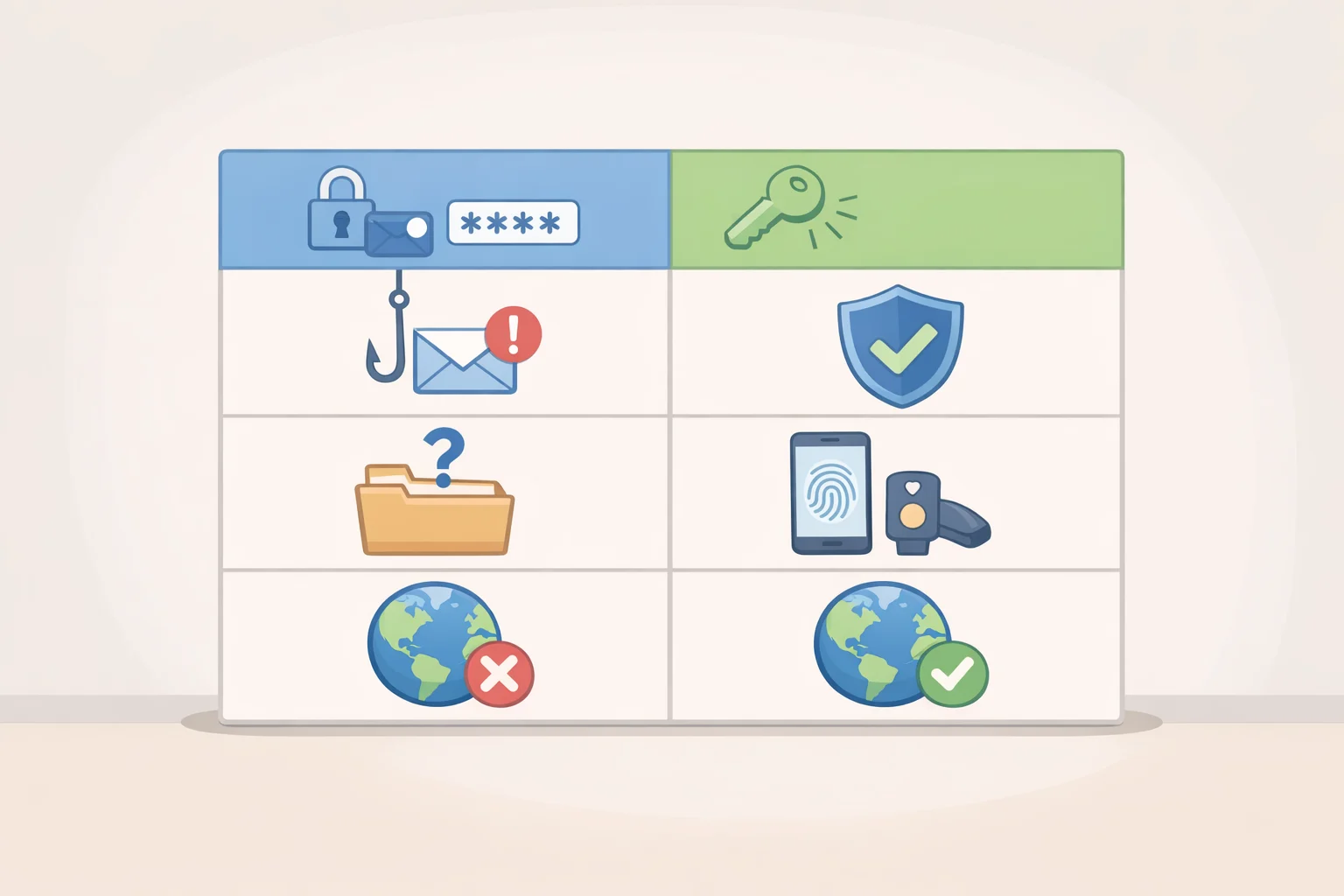
| Factor | Password | Passkey |
|---|---|---|
| Login phishing | A reusable secret can be typed into a convincing fake page | Designed to authenticate only to the site it was created for; NIST calls this phishing-resistant when implemented correctly (NIST) |
| Recovery | Typically falls back on a recovery email, security questions, or a support-desk check | NIST lists simplified recovery as a benefit of syncing, but FIDO stresses that account recovery still needs to be hardened separately from login (FIDO Alliance) |
| Device loss | Losing the device holding a saved password can lock a person out unless it's backed up elsewhere | Syncing lets a passkey move to a new device through the account it's tied to (NIST) |
| Sharing | Sharing a password with someone else is a known, longstanding risk | Some products market key sharing as a secure alternative, a framing NIST says departs from standard guidance (NIST) |
| Availability | Supported everywhere online | Widespread but, as of NIST's 2024 assessment, "not yet ubiquitous" (NIST) |
The practical result is straightforward. Passkeys close off the phishing risk that has always been the weak point of password-based login, but that protection only holds as far as the recovery process behind the account is built to match it. Enable a passkey wherever it's offered, then spend the extra few minutes checking how that account can be recovered if the device holding it is ever lost or stolen. That check, more than the passkey itself, is what decides whether the phishing resistance actually holds up.