Opera VPN Automatic Public Wi-Fi: What It Actually Protects
Opera's desktop browser can now switch on its free built-in VPN by itself the moment it detects public or unsecured Wi-Fi, ending the ritual of remembering to flip the switch before checking email at the airport gate. The opt-in setting starts rolling out today to desktop users in the US and France, according to The Verge. Opera has offered a free built-in VPN since 2016, per TechRadar, so this isn't a new privacy tool so much as an old one learning to turn itself on.
The catch worth knowing before enabling anything: this protection covers traffic inside the Opera browser only. Apps like Spotify, Steam, or a standalone email client keep using the regular network connection rather than Opera's VPN tunnel; whether their own traffic is encrypted depends on the app and service, TechRadar reports. That distinction matters more than the automation itself, since it defines exactly what "protected" means the next time someone connects to hotel Wi-Fi.
Arjan van Leeuwen, Opera's Head of Opera One Engineering, framed the update as an extension of the company's decade-old bet on frictionless privacy. "From the very start, all the way back in 2016, we believed that online privacy should be effortless and straightforward, especially when connecting to public networks while out and about," van Leeuwen said, adding that VPN use remains "a vital part of users' digital hygiene," per XDA Developers.
How Opera VPN automatic public Wi-Fi detection works
Video of the Day
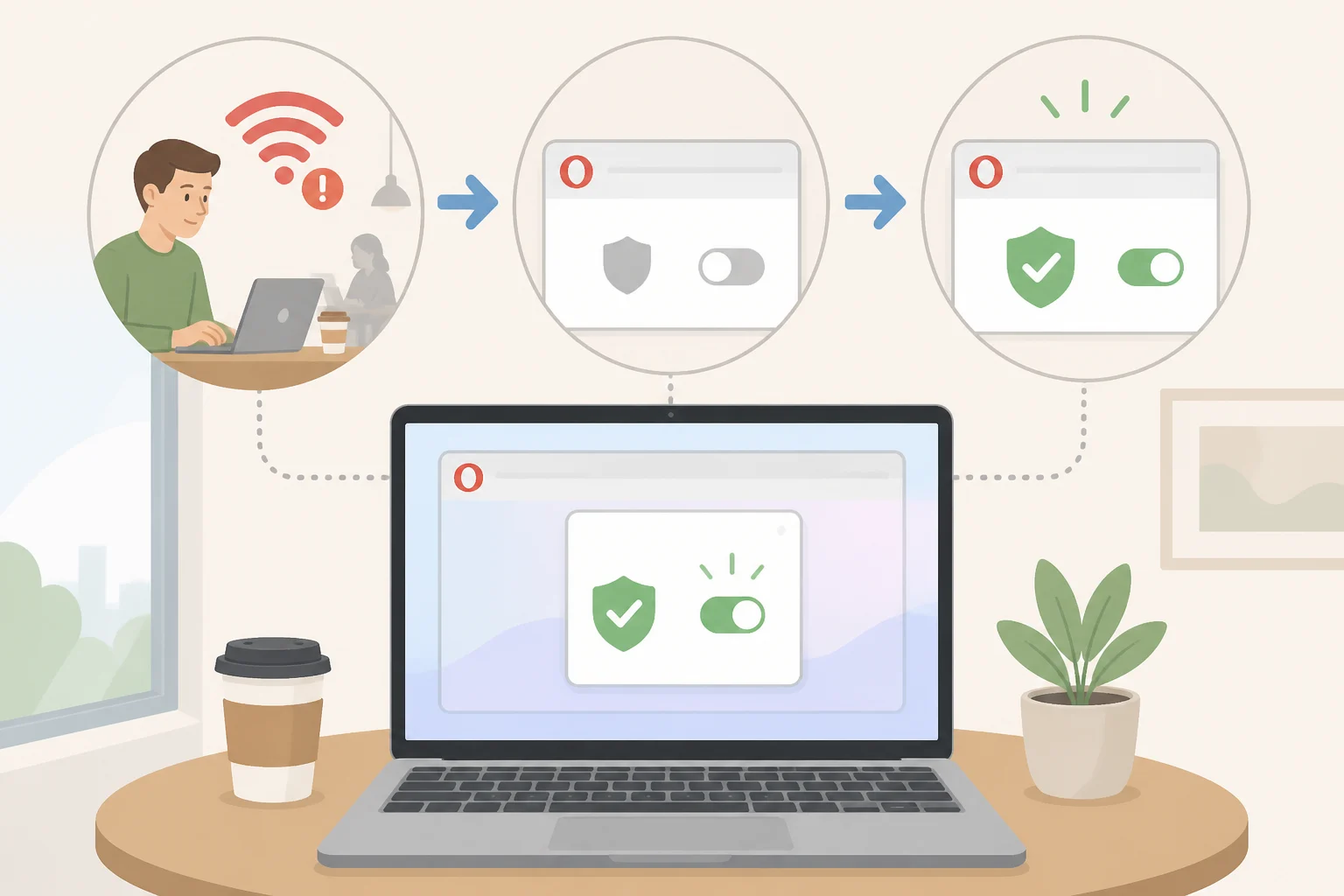
Once a user flips the toggle on, Opera's browser watches for public or unsecured networks and activates the built-in VPN the instant it spots one, no clicking required, XDA Developers reports. Connect at a café, and the browser handles the rest.
The feature wasn't sprung on users overnight. It first surfaced earlier this month in the release notes for Opera Developer 137, a testing build where the auto-connect option quietly appeared before today's wider rollout, TechRadar notes.
Only 23% of internet users aged 16 and older use a VPN for at least some of their online activity, according to 9to5Mac. Automatic activation removes the step those users were most likely to skip: remembering to turn protection on before joining a network in the first place.
Video of the Day
Does Opera's free VPN protect all internet traffic?

Opera VPN Free protects traffic only inside the Opera browser itself, a limitation confirmed by both TechRadar and Digital Trends. A laptop connected to hotel Wi-Fi with the auto-VPN running will still send Steam downloads, Spotify streams, or mail-app traffic over the regular connection rather than through Opera's tunnel.
Reporting on this point isn't unanimous. XDA Developers described the feature as ensuring "all the data going to and from your laptop is properly encrypted," language that reads as system-wide protection, per XDA Developers. That description conflicts with the narrower, browser-only account independently corroborated across TechRadar and Digital Trends, and the more specific reporting from those two outlets is the version this article treats as accurate.
Anyone who wants full-device coverage needs something else. TechRadar reports that Opera sells that as VPN Pro, a paid tier that launched in 2022, per TechRadar. The service covers up to six Windows, macOS, or Android devices and has run on ExpressVPN's Lightway protocol across 48 server locations since mid-2025, the same report notes, adding that Lightway brings post-quantum protection by default. Digital Trends confirms the broader point: reaching past the browser window requires a system-wide VPN, whether that's Opera VPN Pro or another full-device service, Digital Trends reports.
Opera built-in VPN settings: how to turn on auto-connect

The setting is off by default. Users have to manually enable the auto-activation toggle inside Opera's settings before the browser will detect anything, The Verge reports. Skip that step and Opera behaves as it always has: VPN available, but not automatic.
It's also reversible. Anyone who prefers deciding for themselves when the VPN connects can switch the auto-activation setting back off at any point, according to XDA Developers.
Cost isn't a barrier either. The free VPN requires no account sign-up and carries no fixed bandwidth cap, per TechRadar.
On privacy, Opera makes several claims worth stating precisely rather than broadly. The company says its free VPN keeps no logs, operates under GDPR rules, and has been independently audited by Deloitte, according to 9to5Mac. Those are Opera's own statements, reported by multiple outlets but not accompanied by published audit documentation in available coverage. Treat them as the company's position rather than an independently confirmed fact unless supporting audit documentation becomes available.
Where Opera's automatic VPN protection is rolling out
The rollout starts narrow: desktop users in the US and France only, with the announcements silent on when, or whether, mobile users or additional countries will get the same toggle, per The Verge and XDA Developers.
Opera positions the auto-VPN as one piece of a larger privacy bundle. The company pairs it with a built-in ad blocker and tracker blocker as native tools baked into the browser, 9to5Mac notes. Opera also points out that built-in VPN access remains a feature some major browsers still don't offer by default, according to XDA Developers, a comparison that comes from the company itself rather than independent testing.
What Opera hasn't explained

Several details sit outside the scope of current reporting. Neither The Verge nor XDA Developers specifies the exact technical criteria Opera's browser uses to flag a network as public or unsecured, and neither confirms whether the auto-connect toggle requires the newer Opera One browser build. Those gaps matter for anyone trying to predict whether the feature will fire reliably on a given hotel or café network.
The Deloitte audit of Opera's no-logs policy is similarly undocumented in available coverage. Both 9to5Mac and TechRadar report Opera's claim that the audit took place, but neither links to or describes the underlying findings, leaving the claim resting on the company's word for now.
Timing for expansion is also unclear. Available reporting doesn't provide a timeline for mobile availability or for markets beyond the current two, per the same Verge and XDA Developers coverage. What remains unclear is whether Opera's detection performs as consistently across the range of networks people actually use, from airport terminals to a café's shared password, as the narrow rollout suggests it should, and whether that consistency holds once more users and more scrutiny arrive.