Phone Privacy at Protests: Harden Your Device Before You Go
By the end of this guide, you'll have made three concrete decisions: which device to bring (or whether to bring one at all), how to configure it before you leave the house, and how to handle it during and after the protest. That sequence matters more than any individual setting.
Most guides get this wrong. Phone privacy at protests isn't primarily about apps or toggles. It's about deciding upfront how much data you're willing to put at risk. Every major digital security source converges on the same hierarchy: no phone is safest, a secondary device is the best middle ground for most people, and a hardened primary phone is the minimum viable option. The goal, as Digital Security Checklists for Activists put it in their January 2026 review, isn't anonymity. It's harm reduction.
The threat is real and layered. Federal agencies can purchase bulk location data from commercial data brokers without a warrant, tracing attendees from a protest back to their homes using apps already on their phones, Proton reported in March 2026. Law enforcement also deploys IMSI-catchers, devices that impersonate cell towers to capture phone numbers and locations, and can force phones onto older, less secure 2G connections to bypass protections, PCMag noted in January 2026. ICE's Mobile Fortify app allows agents to identify people by pointing a camera at faces or fingerprints and matching against federal databases; wrongful detentions from misidentification have already occurred, Proton reported in March 2026.
Choose the level that fits your risk
Video of the Day
Before picking a device strategy, identify which profile fits you. The steps below are calibrated accordingly.
Casual attendee: You're showing up to a permitted march with no organizing role and no sensitive data on your phone beyond ordinary contacts and photos. A hardened primary phone (Option C below) is a reasonable baseline.
Frequent protester: You attend regularly, may be on law enforcement radar from prior actions, or live in a jurisdiction with aggressive surveillance. A secondary phone (Option B) is worth the setup time. Your primary phone stays home.
Organizer or targeted individual: You coordinate others, hold sensitive contacts or Signal group memberships, work with communities at elevated risk, or have reason to believe you're specifically monitored. The secondary phone isn't optional, per Digital Security Checklists for Activists, reviewed January 2026. One confiscated device can expose an entire network.
Video of the Day
Step 1: Phone privacy at protests starts here choose your device strategy
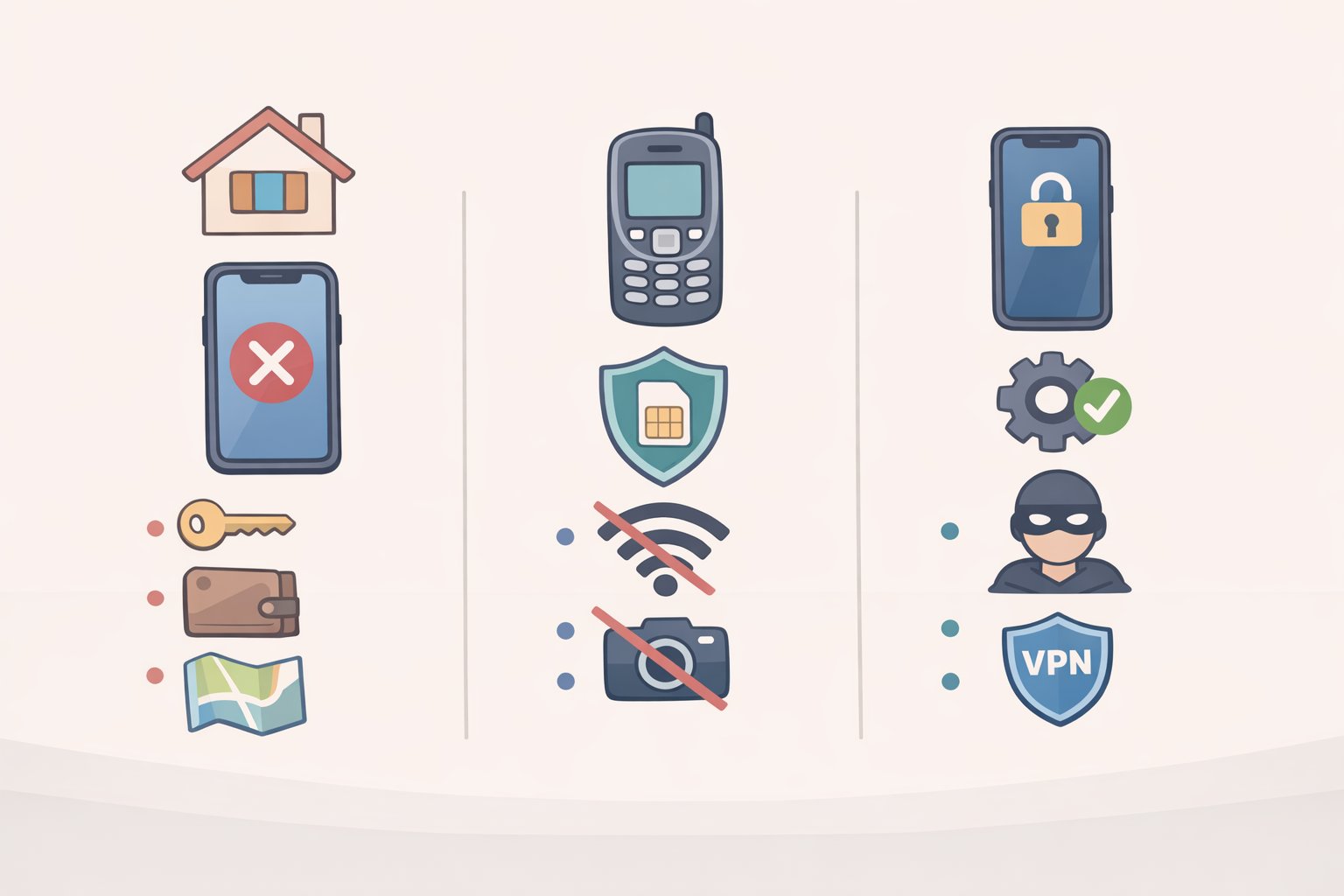
Make this choice before doing anything else. Steps 2 through 4 are calibrated to whichever path you pick. This isn't a settings question; it's a risk-tolerance question.
Option A Leave your phone home. No phone means no IMEI to capture, no cellular pings, no data to seize. Proton (March 2026) and Secure Activism (April 2025) both name this the safest choice. Leave connectable accessories behind too: smartwatches, fitness trackers, Bluetooth earbuds. Write a legal support number on your arm before you go (more on this in Step 4). If you choose this option, you're done here.
Option B Bring a secondary "protest phone." The recommended path for anyone who needs a device on hand. Setup takes roughly three hours and costs $60 or more for the device plus a prepaid plan around $15/month, per Digital Security Checklists for Activists, January 2026. Key rules:
- Buy the device and a prepaid SIM in person, with cash if possible.
- Do not sign in with your regular Apple or Google account. Use a Proton Mail address registered with the new phone number.
- Never power it on at home, work, or any location you visit regularly. First activation should happen at a coffee shop or similar public Wi-Fi spot.
- Install only what you need: Signal and offline maps. Keep contacts and Signal groups to a minimum every group you join is additional exposure if the phone is seized.
Critical: Simply swapping a prepaid SIM into your regular phone does not protect you. Your phone's IMEI, its hardware identifier, remains the same across networks and can be correlated by law enforcement regardless of which SIM is installed, Privacy Guides noted in January 2025.
Option C Harden your primary phone. The least protective option, but realistic for people who cannot acquire a second device. Your phone is already linked to your identity; the goal is limiting what it broadcasts and what can be extracted from it. Steps 2 through 4 apply directly.
Privacy vs. utility: Phones may be genuinely necessary to film police conduct, coordinate with allies, or navigate safely. The steps below account for those needs. The goal isn't to argue you away from bringing your phone, but to make sure you've thought through the tradeoffs before you arrive.
Step 2: How to secure your phone before a protest what to configure at home
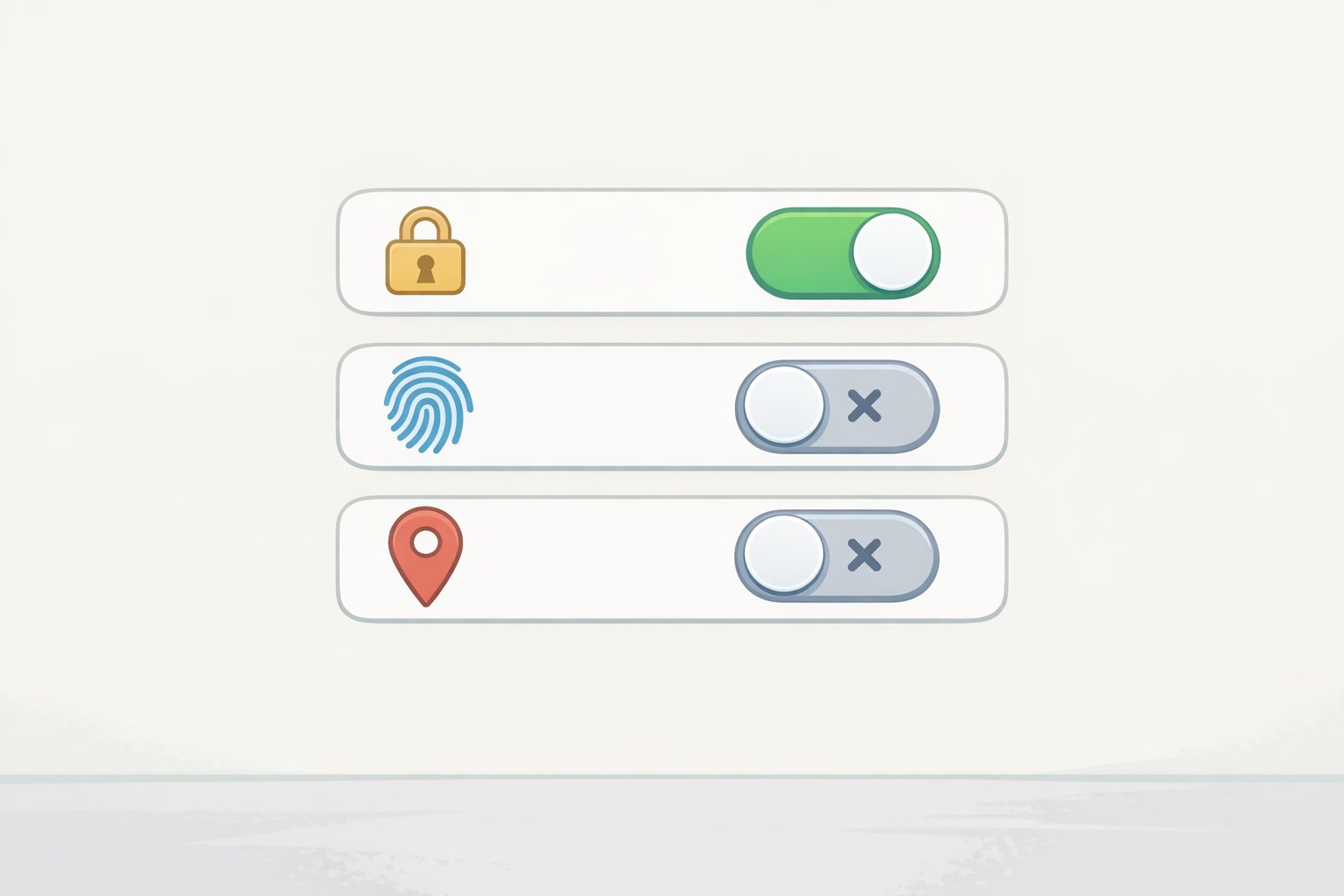
Do this the night before. Not at the protest.
1. Set a strong passcode and disable biometrics.
Use a randomly generated 8–10 digit numeric code, not a date, pattern, or anything you chose yourself. An 8-digit random code takes over 40 years to crack with current tools; a predictable 6-digit pattern falls in under 24 hours, according to Digital Security Checklists for Activists, February 2026. Practice the new code at least 10 times before you leave so you don't forget it under stress.
Disable face unlock and fingerprint unlock entirely:
- iPhone: Settings → Face ID & Passcode → disable "Use Face ID for iPhone Unlock"
- Android: Settings → Lock Screen → Biometrics and Security → disable Face Recognition and Fingerprint Unlock
Legal note know this before you go: Under current US law, a memorized passcode generally provides stronger Fifth Amendment footing to resist a court order compelling device unlocking. The EFF (reviewed June 2025) notes that courts have offered less protection against compelled biometric unlocking than against compelled password disclosure, though rulings vary by jurisdiction and continue to evolve. As of March 2026, some US courts have ruled that compelling a thumbprint unlock is a testimonial act protected by the Fifth Amendment but others have disagreed, and federal agencies like ICE have used warrants explicitly authorizing biometric access, Proton reported. In the UK and Australia, authorities can legally compel you to surrender a password; know your local law.
2. Disable cloud backups for sensitive apps.
Cloud backups can quietly undermine an otherwise hardened device. If iCloud backup is enabled on an iPhone with WhatsApp or iMessage, those messages are stored in a state that Apple can hand over to law enforcement, Proton reported in March 2026. Enable Advanced Data Protection in iCloud if you use Apple's backup, or back up locally to a computer instead. Android photos sync to Google Photos by default and are not end-to-end encrypted, per the EFF (June 2025).
3. Disable location services system-wide not just via airplane mode.
Airplane mode cuts cellular and Wi-Fi but does not disable GPS. Turn off location services separately:
- iPhone: Settings → Privacy & Security → Location Services → Off
- Android: Settings → Location → disable "Use Location"
Also disable Bluetooth and Wi-Fi via the full Settings menu, not the iOS Control Center toggle, which only pauses them temporarily and leaves scanning active, Activist Checklist notes (February 2026).
4. Delete your advertising ID.
Law enforcement can purchase advertising ID-linked location data from data brokers without a warrant. This identifier is on by default on Android:
- Android: Settings → Security and Privacy → Privacy Controls → Ads → Delete Advertising ID
- iPhone: Settings → Privacy & Security → Tracking → verify "Allow Apps to Request to Track" is off
Proton (March 2026) confirms this identifier is a primary tool for warrantless location tracking.
5. Remove unnecessary apps and revoke permissions.
Apps running in the background can collect and transmit location data even when you're not actively using them. Before the protest, uninstall anything you don't need, Secure Activism advises (April 2025). Review location, microphone, and camera permissions for apps you keep: Settings → Privacy on both iOS and Android. Revoke any permission that isn't actively necessary.
6. Turn off lock-screen notifications and voice assistants.
A phone with message previews visible on the lock screen leaks content without being unlocked. In Signal: Settings → Notifications → Notification Content → "No Name or Content." Disable Siri and Google Assistant on the lock screen so neither can be triggered on a seized device, per Activist Checklist (February 2026).
7. Disable 2G and update your OS.
IMSI-catchers often force phones onto 2G to intercept communications. Android 12 and later include a manual toggle to disable 2G fallback, though availability varies by device and manufacturer. Android 16's Advanced Protection mode currently available only on phones that support Android 16, not all devices enables this automatically, per the EFF (June 2025). Install all pending OS updates before you go: forensic tools like Cellebrite and GrayKey exploit vulnerabilities patched in recent versions, Activist Checklist warns (February 2026).
Step 3: How to use your phone during the protest
1. Keep the phone off or in airplane mode when you don't need it.
An active phone pings cell towers continuously, creating a timestamped location record that carriers retain for at least a year. Keep it fully powered off or in airplane mode between uses, Secure Activism advises (April 2025).
Gotcha iPhone's "powered off" state: Some iPhones continue emitting low-power Bluetooth signals even when shut down, because the Find My network runs in this state. If signal emission in a powered-off state is a concern, a Faraday bag blocks all wireless signals reliably. Budget options start around $13; higher-quality bags run $25–30, per Activist Checklist (February 2026).
2. Communicate via Signal not SMS, not WhatsApp.
Standard SMS is the easiest format for law enforcement to intercept via IMSI-catchers and carrier requests. Signal is end-to-end encrypted, open-source, and collects almost no metadata. When governments have subpoenaed Signal, the only data the company could provide was whether an account existed and when it last connected, Privacy Guides reported in January 2025. WhatsApp uses Signal's encryption protocol but Meta retains metadata who messaged whom and when which law enforcement can use to map protest networks, Proton notes (March 2026).
Set Signal message timers to 5–15 minutes on all active threads. One caveat: messages disappear only after being read. Unread messages on a confiscated, still-powered phone will persist until opened, so the timer alone isn't sufficient if the phone stays on, per Activist Checklist (February 2026).
3. Power off completely if arrest risk rises do it immediately.
A fully powered-off phone is in a "before first unlock" state: data is fully encrypted and far more resistant to forensic extraction. The moment you enter your passcode after a reboot, the phone transitions to a more accessible state. Don't wait for the situation to escalate further.
Quick lockdown shortcuts if you can't power off in time:
- iPhone: Press the side button five times to disable Face ID for the next unlock
- Android: Hold the power button → select Lockdown to disable biometrics without a full shutdown, per PCMag (January 2026)
4. Do not use Bridgefy.
Bridgefy markets itself as an offline mesh messaging app for protests. Security researchers demonstrated that moderately resourced attackers can deanonymize Bridgefy users, decrypt messages, and tamper with them in transit. The vulnerabilities were reported to the company and remain unpatched, Proton confirmed in March 2026.
Step 4: Handle photos, social media, and the traces your phone settings won't fix
Photos and posting
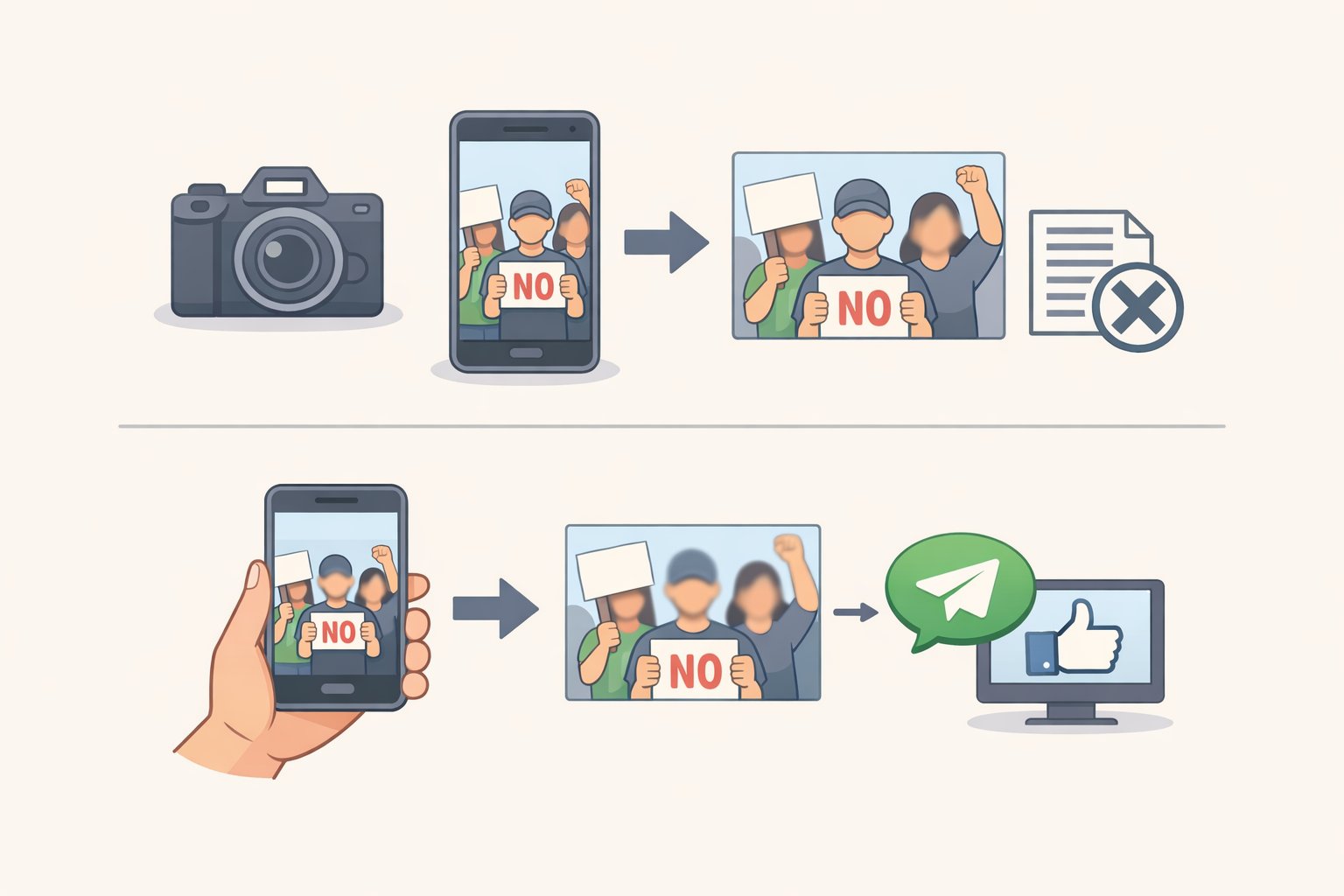
Protest photos carry two types of risk: visible content (faces, tattoos, distinctive clothing, location landmarks) and embedded EXIF metadata (GPS coordinates, timestamp, device model). Both can identify people.
When you send a photo via Signal, it automatically strips EXIF data. Use Signal's built-in blur tool before sharing images with identifiable faces. Pixelation can be algorithmically reversed use solid opaque shapes, not blur, to black out faces, Proton warns (March 2026). Federal agencies use AI tools to scrape public social media platforms for protest imagery and run facial recognition against it. The EFF's protest guide (May 2024) notes that police search images for clothing, tattoos, and belongings, not just faces.
Post nothing during the protest. Review everything before posting afterward.
Other traces your phone settings won't fix
Your phone isn't the only thing creating a location record. Download offline maps in advance using Apple Maps offline or Magic Earth your Google Maps location history is subpoenable, Activist Checklist notes (February 2026). Transit cards, rideshare apps, credit cards, and toll readers all generate timestamped location records tied to your identity. Cash and foot travel eliminate those trails.
Write a legal number on your body before you leave
If your phone is confiscated at arrest, you need a number you can recite from memory or read off your skin. Write it on your upper arm or torso in permanent marker where it won't rub off. The National Lawyers Guild maintains jail support hotlines for activists; many organizers also establish specific legal hotlines for individual actions, per Activist Checklist (February 2026).
After the protest and your prioritized checklist
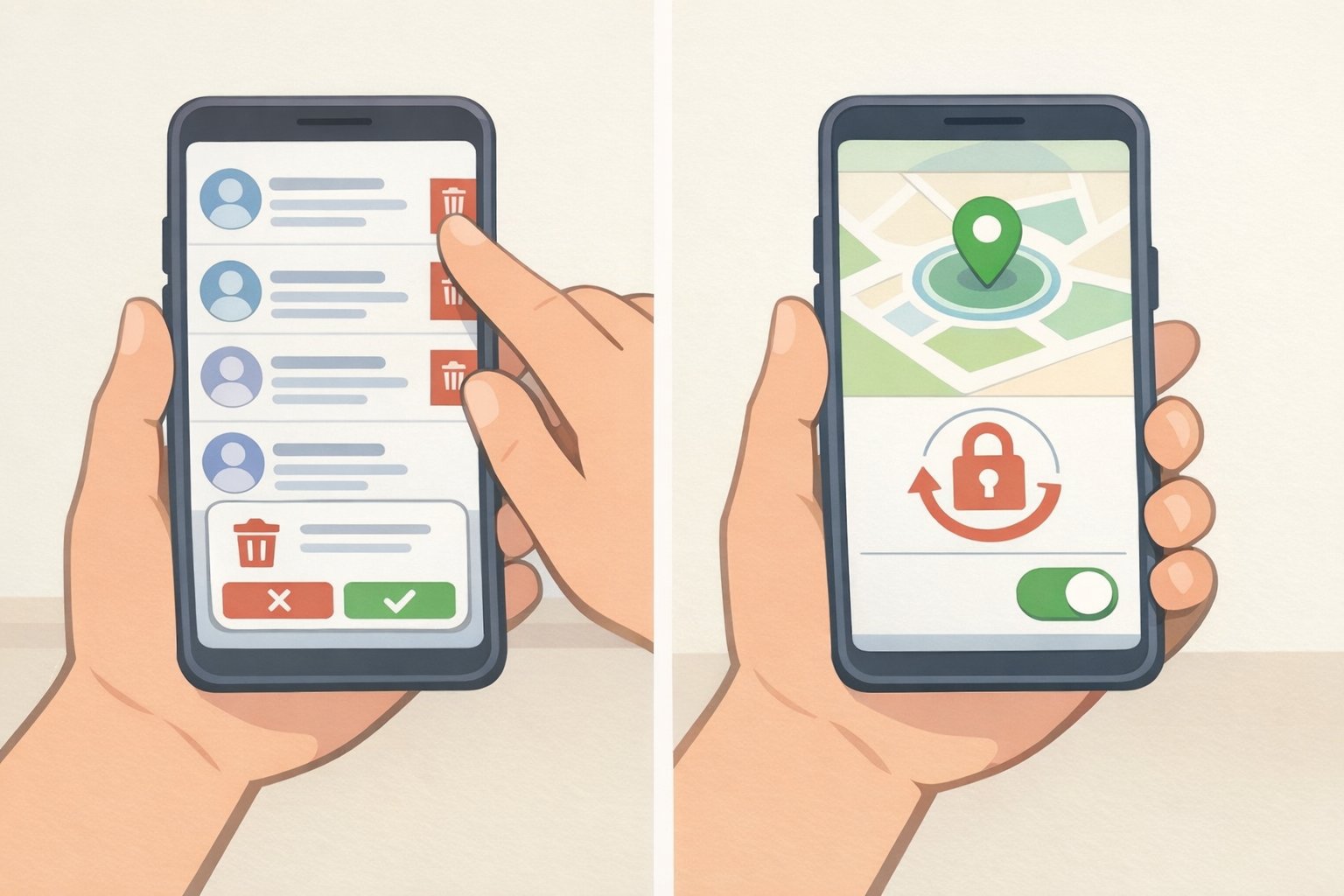
When you're home:
Clean up the protest phone: delete Signal threads, clear browser and navigation history, and leave any Signal groups specific to the action. If the phone was confiscated and returned, replace it rather than trusting a factory reset. Police can install spyware during a brief detention in minutes, and a reset may not remove it, Digital Security Checklists for Activists warns (January 2026).
Enable remote wipe now, before the next event, using Find My (iOS) or Find My Device (Android). Triggering a remote wipe after seizure can constitute destruction of evidence in some jurisdictions consult a lawyer before making that call in the moment, Privacy Guides advises (January 2025).
If you do only these things, based on how much time you have:
10 minutes tonight:
- Set an 8–10 digit random passcode; disable biometrics
- Disable lock-screen notification previews
- Delete your advertising ID
30 minutes before you go:
- Turn off location services system-wide (not just airplane mode)
- Disable Bluetooth and Wi-Fi via Settings
- Remove unnecessary apps; revoke unused permissions
- Install pending OS updates
- Set Signal disappearing messages to 5–15 minutes
3 hours if you're doing the secondary-phone route:
- Buy device and prepaid SIM in cash, in person
- Activate at a public location away from home
- Set up a separate Signal account with a username; set "Who can find me by number" to Nobody
- Disable cloud backups; install only Signal and offline maps
- Write a legal hotline number on your arm
The goal is the same at every risk level: reduce what your phone can reveal about you and the people connected to you, before, during, and after the march. Do the preparation at home, where you have time and judgment. Don't leave it for the moment you're in the crowd.