Sonos App Public Beta Adds New Navigation: How to Enable It
Two years after a botched redesign that, according to What Hi-Fi?, threatened the company's future and forced its then-CEO to step down, Sonos has released a public beta with the most substantive app fixes yet. The Sonos app public beta is live for iOS and Android users on version 87. Getting there requires clearing three separate gates, and most owners won't clear any of them without knowing to look.
App version 87, released July 14, introduces a redesigned navigation system, overhauled speaker controls, and a new volume slider for iOS. The update arrives through a phased rollout that may take up to two weeks to reach all devices, and the navigation overhaul doesn't activate automatically even after the update installs, per the Sonos Community. Owners who don't know to look for a toggle in Settings will keep seeing the same interface they've been living with since 2024.
Sonos plans to collect feedback over the next few months before making the new navigation the universal default, What Hi-Fi? reported this week. A default switch could happen in autumn, but no date has been confirmed. Until that happens, the old experience remains the out-of-box reality for most owners well beyond this week.
How to enable improved navigation in the Sonos app
Video of the Day
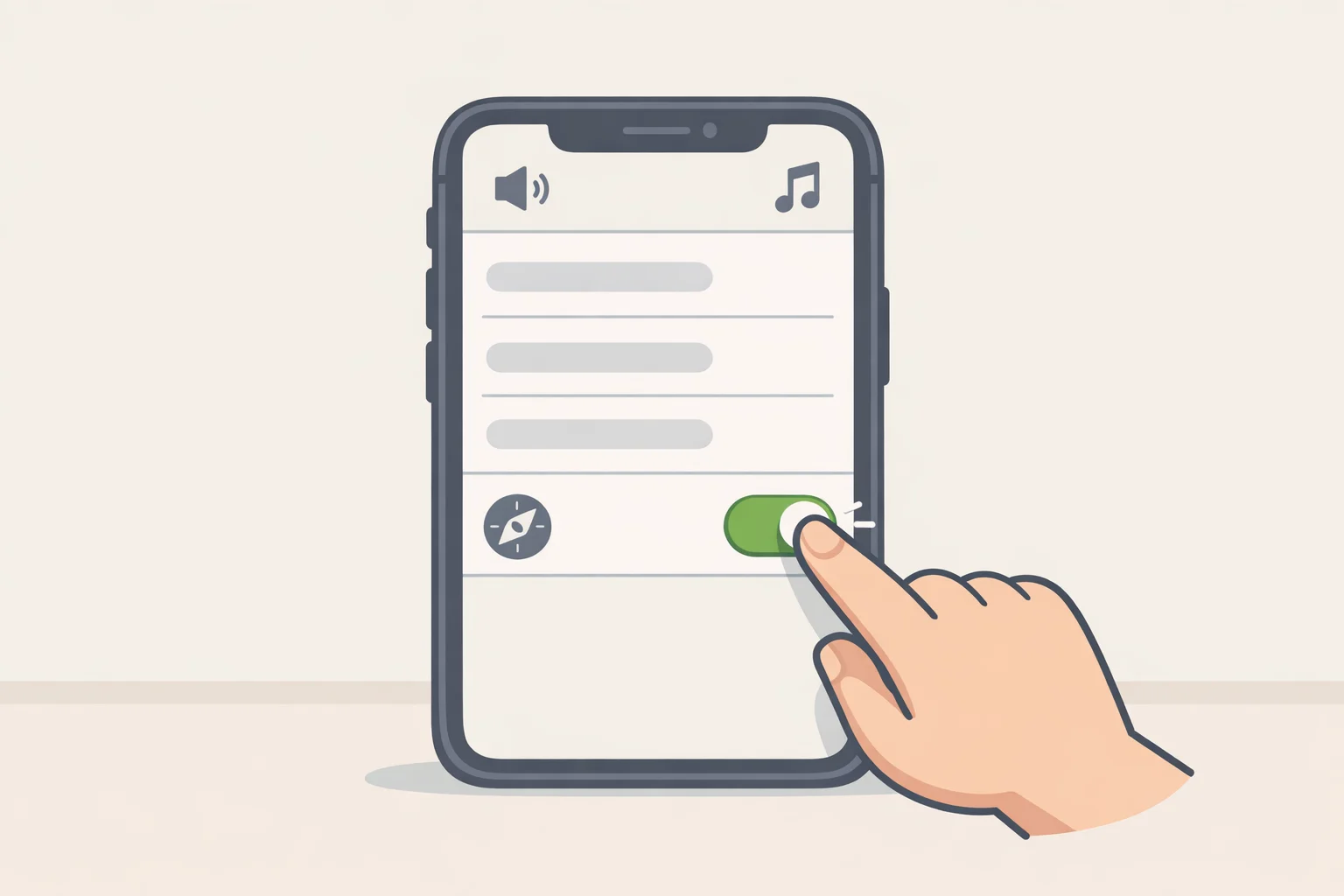
Version 87 ships in two platform builds: iOS 87.00.36 and Android 87.00.35. With automatic updates enabled, no action is needed to receive it. iOS users who want to move faster can pull down on the App Store's account page to manually refresh pending updates, per the Sonos Community and Android Authority.
Having the update is not enough to see anything new. The redesigned navigation is disabled by default. To access it, open Sonos app Settings and turn on "Enable Improved Navigation." Without that step, the app looks and behaves identically to before, per What Hi-Fi? and Android Authority.
Then there's a third layer. Being on the latest version doesn't guarantee access to every new feature during a phased rollout. Sonos noted this explicitly in a community update from late May: "Even if your app is up to date you may not see the feature as available." Version 87 installed, toggle enabled, and specific features could still be gated depending on where a device falls in the rollout wave.
The practical upshot: engaged users who follow community forums will experience a noticeably different app this week. Typical owners, the ones who open the app to play music and nothing else, could remain on the old experience for months.
Video of the Day
Sonos app redesign fixes in the public beta
If the new interface does activate, the fixes are substantive. They address controls owners reach for on every use, not visual polish.
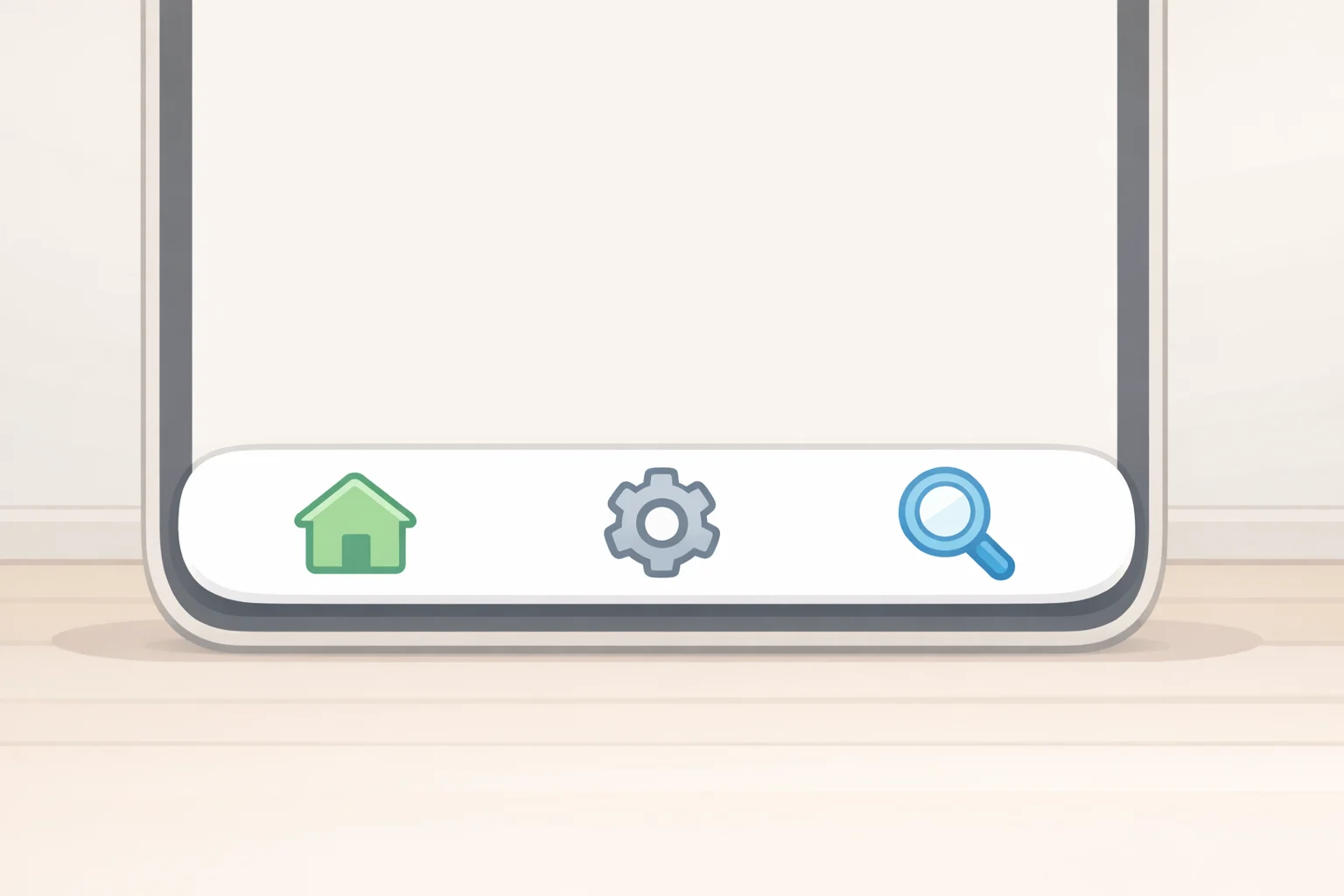
The most significant structural addition is a bottom navigation bar with three labeled tabs: Home, System, and Search, per Android Authority. That's the kind of standard layout smartphone users take for granted in virtually any other app. The 2024 redesign's departure from it was what made the navigation so disorienting, and tabbed controls placed where thumbs naturally rest is the correction the community has been asking for.
Speaker management gets an overhaul alongside that. Owners can sort rooms alphabetically, by most-used, or by what's currently playing. Individual speakers can be pinned to the top of the list, or the entire order can be set to a custom arrangement that persists across sessions, per the Sonos Community and Android Authority. For households with more than a few speakers, that flexibility removes real daily friction.
iOS gets a new Dynamic Volume Slider designed to be easier to grab and more responsive during fine adjustments. The redesigned slider can also display the current volume level or surface the EQ shortcut when that option is enabled, per Android Authority. Android users will get the same control eventually; Sonos has listed it as "coming soon" with no confirmed timeline, per the Sonos Community. Being announced for both platforms and being available on both platforms at launch are different things.
Rounding out the update are quality-of-life changes spanning Now Playing, playlists, and iPad views, per What Hi-Fi?. These include album-art-responsive background colors in the Now Playing screen and swipe-to-delete support for Sonos Favorites, per Android Authority. Secondary to navigation and volume controls, but they reflect ongoing development rather than minimum-viable patching.
Why Sonos is moving this carefully
The opt-in beta structure is not a technical constraint. It's a deliberate choice, and it reflects what the company appears to have drawn from 2024.
CEO Tom Conrad wrote on Reddit that his team spent "hundreds of hours" watching real users interact with the app before building this update, What Hi-Fi? reported this week. The announcement came through Reddit posts and community forum updates rather than a coordinated press release, and Sonos has consistently invited unfiltered responses through those channels. "The good, bad, or in between. We read it all," the company wrote in its June community update. That's a posture aimed at credibility with existing owners, not at optics for new ones.
Keeping the new navigation opt-in during the beta period is a direct acknowledgment that Sonos cannot absorb another forced rollout that disappoints at scale. The 2024 redesign broke the app so thoroughly that the company had to delay new hardware to focus on repairs, Android Authority noted this week. The months-long feedback window before any default switch is the company buying itself room to correct course before committing. After what happened in 2024, that caution tracks. For most owners, it's also invisible.
What to do now
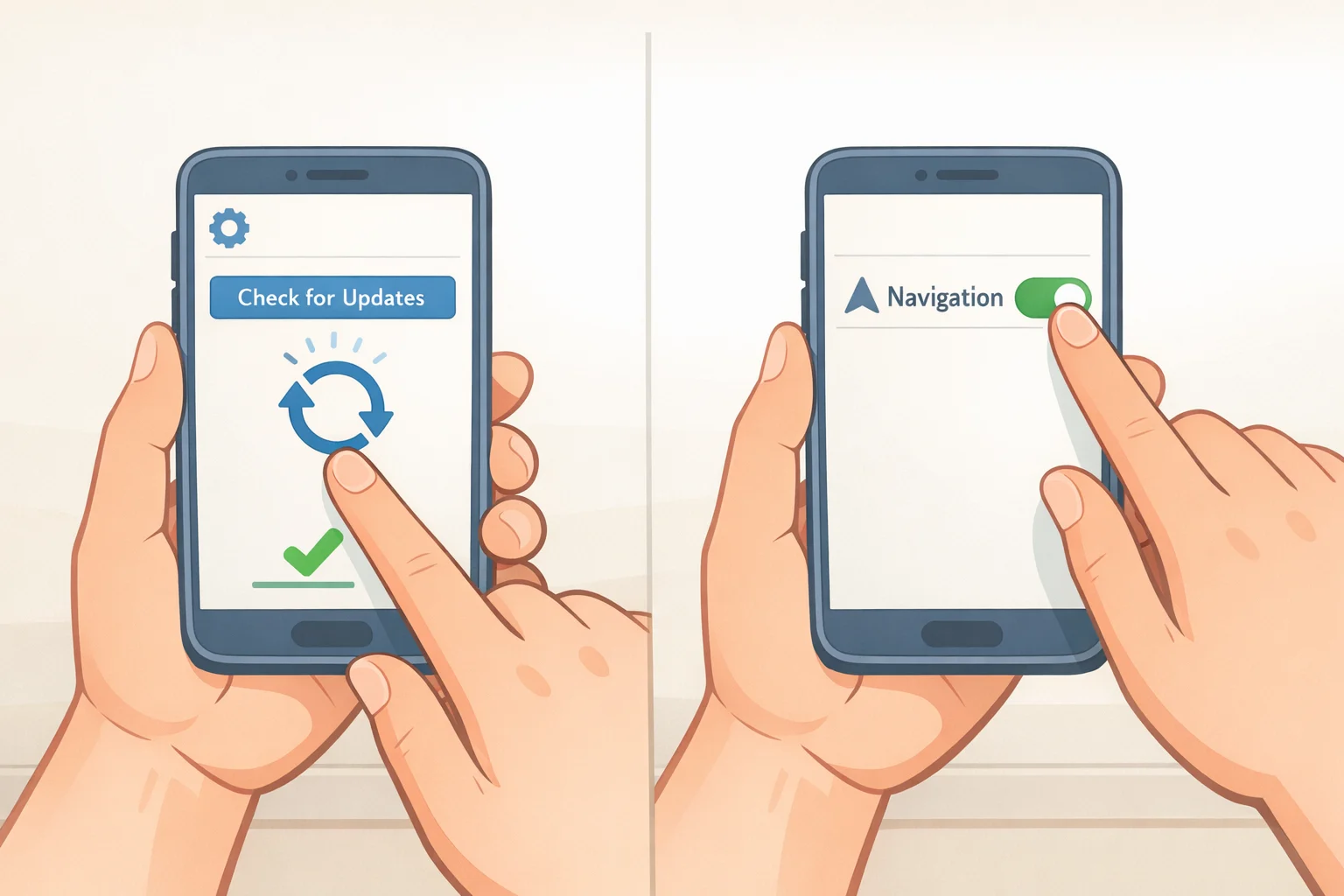
Check the app version. If version 87 hasn't arrived yet, it may take up to two weeks; iOS users can try refreshing the App Store updates page manually to speed things along. Once the update is installed, open Sonos app Settings and enable "Enable Improved Navigation" to access the beta interface. Don't assume the toggle will be prominently surfaced, and don't assume every new feature will appear immediately even after enabling it, per the Sonos Community.
Android users should specifically expect a wait on the Dynamic Volume Slider. Sonos has not provided a release date for the Android version of that feature, per the Sonos Community.
Tabbed navigation and flexible speaker sorting address the core friction owners have been living with for two years. The fixes, if they hold under broader use, are the right ones. But the new Sonos app beta remains an opt-in experience sitting behind a settings toggle. What converts this into an actual recovery is making the improved experience the one every owner gets when they open the app. That switch hasn't happened yet, and no firm date exists for when it will.