How to prevent SIM swapping attacks: carrier settings that actually work
A phone number is more than a way to reach someone. It's the reset key for email, banking, and social media accounts, which is exactly why criminals go after the number itself rather than the phone. Learning how to prevent SIM swapping attacks starts with a simple distinction: the vulnerability lives inside the carrier account, not inside the handset.
Armed with enough stolen personal information, a scammer can convince a carrier's support line that a port-out request is coming from the account's real owner, the FCC explains. If the con works, the number moves to a device or account the scammer controls. From there, the attacker starts receiving the victim's calls and texts and races to reset financial and social accounts before the victim even notices the phone has gone dead, the FCC warns.
Federal regulators have closed part of this gap. An FCC order made customer authentication before a SIM change effective January 8, 2024, and that specific provision was not among the pieces the same rule delayed indefinitely pending federal information-collection approval, according to the Federal Register. The same order adopted a no-cost account lock, advance notification, and fraud-remediation requirements, but those were the pieces held up pending approval as of that filing. Whether they're live on a given carrier today is worth confirming directly, not assumed from a rule that's now more than two years old.
The reliable way to find out is to call the carrier and get a specific, verifiable answer. That's what the rest of this guide walks through: what to ask for, how to confirm it's actually working, and what to do if the number disappears anyway.
How SIM swapping and port-out fraud actually work
Video of the Day
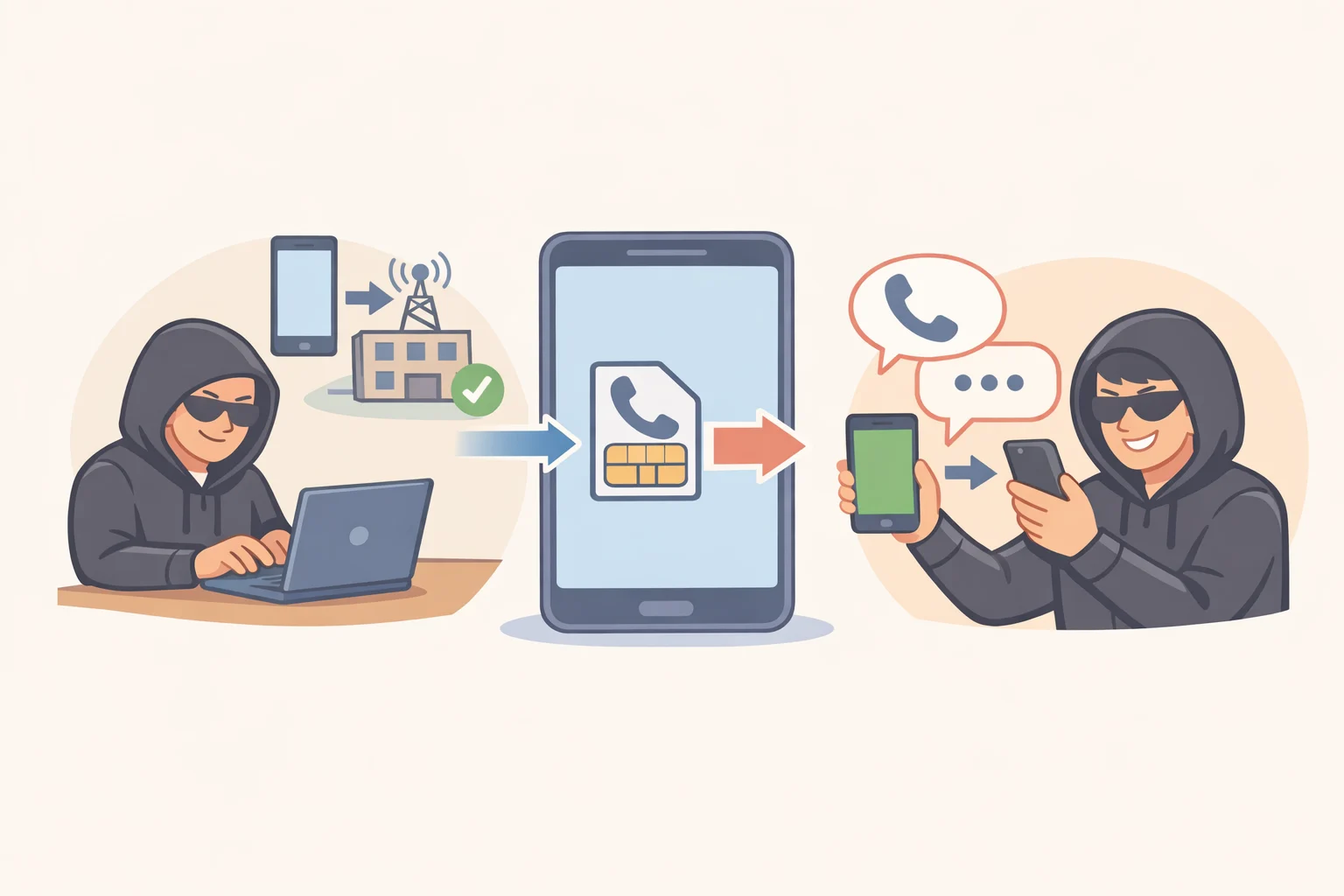
The FCC classifies SIM swapping alongside cloning and subscriber fraud as forms of mobile phone fraud. The mechanism it describes centers on the port-out request itself: a scammer collects enough personal information about a target to convince a carrier that a request to move the number to a different device or account is coming from the real account holder.
There's a second, separate route to the same result: physical theft. A SIM card carries a unique ID and stores personal data, so a scammer who steals the physical card can put it into a device of their own and pose as the original owner. That's a different attack path than the account-level con described above, but it lands in the same place: control over the victim's calls and texts, which the attacker then uses to try resetting financial and social media credentials, the FCC notes.
eSIM technology only closes the physical path. Embedded SIMs now ship in most newer phone models, hardwired into the device rather than removable, which eliminates some of the risk tied to a stolen card. Port-out scams remain just as viable on eSIM devices, though, since that con targets the account rather than the hardware.
Video of the Day
How to protect your phone number from SIM swapping with carrier settings
Four separate things make up SIM swap protection at the carrier level, each with its own function and its own current status. Treat carrier port-out protection and SIM-change protection as distinct settings. Don't assume either one covers the other.
1. Identity authentication before a SIM change
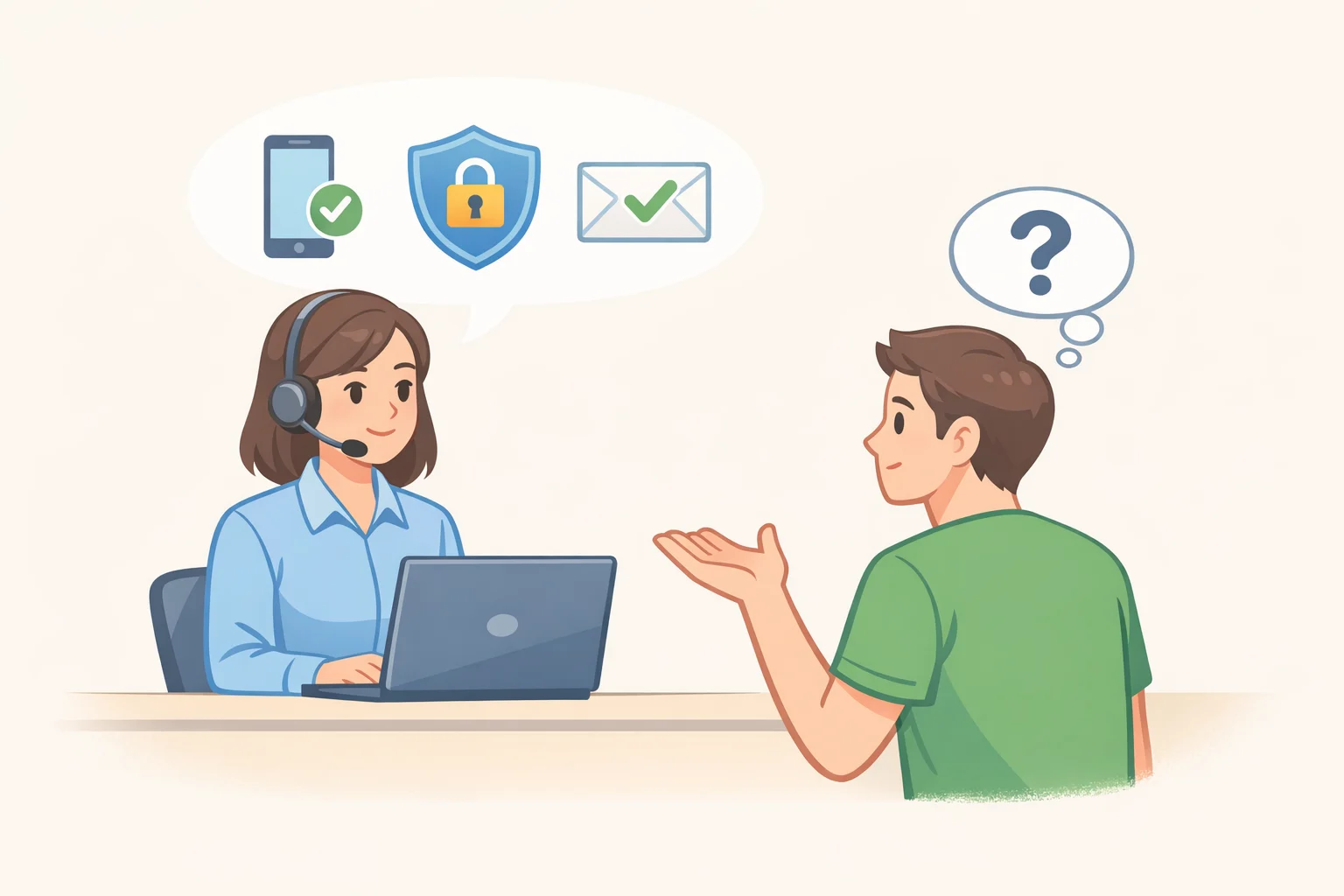
The Federal Register order made this requirement effective January 8, 2024: carriers must use secure methods "reasonably designed" to confirm a customer's identity before executing a SIM change, and this specific provision was not among those delayed elsewhere in the same rule (Federal Register). Call and ask exactly what method the carrier uses today, and whether it can be strengthened beyond the default. Push the representative to name the specific method on file for the account, not a general description of company policy.
2. A SIM-change account lock
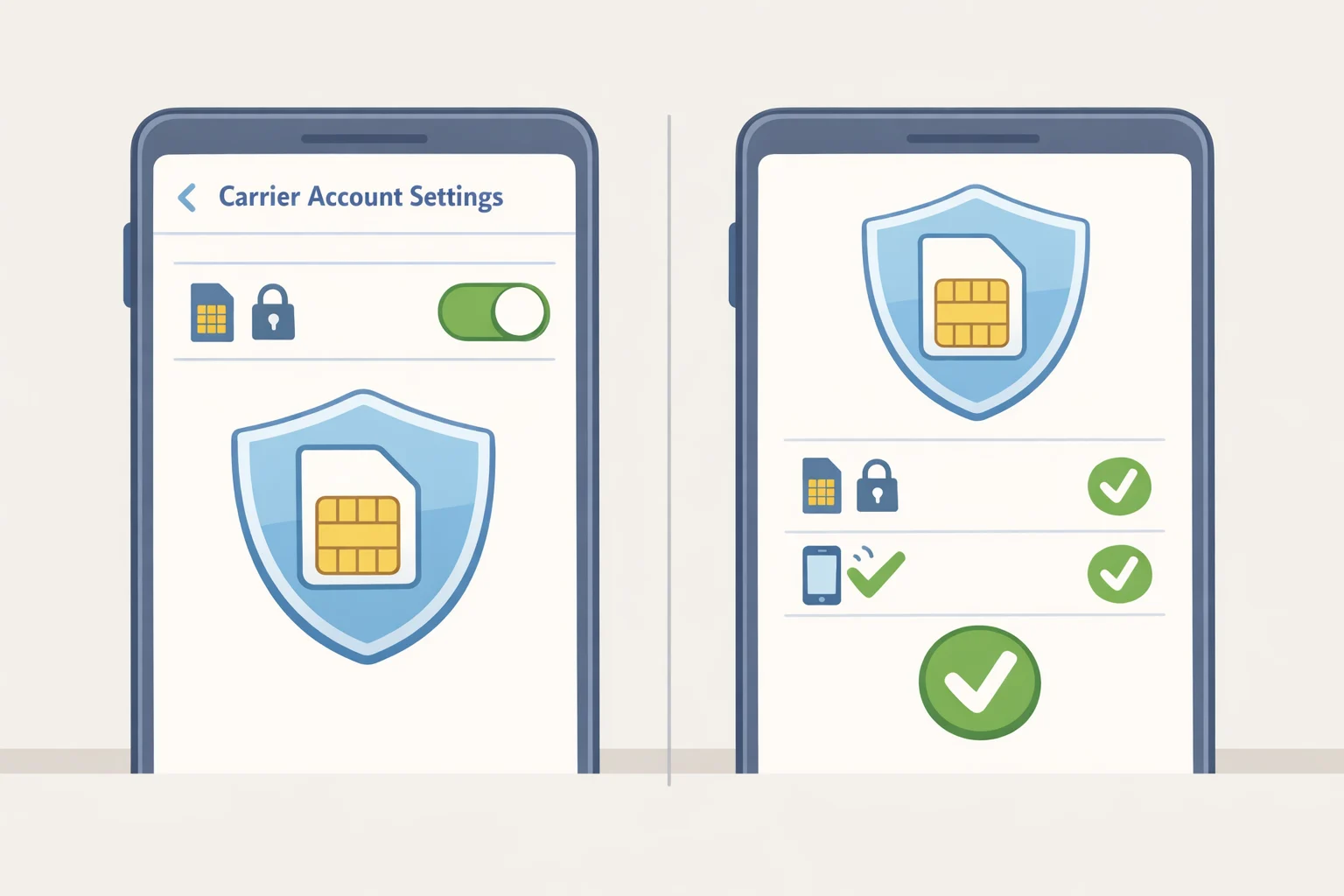
The same order adopted a no-cost account-lock requirement, but the Federal Register notice delayed the related information-collection provisions indefinitely, pending separate federal approval (Federal Register). Check current carrier documentation before assuming the feature is live, then ask by name: does the carrier offer a SIM-change lock, and is it switched on for this account right now? Get the exact feature name and ask what it specifically blocks, since "lock" means different things across carriers.
3. A separate port-out lock
The order treats number ports and SIM changes as separate controls, and it encourages, but does not require, carriers to let customers activate both locks in one step (Federal Register). A SIM-change lock does not automatically stop a port-out to another carrier, and the reverse is also true. Ask explicitly whether this is a second setting that needs to be switched on separately.
4. Change alerts
The order also calls for immediate customer notification before a SIM change completes, and this is another provision the same filing delayed indefinitely pending approval (Federal Register). Confirm the carrier's current notification practice directly rather than assuming it matches the rule. Ask where alerts are sent, and push for email or an app notification, since those survive a hijacked number. If SMS to the same phone is the only channel on offer, treat that as unreliable and lean harder on the lock.
Ask for all four in one call: "I want to activate a SIM-change lock and a separate port-out lock on my account. What is each one called, exactly what does it block, and can you confirm in writing that it's active, not just tell me verbally? What's required to remove either lock later? And where do change alerts get sent?" Get a specific answer to each question before hanging up.
If a lock genuinely isn't available, fall back on basic SIM swap PIN and account security: ask for the strongest PIN or passcode the carrier offers, and make sure it isn't reused anywhere else. Confirm how fraud alerts get delivered regardless. Write down which specific protection wasn't available; that gap becomes useful documentation if something goes wrong down the line.
Before ending the call, ask what legitimate actions the lock blocks and how to remove it. Get the specific unlock procedure in writing, whether that's an app step, a phone verification, or an in-store ID check, and keep those instructions somewhere other than the phone itself.
Why a verification code isn't a backstop
A verification code protects against being tricked into handing over access before a takeover happens. It does nothing once a number has already been swapped, because the attacker is the one receiving those codes at that point (FTC).
Never share a verification code with anyone who contacts you asking for one. The FTC puts it plainly: anyone requesting a code is a scammer (FTC). If it happens, don't engage. Hang up, block the number, and report it at ReportFraud.ftc.gov.
Where an account offers a non-SMS option, such as a code generated inside an authenticator app, use it instead of text messages. That code doesn't depend on delivery to the phone number, so a hijacked SIM doesn't expose it the same way.
What to do if your phone suddenly loses service
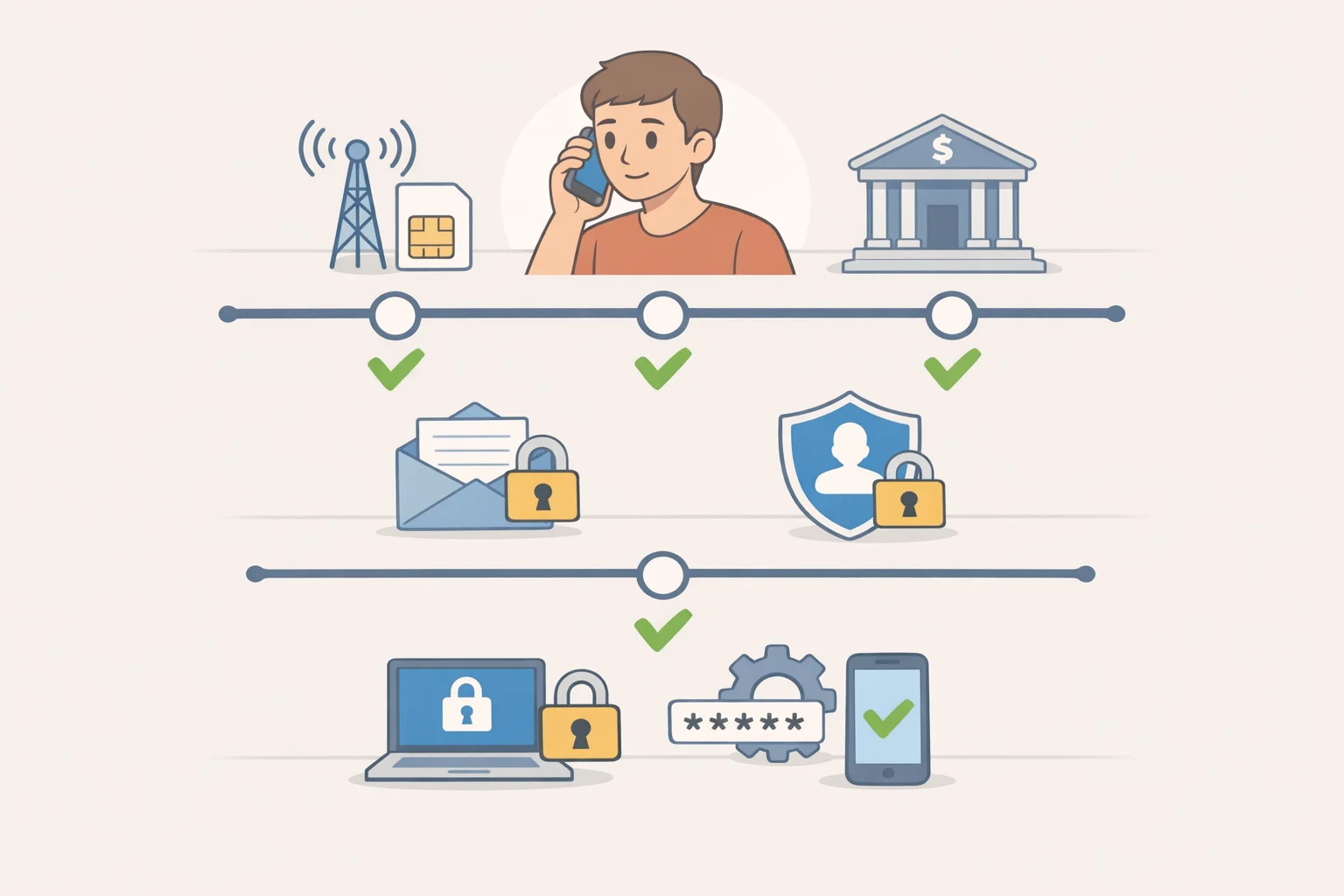
A sudden, unexplained loss of signal and texts is worth treating as a warning sign, not a coverage hiccup to wait out. If unauthorized transactions or login alerts show up alongside it, treat the situation as urgent: attackers hijack a number specifically to try draining bank accounts, the FCC notes.
Work through the following steps, most of them in parallel rather than one after another. Use a second phone, or get someone else to make calls while other steps get handled.
- Contact the carrier using a number already on file, such as one saved from a bill or the carrier's official app, and ask for fraud escalation rather than general support.
- Ask directly whether the incident was a SIM change, a port-out to another carrier, or physical SIM theft. The answer affects what the carrier needs to reverse.
- Call the bank or brokerage using the number printed on a card or statement, not one that arrived by text or call, to avoid dialing a line the attacker controls.
- Log into the primary email account from another device, change the password, and remove any unfamiliar recovery methods, connected devices, or active sessions.
- Update recovery methods and passwords on other high-value accounts: financial logins, cloud storage, anything tied to the phone number for account recovery.
- Record the fraud case number, the time of each call, and any written confirmation the carrier or bank provides.
Ask the carrier for written confirmation once the number is restored and unauthorized changes are reversed. The FCC's order calls for carriers to maintain a clear fraud-reporting process and provide documentation of an incident, though whether that specific provision is currently enforced isn't something the available filings confirm on their own (Federal Register). File a parallel report at ReportFraud.ftc.gov regardless of what the carrier provides.
Lock it down before you need it
Call the carrier this week. Ask about the SIM-change lock, the port-out lock, the strongest available authentication, and exactly where change alerts get routed. Get each feature's exact name from the representative, the steps to remove or unlock it later, and the off-phone address or app where alerts will land.
Write it down and keep the page somewhere other than the phone: the feature names, the unlock procedure, and the fraud-escalation number to call if something goes wrong. That record is what turns a five-minute phone call today into something usable at 2 a.m. if the signal ever drops without warning.