Uber Phishing Email Scam: How to Spot Fake Payment Alerts
An email lands in the inbox, Uber logo and all, warning about an overdue payment or a glitch on the account. Click here to fix it, the message says, and do it now. The FTC has flagged exactly this pattern: an Uber phishing email scam built around fake payment alerts.
Email was the most common way scammers reached people in 2024, according to FTC data published last year. Google separately warned, in a post two years ago, that advancing technology is making it easier for scammers to build convincing fake emails, texts, and calls (Google). A channel almost everyone checks daily, paired with lures that keep improving, means a fake Uber payment alert email deserves more than a passing glance.
Anyone who already clicked a link, entered a password, or typed in card or bank information should skip down to the section on what to do after entering information. The rest of this guide still applies, but that part matters more right now.
This guide covers four things, in order: how to spot a fake Uber email, what to do depending on how far the interaction went, how to check account status through a channel the scammer never touched, and how to report the message. Reporting before verifying spends effort on the wrong problem first, so it comes last.
How to spot an Uber phishing email scam
Video of the Day
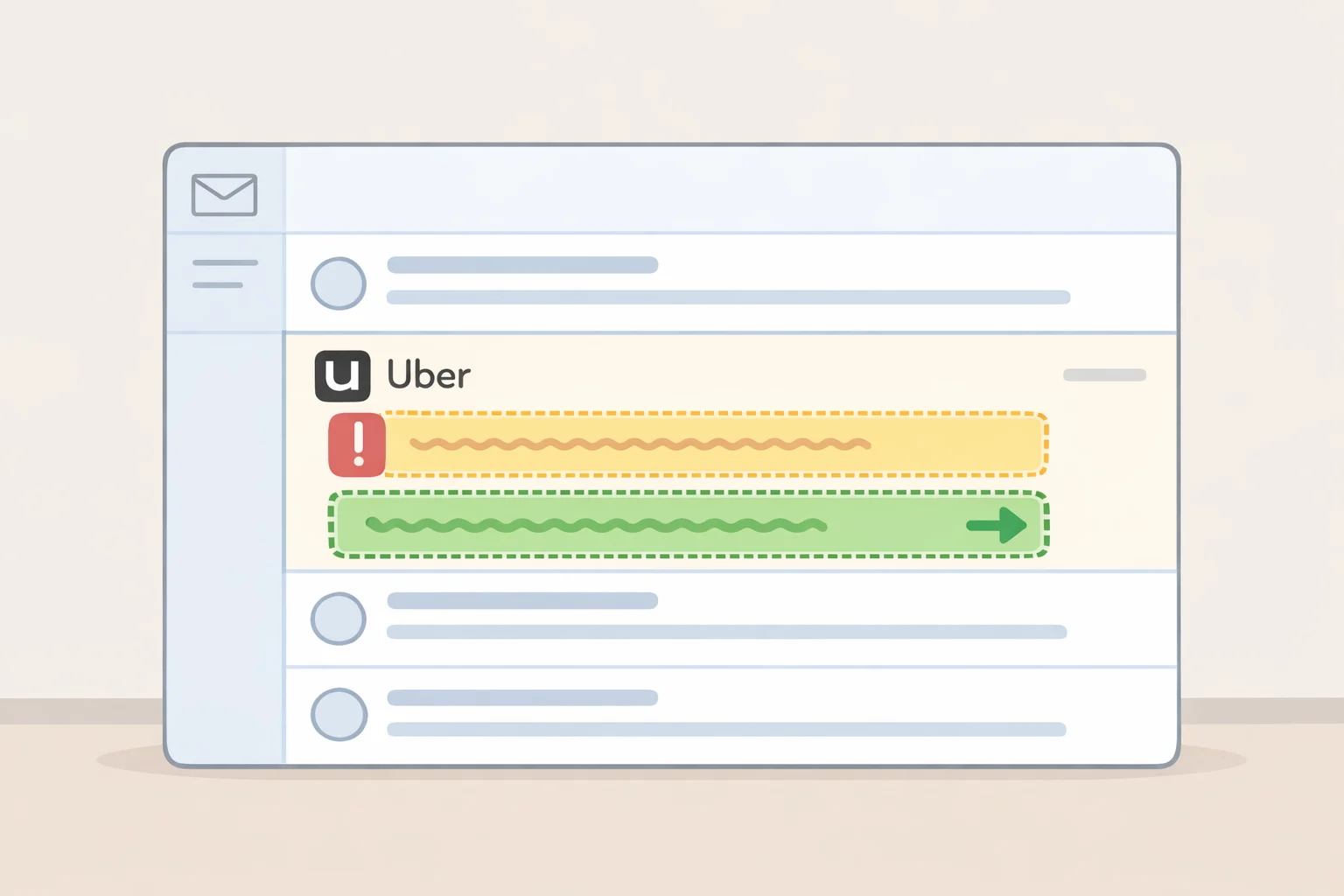
The tell in an Uber payment scam email isn't a bad logo or a typo. It's the claim itself: a problem with the account or payment method that doesn't actually exist. The FTC has called out Uber-branded messages specifically, noting that the payment issue described in these emails simply isn't real.
The script tends to follow one of two shapes: an overdue invoice that needs settling, or a request to confirm a card or bank account number to fix a supposed problem (FTC). Both versions can be used to obtain a click, a download, or actual account and payment details (FTC).
Urgency isn't incidental to how these messages work. It's the mechanism: the email claims a problem with the account and pushes toward clicking a link or calling a number as soon as possible (FTC, three years ago). That urgency exists to short-circuit the one step that actually protects an account, which is checking it independently, covered later in this guide.
Real companies may send email, but they generally don't send a link asking to update payment information; only scammers do that, according to the FTC. An unsolicited link paired with a request to fix billing is one of the strongest warning signs of an Uber invoice phishing scam, though a clean design or the absence of typos doesn't rule it out either.
It helps to separate two different situations that can feel similar. An email claiming an invoice is overdue when nothing is actually wrong is the scam described here. A genuinely unfamiliar charge is a different problem, and it's one to raise with Uber directly rather than through anything in a suspicious email.
Video of the Day
What to do based on how far you engaged
Not every interaction with a phishing email carries the same risk. What matters next depends on how far things went, from doing nothing at all to handing over a password.
Received it, didn't click anything
The FTC is direct here: don't click any link and don't call any number listed in an unexpected email or text. From here, checking the account independently and reporting the message are the only two things left to do.
Clicked the link, stopped before entering anything
Close the page without entering information or downloading anything. Then check the account directly, the same way as anyone who didn't click at all.
Entered a password, card number, bank details, or something more sensitive
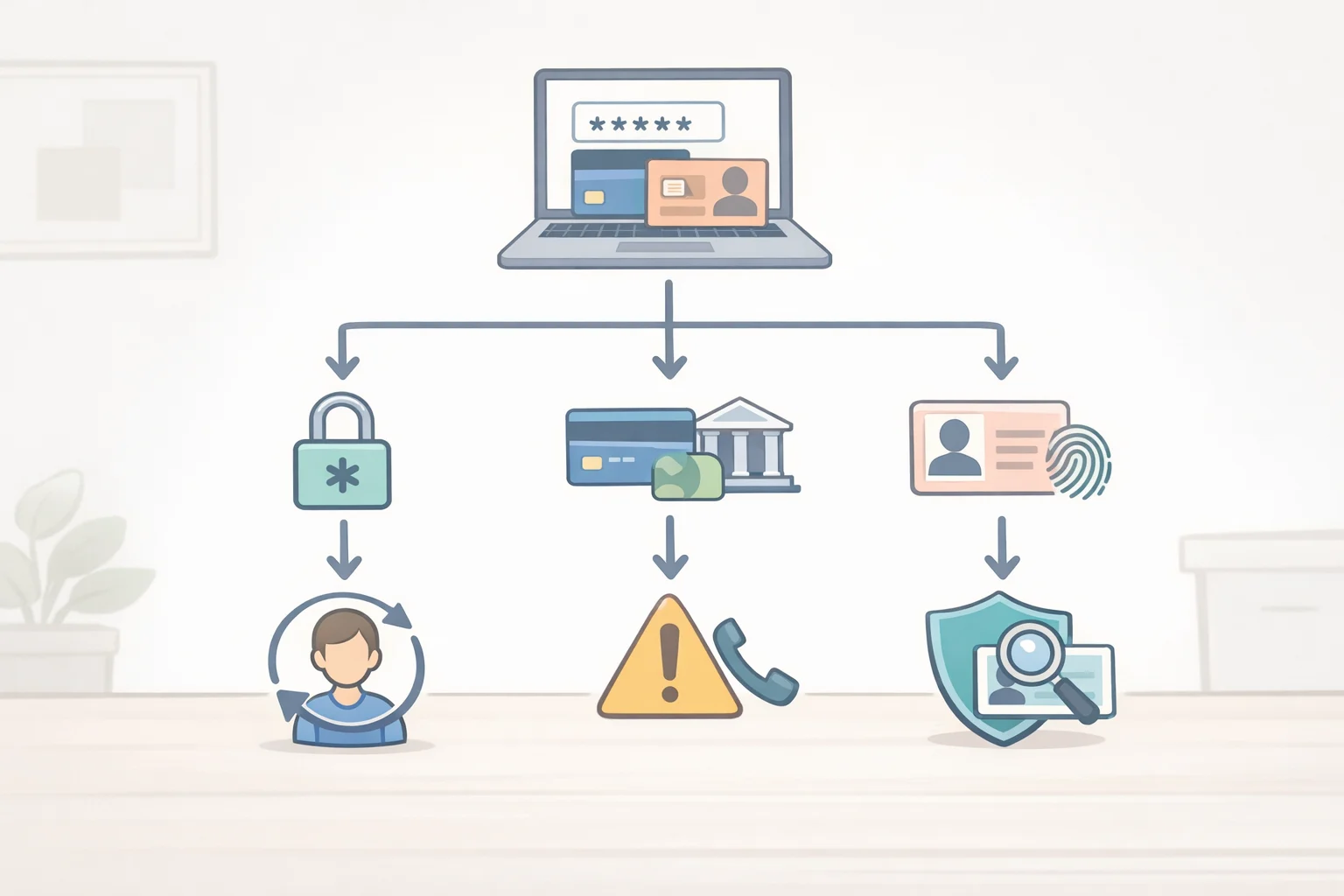
What happens next depends on what was actually typed in.
- Password: stop using it, and update it through Uber's official app or site rather than anything connected to the email.
- Card or bank account number: contact the card issuer or bank directly through a verified channel, not anything listed in the message.
- Social Security number or date of birth: this moves beyond payment fraud into identity theft risk, a distinct and more serious category. Giving up information like this gives a scammer a shot at stealing an identity, not just a payment method (FTC).
Called the number in the email
If that number came from the email rather than an official Uber channel, the safest assumption is that anything said out loud is now exposed too. The steps above still apply: stop interacting, verify the account independently, and contact the relevant provider through a verified channel. As a general rule, nobody who legitimately needs sensitive information will call and ask for it out of the blue (Google, two years ago). That's useful for spotting the next one, though it doesn't undo a call that already happened.
Verify your Uber account the right way
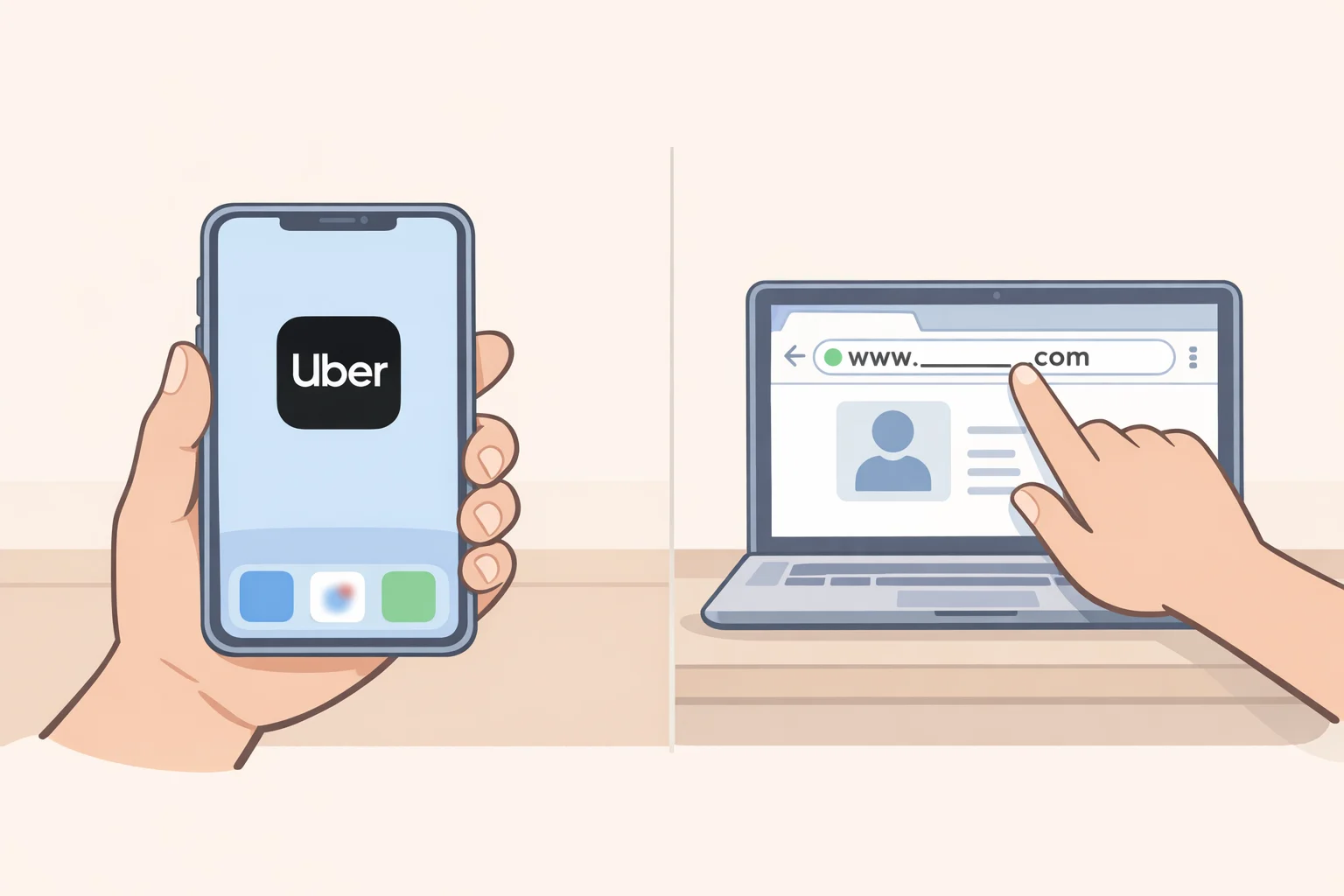
The goal here isn't to authenticate the email. It's to check the account status through a channel the scammer never had access to.
Open the Uber app directly, or type uber.com into a browser by hand, never through any link in the email or text, no matter how official it looks. From there, look at the account as it actually stands and compare it against what the email claimed.
If nothing looks wrong, that's a reasonable signal the email invented the problem, since the FTC has said the account or payment issue described in these messages typically doesn't exist. A clean-looking account settles the billing story specifically; it doesn't by itself guarantee nothing else was exposed if information was already entered somewhere.
If something does look off, an unfamiliar charge or a setting that changed without explanation, that's worth raising with Uber directly, through a verified channel rather than anything from the suspicious message.
How to report a suspicious Uber email
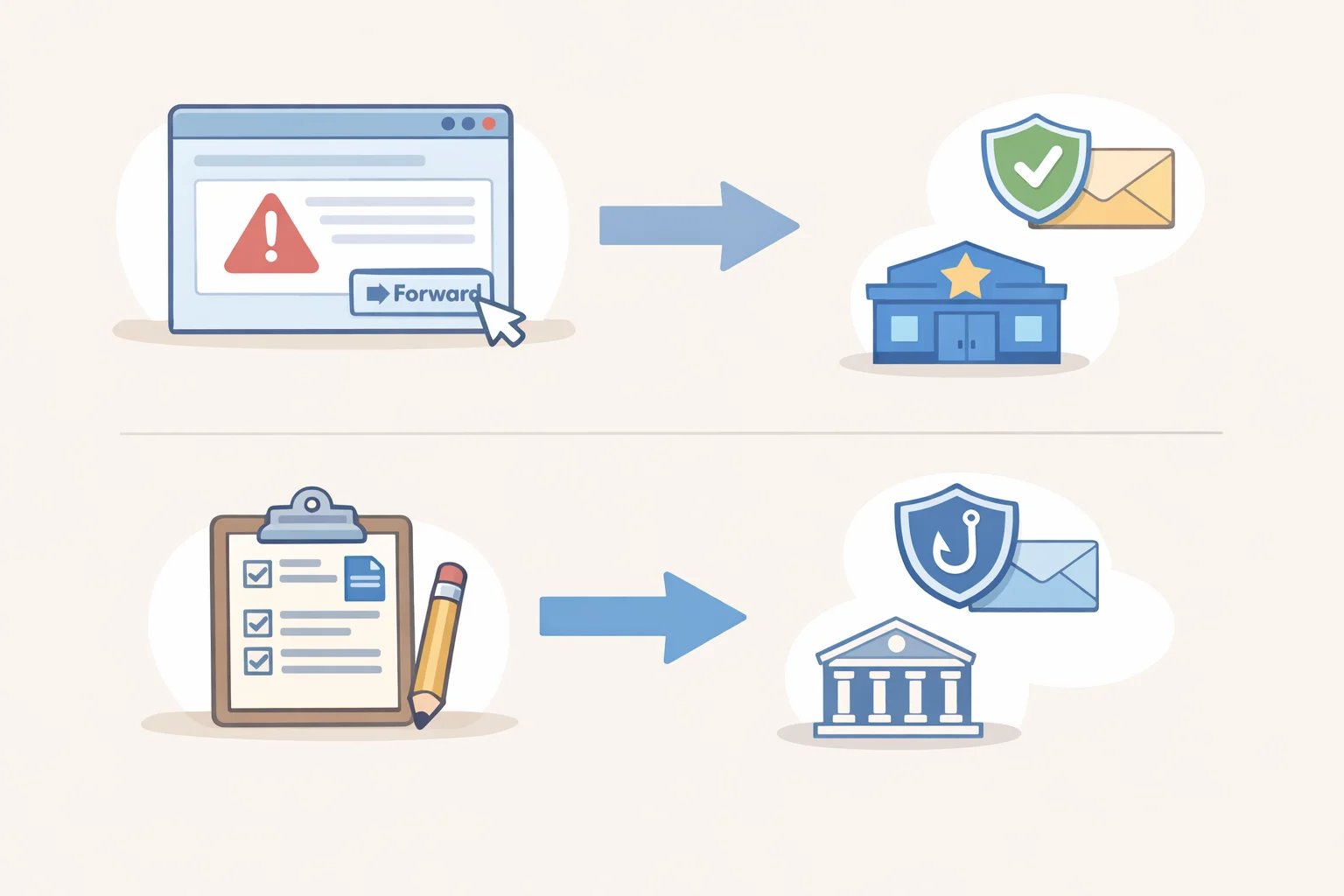
Reporting a suspicious Uber email takes a few minutes and follows a set path laid out by the FTC:
- Forward the email to the Anti-Phishing Working Group at [email protected].
- File a report at ReportFraud.ftc.gov, which generates a reference number tied to that submission.
- Forward suspicious texts to 7726 (SPAM) if the lure arrived by text instead of email.
A useful detail: if a report was filed through ReportFraud.ftc.gov, a legitimate follow-up call about that report will reference the confirmation number from the submission. More broadly, anyone who calls, emails, or texts asking for money or personal information while claiming to represent the government is a scammer, reference number or not (ReportFraud.ftc.gov FAQ, two years ago).
Reporting is a separate track from checking the account and protecting a password or card number. It belongs after those steps, not instead of them.
One rule worth keeping
The tools scammers use to build convincing fakes keep improving, which is why judging an email by how polished it looks is a losing strategy over time (Google, two years ago). The rule that holds up regardless of how good the next fake gets: open the app or type the address in by hand, check what's actually there, then act on what's found rather than what the email claims.