Kindle Click Page Turner vs. Kobo Remote: Compatibility Explained
Amazon has introduced an official solution to a complaint Kindle owners have made for years: there was no native Bluetooth way to turn the page remotely. The Kindle Click page turner, a $34.99 Bluetooth remote, ships October 28, more than a year after Rakuten's Kobo entered the category with its own remote. Kobo's product sold out for months after its November 2025 launch, Engadget reported, 8 days ago.
Preorders for Click are already open, part of a broader redesigned Kindle lineup built with slimmer bodies, reduced bezels, and a lighter overall feel, alongside an accessory push that also includes a $79.99 buttoned cover for the Paperwhite Signature Edition and Colorsoft Signature Edition (TechCrunch, 2 weeks ago; Good e-Reader, 2 weeks ago).
No survey or sales data exists yet on how Kindle owners are responding to Click, because the device hasn't reached anyone's hands. What's available instead is a documented, years-long gap in Kindle functionality, a direct competitor's pricing and feature set, and the reported compatibility rule governing who can even use the new remote. Taken together, that points to a sharper claim than price alone can settle: eligibility decides who can even consider Click. Whether eligible owners actually buy one is a separate question, one that hands-on performance will answer once reviewers get their hands on the thing.
The problem the Kindle Click page turner solves
Video of the Day
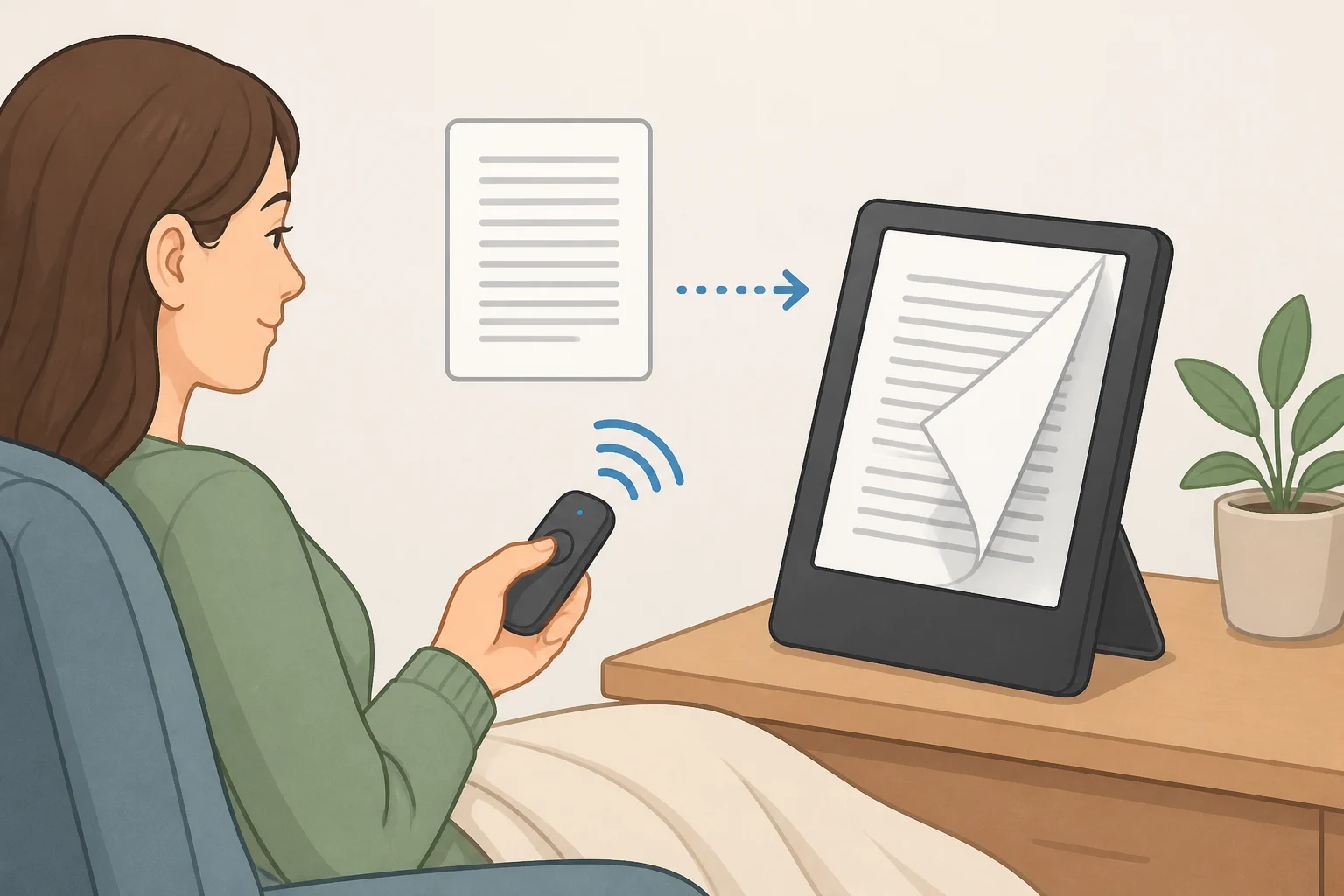
For years, Kindles had no native way to accept a Bluetooth page-turn command, even though the devices already used Bluetooth to play audiobooks. How-To Geek called the omission "surprising," noting that Android tablets and iPads can work with Bluetooth remotes without the same restriction (How-To Geek, 11 months ago).
That gap pushed readers toward third-party clip-on devices that physically simulate a tap on the screen rather than talking to the Kindle directly (TechCrunch, 2 weeks ago). Some, like the Datafy Turner, could only advance pages forward. Going backward required clipping a second module to the opposite edge of the screen, as with the Yuspakone (How-To Geek, 11 months ago). Jailbreaking a Kindle can also unlock wireless page turning, though How-To Geek notes that's "not something most people would want to do" just to add a remote (How-To Geek, 11 months ago).
Amazon frames the launch around that same workaround culture. The company says it watched Kindle owners prop devices on pillows and rig makeshift phone stands hunting for the easiest page turn, and built the Amazon Kindle Click remote for readers who take their setup just as seriously (Good e-Reader, 2 weeks ago). TechCrunch reports Amazon is positioning the remote for reading under the covers, on a treadmill, or with a Kindle propped on a tray table during a flight (TechCrunch, 2 weeks ago).
That's the strongest, best-documented case for Click's existence. It replaces an improvised accessory market with a wireless Kindle page-turning remote built directly into the Kindle's own feature set, rather than one more clip-on gadget stuck to the glass. Whether it replaces that market well is a separate question entirely. Nothing in the reporting so far describes how Click performs once it's actually in someone's hand, a gap that stays open until the October 28 release and the reviews that follow.
Video of the Day
Kindle Click vs. Kobo Remote: what's shared and what diverges
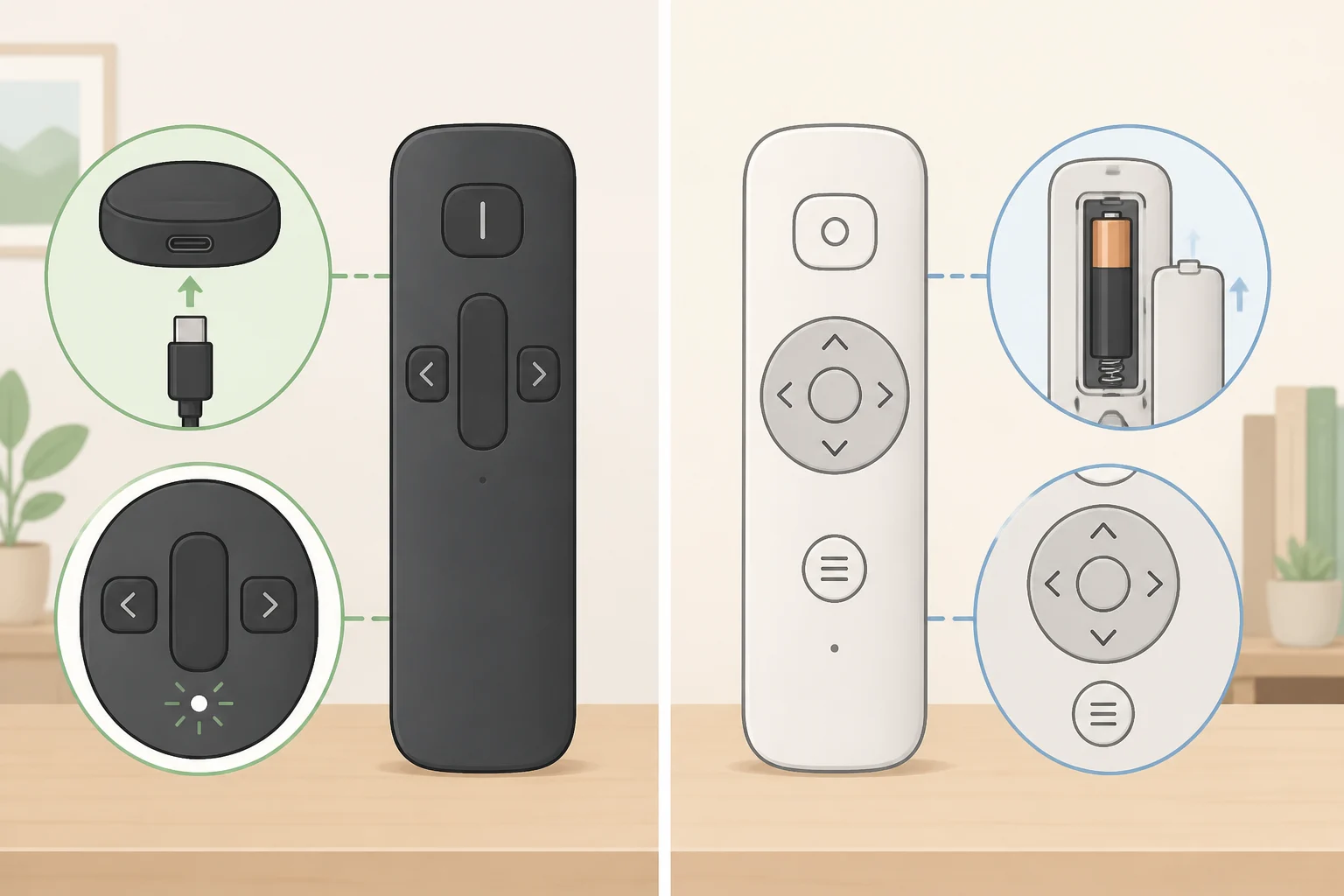
Kindle Click and the Kobo Remote start from nearly identical blueprints. Both connect over Bluetooth, both let readers skip touching the screen, and both ship with an optional wrist lanyard (Engadget, 8 days ago).
Sticker price favors Kobo, $29.99 against Click's $34.99, a $5 gap. That gap only holds at one retailer, though. Kobo's remote sells for $29.99 directly through Rakuten, $31.99 at Target, and $33.99 at Amazon, where the difference against Click narrows to about a dollar (Engadget, 8 days ago). Shop at Amazon and the "Click is pricey" argument barely survives. Shop at Rakuten and the full $5 difference returns.
Power source is a real tradeoff. Click charges over USB-C, which Engadget notes means plugging it in every few weeks, much like the Kindle itself. Kobo's remote runs on a single replaceable AAA battery that should give you months of use (Engadget, 8 days ago). A reader who'd rather not manage one more device's charge cycle might weigh that distinction more heavily than either sticker price.
The feature sets diverge instead of one simply beating the other. Click adds brightness adjustment and the ability to lock the e-reader, controls Kobo's remote doesn't offer. Kobo counters with a 20-degree curved design built for comfort in hand, plus reconnection that happens automatically whenever a compatible device wakes from sleep (Engadget, 8 days ago).
Kobo's months-long sellout is solid evidence that its own remote found an eager audience. It isn't evidence that Kindle owners specifically will respond to Click the same way, since the two companies draw different readers with different buying habits (Engadget, 8 days ago).
That distinction matters more than it first appears. Kobo's remote only works with Bluetooth-enabled Kobo e-readers (Engadget, 8 days ago), so for a reader with years of purchases tied to Amazon's ecosystem, it was never actually available as an alternative, regardless of price or features. The category has more entrants than just these two. BOOX sells its own $29.99 wireless remote, the BOOX Tappy, built for BOOX ePaper devices (TechCrunch, 2 weeks ago). That's further evidence hands-free reading appeals broadly across e-reader brands, even though none of these remotes cross-shop with one another the way headphones or chargers might. Comparing Click against Kobo's remote is useful mainly as a feature benchmark, a way of seeing what a mature product in this category looks like after a year on shelves. It isn't a real purchasing decision for anyone who already owns a Kindle.
Kindle Click price and compatibility: which Kindle models qualify?
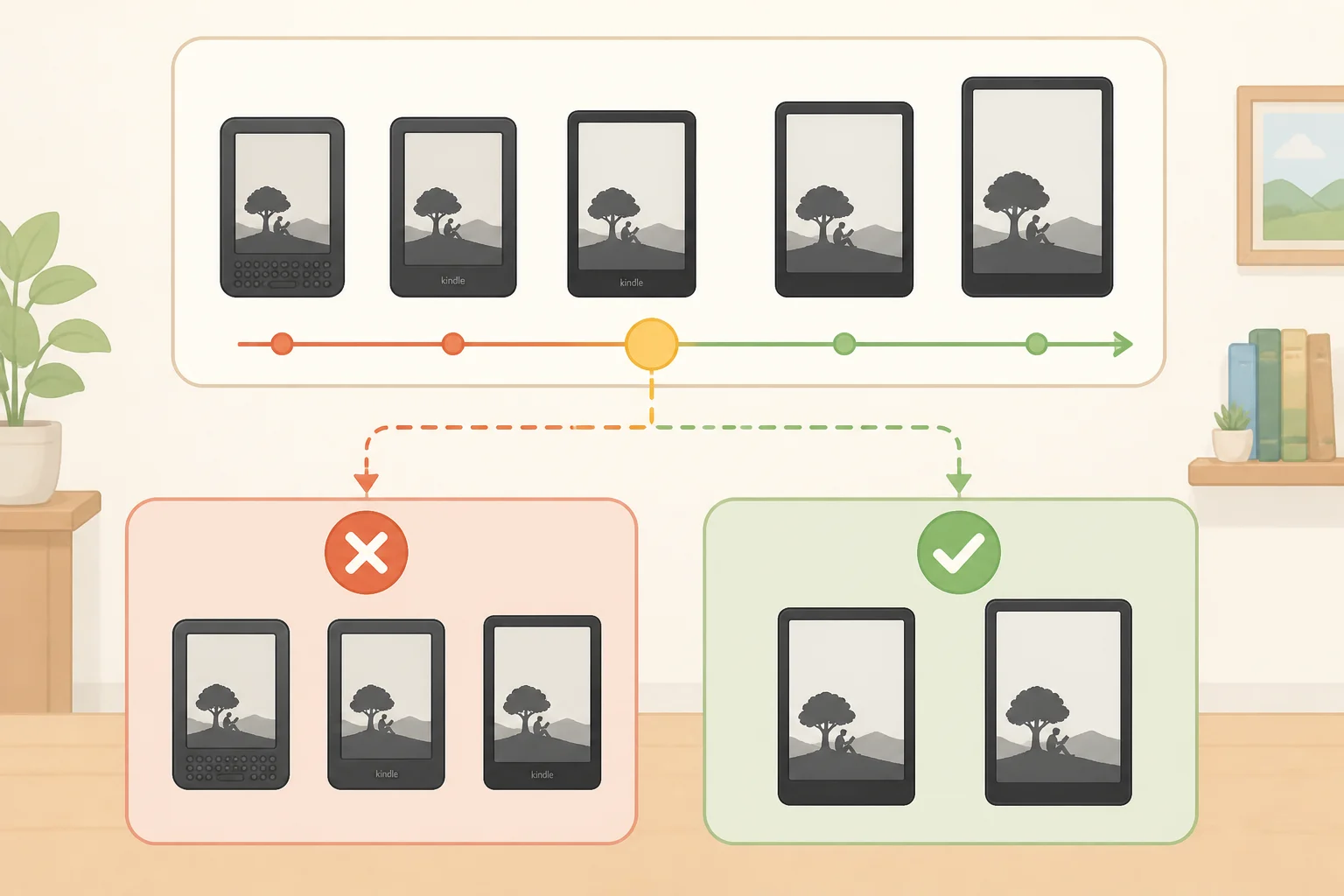
This is where the comparison stops being close. Click works with Amazon's newly announced Kindle lineup and with any Kindle released in 2024 or later. Kobo's remote, by contrast, works with any Bluetooth-enabled Kobo e-reader, regardless of age (TechCrunch, 2 weeks ago; Engadget, 8 days ago).
That 2024-or-later cutoff is stated clearly enough, but the reporting reviewed here doesn't include a model-by-model compatibility list. Anyone with an older device should check their Kindle's exact release year against Amazon's own product page before ordering, since this analysis leans on secondary reporting rather than Amazon's documentation directly.
Owners of the Paperwhite Signature Edition or Colorsoft Signature Edition have a second route: a $79.99 magnetic cover with physical page-turn buttons built into the case, attached via Pogo pins (Good e-Reader, 2 weeks ago). Treat that cover as a different kind of product, not a substitute for Click. The cover solves one problem, avoiding the touchscreen. It does not solve the other problem Click addresses, since the buttons sit on a case still attached to the device rather than freeing a reader's hands from it entirely.
That cover also fits exactly two models. The reporting identifies no Amazon-made hands-free option for older base-model Kindles, which leaves a real gap for anyone whose device predates 2024.
Here's how the filter sorts things, before price or features enter the picture:
- A 2024-or-later Kindle, or one of the newly announced models: Click is reported compatible (TechCrunch, 2 weeks ago; Engadget, 8 days ago).
- A Paperwhite Signature Edition or Colorsoft Signature Edition: compare Click against the $79.99 buttoned cover, keeping in mind the cover still requires holding the Kindle (Good e-Reader, 2 weeks ago).
- An older Kindle, pre-2024: Click isn't reported compatible, and third-party clip-on devices remain the documented workaround (How-To Geek, 11 months ago; TechCrunch, 2 weeks ago).
Two readers can look at the identical $34.99 price tag and land in entirely different places. That list above, not the price, is what actually separates them.
What reviews still need to test
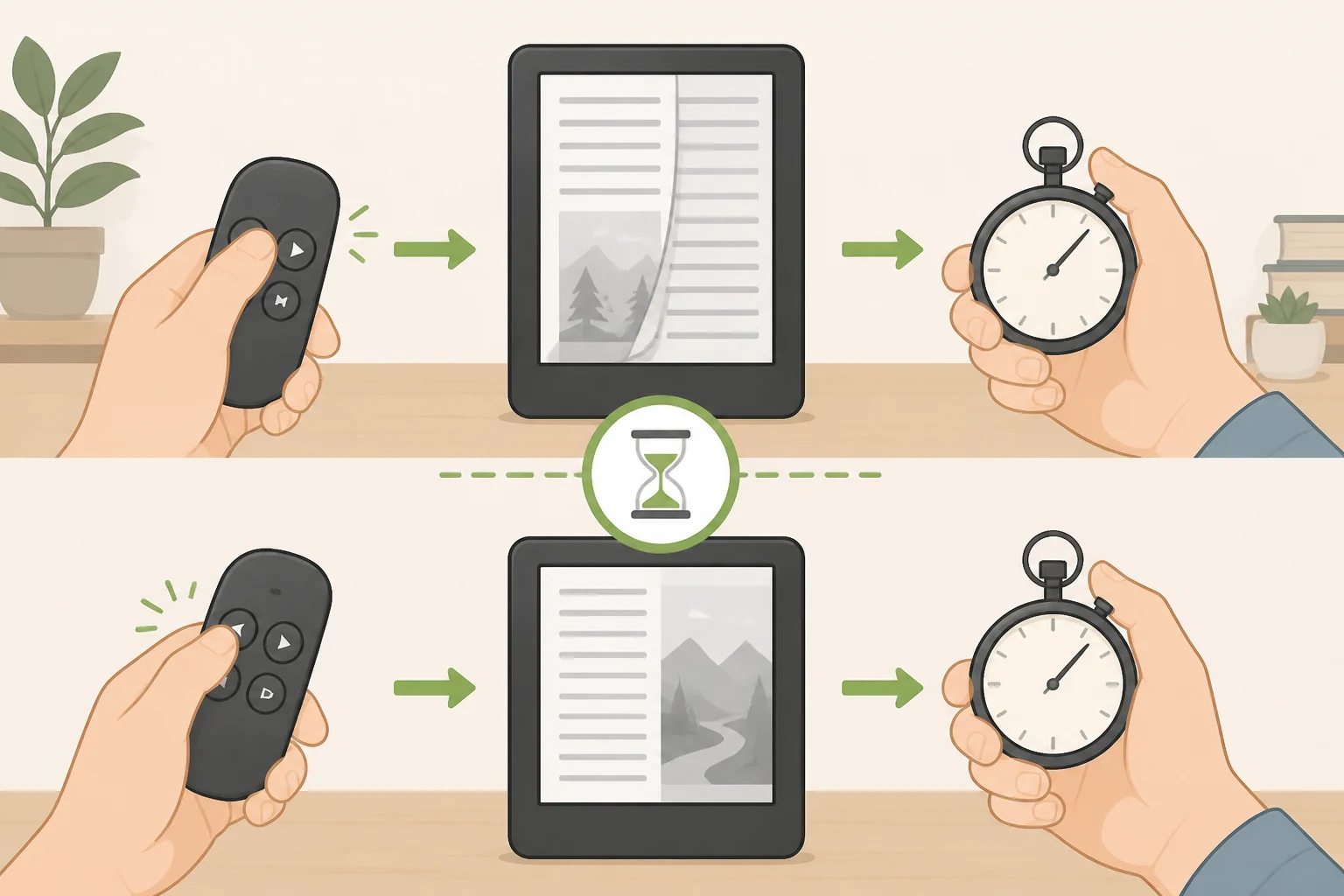
Click hasn't shipped, so there's no independent account yet of whether it reliably handles both forward and backward turns, how fast it pairs and reconnects after the Kindle sleeps, or how its buttons feel over a long reading session. The reporting confirms added controls for brightness and locking but doesn't document button count, layout, or confirmed back-paging behavior (Engadget, 8 days ago; TechCrunch, 2 weeks ago).
If Click supports both directions, it would remove the single clearest limitation of the clip-on era, where devices like the Datafy Turner could only advance pages and needed a second module just to go back (How-To Geek, 11 months ago). That's a meaningful "if," not a confirmed feature.
Kobo's remote has documented reconnection behavior and a curved design built around comfort in hand (Engadget, 8 days ago), though neither point amounts to independent long-term testing or broad user satisfaction data. Still, it gives reviewers a specific comparison to make once Click ships, rather than judging the Amazon device in isolation.
Reviewers should also test whether Amazon's claimed 30% faster page turns, part of the redesigned display across the new Kindle lineup (TechCrunch, 2 weeks ago), actually make the remote feel more responsive in daily use. The announcement alone can't answer that. Lag between pressing a button and the page moving would likely be more noticeable with a dedicated remote than with a touchscreen tap, since there's no tactile feedback to mask the delay, but that's a hypothesis worth testing, not an established fact.
The takeaway for Kindle owners
For readers searching for a Kindle Bluetooth page turner, compatibility matters more than the small price difference separating Click from Kobo's remote. Click and Kobo's remote land within about a dollar of each other at Amazon specifically (Engadget, 8 days ago), and neither sticker price settles much once real-world retail pricing is accounted for.
The dividing line is eligibility, not cost. A 2024-or-later Kindle owner gets to weigh Click on its actual merits starting October 28. A Signature Edition owner gets a second, different kind of option in the buttoned cover. An owner of an older base-model Kindle is left with the same clip-on workarounds that predate this entire product category, with no reported Amazon alternative.
But eligibility only answers who gets to buy, not who should. That decision still hinges on questions nobody can answer until Click actually ships: whether it reconnects quickly after sleep, whether backward paging works as cleanly as forward paging, and whether the buttons hold up through a full novel rather than a five-minute demo. Amazon has matched Kobo on paper. Whether it matches Kobo in a reader's hand is the test that begins October 28.