iOS 27.2 Shortcuts App New Features: What's Confirmed
Apple's iOS 27.2 Shortcuts app new features are narrow but specific, and the headline addition is an automation trigger built for iPhone Duo: a shortcut that fires when the device is physically opened or closed. 9to5Mac reported the feature this week, citing Apple's Shortcuts release notes, and MacRumors lists the same trigger independently in its own iOS 27.2 feature rundown. Both outlets also tie several other Shortcuts changes, covering Workout automations, app-closed naming, and the shortcut editor, to this same release.
Apple's own documentation complicates that picture slightly. The company's "New in iOS, iPadOS, macOS, watchOS, and visionOS 27" page, published earlier this week, lists Workout, App automation, editor, and Use Model updates without stamping any of them with a 27.2 label specifically. That's because the page documents iOS 27 broadly rather than functioning as a version-by-version changelog. Since two independent outlets separately report these as iOS 27.2 additions, this article treats them as reported 27.2 changes rather than unverified ones.
iPhone Duo owners get the most visibly new automation here. Everyone else running Shortcuts still picks up real, smaller upgrades to Workout tracking, app-closed detection, and the editor, plus wider language support for the Use Model action. A few Shortcuts capabilities keep showing up in current roundups of this release even though they actually arrived with iOS 27 itself, before 27.2 shipped.
What the iOS 27.2 Shortcuts release notes confirm
Video of the Day
Based on 9to5Mac's and MacRumors' coverage of the iOS 27.2 Shortcuts automations, plus Apple's broader iOS 27 documentation, the changes split into three groups.
| Status | Features |
|---|---|
| Reported in iOS 27.2 | iPhone Duo opened/closed trigger; Workout automation gains Fitness app support; App automation can report the closed app's name; shortcut names and icons editable from the library; Mac editor window-layout menu items; Use Model web retrieval adds five languages |
| Already in iOS 27 | Natural-language shortcut creation; Screenshot, Keyboard, and Notification automation triggers; new storage actions; automation editor synced across devices |
| Still unspecified | Which Duo configurations support the trigger; whether opened and closed fire as separate automations; what happens if a shortcut hits a cloud-model usage limit mid-run |
That middle category matters because some of these capabilities keep resurfacing in coverage of this release without a version number attached to them. TechRepublic documented natural-language shortcut creation, the three new triggers, and synced automations two weeks ago, before any 27.2-specific reporting existed. Nothing in current coverage proves those features changed with 27.2. They're established iOS 27 functionality that predates this update.
Video of the Day
iPhone Duo Shortcuts automation: the opened-or-closed trigger
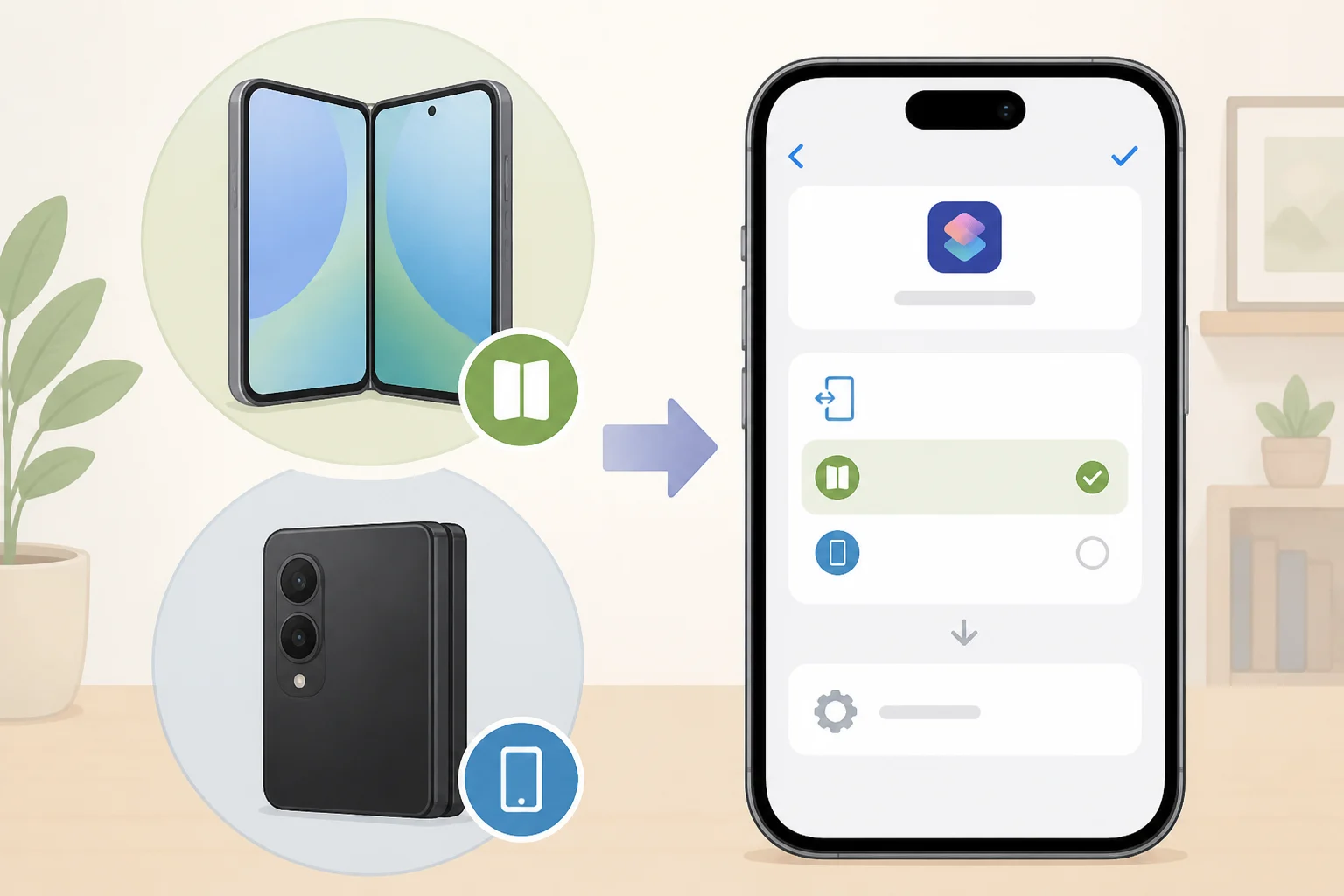
The new condition, "When my iPhone is opened or closed," lets a Duo's physical state trigger a shortcut directly instead of relying on time or app activity. 9to5Mac describes it as a 27.2 addition drawn from Apple's Shortcuts release notes, and MacRumors lists the same trigger in its own feature breakdown.
Neither report says which Duo configurations support the trigger, whether opened and closed run as two separate automations or one combined condition, or how dependably it fires when the phone sits idle. Those are gaps in the published notes, not confirmed limitations. Anyone with a Duo should open Shortcuts after updating, look for the trigger under Automation, and test both states directly rather than assume it behaves like other Shortcuts conditions.
Workout, app, and editor changes also arrive in 27.2
The existing "When I start a workout" automation now recognizes the Fitness app specifically, across iPhone, iPad, and Apple Watch. MacRumors and 9to5Mac both tie this to the 27.2 update, though neither source says whether other workout apps also trigger it.
App automation picked up a parallel change: the "When [App] is opened or closed" trigger can now report the name of the app that was just closed, on iPhone, iPad, and Mac. That could let one automation branch its actions by which app closed instead of needing a separate shortcut per app, though that's a reasonable use case rather than something the release notes spell out directly.
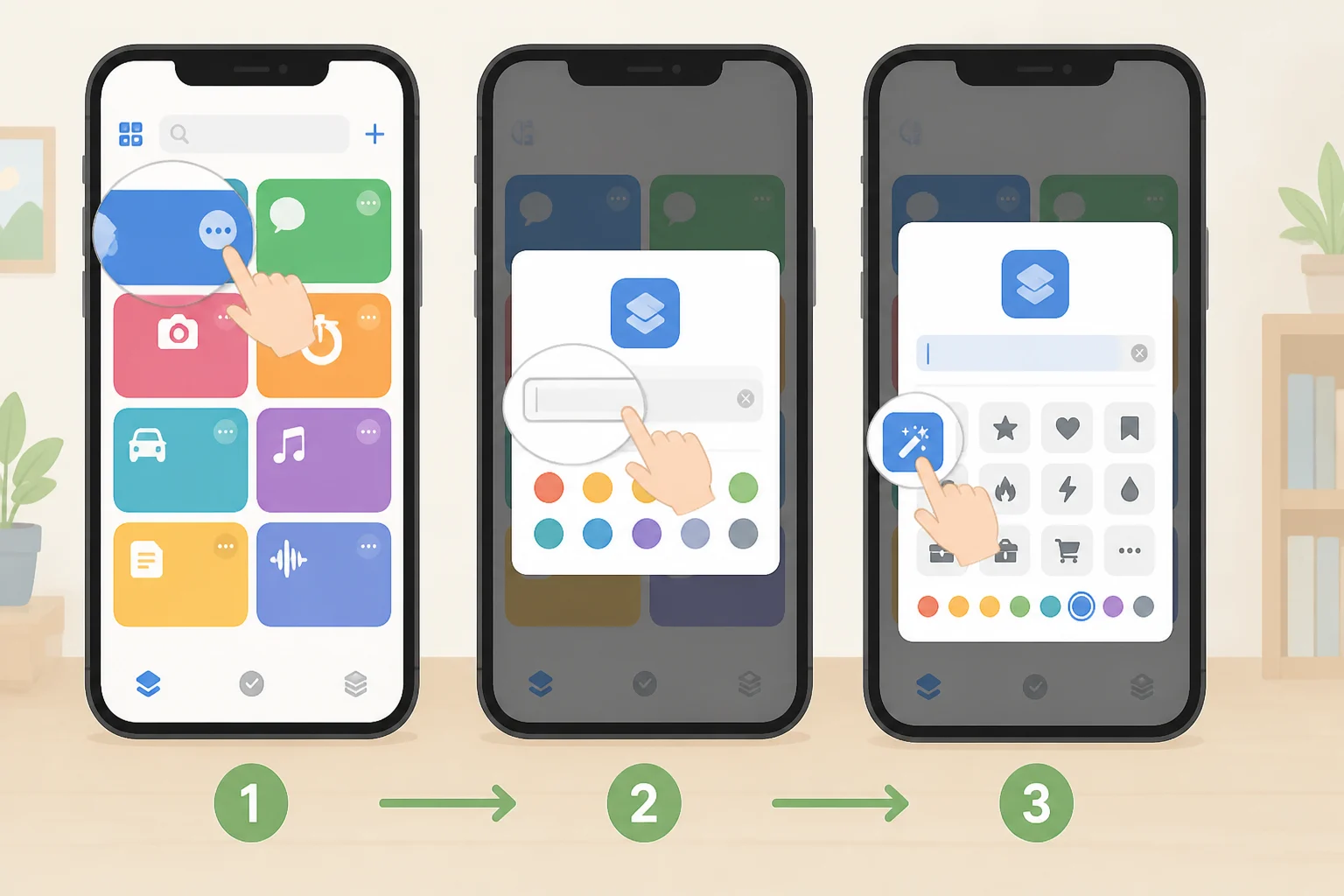
Editing got two smaller fixes. Shortcut names and icons can now be changed straight from the library on iPhone and iPad, without opening each shortcut individually. On Mac, new "Show Actions" and "Show Describe a Shortcut" menu items control the editor's window layout. Both come from the same 9to5Mac and MacRumors coverage tying them to 27.2.
Already in iOS 27, not new with this update
A few Shortcuts features keep appearing in roundups of this release despite predating it. Natural-language shortcut creation, which lets Apple Intelligence build a shortcut from a plain-language description, arrived with iOS 27 itself, TechRepublic reported two weeks ago. The same coverage documented three automation triggers (Screenshot, Keyboard, and Notification), new storage actions for carrying data between shortcut runs, and a shared automation editor that syncs across devices.
None of that is confirmed absent from 27.2. It simply isn't part of the version-specific reporting tying features to this release, so treat it as functionality that's been live since iOS 27 launched rather than news from this update.
Use Model's language expansion, and the limits Apple doesn't spell out
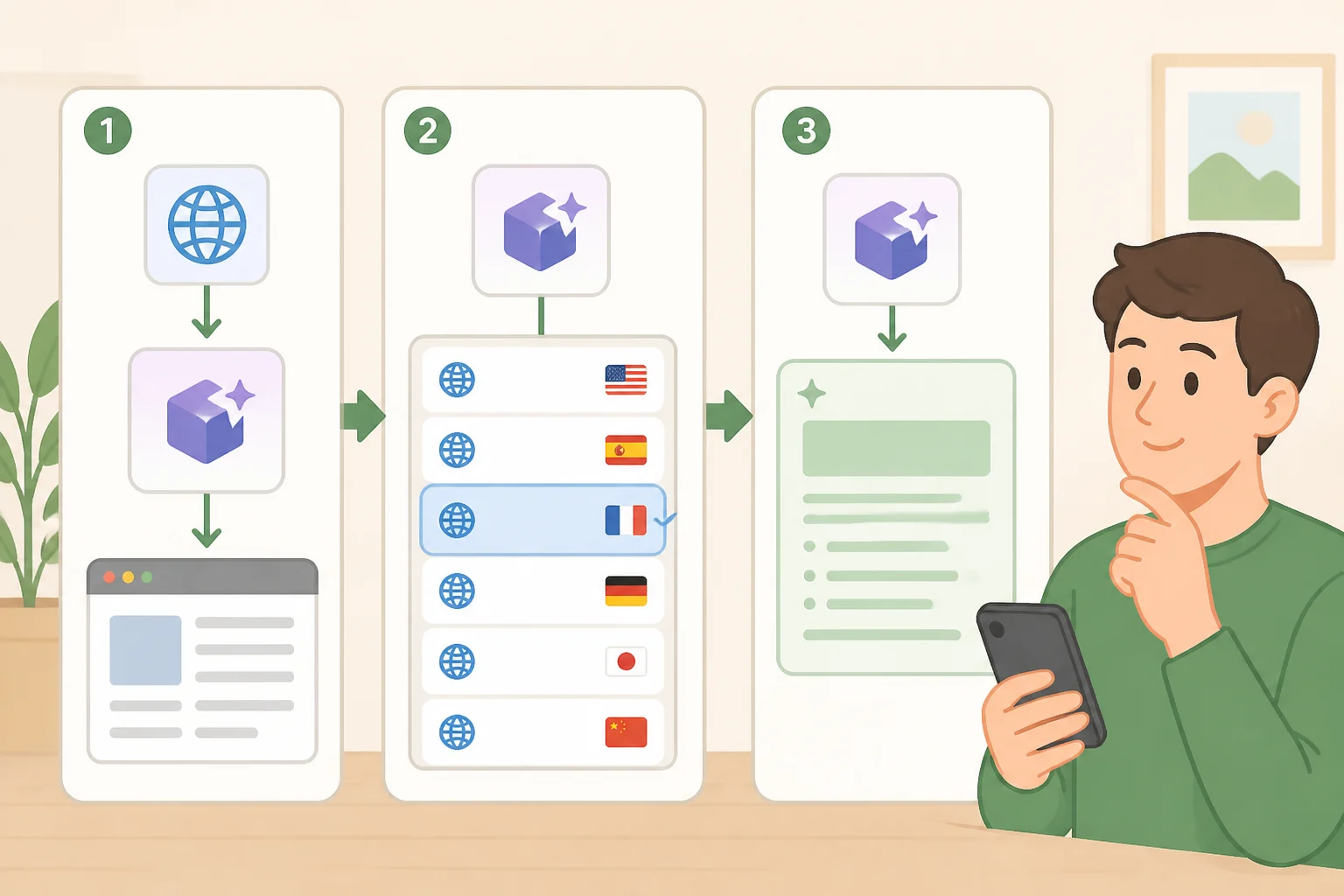
The Use Model action can now pull current web information in French, Japanese, Korean, Portuguese, and Spanish, alongside English. 9to5Mac ties this expansion to 27.2, and Apple's own page confirms the same languages for web-based retrieval without naming a version (Apple Support).
TechRepublic describes a practical use for this kind of workflow: a time-based automation that pulls the day's first calendar event, outstanding reminders, and current weather, then hands those inputs to Use Model for a short written or spoken summary.
That convenience runs into a documented ceiling. Apple confirms that server-side models, including the AFM 3 Cloud models used in Shortcuts, carry daily usage limits that vary by request complexity and system demand, without publishing an actual number (Apple Support). TechRepublic adds that Apple's notes don't specify what happens to a shortcut if it hits that limit mid-run, so anyone building a daily workflow around a cloud model should treat that as an open risk rather than a settled edge case.
Use Model also spans four model types: on-device, Cloud, Cloud Pro, and an Extension Model that calls ChatGPT. Because those handle data differently, TechRepublic recommends checking which model a given shortcut is configured to use before feeding it anything sensitive. The AI-specific Shortcuts features also need newer hardware: iPhone 15 Pro, 15 Pro Max, iPhone 16 and later, iPad mini with A17 Pro, iPads with an M1 chip or newer, and Apple silicon Macs. Installing 27.2 alone won't unlock Use Model on older devices.
What to do with this update

iPhone Duo owners have the clearest reason to update now. Open Shortcuts after installing 27.2, check the Automation tab for the opened-or-closed trigger, and test it directly since the reliability details aren't documented yet. Everyone else running Shortcuts gets real but smaller improvements to Workout tracking, app-closed detection, and the editor, worth checking for but not worth holding off an update over.
Anyone building a Use Model workflow should confirm their device supports Apple Intelligence, check which model the shortcut calls, and avoid leaning on a cloud-based automation for anything time-sensitive until Apple documents what happens when daily limits run out. For the Shortcuts features Apple hasn't tied to a specific version, there's no evidence 27.2 changed them. They've simply been part of Shortcuts since iOS 27 shipped.