How to Keep Customer-Facing Technology Safe: A 3-Step Guide
A restaurant touchscreen can ring up an order faster than a server ever could, but it can't do that for every customer, and it can't clean itself. Figuring out how to keep customer-facing technology safe means clearing two separate bars: people have to be able to use the device in front of them, and staff have to be able to clean it without wrecking the hardware or skipping a step that matters.
Operators have noticed the upside of going digital. In a 2024 National Restaurant Association survey, three-quarters of them (76%) said technology gave them a competitive edge, and 60% said they planned to invest specifically in tools to improve the customer experience (National Restaurant Association, 2024). Diner enthusiasm depends heavily on the channel, though. The same survey found 70% of limited-service diners and 63% of full-service diners willing to order through a smartphone app, while QR-code ordering drew support from 52% of limited-service diners and 48% of full-service diners (National Restaurant Association, 2024). No single tool has universal buy-in.
A study of touchscreens and other high-touch surfaces in U.S. retail food establishments, published three weeks ago, recommends routine cleaning, disinfection where appropriate, and hand hygiene after use (University of Arizona). Put those findings together and "safe" technology comes down to three specific things: usable by every customer who walks in, physically clean, and operated according to rules that actually govern a food-service business. This guide covers the first two in detail and shows how to track down the third. It does not cover payment-data security or loyalty-app privacy, which are real parts of the safety picture but need their own reporting; that gap gets a fuller mention at the end.
Step 1: Keep a staffed, non-digital path next to every digital one
Video of the Day
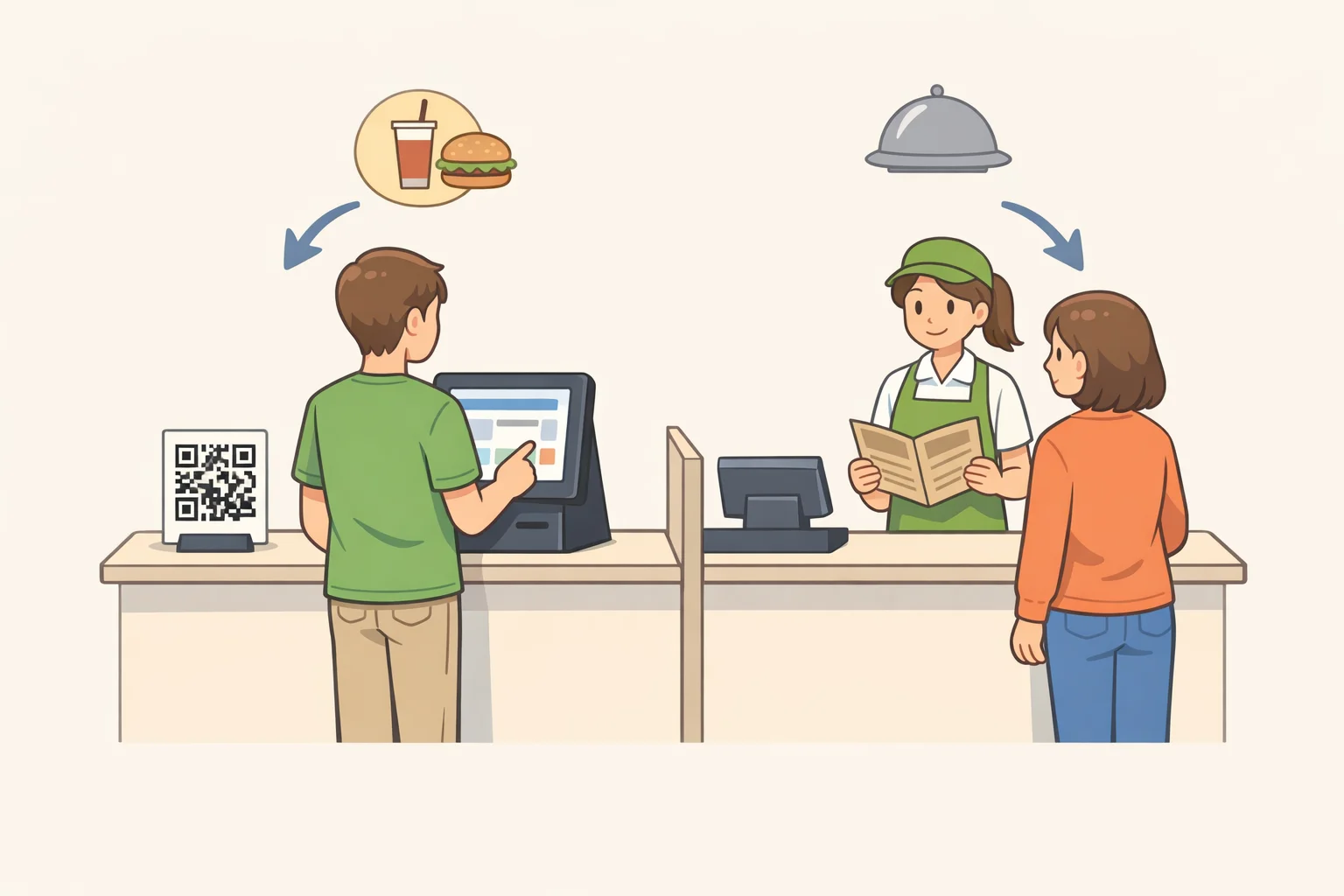
Digital ordering and payment speed things up for customers who want them. They don't work as a universal replacement for a person and a paper menu, and treating them as one alienates a chunk of the dining room without anyone deciding to do that on purpose.
Even QR-code ordering, one of the more popular digital options, tops out around half of diners: 52% in limited-service settings, 48% in full-service ones (National Restaurant Association, 2024). QR-code payment lands in similar territory, at 48% and 46% respectively (National Restaurant Association, 2024). That leaves a substantial share of customers, roughly half in some formats, who would rather not use the device at all.
The same research points to why the stakes differ by restaurant type. Tech convenience matters more in limited-service restaurants, where staff interaction is minimal by design, while full-service customers welcome added convenience but still expect staff engagement as part of the meal (National Restaurant Association, 2024). A full-service restaurant that pushes every table toward a tablet is working against its own format.
None of this argues against digital tools. First Watch's QR-code payment system, which lets guests scan a code on their check to pay with Apple Pay, Google Pay, or a card, shaved roughly 30 seconds off each transaction across 125,000 uses in a single week, saving guests and staff more than 1,000 combined hours (National Restaurant Association, 2024). The tool works because it's optional. Guests who want speed get it; guests who'd rather hand a card to a server still can.
A short list covers most of what's needed:
- Keep a staffed ordering and payment lane open for the full service window, not just during a rush.
- Keep a printed, non-QR menu within easy reach at every table or counter.
- Train staff to proactively offer help to any guest without a smartphone, with limited digital familiarity, with a disability affecting touch input, or who simply prefers talking to a person.
This is the "usable by everyone" half of safe public touchscreen use, and it's the most overlooked piece of keeping customer-facing technology safe.
Video of the Day
Step 2: Find out which cleaning rules and manufacturer instructions actually apply
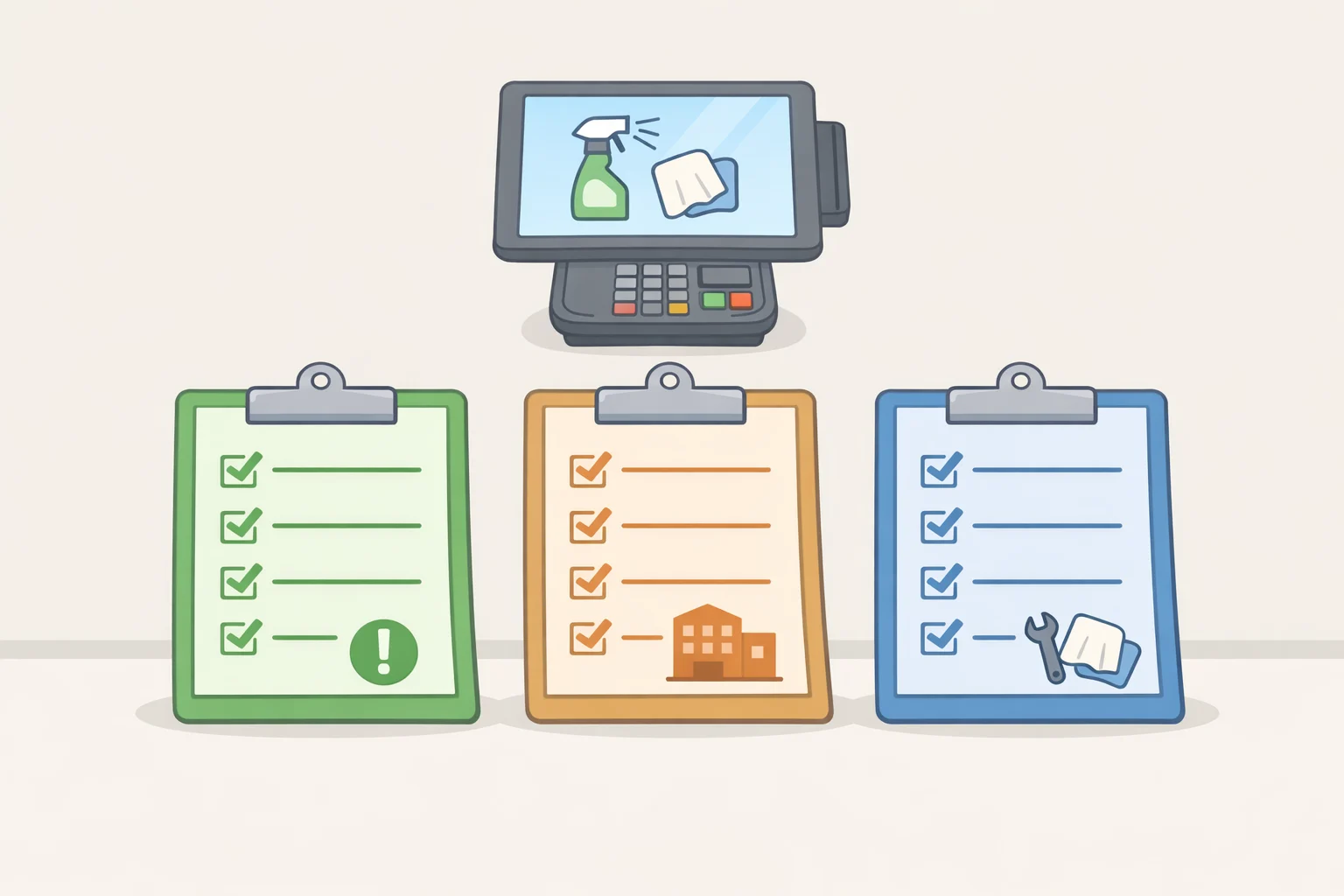
Before anyone writes a cleaning schedule, it helps to know which guidance actually governs a restaurant's devices. A lot of the generic cleaning advice circulating online, the stuff about touchpads, elevator buttons, and shared kiosks, is written for offices, gyms, and other community spaces. It isn't written with a dining room or a payment terminal in mind. Local and state health-department food codes are the first place an operator should check, since the applicable rule depends on the jurisdiction, the type of surface, and whether the device sits in a food-prep area or a customer-facing one.
There's a useful principle worth borrowing from a different corner of infection control, even though it comes from a different setting entirely. Guidance for sterilizing and disinfecting reusable medical devices treats a manufacturer's written instructions as the foundation of safe processing: those instructions spell out compatible cleaning products, processing frequency, and handling, and healthcare facilities are expected to follow them (Infection Control & Hospital Epidemiology, last year). That guidance was written for medical devices, not restaurant kiosks, so it doesn't prove POS or tablet vendors publish the same kind of documentation. It does illustrate why manufacturer instructions matter: restaurant operators should get the equivalent paperwork for their own equipment rather than guessing.
The most directly relevant research on this exact question, a University of Arizona study of touchscreens in retail food establishments, recommends cleaning, disinfection where appropriate, and hand hygiene after use, giving restaurants a food-service-specific reference point instead of a general office-cleaning one (University of Arizona).
Before finalizing a cleaning schedule, contact the POS, kiosk, or tablet vendor and ask for its cleaning instructions and approved products. Check the state and local health department's food-code requirements for the jurisdiction. Don't assume general office-cleaning guidance, or a well-meaning employee's instinct to grab whatever's under the sink, covers a payment terminal. This step supplies the rulebook the cleaning routine in Step 3 runs on.
Step 3: How to keep customer-facing technology safe with a repeatable cleaning routine
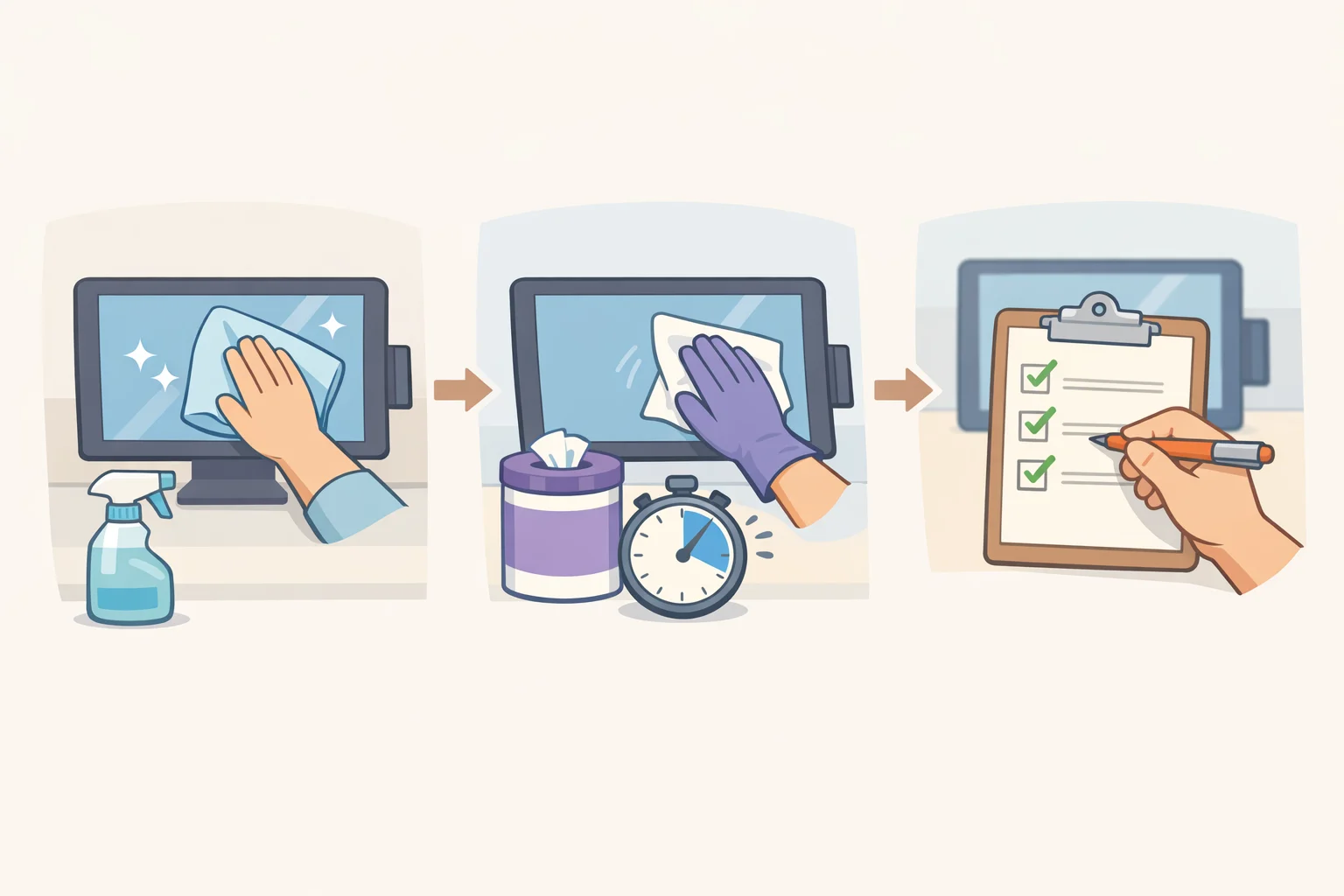
With the actual rules in hand, the routine itself isn't complicated: inventory the devices, clean them correctly, and match the effort to real risk instead of either ignoring hygiene or treating a touchscreen like a surgical instrument.
Cleaning and disinfecting aren't the same step, and mixing them up is the most common mistake. CDC's guideline on disinfection and sterilization, written for healthcare facilities, spells out why cleaning comes first: dirt, grease, and organic residue block a disinfectant from reaching the surface it's supposed to treat, so skipping the cleaning step undercuts everything after it (CDC, 2024). That guidance covers hospitals, not restaurant kiosks, but the sequence, clean first, disinfect second, doesn't change based on the room it happens in. That's the short answer to how to disinfect public touchscreens: clean first, then disinfect if the product label, the manufacturer's instructions, visible contamination, an illness event, or a local health-code requirement calls for it.
Contact time works the same way. How long a disinfectant needs to sit on a surface, and at what concentration, depends on the specific product and the infection risk involved, per the same CDC guideline (CDC). Wipe a product off before its labeled time is up and it hasn't finished the job, whether the surface belongs to a hospital or a host stand. Where local food-service rules or a device maker's instructions specify different timing than general guidance, the more specific instructions win, a point already covered in Step 2.
Turning cleaning shared technology devices into a habit that survives a Friday night rush takes more than a product list. What follows is one workable framework a restaurant can adapt, not a set of rules handed down by any regulator:
- Inventory every shared device. List kiosks, tableside tablets, payment terminals, and digital menu boards by location, noting which get the most hand contact per hour.
- Assign the task by shift. A restaurant might name who's responsible for wiping down devices on the opening, mid-shift, and closing shifts, rather than leaving it to whoever remembers.
- Set trigger events, not just a clock. Clean, and disinfect when warranted, after visible spills or soiling, after a visibly unwell guest has used a device, and at the end of each shift, on top of whatever baseline frequency the local health code requires.
- Post the product list and contact times where staff actually work, not in a binder in the back office. If the label calls for two minutes of wet contact time, staff need that number in front of them, not a guess.
- Never mix cleaning chemicals. Apply liquid to a cloth rather than spraying it directly onto a screen or terminal, and check the device's own instructions for any exceptions.
- Keep hand sanitizer near high-traffic devices. The University of Arizona touchscreen study recommends hand hygiene right after using a shared screen, not just cleaning the screen itself (University of Arizona). Stocking sanitizer next to a kiosk is the cheapest way to make that recommendation something guests actually do.
- Log completion. A simple sheet with device, time, initials, and whether disinfection was needed gives a manager something to check rather than something to assume happened.
The routine can be simple, but staff still need real instruction: on the product label, on the device's own cleaning instructions, and on whatever workplace-safety rules apply to handling chemicals in that state. A marketing claim like "hospital-grade sanitized" describes a sales pitch, not a regulatory standard. Matching effort to actual risk beats chasing that label.
What this guide doesn't cover
Every shared device in a restaurant should pass a simple test: does it have an approved cleaning method, someone specifically responsible for using it, and a non-digital alternative sitting nearby for the customer who'd rather skip the screen. A device that fails any one of those isn't ready for the dining room, no matter how fast it rings up an order.
Operator investment in customer-facing tech shows no sign of slowing down, which means the number of shared touch surfaces in restaurants is likely to grow before it shrinks. Research specific to restaurant touchscreens, as opposed to general office or healthcare surfaces, is still thin; the University of Arizona study cited throughout this guide is one of the few pieces of work that speaks directly to this setting, and more food-service-specific findings should follow as adoption spreads.
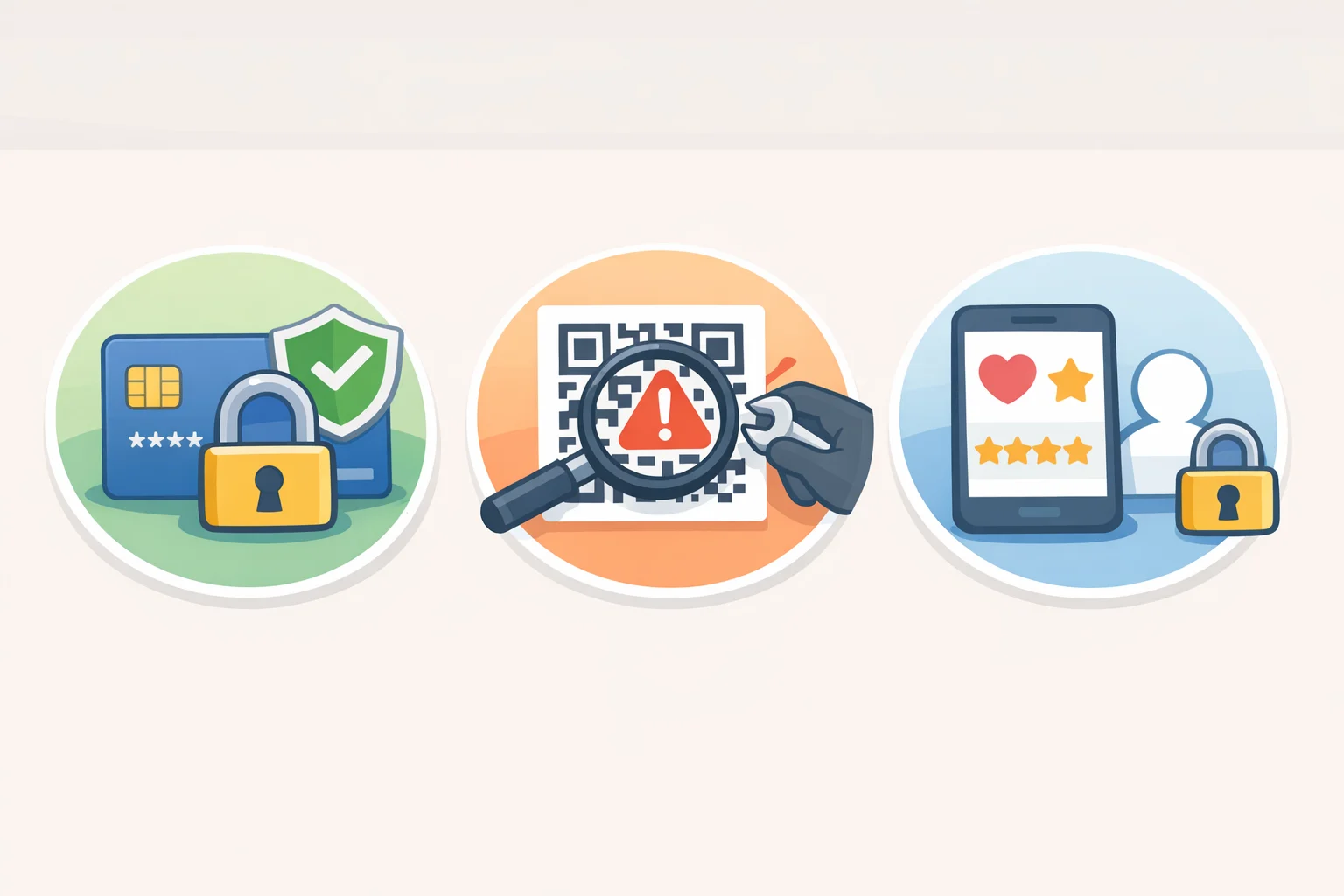
This guide didn't touch payment-data security, QR-code tampering, or the privacy practices built into loyalty apps. Those are real pieces of customer-safe technology, and they deserve dedicated reporting with vendor and regulatory sourcing rather than a closing paragraph tacked onto a cleaning guide.