Apple Creator Studio update adds MotionVFX to Final Cut Pro
Apple Creator Studio subscribers are getting built-in access to thousands of MotionVFX templates, transitions, and effects directly inside Final Cut Pro, part of a free update Apple detailed in today's announcement (Apple Newsroom). The access runs through the subscription only. Final Cut Pro still sells separately as a one-time Mac purchase, and nothing in Apple's announcement extends the new MotionVFX library to that version.
The update isn't live yet, either. Apple hasn't given an exact release date beyond "this November," so checking the App Store today won't turn up anything new (Apple Newsroom). The $299.99 one-time purchase of Final Cut Pro remains on sale too, and Apple's announcement doesn't clarify whether that standalone version will ever get the same built-in MotionVFX catalog (Apple Newsroom).
Who gets the Final Cut Pro MotionVFX integration, and when
Video of the Day
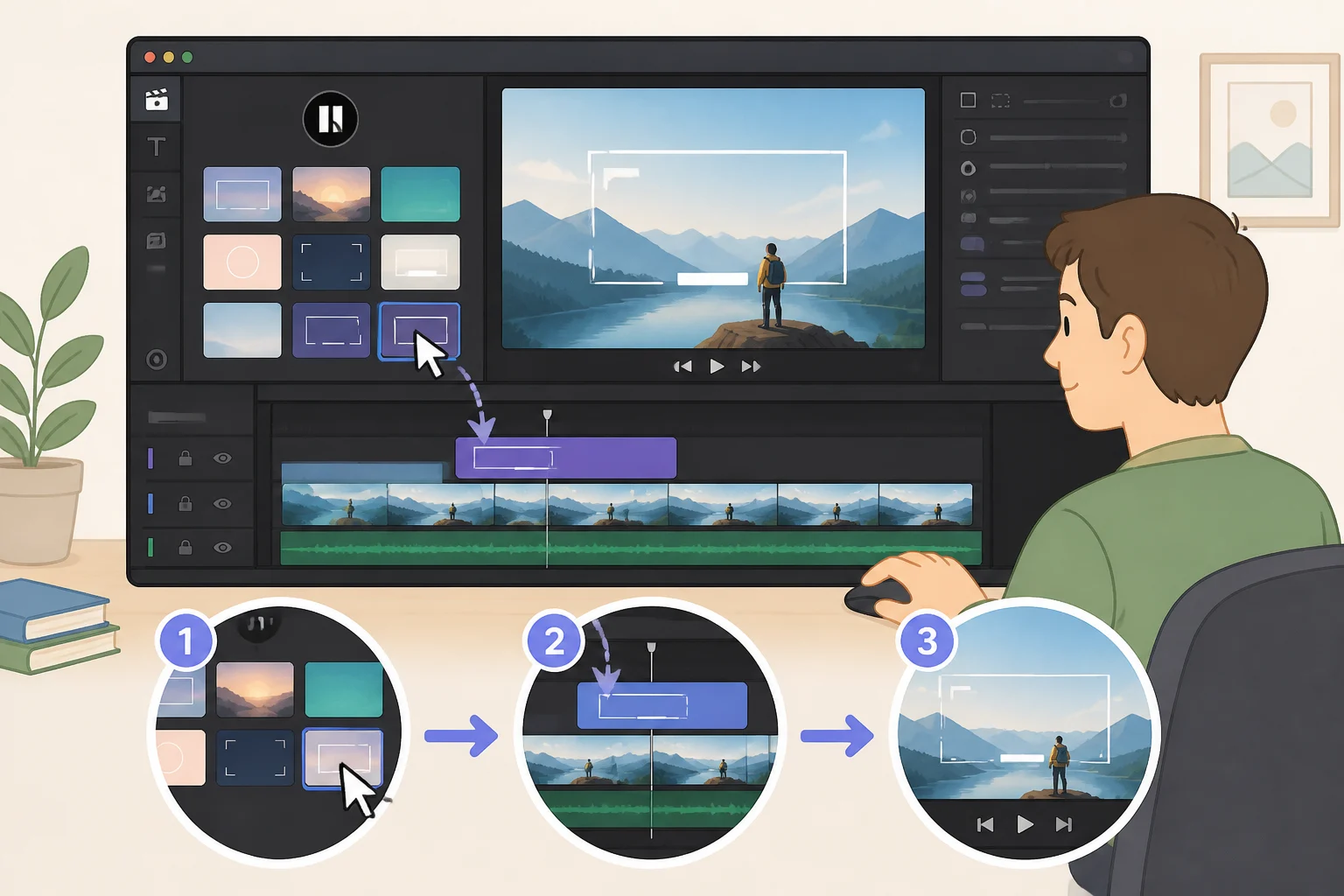
Once the update ships, Final Cut Pro for Mac is set to integrate MotionVFX directly into the app, adding thousands of templates, titles, and transitions, along with tools for rotoscoping, tracking, and color grading (Apple Newsroom). Apple describes MotionVFX as a built-in collection of visual effects, plug-ins, and motion graphics tools, folded into Final Cut Pro rather than sold as a separate add-on (Apple Newsroom).
That access is tied to the subscription. Apple says the full round of updates, including MotionVFX, ships as a free update for existing Creator Studio subscribers this November, with no mention of a matching update for the one-time purchase version (Apple Newsroom). Motion, Apple's companion motion graphics app, is also picking up MotionVFX plug-ins for cinematic color grading, 3D camera tracking, and one-click selection (Apple Newsroom).
Apple hasn't announced a release date more specific than November. Current subscribers have nothing to do until the update actually ships; there's no setting to enable or beta to join in the meantime.
Video of the Day
What else is new in Final Cut Pro
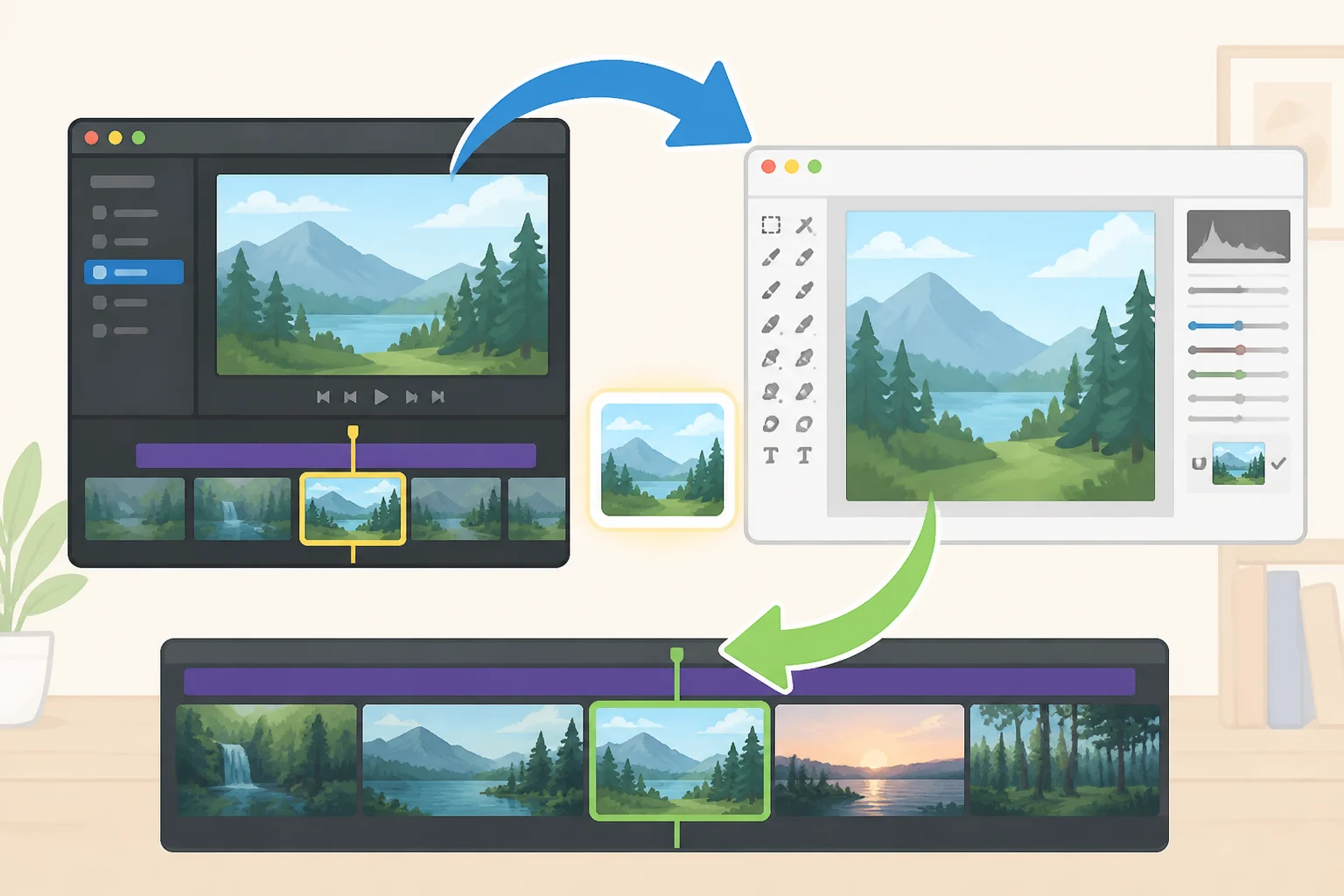
MotionVFX is the headline, but it isn't the only change coming to the app. Apple is also bringing its Content Hub into Final Cut Pro, letting editors browse curated stock video, photos, and backgrounds without leaving the project (Apple Newsroom).
A new round-trip workflow with Pixelmator Pro lets editors open an image straight from the Final Cut Pro timeline, make edits in Pixelmator Pro, and have the changes save back to the project automatically, with no manual reimporting (Apple Newsroom). The update also adds more keyframe easing options for finer animation control, lets editors disconnect clips from the primary storyline so they can be placed anywhere on the timeline, and expands transcription support by 23 languages for captioning and searching footage (Apple Newsroom).
Those features apply even to editors with no interest in the effects library itself. Multilingual captioning and the Pixelmator Pro round-trip workflow work independently of MotionVFX.
What the announcement doesn't confirm
The MotionVFX integration is described specifically for Final Cut Pro on Mac. Apple's release doesn't mention an iPad version of the feature. The Logic Pro assistant is likewise described for Mac, while the beta productivity-app features apply across Keynote, Pages, and Numbers specifically (Apple Newsroom).
Apple's announcement also doesn't specify which Mac models or OS versions are required, when rollout starts in particular regions, or how data is handled when third-party models are involved. Anyone who needs a specific device or region confirmed should wait for Apple's support documentation closer to the November release rather than assume broad compatibility from a press release.
Subscribe or buy outright? Running the numbers
Apple Creator Studio costs $12.99 a month or $129 a year in the US, with a one-month free trial for new subscribers and three months free for anyone buying a qualifying new Mac or iPad (Apple Newsroom). College students and educators qualify for discounted pricing at $2.99 a month or $29.99 a year, and up to six family members can share the full suite through Family Sharing (Apple Newsroom). These Apple Creator Studio subscription features extend well beyond Final Cut Pro, since the same plan covers five other paid Mac apps.
The suite bundles Final Cut Pro, Logic Pro, Pixelmator Pro, Motion, Compressor, and MainStage. Each is also sold separately as a one-time Mac purchase: $299.99 for Final Cut Pro, $199.99 for Logic Pro, and $49.99 apiece for Pixelmator Pro, Motion, and Compressor (Apple Newsroom).
At $129 a year, a Creator Studio subscription crosses the $299.99 price of standalone Final Cut Pro in a little over two years. That comparison measures subscription cost against a one-time purchase price, not equivalent ownership, since the subscription also bundles five other paid apps (Apple Newsroom).
Apple hasn't published any comparison between the subscription and the standalone purchase specifically for MotionVFX access, and its announcement doesn't confirm whether the one-time Final Cut Pro purchase will ever include the new effects library (Apple Newsroom). Anyone who already owns Final Cut Pro outright and wants the same tools should hold off on assuming parity until Apple says more.
New Final Cut Pro AI image generation tools, and what's still beta

Final Cut Pro is also set to add text-to-image generation and editing inside a project, letting editors create and adjust still images without switching apps (Apple Newsroom). Pixelmator Pro gets a matching tool called Generate Fill, which reshapes a selected area of an image from a text description. Apple says it automatically matches the surrounding lighting, perspective, and texture, and that Super Resolution can upscale the generated content to keep it sharp at any size (Apple Newsroom). That's Apple's description of the feature; the supplied research doesn't include independent testing of how well it performs.
Logic Pro is getting its own beta intelligent assistant, built on a mix of Apple and third-party models, that can start a new song, set up a vocal track from a single prompt, or refine a project already in progress (Apple Newsroom). Keynote, Pages, and Numbers get a separate beta assistant built on Apple models and OpenAI, along with new Model Context Protocol (MCP) support that lets external AI agents read, edit, and automate work inside those three apps (Apple Newsroom). Apple describes these as separate assistant features for Logic Pro and for its productivity apps, rather than one tool spanning the whole suite.
Apple labels both assistants beta, which means their behavior and availability could still change. Anyone drawn to Creator Studio mainly for these tools should treat them as early-stage rather than finished.
Apple frames the whole update in promotional terms. "This is our most exciting update since the launch of Apple Creator Studio," said Brent Chiu-Watson, Apple's senior director of Worldwide Product Marketing for Apps and iCloud, adding that MotionVFX gives subscribers "rapid access to extensive professional video effects and content" (Apple Newsroom). That's Apple's own assessment of the update's value, not an independent review of it.
What to check before you decide

Apple has announced several Creator Studio updates this year: a January launch, a June update adding AI editing tools like Generate Captions and Edit Detection, a September release bringing Cinematic mode editing support and Freeform updates for visionOS, and now this October's MotionVFX integration alongside the new beta assistants (Apple Newsroom, Apple Newsroom, Apple Newsroom, Apple Newsroom).
Existing subscribers should watch the App Store this November rather than assume the MotionVFX integration is already available, since Apple has only confirmed a November timeframe. Anyone who owns Final Cut Pro outright and wants the same effects library should wait for Apple to clarify whether the standalone purchase will ever include it, rather than assume parity. Anyone weighing a subscription mainly for the new AI tools in Logic Pro, Keynote, Pages, or Numbers should use the one-month free trial to test them firsthand, since those features are still in beta and could change before or after the wider rollout.